
Ọrọ Iṣaaju
O ṣeun fun riraasing the Optimus F-1230 12-Inch Oscillating 3-Speed Table Fan. This manual provides essential information for the safe and efficient operation, maintenance, and care of your new fan. Please read these instructions thoroughly before use and retain them for future reference.

Figure 1: Optimus F-1230 12-Inch Oscillating 3-Speed Table Fan, White.
Awọn Itọsọna Aabo pataki
- Ka gbogbo awọn ilana ṣaaju lilo olufẹ yii.
- Ma ṣe ṣiṣẹ afẹfẹ eyikeyi pẹlu okun ti o bajẹ tabi plug. Jabọ afẹfẹ kuro tabi pada si ile-iṣẹ iṣẹ ti a fun ni aṣẹ fun idanwo ati/tabi atunṣe.
- Ma ṣe ṣiṣe okun labẹ capeti. Ma ṣe bo okùn pẹlu awọn rogi jiju, awọn asare, tabi awọn ibora ti o jọra. Ṣeto okun kuro ni agbegbe ijabọ ati nibiti kii yoo ṣe kọlu.
- Always unplug the fan when moving it, cleaning, or when not in use.
- Do not insert fingers or any foreign objects into the grille openings.
- Do not use this fan near windows, in wet areas, or where it may come into contact with water.
- Rii daju pe a gbe afẹfẹ sori iduro, dada alapin lati ṣe idiwọ tipping.
Package Awọn akoonu
Upon opening the package, ensure all components are present and undamaged. The Optimus F-1230 fan typically includes the following parts:
- Fan Motor Unit with Base and Control Panel
- Iwaju Yiyan
- Ru Grille
- Bla Blade
- Grille Retaining Nut
- Blade Idaduro fila

Figure 2: Components of the Optimus F-1230 Table Fan.
Awọn ilana Apejọ
The Optimus F-1230 fan is designed for no-tool assembly. Follow these steps to set up your fan:
- Attach Rear Grille: Align the rear grille with the motor housing, ensuring the alignment pins on the motor housing fit into the corresponding holes on the rear grille. Secure it with the grille retaining nut by turning clockwise.
- Install Fan Blade: Slide the fan blade onto the motor shaft, making sure the notch on the blade aligns with the pin on the shaft. Secure it with the blade retaining cap by turning counter-clockwise.
- Attach Front Grille: Place the front grille over the rear grille, aligning the clips. Snap the front grille into place, ensuring it is securely fastened around the entire circumference.
- Gbe Olufẹ naa: Gbe afẹfẹ ti a pejọ sori ilẹ ti o duro ṣinṣin, ti o si rọgbọkú.
Awọn ilana Iṣiṣẹ
Once assembled, your Optimus F-1230 fan is ready for use. Ensure the fan is plugged into a standard 120V AC electrical outlet.
Agbara ati Awọn Eto Iyara
The fan features a 4-position push button switch located on the base for controlling power and speed:
- Press the appropriate button to select one of the 3 iyara eto (Low, Medium, High).
- Press the 'OFF' button to turn the fan off.
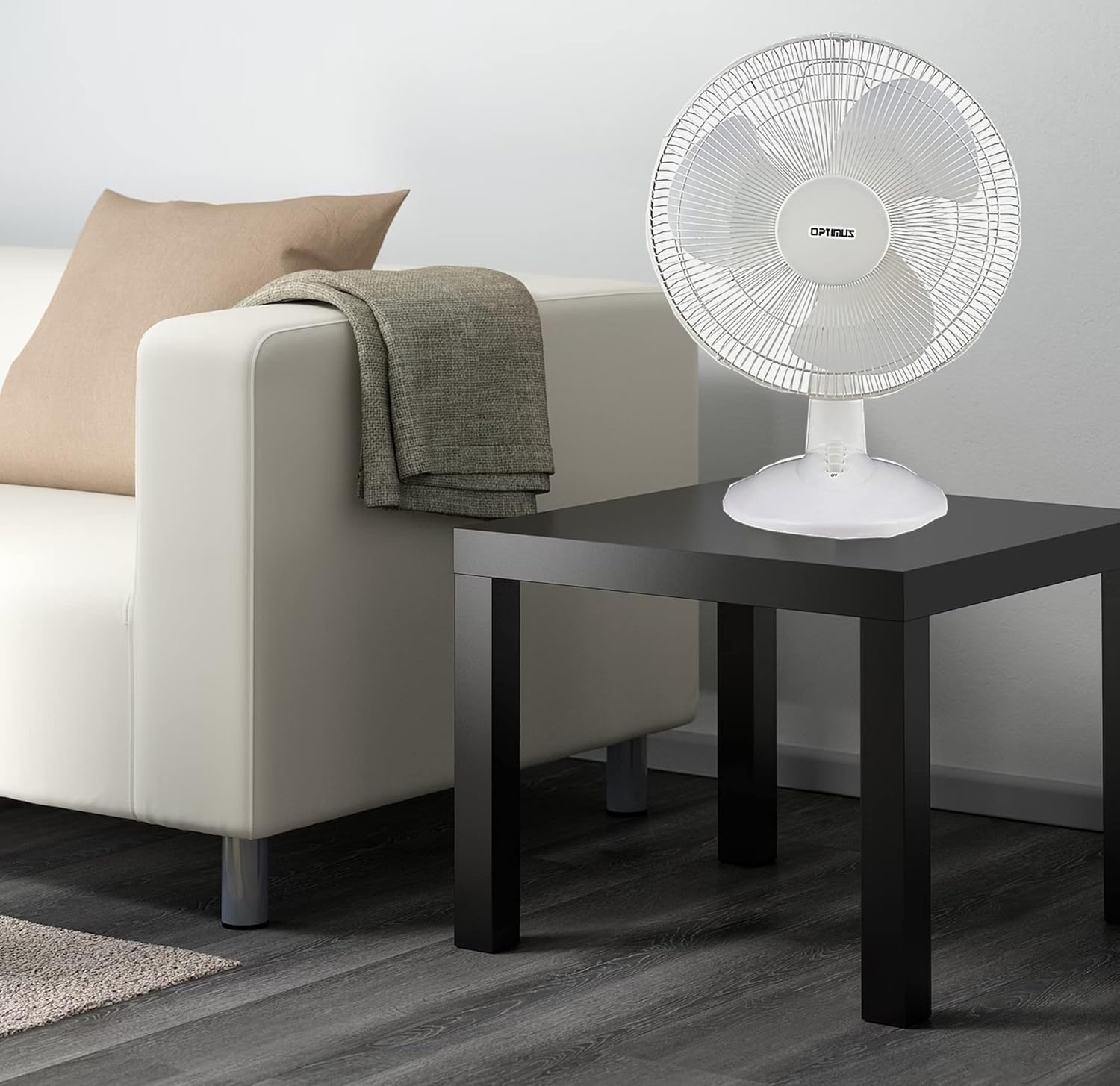
Figure 3: 4-Position Push Button Switch for speed control.
Oscillation Išė
The fan offers a full room of directional 90-degree oscillation to distribute air across a wider area:
- To start oscillation, push down the oscillation knob located on top of the motor housing.
- To stop oscillation and direct airflow in a fixed position, pull up the oscillation knob.
Adjustable Tilt/Angle Head
The fan head can be adjusted vertically to direct airflow precisely where needed:
- To adjust the tilt, gently push the fan head up or down to the desired angle. The fan head will remain in the selected position.

Figure 4: Adjustable tilt/angle head for vertical airflow adjustment.
Itọju ati Cleaning
Regular cleaning and maintenance will ensure optimal performance and extend the life of your fan.
Ninu
- Yọọ igbafẹfẹ kuro nigbagbogbo lati iṣan agbara ṣaaju ṣiṣe mimọ.
- Lo asọ, damp asọ lati mu ese awọn ita ita ti awọn àìpẹ. Ma ṣe lo abrasive ose tabi epo.
- To clean the fan blades, you may need to carefully remove the front grille. Refer to the assembly instructions in reverse order for safe removal and reattachment.
- Rii daju pe gbogbo awọn ẹya ti gbẹ patapata ṣaaju pilọọgi afẹfẹ pada sinu.
Ibi ipamọ
Nigbati o ko ba wa ni lilo fun awọn akoko ti o gbooro sii, tọju afẹfẹ naa ni itura, aye gbigbẹ, ni pataki ninu apoti atilẹba rẹ, lati daabobo rẹ lati eruku ati ibajẹ.
Laasigbotitusita
If your fan is not operating correctly, consult the following common issues and solutions:
- Olufẹ ko tan:
- Rii daju pe okun agbara ti wa ni edidi ni aabo sinu iṣan itanna ti n ṣiṣẹ.
- Check if the outlet is receiving power by plugging in another appliance.
- Verify that the speed control button is pressed to an 'ON' setting (1, 2, or 3).
- Olufẹ n pariwo:
- Rí i dájú pé a gbé afẹ́fẹ́ náà sí orí ilẹ̀ tí ó dúró ṣinṣin, tí ó tẹ́jú.
- Check for any loose parts or obstructions within the fan grilles or around the blades.
- Clean the fan blades and grilles to remove any dust buildup that might cause imbalance.
- Fan does not oscillate:
- Ensure the oscillation knob on top of the motor housing is pushed down.
Ti iṣoro naa ba wa lẹhin igbiyanju awọn iṣeduro wọnyi, jọwọ kan si atilẹyin alabara.
Awọn pato
| Brand | Optimus |
| Nọmba awoṣe | F-1230 |
| Electric Fan Design | Tabili Fan |
| Àwọ̀ | Funfun |
| Orisun agbara | Okun Itanna |
| Nọmba ti Awọn iyara | 3 |
| Pataki Ẹya | Oscillating |
| Iṣagbesori Iru | Tabletop Oke |
| Adarí Iru | Iṣakoso bọtini |
| Wattage | 50 watt |
| Voltage | 120 Volts |
| Iwọn Nkan | 4.95 iwon |
| Ohun elo Iru | Ṣiṣu |
| inu ile / ita gbangba Lilo | Ninu ile |
Atilẹyin ọja ati Onibara Support
Alaye atilẹyin ọja
This Optimus F-1230 fan comes with a 1 Odun Awọn ẹya ara ati Labor warranty. Please retain your proof of purchase for any warranty claims.
Onibara Support
For technical assistance, troubleshooting not covered in this manual, or warranty service, please contact Optimus Enterprises. The manufacturer's contact information is: SEATTLE, WA, 98109 US.
You may also visit the official Optimus webaaye fun awọn orisun atilẹyin afikun.