
1. Ifihan
O ṣeun fun riraasing the Winners Sonic Beauty Plus Electric Toothbrush, model SBT-1P. This sonic toothbrush is designed to provide an effective and comfortable brushing experience with approximately 30,000 vibrations per minute. It features two brushing modes and a built-in timer to help you maintain optimal oral hygiene. Please read this manual thoroughly before use to ensure proper operation and care.
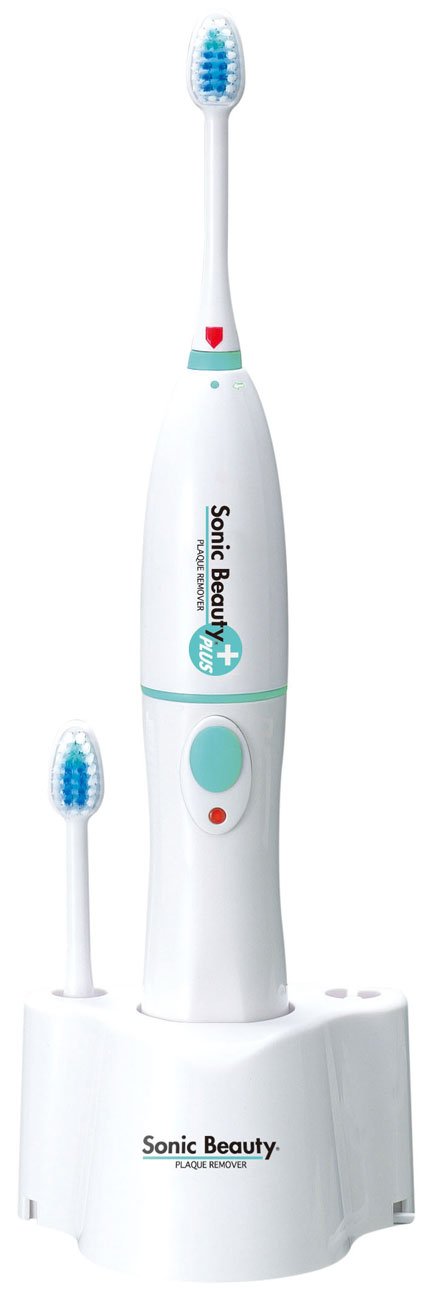
Image 1.1: The Winners Sonic Beauty Plus Electric Toothbrush SBT-1P. This image shows the complete electric toothbrush unit, including the handle and an attached brush head, against a plain background.
2. Alaye Aabo
Jọwọ ṣe akiyesi awọn iṣọra ailewu wọnyi lati yago fun ipalara tabi ibajẹ ọja naa:
- Do not immerse the main unit (power handle) in water. Ọja yii jẹ ko mabomire. Clean the handle with a damp aṣọ nikan.
- Keep the charging base away from water and moisture.
- Do not disassemble, repair, or modify the product. Contact customer support for service.
- Keep out of reach of children. This appliance is not intended for use by persons with reduced physical, sensory or mental capabilities, or lack of experience and knowledge, unless they have been given supervision or instruction concerning use of the appliance by a person responsible for their safety.
- Use only the provided charging base and power adapter.
- Ti ọja ba bajẹ, da lilo duro lẹsẹkẹsẹ.
3. Package Awọn akoonu
Jẹrisi pe gbogbo awọn ohun kan wa ninu package:
- Sonic Beauty Plus Power Handle (Main Unit)
- Brush Head (1 pc)
- Gbigba agbara Mimọ
- Afowoyi Olumulo (iwe-ipamọ yii)
4. Eto
4.1 Gbigba agbara akọkọ
- Connect the charging base to an AC100V (50/60Hz) power outlet.
- Place the power handle onto the charging base. Ensure it is seated correctly. The charging indicator light (if present) should illuminate.
- For first-time use, charge the toothbrush for approximately 24 hours to ensure a full battery. A full charge provides approximately 40 minutes of continuous use (under no load).
4.2 Attaching awọn fẹlẹ Head
- Align the brush head with the shaft on the power handle.
- Tú orí búrọ́ọ̀ṣì náà sílẹ̀ dáadáa títí tí yóò fi tẹ ibi tí ó wà. Rí i dájú pé ó so mọ́ ọn dáadáa.

Aworan 4.1: Isunmọ view of the brush head. This image highlights the bristles and the attachment point of the brush head, demonstrating its design for effective cleaning.
5. Awọn ilana Iṣiṣẹ
5.1 Fọ Eyin Rẹ
- Rin ori fẹlẹ ki o si lo iye diẹ ti ehin ehin.
- Gbe ori fẹlẹ si awọn eyin rẹ ni igun diẹ si laini gomu.
- Tẹ bọtini agbara lati tan-an brush ehin.
- Aṣayan Ipo: Press the power button repeatedly to cycle through the available modes: Normal Mode (standard vibration) and Soft Mode (reduced vibration, ideal for sensitive teeth or gums, or new users).
- Gently guide the brush head slowly from tooth to tooth. Allow the sonic vibrations to do the cleaning. Do not scrub vigorously.
- The toothbrush is equipped with a 2-minute timer that automatically stops the device after 2 minutes of continuous use, indicating the recommended brushing time.
- After brushing, press the power button to turn off the toothbrush.

Aworan 5.1: Apa view of the brush head. This perspective shows the profile of the bristles, which are designed to reach various surfaces of the teeth and gums.
6. Itọju
6.1 Ninu awọn Toothbrush
- Lẹhin lilo kọọkan, fọ ori fẹlẹ daradara labẹ omi ṣiṣan.
- Remove the brush head from the power handle and rinse both parts separately.
- Mu agbara mu ṣiṣẹ pẹlu ipolowoamp asọ. Do not rinse the power handle directly under water or immerse it.
- Wipe the charging base with a dry cloth.
- Allow all parts to air dry before reassembling or placing on the charging base.
6.2 Rírọ́pò Orí Fọ́
Dentists recommend replacing your toothbrush head every 3 months, or sooner if the bristles become frayed. Replacement brush heads are sold separately.
- Grip the power handle firmly and pull the old brush head straight off.
- Align the new brush head with the shaft and push it down firmly until it clicks into place.
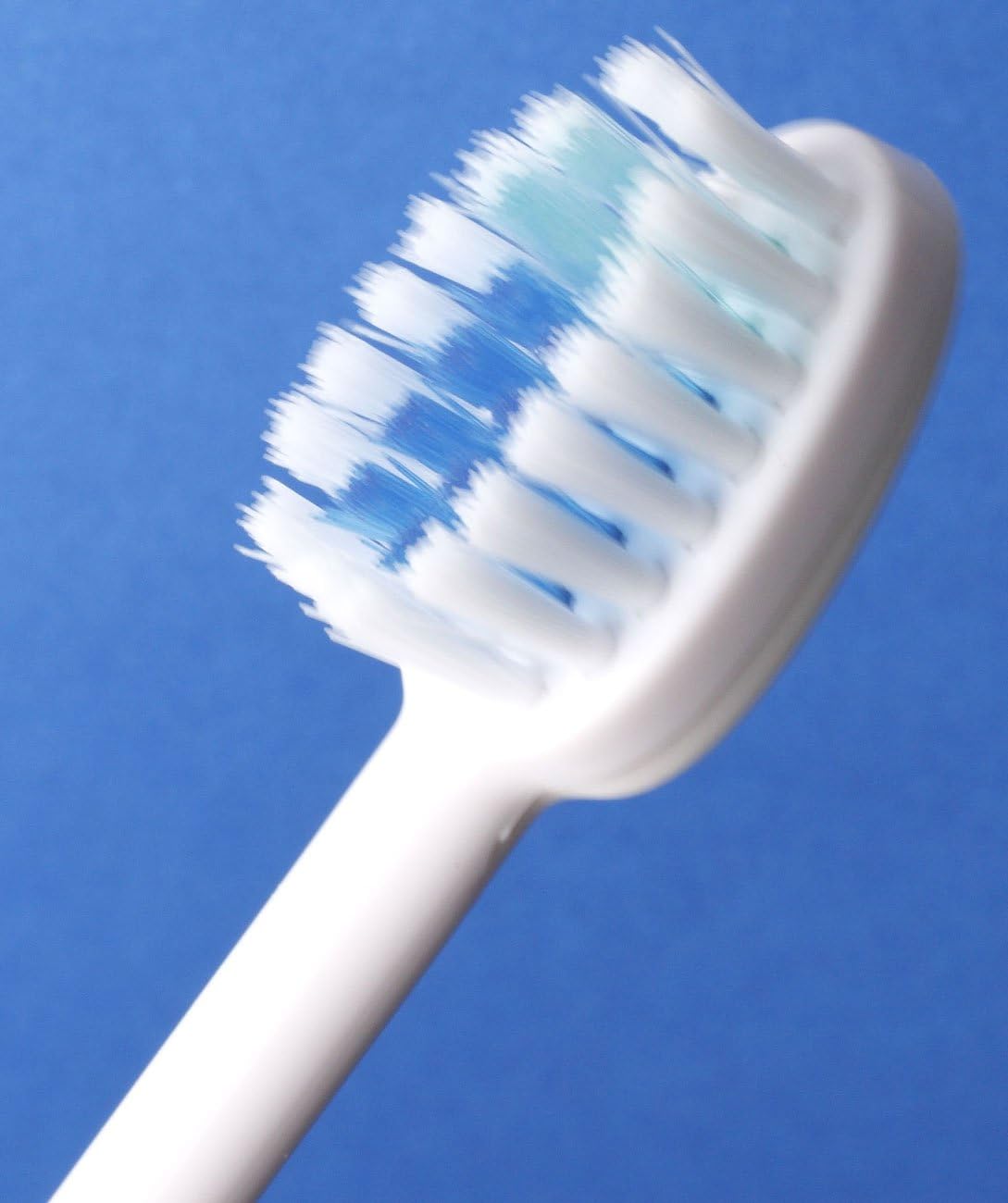
Aworan 6.1: Angled view of the brush head. This image provides another perspective of the brush head's design, useful for understanding how to attach and detach it.
7. Laasigbotitusita
If you encounter any issues with your Sonic Beauty Plus Electric Toothbrush, please refer to the following table:
| Isoro | Owun to le Fa | Ojutu |
|---|---|---|
| Bọọti ehin kii tan. | Batiri ti dinku. | Place the toothbrush on the charging base and charge for 24 hours. |
| Toothbrush does not vibrate strongly. | Batiri kekere. | Saji awọn toothbrush. |
| Orí fífọ́ fẹ́lẹ́fẹ́lẹ́ náà máa ń yọ̀. | Fẹlẹ ori ko so daradara. | Remove and reattach the brush head, ensuring it clicks into place. |
| Atọka gbigba agbara ko tan ina. | Charging base not connected to power, or toothbrush not seated correctly. | Check power connection and ensure the toothbrush is properly placed on the base. |
Ti iṣoro naa ba wa lẹhin igbiyanju awọn solusan wọnyi, jọwọ kan si atilẹyin alabara.
8. Awọn pato
| Ẹya ara ẹrọ | Sipesifikesonu |
|---|---|
| Nọmba awoṣe | SBT-1P |
| Iwọn Ara | 97 x 79 x 290 mm |
| Body Weight (Set) | 330 g |
| Body Weight (Power Handle) | 185 g |
| Ohun elo | ABS Resini |
| Gbigba agbara agbara | AC100V (50/60Hz) |
| Batiri | 3.6V 650mAH (Ni-MH battery) |
| Ọna gbigba agbara | Inductive charging (constant charging) |
| Lemọlemọfún Lilo Aago | Approx. 40 minutes (after 24-hour charge / no load) |
| Igbohunsafẹfẹ gbigbọn | Approx. 30,000 times/minute (no load) |
| Àwọ̀ | Funfun |
| Pataki Awọn ẹya ara ẹrọ | 2-minute Automatic Timer, 2 Brushing Modes (Normal, Soft) |
| Omi Resistance Ipele | Ti kii ṣe mabomire |
9. Atilẹyin ọja ati Support
This product comes with a standard manufacturer's warranty. Please refer to the warranty card included in your package for specific terms and conditions. For technical support, replacement parts, or any inquiries not covered in this manual, please contact Winners customer service through their official webojula tabi alagbata ti o ti ra ọja naa.