
Ọrọ Iṣaaju
The Rocketfish RF-G1179 4-Output Coaxial Amplifier is designed to enhance your home entertainment system by boosting incoming cable signals and distributing them to multiple devices. This amplifier helps compensate for signal loss, ensuring clear reception for your cable TV, cable modems, and other coaxial-connected devices.
Key Awọn ẹya ara ẹrọ
- Igbega ifihan agbara: Boosts incoming cable signals to compensate for signal loss, providing up to 4dB gain.
- 4-Output Splitter: Splits one input signal into four distinct outputs, allowing connection of multiple devices.
- Ibamu gbooro: Compatible with cable boxes, cable modems, and indoor/outdoor VHF/UHF/FM antennas. Not for use with satellite boxes.
- 2-Way Frequency Range: Supports frequencies from 5-42MHz (return path) and 54-1000MHz (forward path).
- LED Power-On Indicator: A red LED light illuminates when the amplifier is receiving AC power.
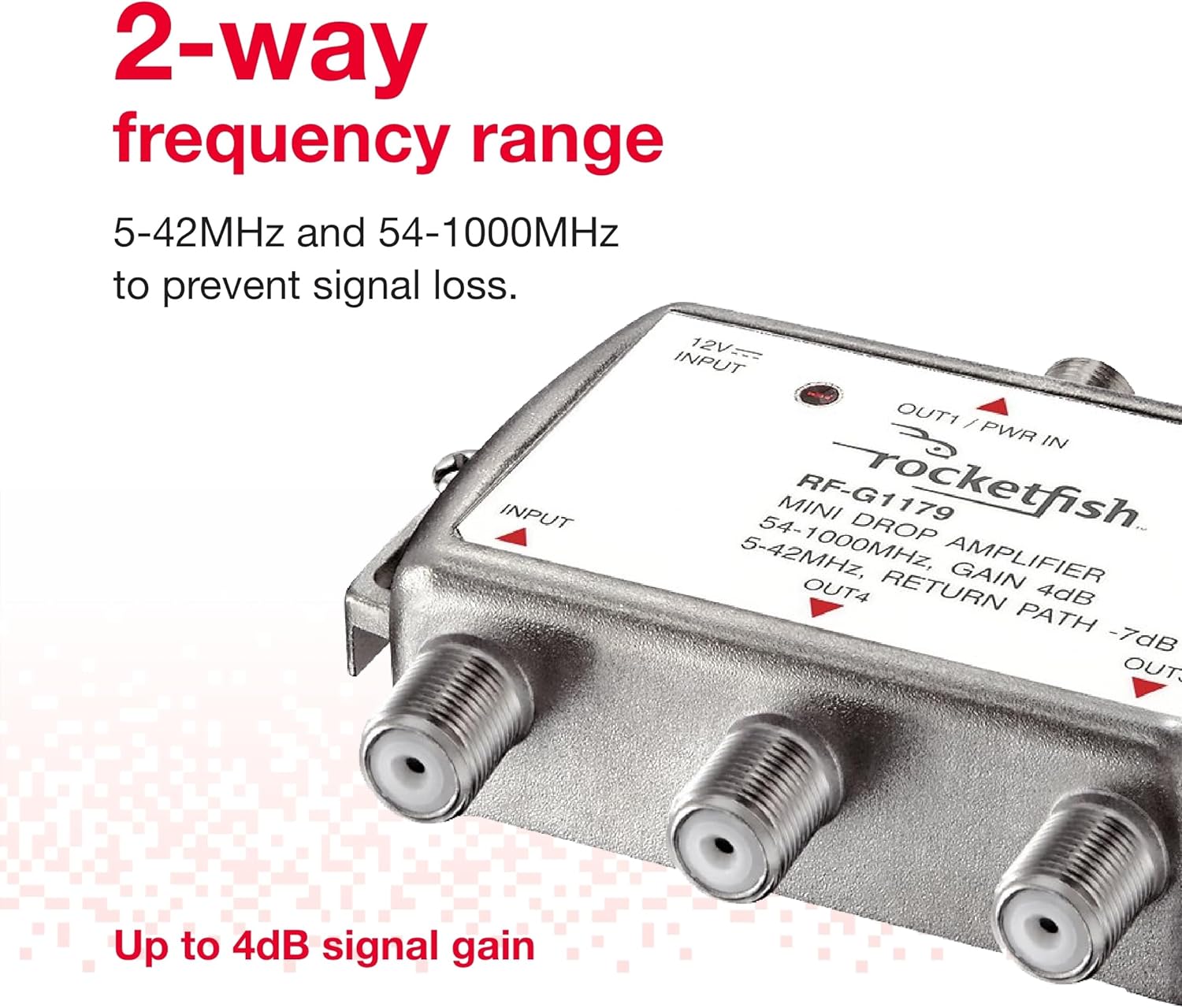
Image: The Rocketfish RF-G1179 amplifier highlighting its 2-way frequency range capabilities.

Image: Close-up of the Rocketfish RF-G1179 amplifier showing the LED power-on indicator.
Package Awọn akoonu
Rii daju pe gbogbo awọn nkan wa ninu package:
- Rocketfish Bidirectional Mini Drop Amplifier (RF-G1179)
- AC Adapter
- Iwe afọwọkọ eni (iwe yii)
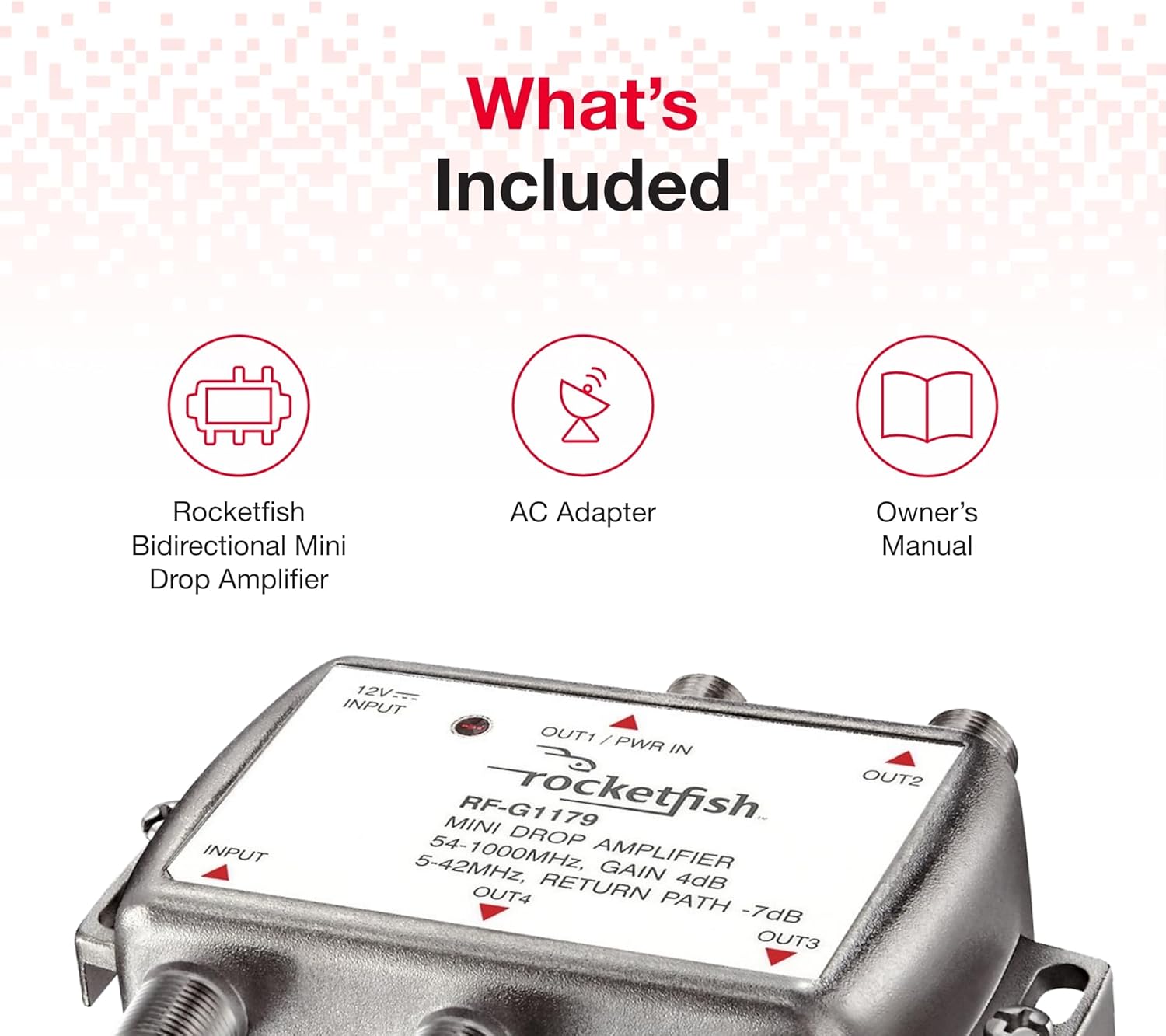
Image: The Rocketfish RF-G1179 amplifier along with its AC adapter and owner's manual, illustrating the package contents.
Awọn ilana iṣeto
- Ge Agbara: Before making any connections, ensure all devices (TVs, modems, etc.) are powered off and unplugged from their power outlets.
- So asopọ pọ: Connect the incoming coaxial cable from your cable source (wall outlet or antenna) to the ÀWỌN Ọ̀RỌ̀ port on the Rocketfish RF-G1179 amplifier.
- Àwọn ohun tí a so pọ̀: Connect coaxial cables from the JADE1, JADE2, JADE3, ati JADE4 ports of the amplifier to your desired devices (e.g., cable TV, cable modem).
- So agbara: Pulọọgi ohun ti nmu badọgba AC ti a pese sinu 12V INPUT ibudo lori awọn amplifier, then plug the AC adapter into a standard electrical outlet. The LED power-on indicator should illuminate.
- Pada Agbara pada: Plug in and power on your connected devices.

Image: The Rocketfish RF-G1179 amplifier showing its input and four output ports for connecting multiple devices.
Awọn ilana Iṣiṣẹ
Once properly installed and powered on, the Rocketfish RF-G1179 amplifier operates automatically. The red LED indicator confirms that the unit is receiving power and functioning. No further user interaction is typically required for its basic operation.
Awọn amplifier continuously boosts the incoming signal and distributes it to all connected output devices, helping to maintain signal quality across your home network.
Laasigbotitusita
| Isoro | Owun to le Fa | Ojutu |
|---|---|---|
| No signal or weak signal on connected devices. |
|
|
| Intermittent signal loss. |
|
|
Awọn pato
- Nọmba awoṣe: RF-G1179
- Awọn iwọn ọja: 3.7 x 1.81 x 5.67 inches
- Ìwọ̀n Nkan: 8.8 iwon
- Iwọn Igbohunsafẹfẹ: 5-42MHz (Return Path), 54-1000MHz (Forward Path)
- Jèrè: 4dB
- Olupese: Ti o dara ju Buy
Itoju
The Rocketfish RF-G1179 amplifier requires minimal maintenance. Keep the unit in a dry, well-ventilated area. Periodically check all coaxial connections to ensure they are secure. Clean the exterior with a soft, dry cloth if necessary. Do not attempt to open the casing or service the internal components.
Atilẹyin ọja ati Support
For warranty information or technical support, please refer to the warranty card included with your purchase or visit the official Rocketfish website. You may also contact Best Buy customer service for assistance.
Fidio ọja
Video: An official product video from Pattern Products demonstrating the Rocketfish Bidirectional Mini Drop Amplifier (RF-G1179).