
1. Ifihan
This manual provides detailed instructions for the proper use and maintenance of your Casio Edifice EFA-131D-1A1VDF Analog-Digital Watch. Please read this manual carefully to ensure correct operation and to fully utilize all features of your timepiece.
The Casio Edifice EFA-131D-1A1VDF features a black dial, stainless steel case, and stainless steel band. It combines analog timekeeping with digital display functions, offering versatility and precision.
- Awọ ipe: Dudu
- Apẹrẹ Ọran: Yika
- Ohun elo Gilasi kiakia: Eruku
- Awọ awọ: Fadaka
- Ohun elo Ẹgbẹ: Irin ti ko njepata
- Wo Iru Iṣipopada: Kuotisi
- Watch Display Type: Analog-Digital
- Ohun elo ọran: Irin ti ko njepata
- Opin Ọran: 49 milimita
- Irú Àkọ́kọ́: Kilaipi imuṣiṣẹ
2. Eto ati Eto Ibẹrẹ
Ṣaaju lilo aago rẹ, o ṣe pataki lati ṣeto akoko ati ọjọ to pe.
2.1. Adjusting the Analog Time
- Pull the crown (B) out to the second click. This will stop the second hand.
- Yí adé náà padà láti ṣètò àwọn ọwọ́ wákàtí àti ìṣẹ́jú sí àkókò tí a fẹ́.
- Titari ade pada si ipo deede.
2.2. Adjusting the Digital Time and Date
The digital display can be adjusted using the buttons on the side of the watch.
- Tẹ awọn MODE button (C) repeatedly until the Timekeeping Mode is displayed.
- Mu mọlẹ ṢAtunṣe button (A) until the city code starts to flash in the digital display. This indicates the setting screen.
- Lo awọn Siwaju button (D) and Yipada button (E) to select the desired setting item (e.g., city code, DST, 12/24-hour format, hour, minute, year, month, day).
- Lo awọn MODE button (C) to move between setting items.
- Ni kete ti gbogbo awọn eto ti tunto, tẹ bọtini naa ṢAtunṣe button (A) to exit the setting screen.
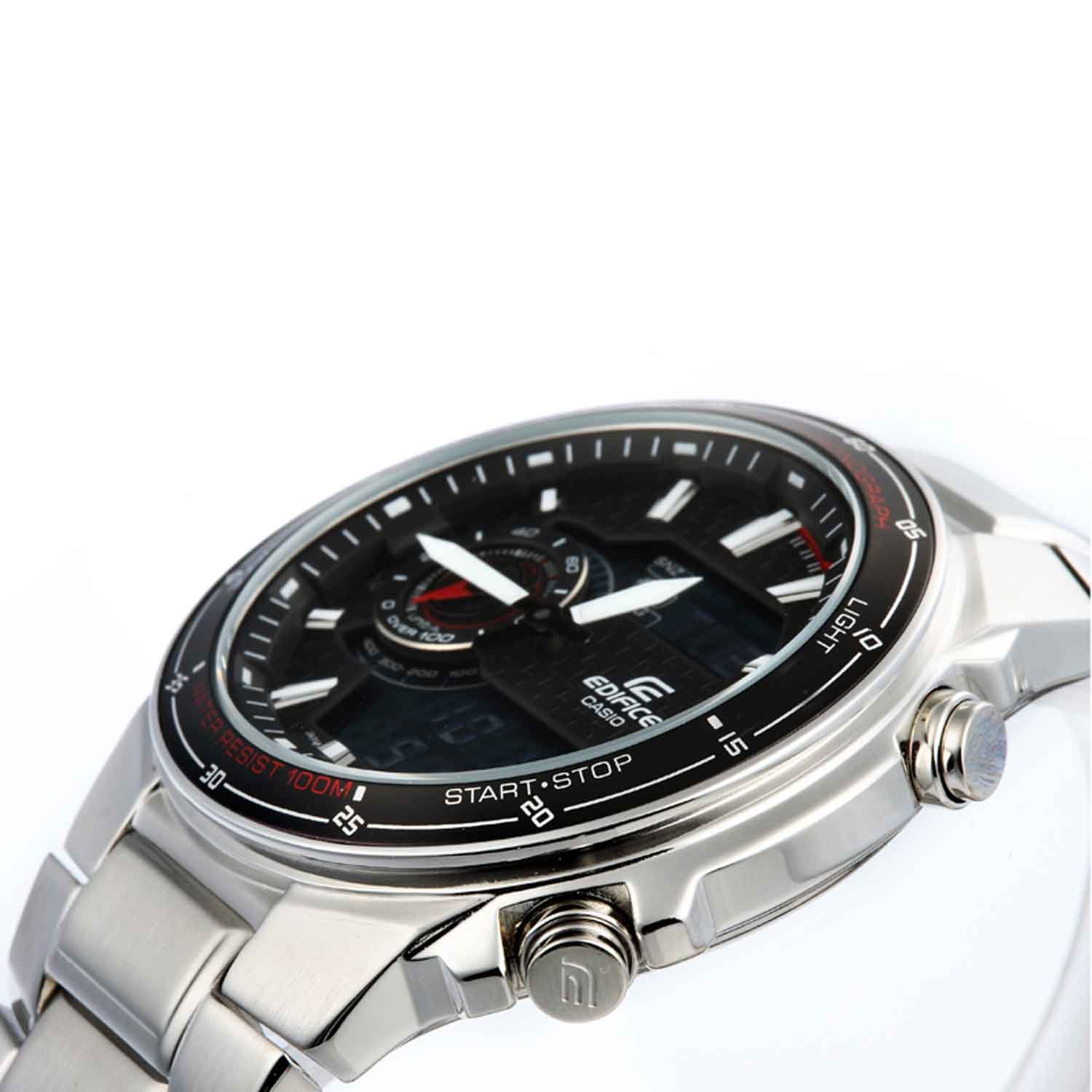
Aworan: Iwaju view of the Casio Edifice EFA-131D-1A1VDF watch, highlighting the analog and digital displays, and the various control buttons for setting adjustments.
2.3. Ṣíṣe àtúnṣe sí ìgbálẹ̀
The stainless steel band can be adjusted for a comfortable fit. It is recommended to have this adjustment performed by a qualified jeweler or watch technician to prevent damage to the band or clasp.
3. Ṣiṣẹ Awọn iṣẹ iṣọ
Your Casio Edifice watch offers several functions accessible via the MODE bọtini (C).
3.1. Ipo Lilọ kiri
Tẹ awọn MODE button (C) to cycle through the different modes:
- Ipo Itọju akoko: Ṣe afihan akoko ati ọjọ lọwọlọwọ.
- Ipo Aago iṣẹju-aaya: Àwọn ìwọ̀n ti kọjá àkókò.
- Ipo Itaniji: Ó ń ṣètò àwọn agogo ojoojúmọ́.
- Ipo Aago Agbaye: Displays the current time in various cities around the world.
3.2. Iṣẹ Iduro-iṣẹ
- Lilö kiri si Ipo aago iṣẹju-aaya nipa lilo awọn MODE bọtini (C).
- Tẹ awọn Bẹrẹ/Duro button (D) to start the stopwatch.
- Tẹ awọn Bẹrẹ/Duro button (D) again to stop the stopwatch.
- Tẹ awọn Tunto button (E) to reset the stopwatch to zero.
3.3. Iṣẹ-ṣiṣe itaniji
- Navigate to the Alarm Mode using the MODE bọtini (C).
- Mu mọlẹ ṢAtunṣe button (A) until the alarm time starts to flash.
- Lo awọn Siwaju button (D) and Yipada button (E) to set the desired alarm hour and minute.
- Tẹ awọn ṢAtunṣe button (A) to confirm and exit the setting screen.
- Tẹ awọn Siwaju button (D) in Alarm Mode to toggle the alarm ON/OFF.
3.4. Illumination (Light)
Tẹ awọn Imọlẹ button (F) to illuminate the digital display for easy viewing ni kekere-ina awọn ipo.
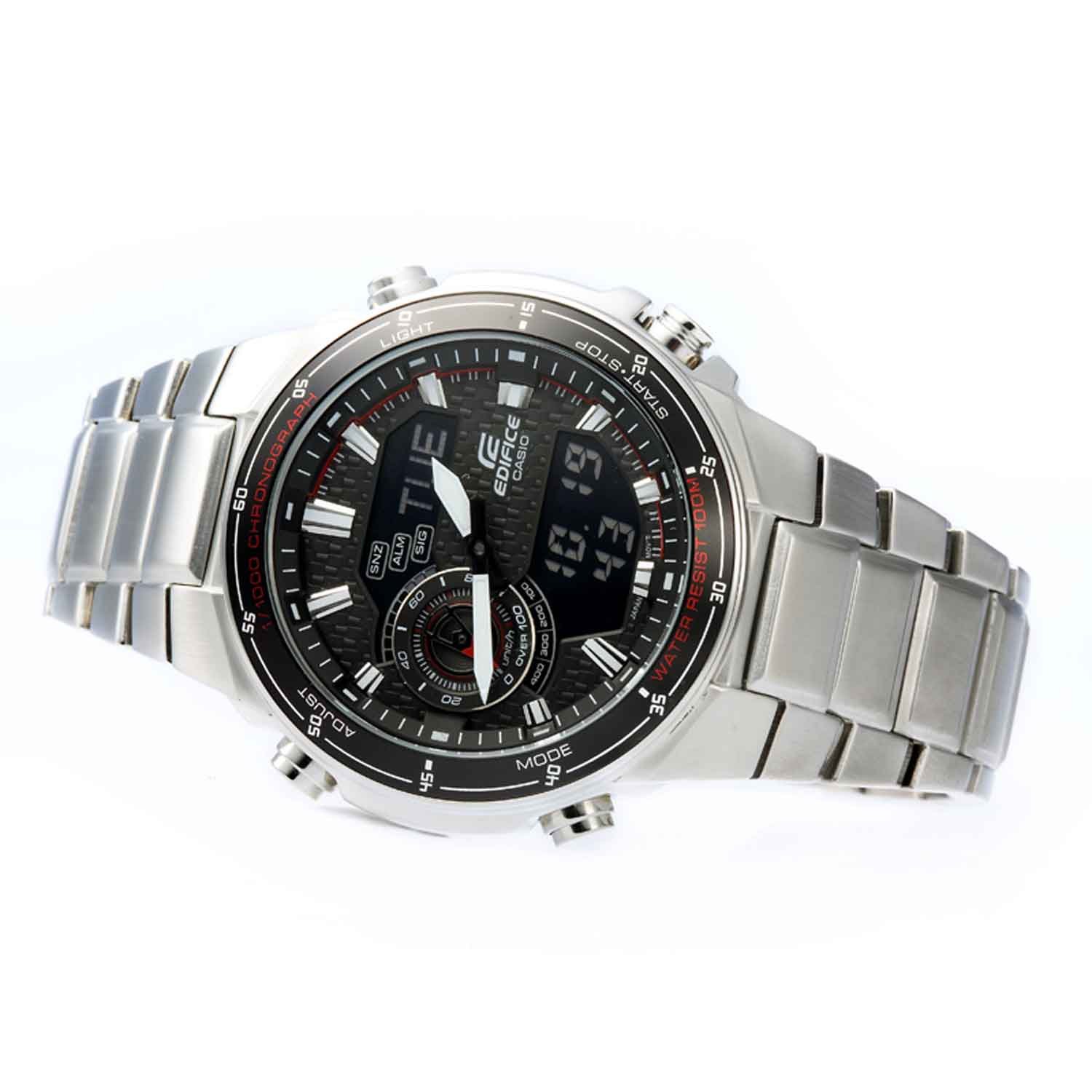
Aworan: iwaju igun view of the Casio Edifice EFA-131D-1A1VDF watch, illustrating the digital display and the positions of the control buttons for various functions.
4. Itọju
Proper maintenance ensures the longevity and performance of your watch.
4.1. Omi Resistance
This watch is water resistant up to 100 meters (10 BAR). This means it is suitable for swimming and snorkeling, but not for scuba diving. Do not operate the watch buttons or crown while the watch is wet or submerged in water.
4.2. Ninu
Wipe the watch case and band with a soft, dry cloth to remove dirt and moisture. For stainless steel bands, a soft brush with mild soapy water can be used, followed by thorough rinsing and drying. Avoid using chemical cleaners or solvents.
4.3. Batiri Rirọpo
The watch is powered by a quartz movement. When the battery runs low, the display may dim or the watch may stop functioning. Battery replacement should be performed by an authorized Casio service center or a qualified watch technician to ensure proper sealing and water resistance.

Aworan: Pada view of the Casio Edifice EFA-131D-1A1VDF watch, displaying the stainless steel case back where water resistance information is typically engraved, and the deployment clasp.
5. Laasigbotitusita
Tí o bá ní ìṣòro pẹ̀lú aago rẹ, wo àwọn ìṣòro àti ojútùú tí ó wọ́pọ̀ wọ̀nyí:
-
Watch is not keeping accurate time (Analog or Digital):
Ensure the time settings are correct as described in Section 2. If the issue persists, the battery may be low and require replacement.
-
Ifihan oni nọmba jẹ ofo tabi baibai:
This typically indicates a low battery. Replace the battery at an authorized service center.
-
Awọn bọtini ko dahun:
Check if the watch is wet. Do not operate buttons underwater. If the watch is dry and buttons are still unresponsive, there might be an internal malfunction requiring professional inspection.
-
Ìrọ̀rùn inú aago náà:
If condensation appears inside the watch glass and does not clear quickly, it may indicate a breach in water resistance. Seek immediate professional service to prevent further damage.
6. Awọn pato
| Ẹya ara ẹrọ | Ẹ̀kúnrẹ́rẹ́ |
|---|---|
| Nọmba awoṣe | EFA-131D-1A1VDF |
| Iṣipopada Iru | Kuotisi |
| Ifihan Iru | Analog-Digital |
| Ohun elo ọran | Irin ti ko njepata |
| Case Opin | 49 millimeters |
| Ọran Sisanra | 13 millimeters |
| Ohun elo Band | Irin ti ko njepata |
| Band Awọ | Fadaka |
| Kiakia Awọ | Dudu |
| Ohun èlò díìlì díìlì | Eruku |
| Omi Resistance Ijinle | 100 Mita (10 BAR) |
| Iwọn Nkan | 318 g |
| Ọja Mefa | 1.5 x 1.5 x 1.5 cm |

Image: Close-up of the watch's case back, detailing engraved specifications such as water resistance and material composition.
7. Atilẹyin ọja ati Support
7.1. atilẹyin ọja Information
Your Casio Edifice EFA-131D-1A1VDF watch comes with a 2 Years Domestic Warranty from the manufacturer. This warranty covers manufacturing defects under normal use. Please retain your purchase receipt as proof of warranty.
7.2. Onibara Support
For warranty claims, service, or further assistance, please contact Casio customer support or visit an authorized Casio service center. Contact details can typically be found on the official Casio webojula tabi kaadi atilẹyin ọja rẹ.