
Ọja Pariview
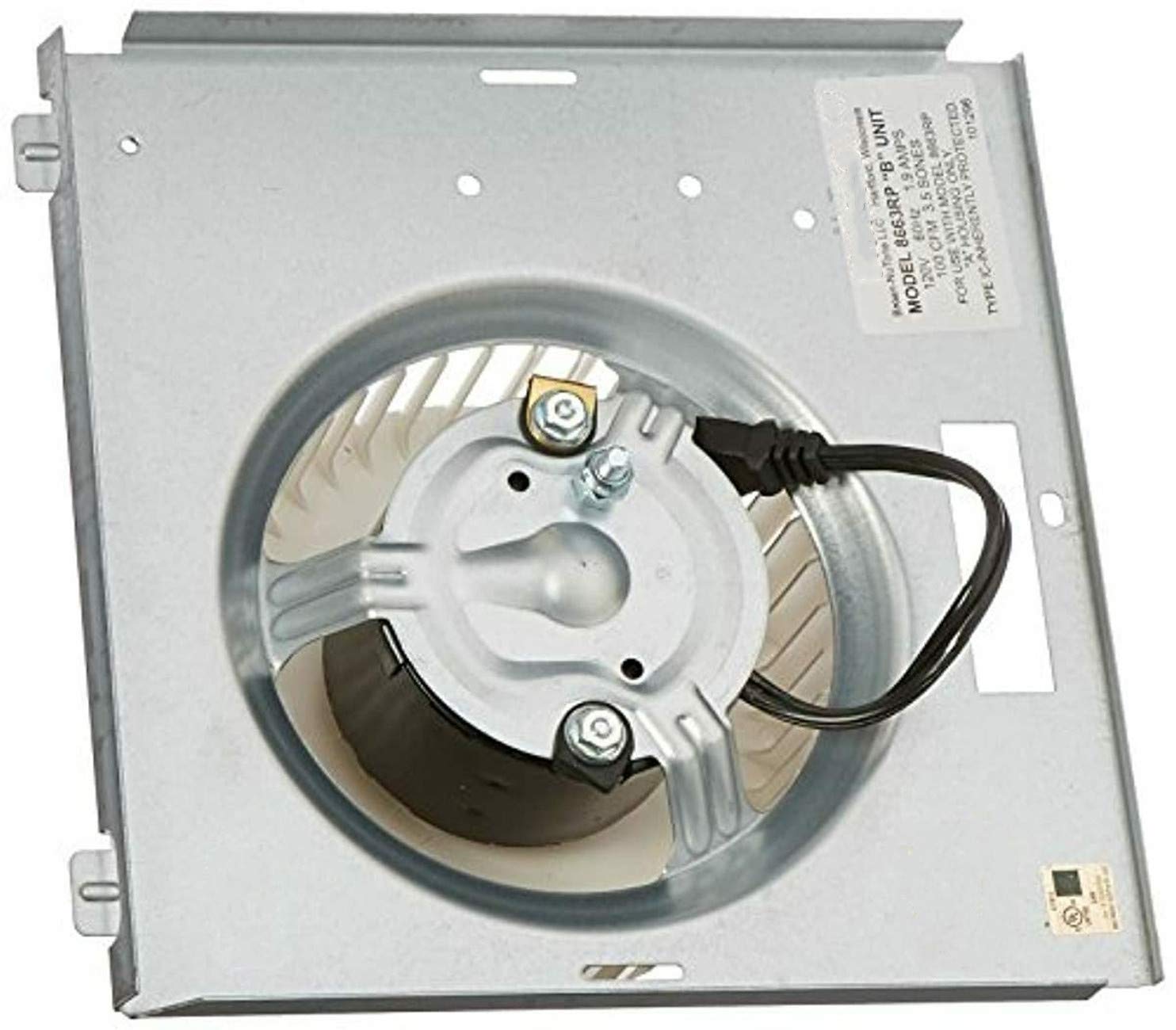
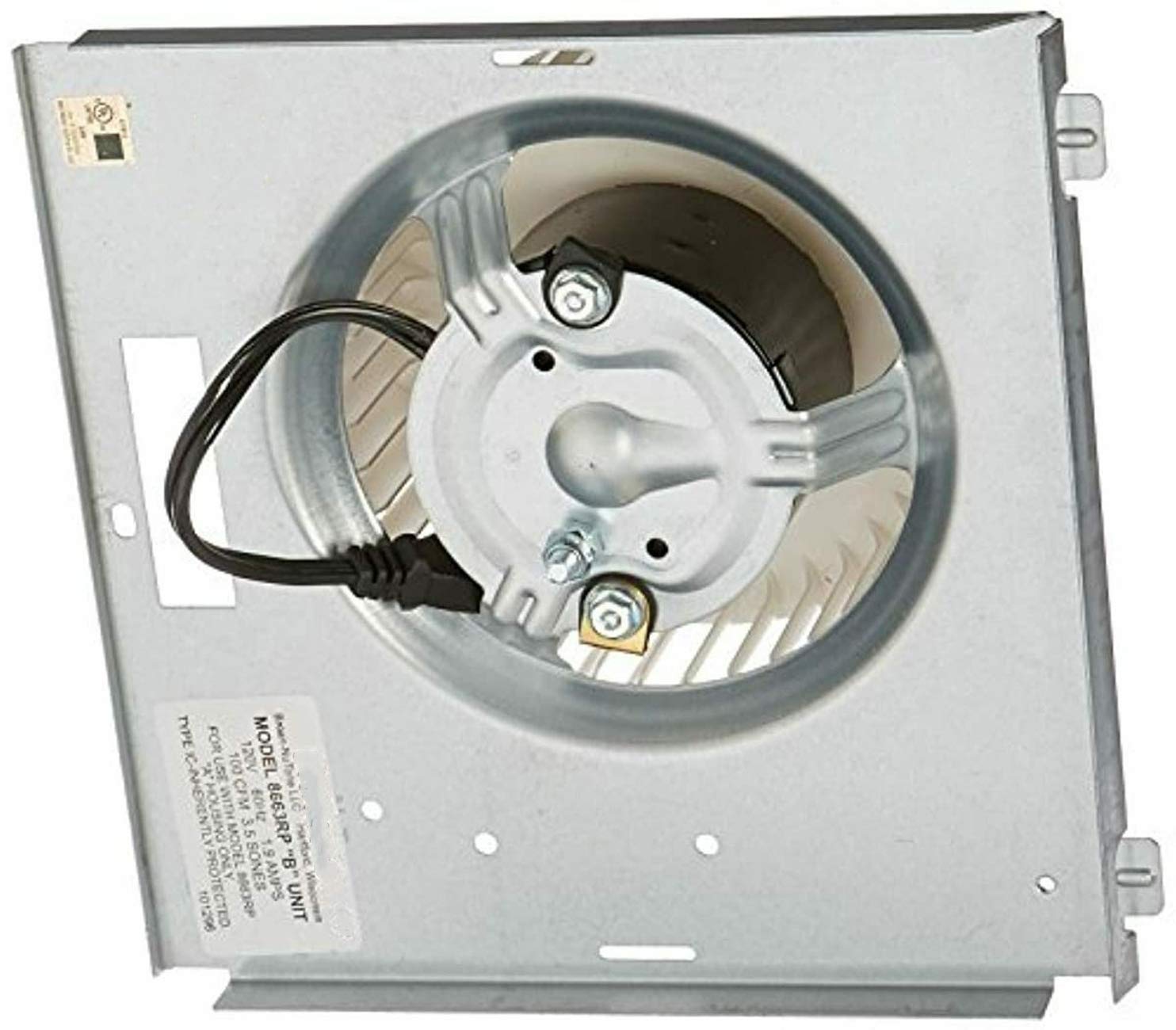
This document provides instructions for the Broan-NuTone 8663RP Motor Assembly, part number 97017705. This motor is designed as a replacement component for various NuTone and Broan ventilation fan models. It operates at 1550 RPM, 1.2 amps, and 115 volts, ensuring efficient air circulation.
Awọn ẹya pataki:
- Shaft: 1/4" x 1"
- Rotation: Counter-Clockwise (CCW)
- Motor Diameter: 3.3"
- Sheet Metal Dimensions: 8 15/16" x 8 15/16"
- Wheel Dimensions: 5.75" x 2"
- Mounting: 2 Studs Opposite Shaft End
- Motor Case Length: 1 15/16"
- Electrical Connection: 2-Prong 115 Volt plug
Ibamu
The Broan-NuTone 8663RP Motor Assembly is compatible with the following ventilation fan models:
- Broan: 750, 751, 752, N750
- NuTone: 8663RF, 8663RFT, 8663RLG, 8663RMAB, 8663RMBR, 8663RMS, 8673RP, 8663RMSA, 8663RP, 8664RP, 671R, 672R, VL3668RLG, VL3668RMAB, VL3668RMBR, VL3668RMSA, VL3668RP
Awọn pato
| Iwa | Iye |
|---|---|
| Brand | Broan-NuTone |
| Iyara | 1550 RPM |
| Voltage | 115 Volts |
| Agbara ẹṣin | 115 Wattis |
| Ọja Mefa | 8.94"W x 8.94"H |
| Ohun elo | Irin |
| Iwọn Nkan | 3.74 iwon |
| Olupese | EAGLEGGO |
| UPC | 663001340782 |
| ASIN | B006IO918O |
| Nọmba Awoṣe Nkan | CECOMINOD088831 |
| Ọjọ Akọkọ Wa | Oṣu Kẹsan Ọjọ 21, Ọdun 2012 |
Fifi sori ẹrọ
Aabo Lakọkọ: Before beginning any installation, ensure the power supply to the ventilation fan unit is completely disconnected at the circuit breaker. Failure to do so may result in electrical shock or injury.
- Access the Fan Housing: Remove the fan grille and any light covers to expose the existing motor assembly within the fan housing.
- Ge asopọ mọto atijọ: Carefully unplug the old motor assembly from its electrical connection. Note the orientation and connection points.
- Yọ Moto atijọ kuro: Unfasten any screws or clips securing the old motor assembly to the fan housing. Gently remove the old unit.
- Fi Motor Tuntun sori ẹrọ: Position the new Broan-NuTone 8663RP motor assembly into the fan housing. Ensure the mounting studs align with the existing holes. Secure the new motor with the appropriate fasteners.
- So Itanna: Plug the 2-prong 115 Volt plug of the new motor into the fan's electrical receptacle. Ensure a secure connection.
- Iṣiṣẹ Idanwo: Temporarily restore power to the fan and test its operation. Verify that the motor runs smoothly and the fan blade rotates correctly.
- Ṣe atunto: Once confirmed operational, disconnect power again. Reattach any light covers and the fan grille. Restore power to the unit.
Note: For detailed, model-specific installation instructions, always refer to the original instruction manual for your specific Broan or NuTone ventilation fan model.
Isẹ
The Broan-NuTone 8663RP Motor Assembly is designed for continuous and reliable operation within compatible ventilation fan units. Once installed, the fan will operate according to the controls of your specific ventilation system (e.g., wall switch, timer).
- Muu ṣiṣẹ: Turn on the fan using its designated wall switch or control.
- Fife ategun: The motor will drive the fan blade to exhaust air from the room.
- Pa aṣiṣẹ: Turn off the fan using its designated wall switch or control.
Ensure proper ventilation by operating the fan during and after activities that generate moisture or odors.
Itoju
Regular maintenance helps ensure the longevity and optimal performance of your ventilation fan motor assembly.
- Ge asopọ agbara: Ge asopọ agbara nigbagbogbo ni fifọ Circuit ṣaaju ṣiṣe itọju eyikeyi.
- Fánìlì Fẹ́ńtì Mímọ́: Periodically remove and clean the fan grille with mild soap and water. Allow it to dry completely before reattaching.
- Clean Fan Blade: If accessible, gently wipe dust and debris from the fan blade using a soft cloth. Avoid bending the blades.
- Ṣayẹwo Mọto: Visually inspect the motor for any signs of wear, loose connections, or unusual buildup.
- Lubrication: This motor assembly is typically designed for maintenance-free operation and does not require lubrication. Refer to your specific fan model's manual for any lubrication recommendations.
Do not use abrasive cleaners or solvents on any part of the fan or motor.
Laasigbotitusita
If your ventilation fan is not operating as expected after installing the new motor assembly, consider the following common issues:
- Olufẹ Ko Tan-an:
- Ṣayẹwo ti o ba jẹ pe fifọ Circuit ti kọlu.
- Ensure the motor's electrical plug is securely connected.
- Verify the wall switch is functioning correctly.
- Fan Running Loudly or Vibrating:
- Ensure the motor assembly is securely mounted and all fasteners are tightened.
- Check for any obstructions around the fan blade.
- Inspect the fan blade for damage or imbalance.
- Afẹfẹ ti ko dara:
- Clean the fan grille and fan blade to remove dust and debris.
- Check for blockages in the exhaust ductwork.
If issues persist after basic troubleshooting, consult a qualified electrician or HVAC technician.
Ọja Visuals

Ko si awọn fidio onijaja osise ti o wa fun ifibọ sinu afọwọṣe yii.
Alaye Aabo
- Máa yọ agbára kúrò kí o tó fi sori ẹrọ, ṣe àtúnṣe, tàbí nu ẹ̀rọ náà.
- Wọ àwọn ohun èlò ààbò ara ẹni tó yẹ (PPE) bíi ibọ̀wọ́ àti ààbò ojú nígbà tí a bá ń fi wọ́n sí ipò.
- Rii daju pe gbogbo awọn asopọ itanna wa ni aabo ati ni ibamu pẹlu awọn koodu itanna agbegbe.
- Do not operate the fan if it is damaged or if any parts are missing.
- Keep children and pets away from the work area during installation and maintenance.