
Ọrọ Iṣaaju
Thank you for choosing the Casio TQ-362-4ADF Analog Alarm Clock. This manual provides detailed instructions for the proper setup, operation, and maintenance of your new alarm clock. Please read this manual thoroughly before use to ensure optimal performance and longevity of the product.
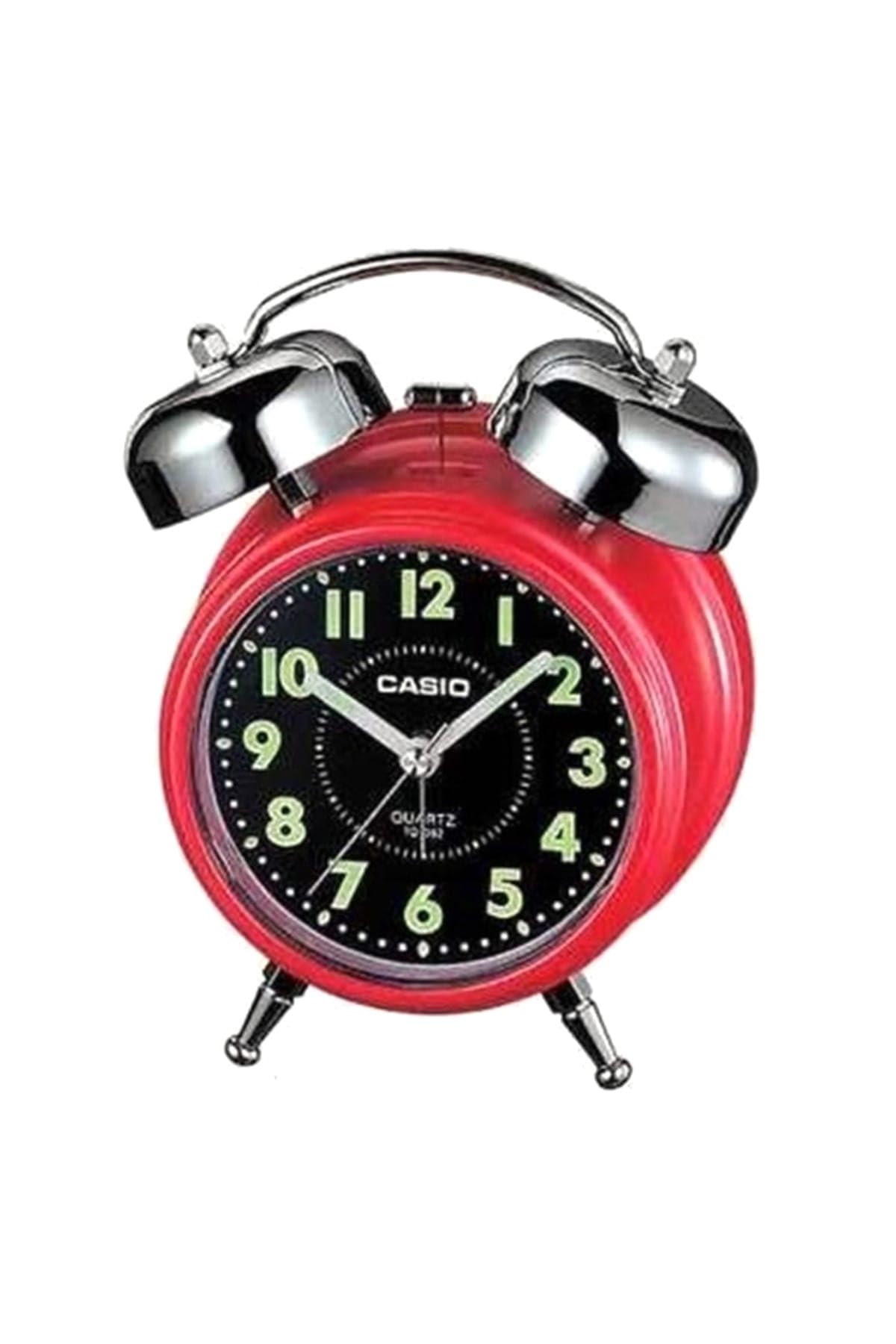
Aworan: Iwaju view of the Casio TQ-362-4ADF Analog Alarm Clock, featuring a red casing, black dial with green luminous numbers, and silver bells and feet.
Ṣeto
1. Fifi sori batiri
- Open the battery compartment cover located on the back of the alarm clock.
- Fi awọn batiri AA meji (2) sii, ki o rii daju pe polarity (+ ati -) to tọ gẹgẹ bi a ti fihan ninu yara naa.
- Pa ideri batiri naa ni aabo.
2. Ṣiṣeto Akoko naa
- Locate the time setting knob on the back of the clock.
- Yi bọtini naa pada si itọsọna mejeeji lati gbe awọn ọwọ wakati ati iṣẹju si akoko lọwọlọwọ.
- For best accuracy, set the time slightly ahead and then rotate backward to the exact time.
Awọn ilana Iṣiṣẹ
1. Setting the Alarm Time
- Wa bọtini eto itaniji ni ẹhin aago naa.
- Rotate this knob to move the small alarm hand to your desired alarm time.
- Ensure the alarm ON/OFF switch (usually a small lever or button) is in the 'ON' position.
2. Muu ṣiṣẹ / Muu Itaniji ṣiṣẹ
- To activate the alarm, slide the alarm ON/OFF switch to the 'ON' position.
- To deactivate the alarm, slide the alarm ON/OFF switch to the 'OFF' position.
3. Iṣẹ lẹẹkọọkan
- When the alarm sounds, press the snooze button (typically located on the top of the clock).
- The alarm will temporarily stop and sound again after a few minutes (duration may vary by model).
- To fully stop the alarm, slide the alarm ON/OFF switch to the 'OFF' position.
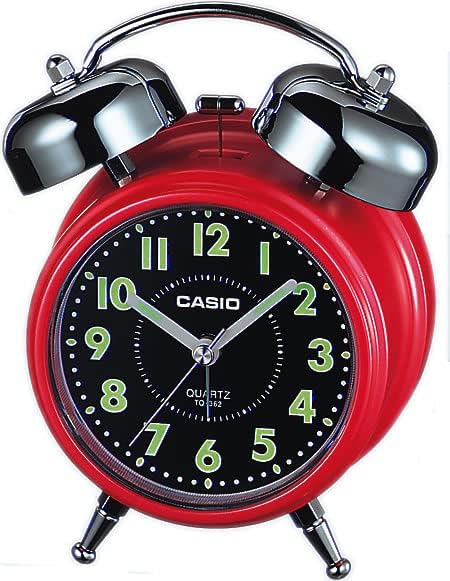
Aworan: Ẹyin view of the Casio TQ-362-4ADF Analog Alarm Clock, illustrating the time setting knob, alarm setting knob, and alarm ON/OFF switch.
Itoju
Ninu
- Fi aṣọ rírọ̀ tí ó gbẹ nu aago náà.
- Do not use abrasive cleaners, solvents, or chemical sprays, as these may damage the casing tabi ti abẹnu irinše.
Batiri Rirọpo
- Replace batteries when the clock starts to lose time or the alarm sound weakens.
- Always replace both batteries at the same time with new, identical AA batteries.
- Sọ awọn batiri ti a lo ni ibamu si awọn ilana agbegbe.
Laasigbotitusita
| Isoro | Ojutu |
|---|---|
| Clock is not running or losing time. | Check battery installation. Replace with fresh AA batteries. |
| Itaniji ko dun. | Ensure the alarm ON/OFF switch is in the 'ON' position. Verify alarm time is set correctly. Check battery strength. |
| Alarm is too quiet. | Replace batteries with fresh ones. The alarm volume is fixed and cannot be adjusted. |
Awọn pato
| Ẹya ara ẹrọ | Ẹ̀kúnrẹ́rẹ́ |
|---|---|
| Nọmba awoṣe | TQ-362-4ADF |
| Iru | Aago Itaniji Analog |
| Ohun elo | Rísínì (Ṣíṣíkà) |
| Àwọ̀ | Pupa |
| Awọn iwọn (L x W x H) | 6 x 3.81 x 13.6 cm |
| Iwọn | 147.83 giramu |
| Awọn batiri ti a beere | 2 AA batiri |
| Awọn irinše to wa | Battery, strap, operating instructions (Note: 'strap' likely refers to packaging or a small component, not a wearable strap for this type of clock) |
Atilẹyin ọja ati Support
Casio products are manufactured to high-quality standards. For information regarding warranty coverage, service, or technical support, please refer to the warranty card included with your product or visit the official Casio webojula. Tọju iwe-ẹri rira rẹ bi ẹri rira fun eyikeyi awọn ibeere atilẹyin ọja.
Fun iranlọwọ siwaju, o le kan si iṣẹ alabara Casio nipasẹ awọn ikanni osise wọn.