
Ọrọ Iṣaaju
Thank you for choosing the Tascam TH-200X Studio Headphones. These closed-back headphones are designed for accurate audio monitoring, mixing, and general music listening. They feature a lightweight, durable construction with comfortable padding for extended use. This manual provides essential information for the proper setup, operation, maintenance, and troubleshooting of your TH-200X headphones.
Ohun ti o wa ninu Apoti
Jọwọ ṣayẹwo pe gbogbo awọn nkan wọnyi wa ninu package rẹ:
- Tascam TH-200X Studio Headphones
- Attached Audio Cable (3.5mm jack)
- 6.35mm (1/4-inch) Screw-on Adapter
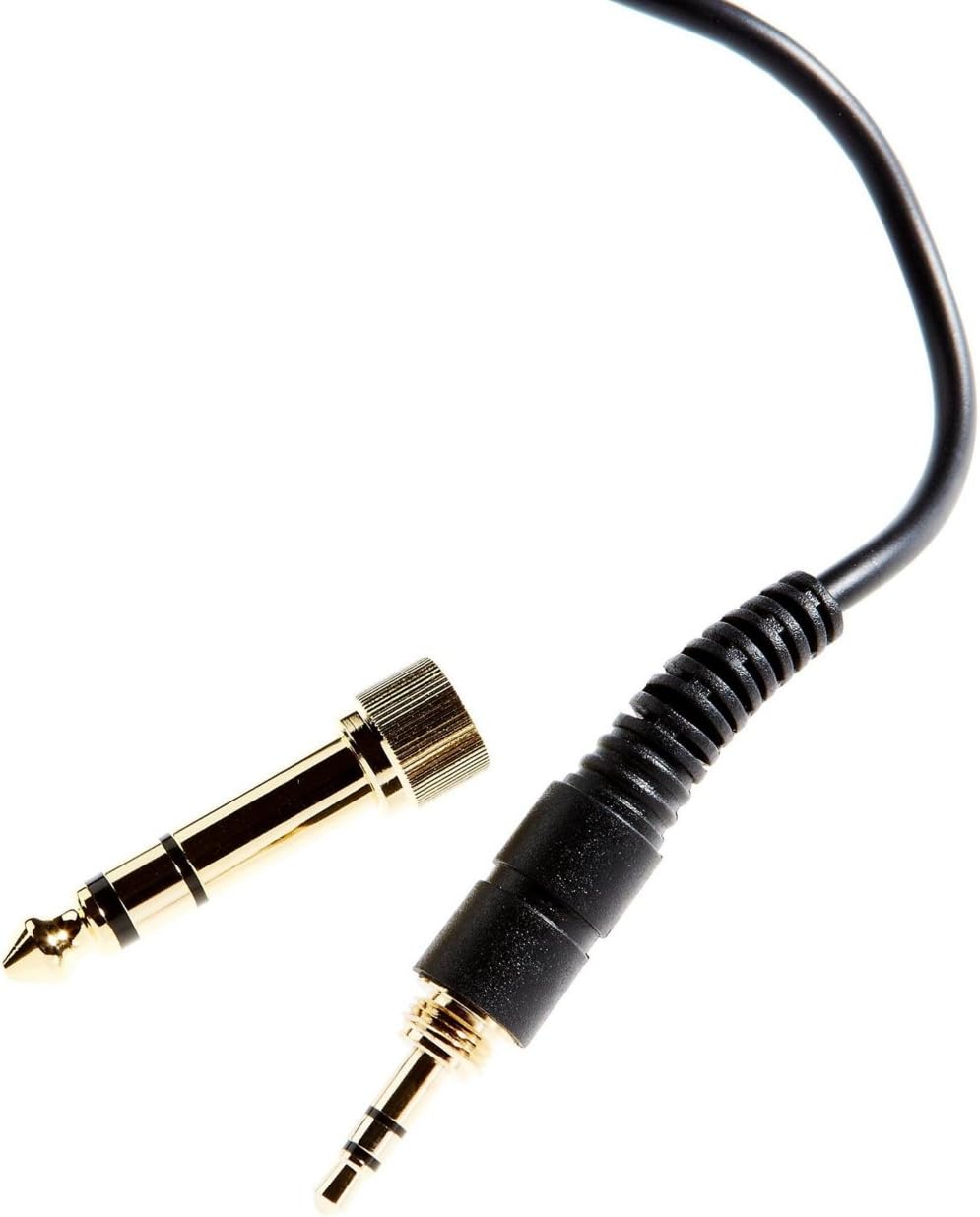
Image: The included 3.5mm audio jack and the detachable 6.35mm (1/4-inch) screw-on adapter for wider compatibility with audio equipment.
Awọn ilana iṣeto
- Ṣii silẹ: Fi ìṣọ́ra yọ agbekọri ati gbogbo awọn ohun elo miiran kuro ninu apoti naa.
- Nsopọ si Orisun Olohun kan:
- For devices with a 3.5mm headphone jack (e.g., smartphones, laptops), simply plug the attached 3.5mm cable directly into the audio output.
- For devices with a 6.35mm (1/4-inch) headphone jack (e.g., audio interfaces, mixing consoles, amplifiers), screw the provided 6.35mm adapter onto the 3.5mm jack before plugging it into the audio output. Ensure the adapter is securely fastened.
- Iṣatunṣe Atunṣe:
- Place the headphones over your ears, ensuring the earcups fully enclose your ears for optimal sound isolation and comfort.
- Adjust the headband by sliding the earcups up or down along the stainless steel frame until a comfortable and secure fit is achieved. The 'L' and 'R' indicators on the inside of the headband denote the left and right earcups, respectively.
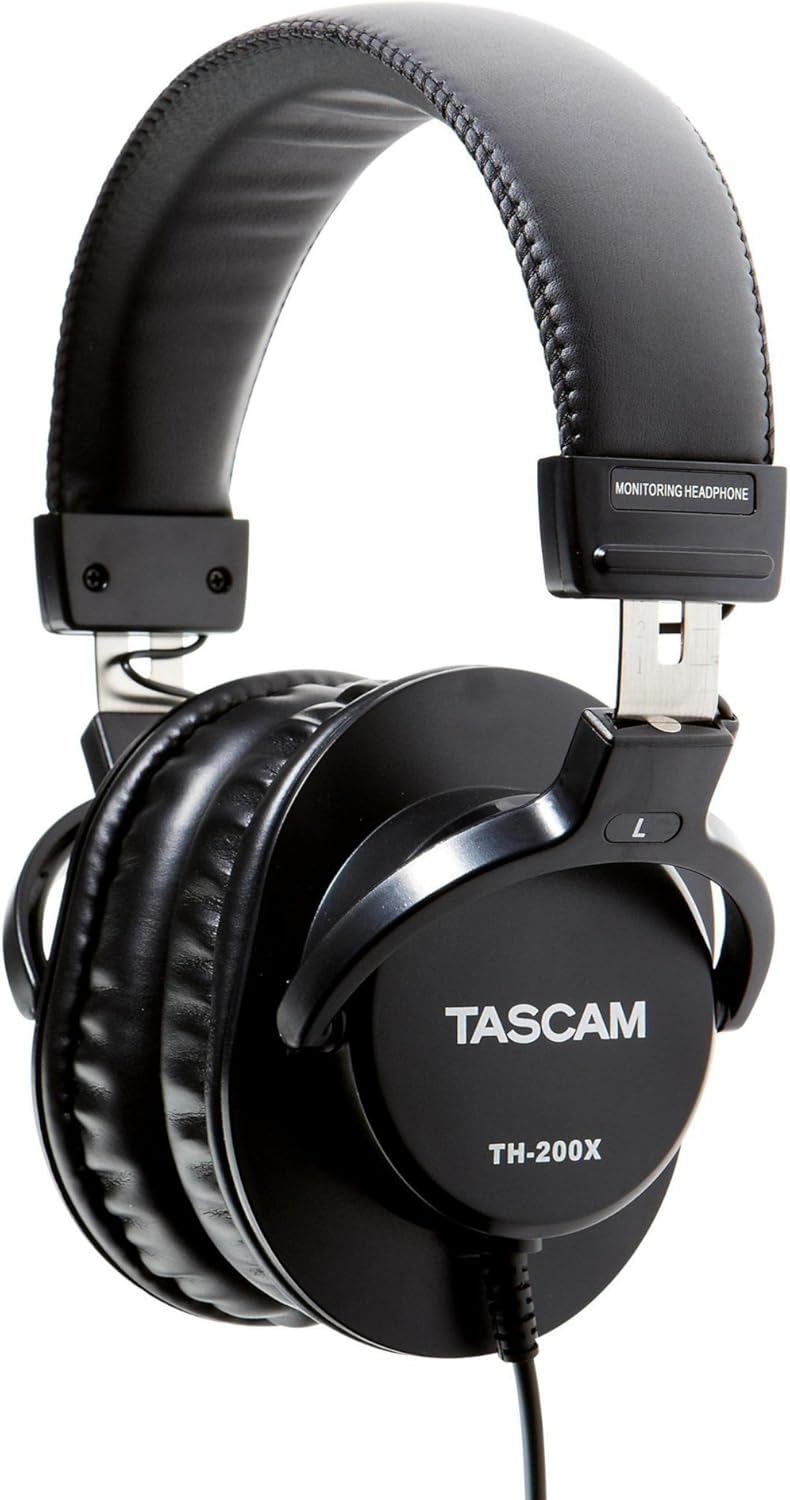
Aworan: Apa view of the Tascam TH-200X headphones, highlighting the branding and the 'L' indicator for the left earcup.
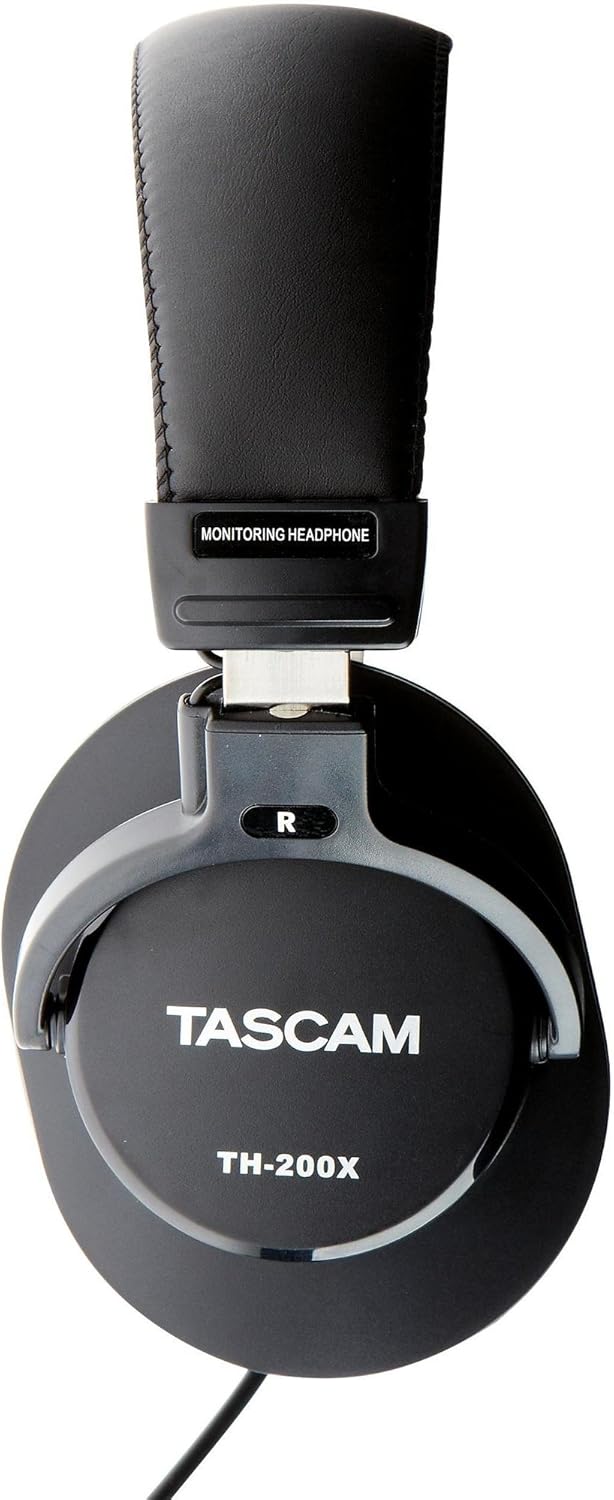
Aworan: Apa view of the Tascam TH-200X headphones, highlighting the branding and the 'R' indicator for the right earcup.
Awọn ilana Iṣiṣẹ
- Iṣakoso iwọn didun: Adjust the volume directly from your connected audio source (e.g., computer, audio interface, smartphone). The TH-200X headphones do not feature inline volume controls.
- Gbigbọ Lailewu: To prevent hearing damage, avoid listening at high volumes for extended periods. Start with a low volume and gradually increase it to a comfortable level.
- Lilo ti a pinnu: These headphones are optimized for studio monitoring and mixing, providing a neutral sound reproduction. They are also suitable for general music listening.
Itoju
- Ninu:
- Mu awọn afikọti ati ideri ori pẹlu asọ ti o gbẹ.
- Fun idoti alagidi, die-die dampen awọn asọ pẹlu omi. Yẹra fun lilo awọn kẹmika lile tabi awọn afọmọ abrasive.
- Má ṣe fi omi tàbí omi mìíràn tẹ àwọn agbekọri náà mọ́lẹ̀.
- Ibi ipamọ:
- Tọ́jú àwọn agbekọri náà sí ibi tí ó mọ́ tónítóní, tí ó sì gbẹ, tí kò sí ibi tí ó le koko jù àti ibi tí oòrùn lè tàn dé.
- Yẹra fún gbígbé àwọn nǹkan tó wúwo sí orí àwọn agbekọri.
- Itọju USB:
- Avoid sharply bending or twisting the cable.
- Do not pull on the cable to disconnect it from an audio source; always grasp the plug itself.
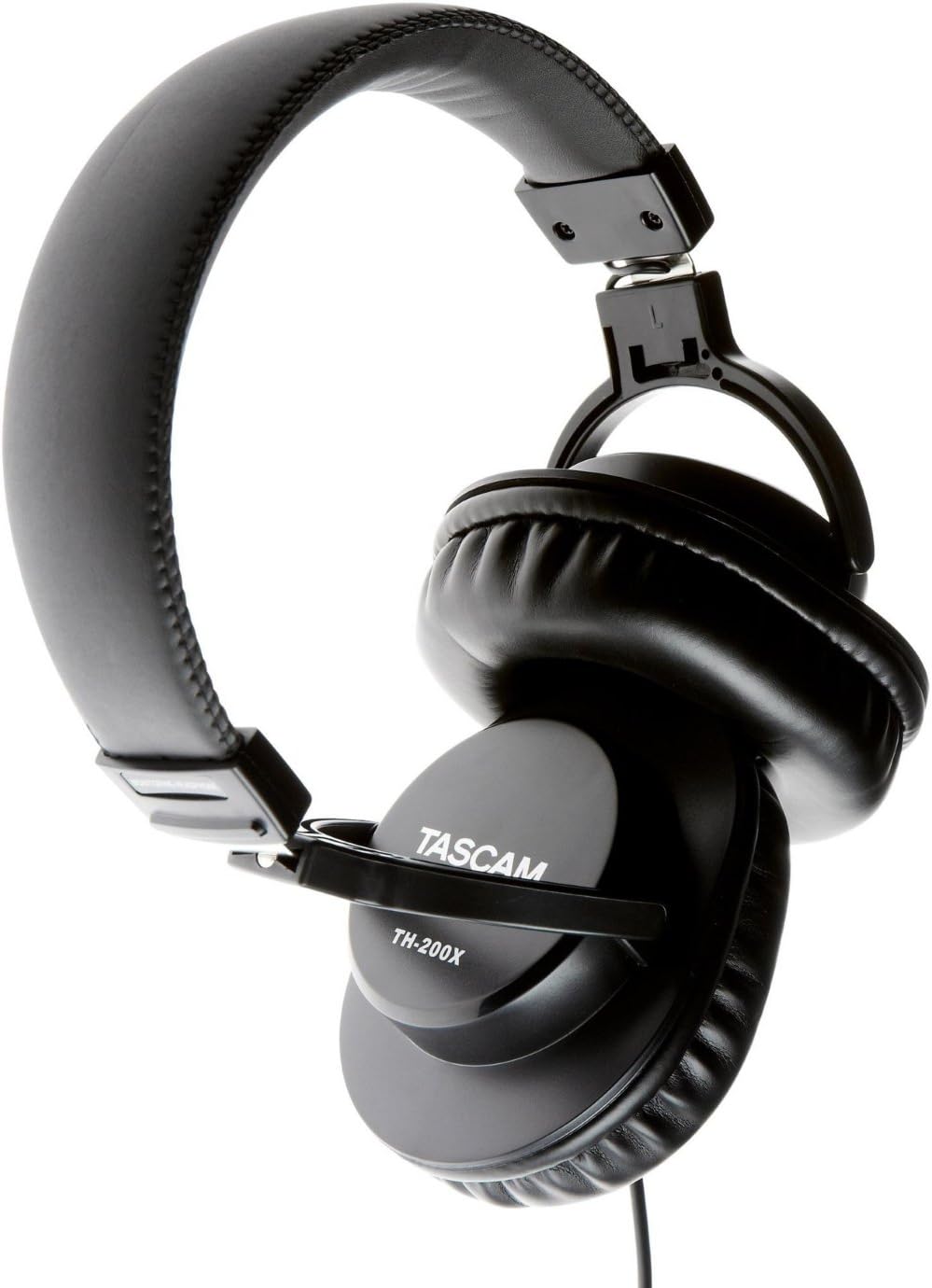
Aworan: Angled view of the Tascam TH-200X headphones, demonstrating the adjustable headband and durable construction.
Laasigbotitusita
- Ko si Ohun:
- Ensure the headphone cable is fully plugged into both the headphones and the audio source.
- Ṣàyẹ̀wò ìpele ohùn lórí orísun ohùn rẹ kí o sì rí i dájú pé kò sí ohùn tí ó pa lẹ́nu mọ́.
- Test the headphones with a different audio source or device to rule out a device-specific issue.
- If using the 6.35mm adapter, ensure it is securely screwed onto the 3.5mm jack.
- Ohun Yiyi:
- Dín ohùn náà sílẹ̀ lórí orísun ohùn rẹ. Ohùn tó pọ̀ jù lè fa ìyípadà.
- Ensure the audio cable connections are secure.
- Test with another audio source to determine if the issue is with the headphones or the source.
- Ibamu ti korọrun:
- Adjust the headband length by sliding the earcups until they sit comfortably over your ears without excessive pressure.
- Ensure the earcups fully cover your ears.
Imọ ni pato
| Awoṣe | TH-200X |
| Brand | Tascam |
| Gbigbe Eti | Lori Eti |
| Fọọmù ifosiwewe | Lori Eti |
| Ariwo Iṣakoso | Iyasọtọ ohun |
| Audio Driver Type | Dynamic Driver (40mm Neodymium Magnet) |
| Iwọn Igbohunsafẹfẹ | 15Hz–22kHz |
| Asopọmọra Technology | Ti firanṣẹ |
| Jack agbekọri | 3.5 mm Jack, 6.35 mm Jack (with adapter) |
| Ohun elo | Stainless Steel (frame) |
| Iwọn Nkan | 0.41 kilo |
| Afikun Awọn ẹya ara ẹrọ | Lightweight, Adjustable, Durable, Retractable Cable |

Aworan: Iwaju view of the Tascam TH-200X headphones, showcasing the comfortable padded headband and earcups.
Atilẹyin ọja ati Support
Tascam products are manufactured to high-quality standards. For specific warranty information, please refer to the warranty card included with your product or visit the official Tascam webojula.
For technical support, service, or further inquiries, please visit the official Tascam support page:
Jọwọ ṣe idaduro ẹri rira rẹ fun awọn iṣeduro atilẹyin ọja.
Additionally, if purchased through Amazon, a 30-day refund/replacement policy may apply. Please refer to your Amazon purchase details for more information.