
Ọrọ Iṣaaju
The FrSky 2.4G V8 Series 5dB Module Antenna is designed for use with FrSky 2.4G V8 series modules and compatible radio systems. This antenna provides a 5dB gain, enhancing the signal range and reliability of your remote control system. It serves as a direct replacement or upgrade for compatible FrSky equipment.
Key Awọn ẹya ara ẹrọ
- FrSky Taranis 2.4GHz Compatible 5dB Antenna
- Genuine FrSky Brand Component
- Easy to Replace Design
- Ga-Didara Ikole
Ọja Pariview

This image shows the FrSky 2.4G V8 Series 5dB Module Antenna from a side perspective, highlighting its black casing and connector.
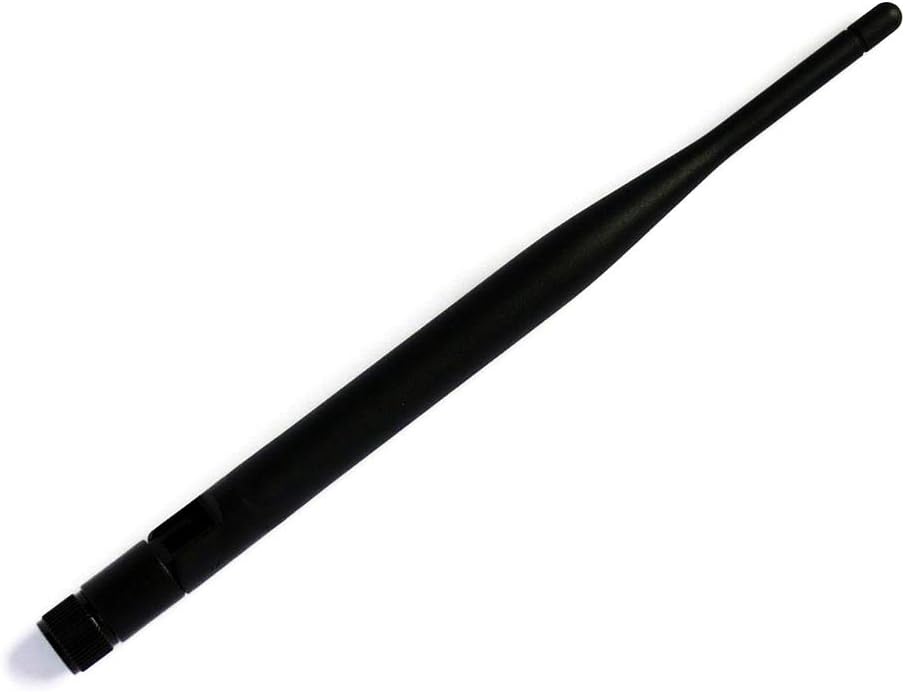
An angled view of the FrSky 2.4G V8 Series 5dB Module Antenna, illustrating its tapered design and connector end.
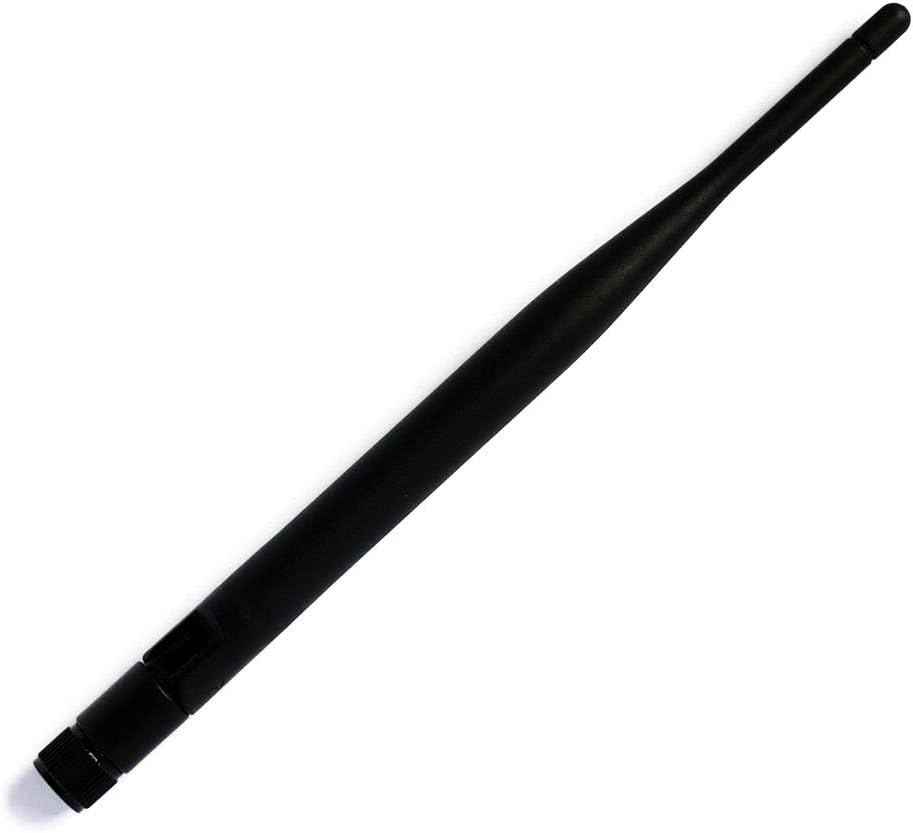
A slightly different angled view of the FrSky 2.4G V8 Series 5dB Module Antenna, showing its overall form factor.
Eto ati fifi sori
- Ohun elo Agbara: Ensure your FrSky module or radio is completely powered off before beginning the antenna installation process.
- Locate Antenna Port: Identify the existing antenna on your FrSky 2.4G V8 series module or compatible radio (e.g., FrSky Taranis).
- Remove Old Antenna (if applicable): Carefully unscrew the old antenna by turning it counter-clockwise until it detaches from the module's antenna port.
- Attach New Antenna: Align the connector of the new FrSky 2.4G V8 Series 5dB Module Antenna with the module's antenna port.
- Eriali ti o ni aabo: Gently screw the new antenna clockwise until it is finger-tight. Maṣe ṣe apọju, as this can damage the connector.
- Jẹrisi Asopọmọra: Double-check that the antenna is securely attached before powering on your device.
Awọn ilana Iṣiṣẹ
Once the FrSky 2.4G V8 Series 5dB Module Antenna is securely installed, follow these guidelines for operation:
- Agbara Tan: Power on your FrSky module or radio. The system should recognize the new antenna.
- Idanwo ibiti: Before operating your remote-controlled device at a distance, always perform a thorough range test in a safe, open area. This verifies signal integrity and helps identify any potential issues.
- Iṣalaye eriali: For optimal signal reception and transmission, ensure the antenna is oriented correctly. Typically, this means pointing it upwards or in the general direction of your receiver. Avoid obstructions between the transmitter antenna and the receiver.
- Awọn Okunfa Ayika: Be aware that environmental factors such as buildings, trees, and other radio frequency interference can affect signal range and quality.
Itoju
Proper maintenance ensures the longevity and optimal performance of your FrSky 2.4G V8 Series 5dB Module Antenna:
- Ayẹwo igbagbogbo: Periodically inspect the antenna for any signs of physical damage, such as cracks in the casing, bent connectors, or frayed wiring (if visible).
- Ninu: Keep the antenna clean and free from dirt, dust, and moisture. Use a soft, dry cloth for cleaning. Avoid using harsh chemicals or abrasive materials.
- Mimu: Avoid bending or stressing the antenna excessively. Rough handling can damage internal components and negatively affect performance.
- Ibi ipamọ: When not in use, store the antenna in a safe place to prevent accidental damage.
Laasigbotitusita
| Oro | Owun to le Fa | Ojutu |
|---|---|---|
| Poor signal range or intermittent connection | Loose antenna connection, damaged antenna, environmental interference. | Ensure the antenna is securely attached. Check for any visible damage to the antenna or its connector. Perform a range test in an interference-free environment. |
| "Defective antenna" warning on radio | Faulty antenna, improper connection, issue with radio's RF board. | Immediately power off the device. Re-check the antenna connection. If the issue persists, the antenna may be faulty. Consider testing with a known working antenna. If the warning continues, consult FrSky support. |
Awọn pato
- Brand: FrSky
- Orukọ nkan: 5dB Module Antenna
- Igbohunsafẹfẹ: 2.4 GHz
- Jèrè: 5dB
- Ibamu: FrSky V8 Series modules, FrSky Taranis 2.4GHz compatible systems
- ASIN: B014IYPSYQ
Atilẹyin ọja ati Support
For detailed warranty information and technical support regarding your FrSky 2.4G V8 Series 5dB Module Antenna, please refer to the official FrSky website or contact your authorized FrSky dealer. It is recommended to retain your purchase receipt as proof of purchase for any warranty claims.