
ProForm PFEX01215
ProForm Le Tour De France Upright Exercise Bike User Manual
Awoṣe: PFEX01215
1. Ifihan
This manual provides essential information for the safe and effective use of your ProForm Le Tour De France Upright Exercise Bike, Model PFEX01215. Please read all instructions carefully before assembly and operation. Retain this manual for future reference.
Alaye Abo:
- Kan si alagbawo kan ṣaaju ki o to bẹrẹ eyikeyi eto idaraya.
- Jeki awọn ọmọde ati awọn ohun ọsin kuro lati ẹrọ.
- Place the exercise bike on a level surface.
- Rii daju pe gbogbo awọn ẹya ti wa ni wiwọ ni aabo ṣaaju lilo kọọkan.
- Iwọn olumulo ti o pọju: 250 lbs (113.4 kg).
2. Eto ati Apejọ
Unpack all components and ensure all parts are present. Refer to the included assembly guide for detailed step-by-step instructions. Basic assembly typically involves attaching the stabilizers, pedals, seat, handlebars, and console.

Nọmba 2.1: Fully assembled ProForm Le Tour De France Upright Exercise Bike. This image shows the complete bike from a front-side angle, highlighting the console, handlebars, seat, pedals, and the distinctive "Le Tour De France" branding on the flywheel.
2.1 Stabilizer Installation
Attach the front and rear stabilizers to the main frame using the provided bolts and washers. Ensure they are firmly secured to prevent wobbling during use.
2.2 Pedal Attachment
The pedals are marked 'L' for left and 'R' for right. Attach the left pedal by turning it counter-clockwise and the right pedal by turning it clockwise into the crank arms. Tighten securely with a wrench.
2.3 Seat and Handlebar Adjustment
Adjust the seat height and handlebar position to ensure a comfortable and ergonomic riding posture. The seat features an adjustable post for vertical positioning, and the handlebars can be adjusted for angle.

Nọmba 2.2: A user adjusting the seat height of the exercise bike. This image illustrates the process of loosening and tightening the knob to set the seat to the desired vertical position.

Nọmba 2.3: A user adjusting the handlebar angle on the exercise bike. This image shows how to manipulate the adjustment mechanism to find a comfortable handlebar position.
3. Awọn ilana Iṣiṣẹ
3.1 Kọnsolù Lóríview
The console displays key workout metrics such as time, distance, speed, calories, and resistance level. Familiarize yourself with the buttons and display functions.

Nọmba 3.1: Alaye view of the exercise bike's console. This image highlights the digital display, control buttons for incline, gears, and various workout modes, and the iFit branding.
3.2 Bíbẹ̀rẹ̀ Ìdánrawò
- Sit on the bike and place your feet securely in the pedal straps.
- Press any button on the console to activate it.
- Select a workout program or begin in manual mode.
- Adjust resistance using the '+' and '-' buttons on the console.
Ètò Àtakò 3.3
The bike utilizes a magnetic resistance system for smooth and quiet operation. Resistance levels can be adjusted electronically via the console, simulating various terrains and inclines.

Nọmba 3.2: Close-up of the SMR (Silent Magnetic Resistance) system. This image focuses on the flywheel and the resistance mechanism, showing the "SMR" branding.
3.4 iFit Connectivity
This exercise bike is iFit compatible. Connect your device to access interactive workouts, global routes powered by Google Maps, and personalized training programs. Refer to the iFit manual or webojula fun alaye setup ilana.
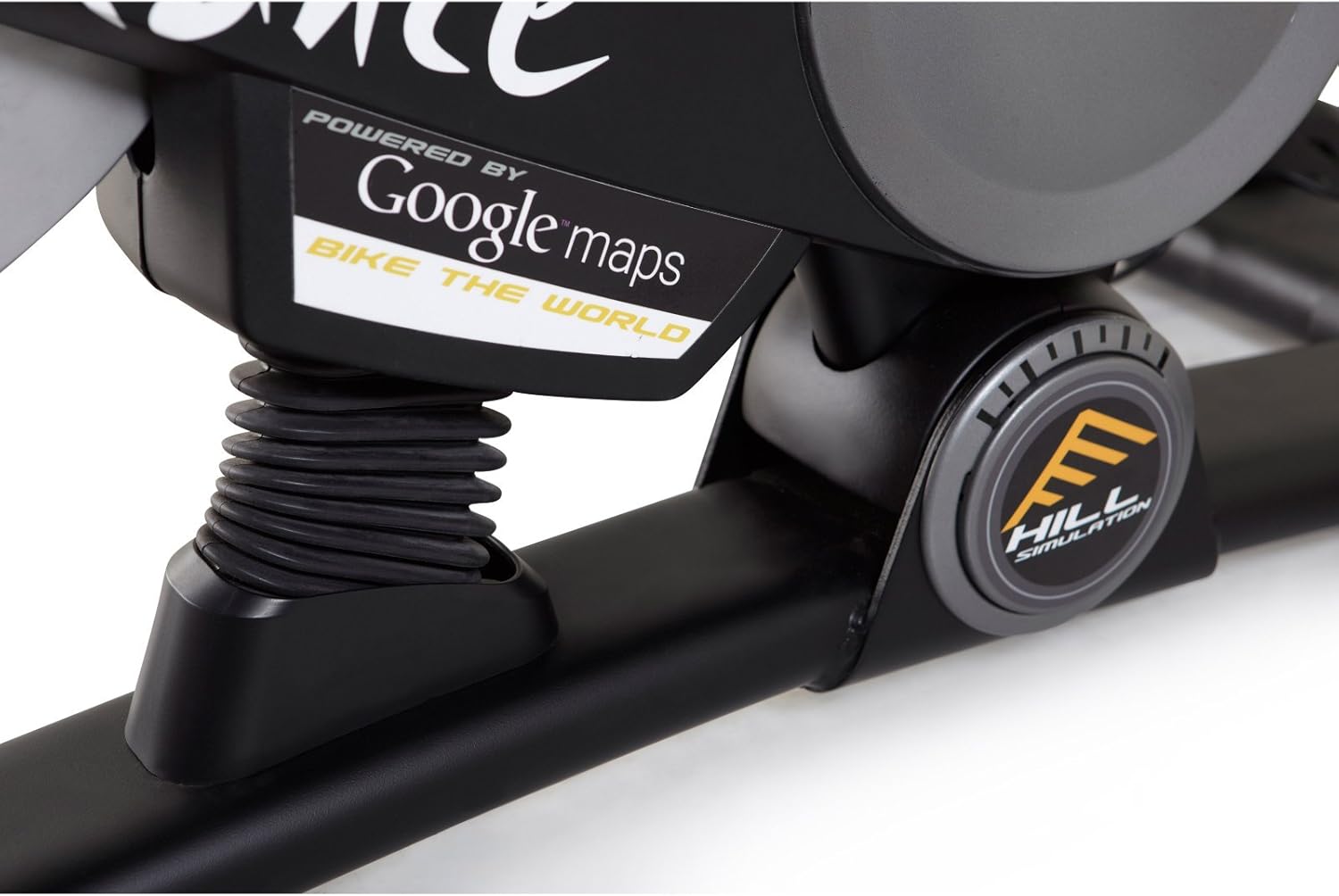
Nọmba 3.3: Branding indicating "Powered by Google Maps" on the exercise bike's frame. This highlights the bike's integration with iFit for virtual routes.
4. Itọju
Itọju deedee n ṣe idaniloju pe gigun ati iṣẹ ṣiṣe to dara julọ ti keke adaṣe rẹ.
- Ninu: Pa kẹkẹ kuro lẹhin lilo kọọkan pẹlu ipolowoamp aṣọ láti mú òógùn àti eruku kúrò. Yẹra fún àwọn ohun ìfọmọ́ tí a fi ń pa ara.
- Ayewo: Periodically check all bolts and nuts for tightness. Tighten any loose fasteners.
- Lubrication: No lubrication is required for the magnetic resistance system.
- Ibi ipamọ: Store the bike in a dry, cool environment away from direct sunlight and moisture.
5. Laasigbotitusita
| Isoro | Owun to le Fa | Ojutu |
|---|---|---|
| Kọnsolù kò ṣiṣẹ́ | Awọn batiri ti ku tabi ti fi sori ẹrọ ti ko tọ. | Rọpo awọn batiri tabi rii daju polarity ti o pe. |
| Iduroṣinṣin lakoko lilo | Stabilizer feet not adjusted or loose bolts. | Ṣe àtúnṣe sí àwọn ẹsẹ̀ tí ń yípadà lórí àwọn ohun èlò ìdádúró. Di gbogbo àwọn bulọ́ọ̀tì ìṣọ̀kan mú. |
| Resistance ko yi pada | Console connection issue or internal fault. | Check console cables. If problem persists, contact customer support. |
| Pedals making noise | Loose pedals or crank arms. | Ensure pedals are tightly screwed into crank arms. |
6. Awọn pato
| Ẹya ara ẹrọ | Ẹ̀kúnrẹ́rẹ́ |
|---|---|
| Nọmba awoṣe | PFEX01215 |
| Awọn iwọn (L x W x H) | 136.4 cm x 62.7 cm x 135.1 cm (53.7 ni x 24.7 ni x 53.2 in) |
| Apejọ Ọja iwuwo | 54.4 kg (120 lbs) |
| O pọju User iwuwo | 113.4 kg (250 lbs) |
| Resistance Mechanism | Magnetic (SMR™ Silent Magnetic Resistance) |
| Ifihan Iru | LCD |
| Orisun agbara | Agbara Batiri |
| Pataki Awọn ẹya ara ẹrọ | Adjustable Seat, iFit Compatible, Google Maps Integration |
7. atilẹyin ọja Information
ProForm products are manufactured with high-quality materials and craftsmanship. For specific warranty details regarding your ProForm Le Tour De France Upright Exercise Bike, please refer to the warranty card included with your purchase or visit the official ProForm webojula. Jeki ẹri rira rẹ fun awọn iṣeduro atilẹyin ọja.
8. Onibara Support
If you have questions, require assistance with assembly, or need to troubleshoot an issue not covered in this manual, please contact ProForm customer support.
- Atilẹyin Ayelujara: Ṣabẹwo si osise naa Atilẹyin ProForm Webojula.
- Atilẹyin foonu: Refer to your product registration card or the ProForm webAaye fun agbegbe awọn nọmba olubasọrọ.
Ask a question about this manual
Ask about setup, troubleshooting, compatibility, parts, safety, or missing instructions. Manuals+ will review the question and use this page’s manual context to help answer it.