
1. Ifihan
O ṣeun fun riraasing the FIFINE K669 USB Condenser Microphone. This microphone is designed for high-quality audio capture with a simple plug-and-play setup, making it ideal for various applications including gaming, streaming, online calls, and home recording. Its durable metal construction and compact design ensure reliability and portability. Please read this manual carefully to ensure proper use and optimal performance.
2. Package Awọn akoonu
Daju pe gbogbo awọn nkan ti a ṣe akojọ rẹ si isalẹ wa ninu package rẹ:
- FIFINE K669 USB Condenser Microphone
- Iduro Tripod Foldable
- USB Cable (1.8m, integrated)
- Itọsọna olumulo

Image: All components included with the FIFINE K669 USB Condenser Microphone, showing the microphone, tripod stand, and integrated USB cable.
3. Awọn ilana iṣeto
- Pàdé Iduro Tripod: Unfold the legs of the included tripod stand and place it on a stable, flat surface.
- So Gbohungbohun naa: Screw the microphone onto the tripod stand. Ensure it is securely fastened. The microphone's angle can be adjusted up to 180 degrees for optimal positioning.
- Sopọ si Ẹrọ Rẹ: Plug the USB cable directly into an available USB port on your computer (Windows/Mac) or PlayStation console (PS4/PS5). The device will automatically recognize the microphone without requiring additional drivers.
- Yan gẹgẹbi Ẹrọ Agbewọle: After connecting, go to your device's sound settings and select the FIFINE K669 as your default audio input device.

Image: The FIFINE K669 microphone mounted on its tripod, illustrating the 180-degree adjustable angle for flexible positioning.
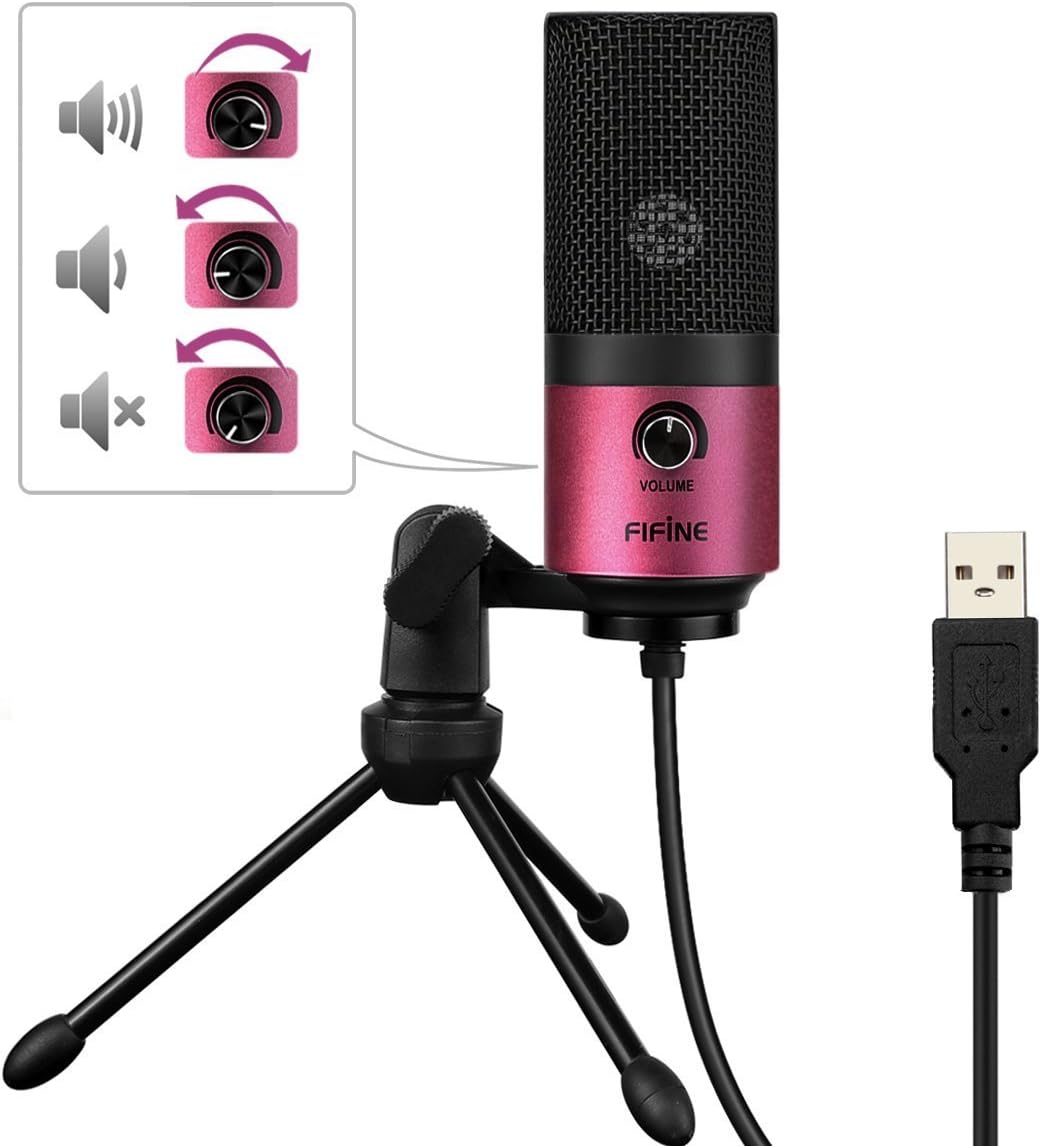
Image: A close-up of the FIFINE K669 microphone's USB cable being plugged into a laptop, demonstrating the plug-and-play connection.
Fidio: A kukuru ṣaajuview demonstrating the setup and key features of the FIFINE K669 microphone, including its plug-and-play functionality and volume control.
4. Awọn ilana Iṣiṣẹ
- Iṣakoso iwọn didun: The microphone features a volume knob on its body. Rotate the knob clockwise to increase the input volume and counter-clockwise to decrease it.
- Optimal Placement (Cardioid Pattern): The K669 utilizes a cardioid polar pattern, meaning it primarily picks up sound from the front. For best results, position the microphone directly in front of the sound source (e.g., your mouth) within a 30cm range. This helps to minimize background noise and capture clear audio.
Image: The volume control knob on the front of the FIFINE K669 microphone, indicating its function for adjusting audio input levels.

Image: A polar pattern diagram illustrating the cardioid pickup pattern of the FIFINE K669 microphone, highlighting its sensitivity to sounds directly in front (approximately 130-degree range).
5. Awọn ẹya ara ẹrọ
- Ikole Irin ti o tọ: Both the microphone body and stand are made from a robust alloy, providing excellent durability and stability.
- High Sensitivity & Noise Reduction: Equipped with special noise suppression technology and a cardioid pickup pattern, the microphone effectively reduces ambient noise and white noise, capturing clear and faithful sound from up to 30cm away.
- Pulọọgi & Mu Asopọmọra ṣiṣẹ: Connects easily via a single USB cable to PC, Mac, PS4, or PS5 without the need for complex driver installations.
- Apẹrẹ to gbe: The included foldable tripod stand allows for easy storage and transport, making the microphone convenient for use anywhere.
- Ibamu gbooro: Suitable for a broad range of applications including gaming, Skype calls, web conferences, live streaming, YouTube video creation, home recording, narration, and game commentary.

Image: A person using the FIFINE K669 microphone with a laptop during an online video call, demonstrating its use for communication.
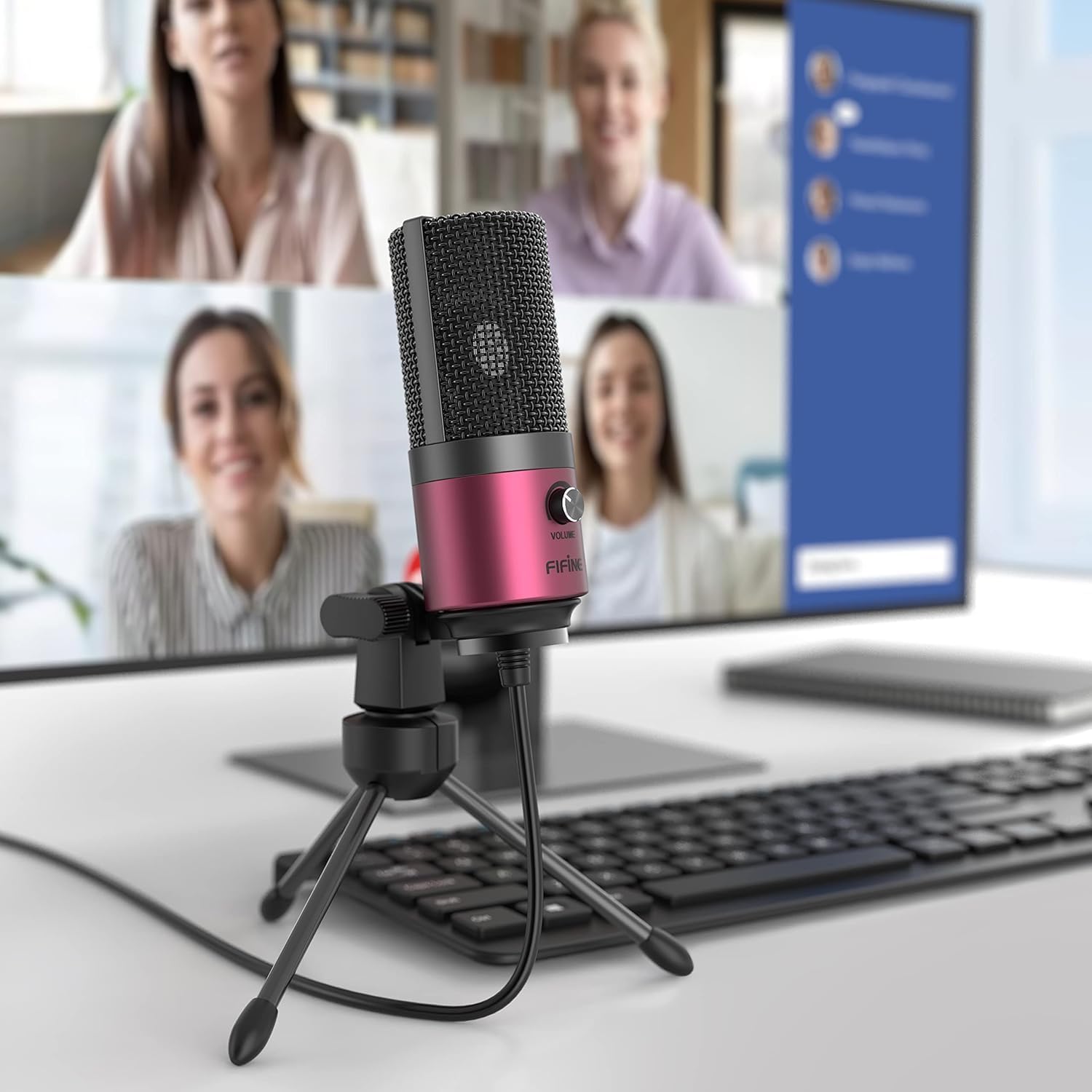
Image: The FIFINE K669 microphone positioned on a desk in front of a computer monitor displaying a video conference, highlighting its suitability for professional and casual online meetings.
6. Awọn pato
| Ẹya ara ẹrọ | Apejuwe |
|---|---|
| Brand | FIFINE |
| Nọmba awoṣe | K669 |
| Asopọmọra Technology | USB |
| Asopọmọra Iru | USB Iru-A |
| Pataki Awọn ẹya ara ẹrọ | Duro, Iṣakoso iwọn didun |
| Awọn ẹrọ ibaramu | Game Console, Laptop, PC |
| Àwọ̀ | Pink |
| Awọn irinše to wa | Okun USB, Itọsọna olumulo |
| Pola Àpẹẹrẹ | Alaiṣedeede (Cardioid) |
| Gbohungbo Fọọmù ifosiwewe | Pin Gbohungbo |
| Agbara Iru | Okun Itanna |
| Iwọn ifihan agbara-si-Ariwo (S/N) | 78 dB |
| Hardware Platform | Game Console, Desktop PC, Laptop |
| Idahun Igbohunsafẹfẹ | 20 Hz - 20 kHz |
| Ohun elo | Irin |
| UPC | 712383826909 |
7. Laasigbotitusita
- A ko mọ Gbohungbohun:
- Rí i dájú pé okùn USB náà so mọ́ gbohungbohun àti ẹ̀rọ rẹ dáadáa.
- Try a different USB port on your computer or console.
- Tun kọmputa rẹ tabi console bẹrẹ.
- Check your device's sound settings to ensure the FIFINE K669 is selected as the input device.
- Iwọn kekere tabi Ko si Ohun:
- Adjust the volume knob on the microphone itself.
- Increase the input volume level in your device's sound settings.
- Rí i dájú pé gbohùngbohùn náà wà ní ipò tó tọ́, kí o sì dojúkọ orísun ohùn náà tààrà.
- Check if any other applications are muting or lowering the microphone input.
- Ariwo abẹlẹ:
- The K669 has a cardioid pattern; ensure you are speaking directly into the front of the microphone.
- Minimize ambient noise in your environment (e.g., close windows, turn off fans).
- Adjust microphone sensitivity in your device's sound settings if necessary.
8. Atilẹyin ọja ati Support
The FIFINE K669 USB Condenser Microphone comes with a 1-odun olupese ká atilẹyin ọja.
For further assistance, technical support, or warranty claims, please contact FIFINE customer service. You can typically find contact information on the official FIFINE webaaye tabi nipasẹ alagbata ti o ti ra ọja naa.
When contacting support, please have your product model (K669) and proof of purchase readily available.