
1. Ifihan ati Loriview
Thank you for choosing the NuWave Pro Precision Induction Cooktop, Model 30301. This advanced countertop burner utilizes induction technology to provide efficient, precise, and safe cooking. Its portable design and accurate temperature control make it an ideal addition to any kitchen, offering a superior cooking experience compared to traditional electric or gas ranges.
This manual provides detailed instructions for the safe and effective use of your NuWave Pro Precision Induction Cooktop. Please read it thoroughly before first use and retain it for future reference.
2. Alaye Aabo pataki
IKILO: Lati dinku eewu ina, mọnamọna, tabi ipalara, ka ati loye gbogbo awọn ilana ṣaaju lilo ohun elo yii.
- Always place the cooktop on a stable, level, heat-resistant surface.
- Rii daju pe fentilesonu to peye ni ayika ẹyọ naa. Maṣe dina awọn atẹgun atẹgun.
- Ma ṣe fi ibi idana ounjẹ sinu omi tabi omi miiran.
- Lo awọn ohun elo ounjẹ ti o ni ibamu pẹlu ifabọ nikan. Awọn ohun elo ounjẹ ti ko ni ibamu kii yoo gbona.
- The cooking surface can remain hot even after cooking. Allow it to cool completely before cleaning or storing.
- Jeki kuro ni arọwọto awọn ọmọde ati awọn ohun ọsin.
- Ma ṣe ṣiṣẹ ti okun tabi plug ba bajẹ.
- Individuals with pacemakers or similar medical devices should consult their doctor before using an induction cooktop due to potential electromagnetic interference.
3. Awọn ẹya Ọja
- Precision Induction Technology: Heats cookware directly, minimizing heat loss and maximizing energy efficiency.
- Iṣakoso iwọn otutu deede: Offers precise temperature settings for consistent cooking results.
- Apẹrẹ to gbe: Compact and lightweight, making it easy to move and store.
- Ilẹ̀ tí ó tọ́jú: Features a shatter-proof ceramic glass cooking surface.
- Wat pupọtage Eto: Adjustable power levels for various cooking needs.
- Awọn ẹya Aabo: Automatic shut-off, pan detection, and overheat protection.
4. Irinše ati idari
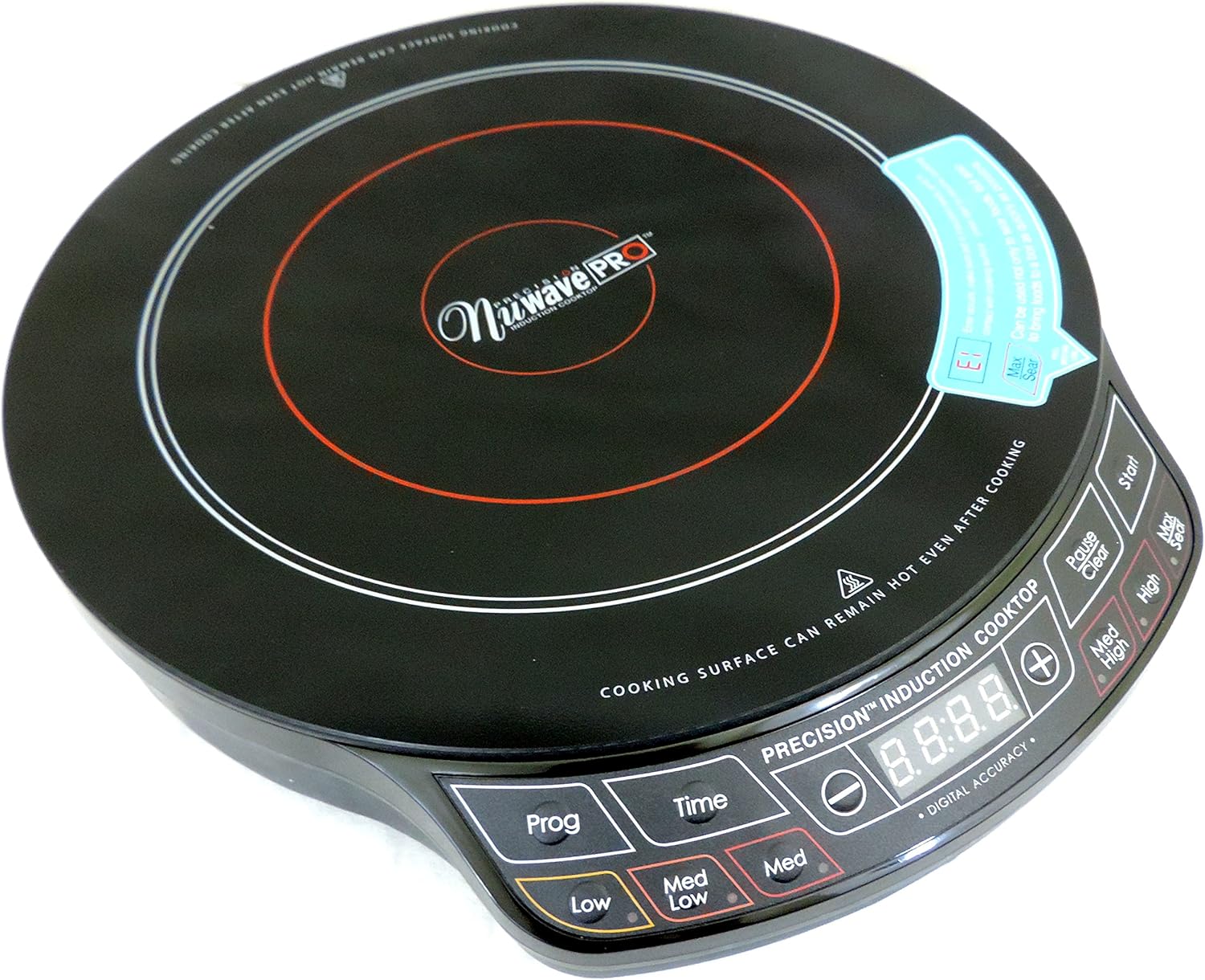
olusin 4.1: Top-isalẹ view of the NuWave Pro Precision Induction Cooktop, highlighting the cooking zone and digital control panel.
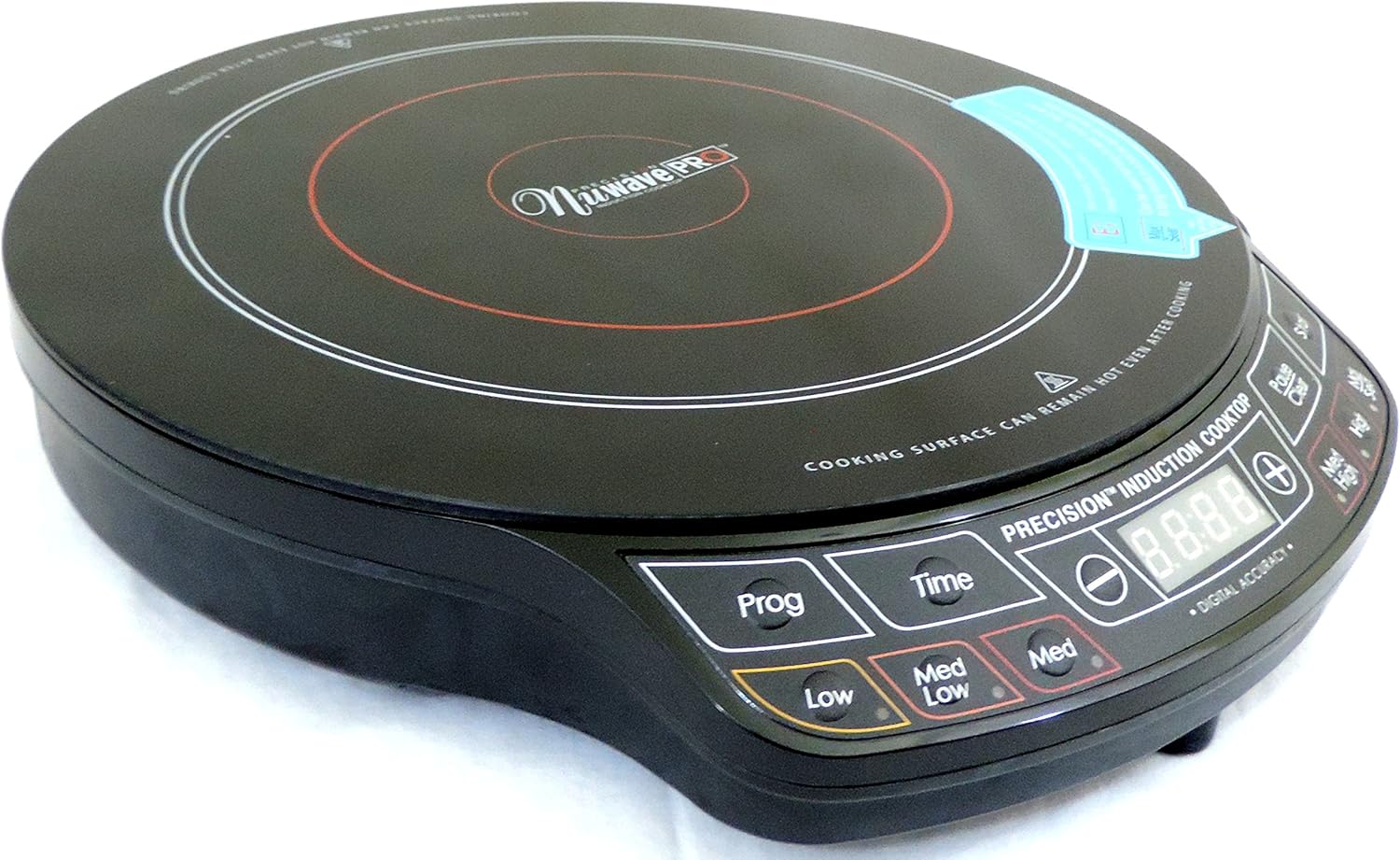
olusin 4.2: Angled view of the NuWave Pro Precision Induction Cooktop, providing a clearer look at the unit's compact design and the layout of the control buttons.
Ibi iwaju alabujutoview:
- Ifihan Digital: Shows temperature, time, and error codes.
- Prog (Program): Used to access and set pre-programmed cooking functions.
- Àkókò: Activates and adjusts the cooking timer.
- Low / Med Low / Med / Med High / High / Sear: Pre-set temperature/power level buttons for quick selection.
- +/- Awọn bọtini: Adjust temperature or time settings incrementally.
- Bẹrẹ: Begins the cooking process.
- Pause / Clear: Pauses cooking or clears current settings.
5. Eto
- Ṣii silẹ: Carefully remove the cooktop and all packaging materials from the box. Retain packaging for storage or future transport.
- Ibi: Place the cooktop on a dry, flat, stable, and heat-resistant surface. Ensure there is at least 4-6 inches of clear space around all sides for proper ventilation. Do not place on metal surfaces.
- Asopọ agbara: Pulọọgi okun agbara sinu iṣan itanna 120V AC boṣewa.
- Ibamu Cookware: Ensure your cookware is induction-compatible. This typically includes cast iron, enameled iron, and stainless steel with a magnetic bottom. A simple test is to place a magnet on the bottom of your pot or pan; if it sticks, it's compatible.
6. Awọn ilana Iṣiṣẹ
Isẹ ipilẹ:
- Place induction-compatible cookware (with contents) centrally on the cooking surface.
- Tẹ awọn Bẹrẹ button to turn on the unit. The digital display will illuminate.
- Select your desired cooking temperature or power level using the pre-set buttons (Low, Med Low, Med, Med High, High, Sear) or use the +/- buttons for precise adjustments.
- To set a cooking time, press the Akoko bọtini, lẹhinna lo awọn +/- buttons to adjust the duration. Press Bẹrẹ again to confirm and begin cooking.
- To pause cooking, press SinmiLáti bẹ̀rẹ̀ iṣẹ́, tẹ Bẹrẹ.
- To clear settings or turn off the unit, press and hold the Pause / Clear bọtini.
Using Pre-Programmed Settings (Prog):
Awọn Pirogi button allows access to various pre-programmed cooking functions. Refer to the included recipe book or NuWave's official website for specific details on these programs and their usage.
Note: Always ensure the cooktop is clean and dry before use. Do not operate without cookware on the surface.
7. Itọju ati Cleaning
CAUTION: Always unplug the cooktop and allow it to cool completely before cleaning.
- Isọ Oju Ilẹ mọ: Pa dada gilasi seramiki nu pẹlu ipolowoamp cloth and mild detergent. For stubborn stains, use a non-abrasive cleaner specifically designed for glass cooktops. Dry thoroughly with a soft cloth.
- Ibi iwaju alabujuto: Pa nronu iṣakoso nu pẹlu asọ, damp cloth. Do not use abrasive cleaners or immerse the unit.
- Awọn isanwo: Periodically check the air intake and exhaust vents for dust or debris. Use a soft brush or vacuum cleaner to gently clear any blockages.
- Ibi ipamọ: Tọju ibi idana ounjẹ ni itura, aye gbigbẹ nigbati o ko ba lo.
8. Laasigbotitusita
| Isoro | Owun to le Fa | Ojutu |
|---|---|---|
| Cooktop ko ni tan. | Ko edidi ni; agbara otage; aṣiṣe iṣan. | Ensure unit is securely plugged into a working outlet. Check circuit breaker. |
| Cookware ko alapapo. | Cookware is not induction-compatible; cookware is too small or not centered; no cookware detected. | Use induction-compatible cookware. Ensure cookware is centered and covers a sufficient portion of the cooking zone. |
| Unit ku ni pipa airotẹlẹ. | Overheat protection activated; pan removed; internal error. | Allow unit to cool down. Ensure proper ventilation. Replace pan if removed. If problem persists, contact customer support. |
| Temperature control seems inaccurate. | Variations in cookware material/thickness; user expectation. | Induction cooktops heat very rapidly. Adjust settings gradually. Ensure cookware is flat-bottomed. |
| Unit does not shut off with button. | Button not held long enough; temporary software glitch. | Tẹ mọlẹ Pause / Clear button for a few seconds. If unresponsive, unplug the unit from the wall for 30 seconds, then plug back in. |
9. Awọn pato
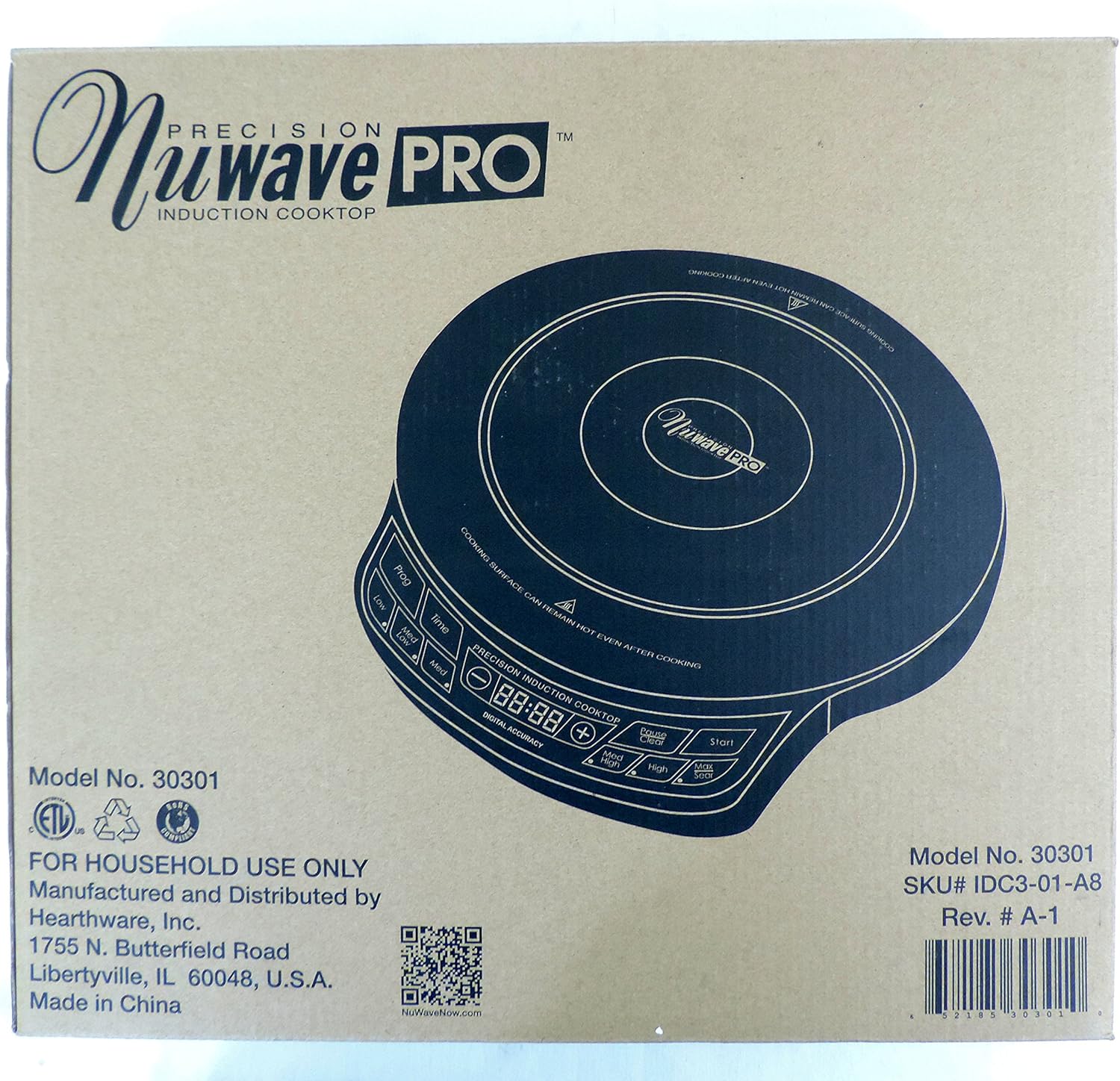
Figure 9.1: Product packaging displaying key model information and manufacturer details.
| Iwa | Ẹ̀kúnrẹ́rẹ́ |
|---|---|
| Nọmba awoṣe | 30301 |
| Brand | Nuwave |
| Àwọ̀ | Dudu |
| Alapapo eroja | 1 |
| Awọn iṣakoso Iru | Titari Bọtini |
| Burner Iru | Induction |
| Awọn irinše to wa | Cooking Pot (as per product data, though not explicitly shown in images) |
| Orisun agbara | Induction (Electrical) |
| UPC | 652185303010 |
| Package Mefa | 15.94 x 14.41 x 3.66 inches |
| Iwọn Nkan | 6.76 iwon |
| Ọjọ Akọkọ Wa | Oṣu Kẹta Ọjọ 1, Ọdun 2017 |
10. Atilẹyin ọja ati Support
Your NuWave Pro Precision Induction Cooktop is designed for durability and performance. While specific warranty details are not provided in this manual, Nuwave typically offers a limited warranty on its products. Please refer to the warranty card included with your purchase or visit the official Nuwave webojula fun awọn julọ lọwọlọwọ atilẹyin ọja alaye.
For customer support, service inquiries, or to register your product, please visit the official Nuwave website or contact their customer service department:
- Osise Webojula: www.nuwavenow.com
- Ilana Pada: Products purchased from authorized sellers typically have a 30-day return policy. Please check with your retailer for specific return terms.