
Ọja Pariview
The Ultimate Ears WONDERBOOM is a compact, portable, and waterproof Bluetooth speaker designed to deliver surprisingly serious sound. Its robust design makes it ideal for outdoor adventures, poolside parties, or even use in the shower. With 360-degree sound and impressive battery life, the WONDERBOOM ensures your music is always with you.
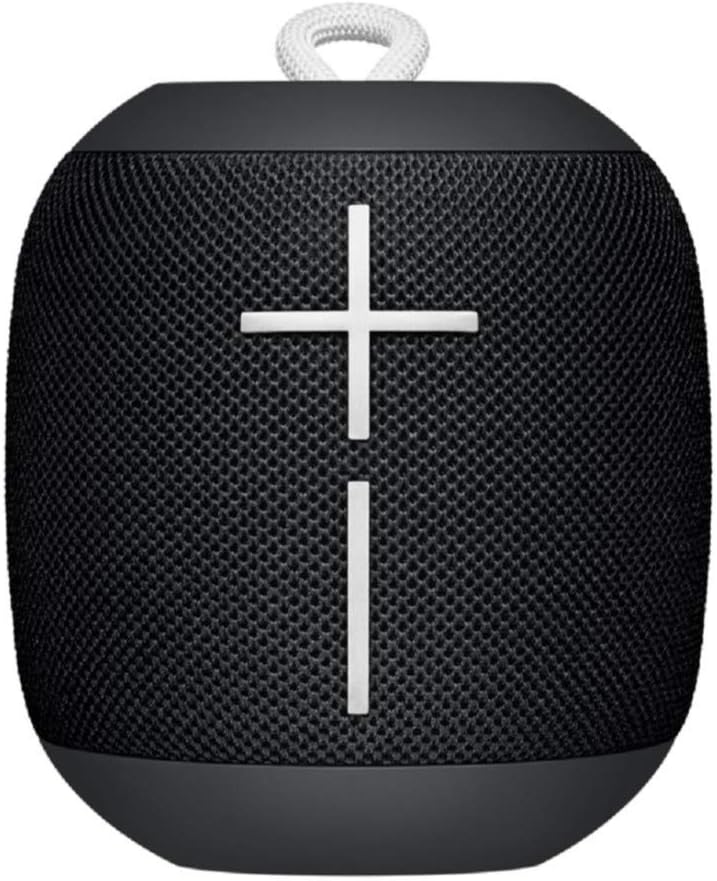
Aworan: Iwaju view of the Ultimate Ears WONDERBOOM speaker in Phantom Black, showcasing its compact, cylindrical design with large volume controls.
Ohun ti o wa ninu Apoti
- Ultimate Ears WONDERBOOM Speaker
- Okun Ngba agbara USB
- Awọn ọna Bẹrẹ User Itọsọna
Ṣeto
1. Agbara Lori
Press the power button located on the top of the speaker. A sound will indicate that the speaker is powered on and ready for pairing.
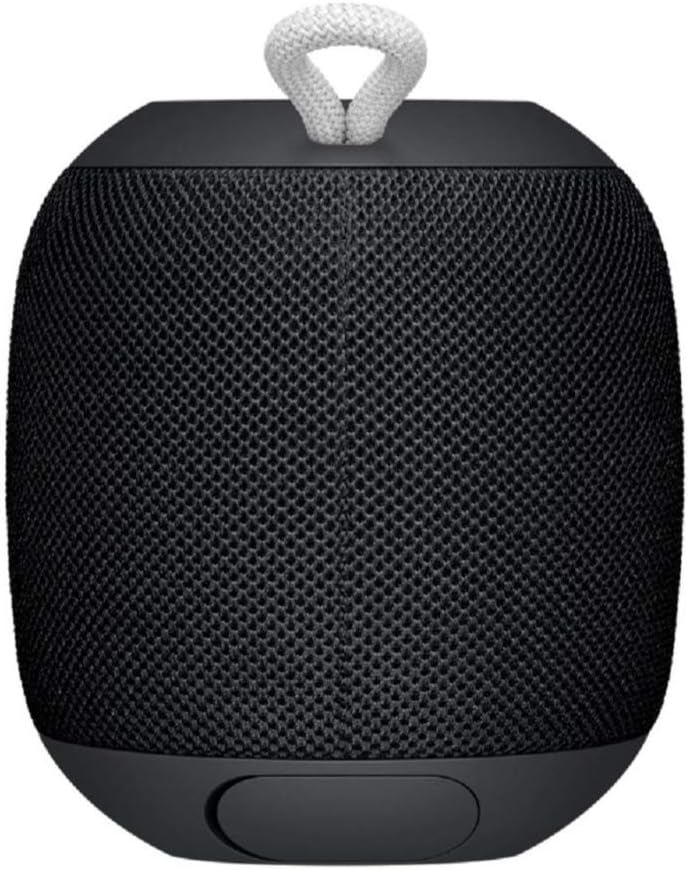
Image: Close-up of the top surface of the WONDERBOOM speaker, highlighting the power button and the Ultimate Ears logo.
2. Sisopọ Bluetooth
- Turn on your WONDERBOOM speaker.
- Lori ẹrọ alagbeka rẹ, lilö kiri si awọn eto Bluetooth.
- Select 'WONDERBOOM' from the list of available devices to pair.
- Once paired, the speaker will emit a confirmation sound.
Awọn ilana Iṣiṣẹ
Awọn iṣakoso ipilẹ
- Ṣiṣẹ/Daduro: Press the UE logo button on the top of the speaker once.
- Foo orin: Double-tap the UE logo button to skip to the next track.
- Iṣakoso iwọn didun: Use the large '+' and '-' buttons on the front of the speaker to adjust the volume.

Aworan: Iwaju view of the WONDERBOOM speaker, clearly showing the prominent '+' and '-' buttons for volume control.
Double Up (Pairing Two WONDERBOOMs)
For a louder and more immersive audio experience, you can wirelessly pair two WONDERBOOM speakers together.
- Ensure both WONDERBOOM speakers are powered on.
- On one speaker, press and hold the UE logo button on the top until you hear a confirmation tone.
- Tun ilana naa ṣe lori agbọrọsọ keji.
- Both speakers will now play audio from the same source, creating a stereo sound.

Image: Two individuals interacting with two WONDERBOOM speakers, demonstrating the 'Double Up' pairing feature for enhanced sound.
Waterproof Features
The WONDERBOOM is IPX7 rated, meaning it can be immersed in water up to 1 meter (3.3 feet) for up to 30 minutes. It is designed to float, making it perfect for use around pools, beaches, or in the shower.
Video: An official product video demonstrating the Ultimate Ears WONDERBOOM's waterproof capabilities and robust design.
batiri Life & Ngba agbara
The WONDERBOOM offers up to 10 hours of continuous playback on a single charge. When the battery is low, the speaker will indicate this with an audible alert.
Gbigba agbara
To charge your WONDERBOOM, open the weather door at the bottom of the speaker and connect the included USB charging cable to a power source. A full charge takes approximately 2.8 hours.
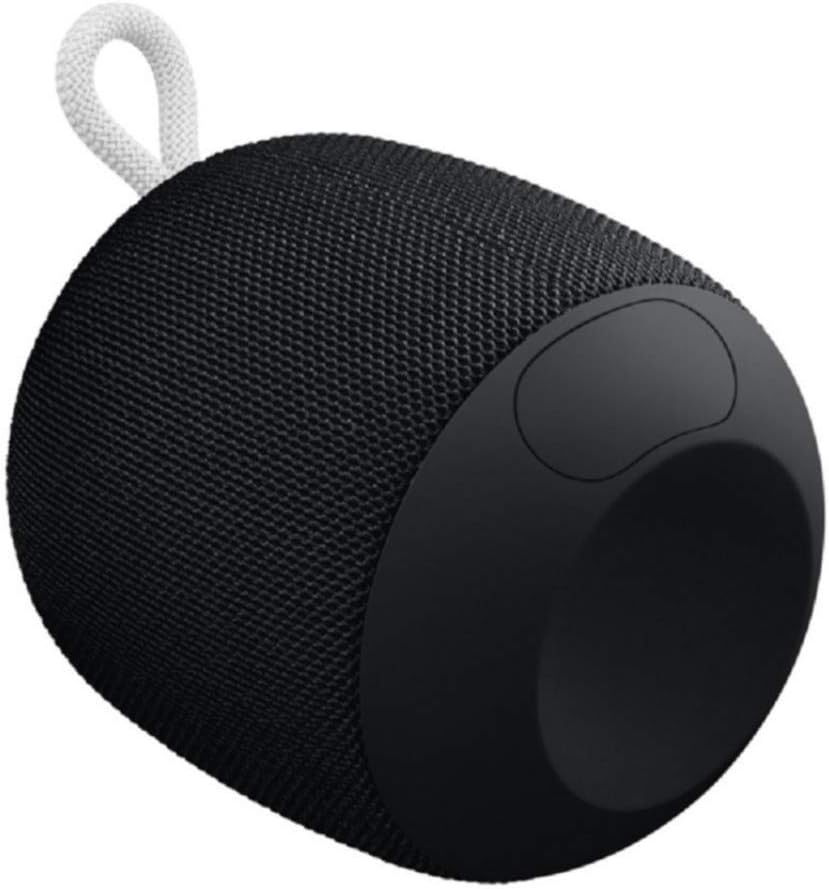
Image: The underside of the WONDERBOOM speaker, showing the protective flap covering the charging port in an open position.
Awọn pato
| Ẹya ara ẹrọ | Apejuwe |
|---|---|
| Orukọ awoṣe | Iyanu |
| Agbọrọsọ Iru | Ita gbangba |
| Pataki Awọn ẹya ara ẹrọ | Stereo pairing, Portable |
| Igbesi aye batiri | Titi di awọn wakati 10 |
| Omi Resistance | IPX7 (Waterproof up to 1m for 30 mins) |
| Akoko gbigba agbara | Isunmọ. Awọn wakati 2.8 |
| Alailowaya Ibiti | Titi de 100 ẹsẹ (30 mita) |
| Iwọn Nkan | 0.5 Poun (8 iwon) |
| Ọja Mefa | 4.2"D x 4.6"W x 5.3"H |
| Asopọmọra | Bluetooth |
| Olupese | Logitech |
Itoju
To ensure the longevity of your WONDERBOOM speaker, follow these maintenance guidelines:
- Ninu: Nu agbọrọsọ nu pẹlu asọ, damp asọ. Maṣe lo awọn kẹmika ti o lewu tabi awọn afọmọ abrasive.
- Ibi ipamọ: Store the speaker in a cool, dry place when not in use. Avoid prolonged exposure to extreme temperatures.
- Ibudo gbigba agbara: Ensure the charging port cover is securely closed when the speaker is not charging, especially when near water, to maintain its waterproof integrity.
Laasigbotitusita
If you encounter issues with your WONDERBOOM speaker, try the following solutions:
- Ko si Agbara: Ensure the speaker is fully charged. Connect it to a power source using the provided USB cable.
- Awọn oran Asopọmọra Bluetooth:
- Rii daju pe Bluetooth ti ṣiṣẹ lori ẹrọ rẹ.
- Gbe agbọrọsọ sunmọ ẹrọ rẹ.
- Forget the speaker from your device's Bluetooth settings and re-pair.
- Tun mejeeji agbọrọsọ ati ẹrọ rẹ bẹrẹ.
- Ko si Ohun/Ohun Kekere:
- Ṣayẹwo awọn ipele iwọn didun lori mejeeji agbọrọsọ ati ẹrọ ti o sopọ.
- Ensure the speaker is not muted.
- If using 'Double Up', ensure both speakers are properly paired.
Atilẹyin ọja ati Support
The Ultimate Ears WONDERBOOM comes with a Limited Warranty. For detailed warranty information and support, please refer to the official User Guide (PDF) available for download or visit the Ultimate Ears support webojula.