
Ọja Pariview
The Lutron Maestro LED+ Dimmer Switch is engineered for reliable dimming performance across a wide range of dimmable CFLs and LEDs. It also provides full-range dimming for traditional incandescent and halogen bulbs. This advanced dimming technology ensures precise control over your lighting, enhancing comfort and energy efficiency in your home.
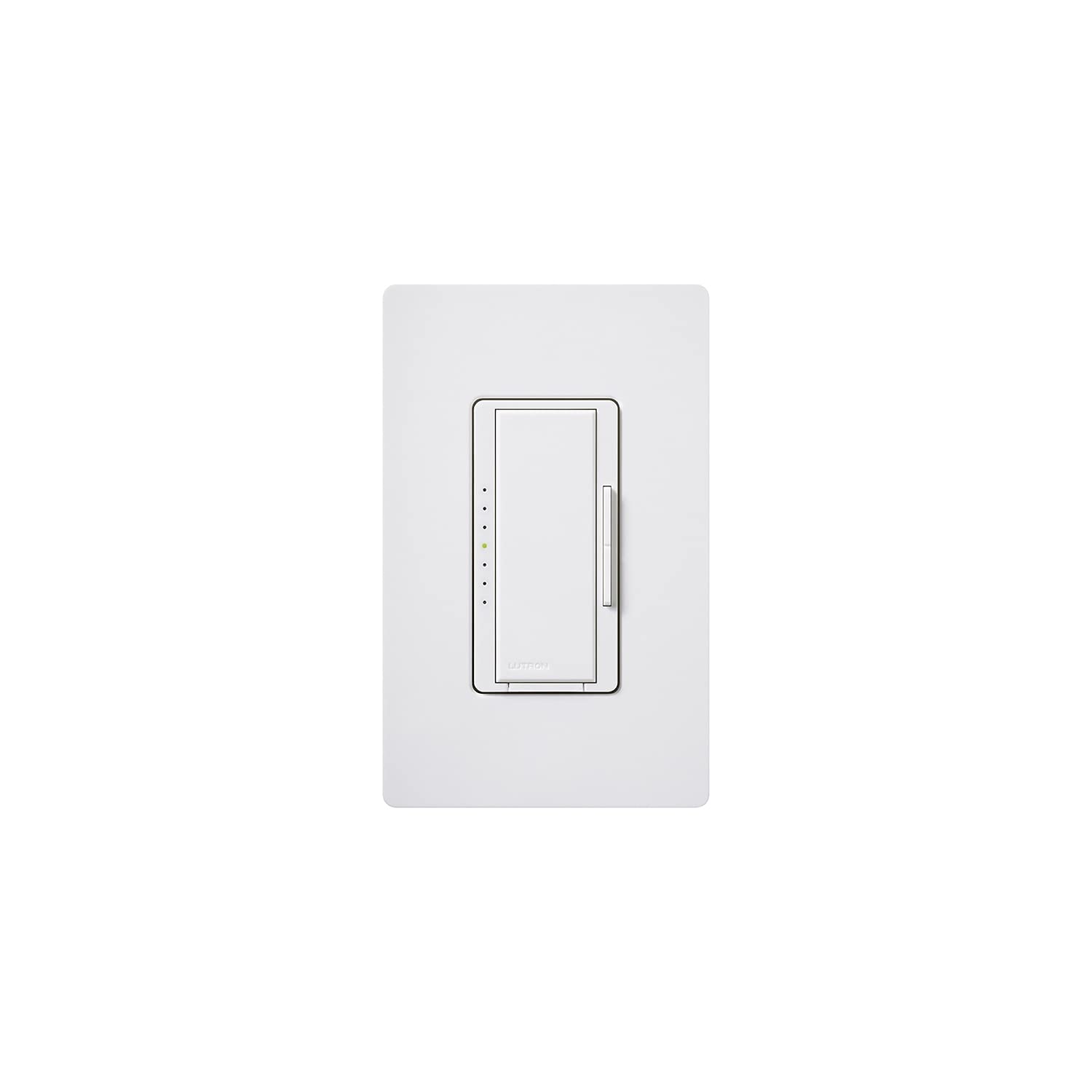
Aworan: Iwaju view of the Lutron Maestro LED+ Dimmer Switch in white, showcasing its sleek design and integrated dimmer control.
Ohun ti o wa ninu Apoti
- Lutron Maestro LED+ Dimmer Switch (MACL-153MH-WH)
- Awọn ọna fifi sori Itọsọna
Eto & Fifi sori
Aabo First
IKILO: Before attempting any electrical installation, always ensure the power is turned OFF at the circuit breaker. Use an electrical tester to confirm there is no power to the outlet to prevent electrical shock or injury.
Awọn Igbesẹ fifi sori ẹrọ
- Pa Agbara: Locate the circuit breaker controlling the light switch you intend to replace and turn off the power.
- Yọ Yipada atijọ kuro: Fi pẹ̀lẹ́pẹ̀lẹ́ yọ àwo ogiri tó wà níbẹ̀ kúrò kí o sì tú àwo ogiri àtijọ́ kúrò nínú àpótí ogiri. Jà àwọn wáyà náà kúrò nínú àwo ogiri àtijọ́.
- Verify No Power: Use an electrical tester to confirm that there is no power to any of the wires in the wall box.
- Connect New Dimmer: Connect the wires from the wall box to the new Lutron Maestro dimmer switch. Refer to the included Quick Installation Guide for specific wiring diagrams based on your electrical setup (e.g., single-pole or 3-way). Ensure all connections are secure.
- Mount Dimmer: Gently push the wired dimmer switch into the wall box and secure it with the provided screws.
- Fi Awo Odi sori ẹrọ: Attach the new wall plate over the dimmer switch.
- Pada Agbara pada: Return to the circuit breaker and restore power to the circuit.
Awọn ilana Iṣiṣẹ
The Lutron Maestro LED+ Dimmer Switch offers intuitive control over your lighting. It features a large tap switch for basic on/off functionality and a discreet rocker switch for fine-tuning brightness levels.
- Tan Awọn Imọlẹ Tan/Pa: Press the large tap switch to turn the lights on or off. When turned on, the lights will return to their previously set dimmed level.
- Ṣatunṣe Imọlẹ: Use the small rocker switch located on the side of the main tap switch. Press the top portion of the rocker to gradually increase light intensity, and the bottom portion to gradually decrease it.
- Temporary Full Brightness: To quickly bring the lights to full brightness, double-tap the large tap switch. The lights will go to 100% output.
- Return to Previous Dimmed Level (from Full Brightness): If the lights are at full brightness (e.g., after a double-tap), press and hold the large tap switch until the indicator lights flash. Then, press the large tap switch once more to return to the last set dimmed level.
- Turn Off from Full Brightness: If the lights are at full brightness, a single press of the large tap switch will turn them off.
Awọn pato
| Brand | Lutron |
| Awoṣe | MACL-153MH-WH |
| Yipada Iru | Dimmer Yipada |
| Ipo Isẹ | Paa |
| Ti isiyi Rating | 10 Amps |
| Olubasọrọ Iru | Ṣii ni deede |
| Asopọmọra Iru | dabaru TTY |
| Ebute | Dabaru |
| Ohun elo | Ṣiṣu |
| Awọn Iwọn Nkan (L x W x H) | 1 x 2 x 3 inches |
| Circuit Iru | 3-ọna |
| Iṣagbesori Iru | Ògiri Ògiri |
| Actuator Iru | Rocker |
| Nọmba ti Awọn ipo | 1 |
| Adarí Iru | Olona-Location |
| Ọna Iṣakoso | Latọna jijin |
| Ilana Asopọmọra | Wi-Fi |
| Wattage | 600.00 |
| Àwọ̀ | Funfun |
| Iwọn Nkan | 0.15 iwon |
| International Idaabobo Rating | IP54 |
| Pato sipesifikesonu | UL |
Laasigbotitusita
Awọn ọrọ ti o wọpọ & Awọn ojutu
- Lights not dimming or flickering: Ensure your light bulbs are specifically rated as dimmable CFLs or LEDs. Non-dimmable bulbs may not function correctly or may flicker. Verify the dimmer's wattage capacity matches or exceeds the total wattage of your connected bulbs.
- Dimmer not responding: Check the circuit breaker to confirm that power is supplied to the switch. Inspect all wiring connections to ensure they are secure and correctly installed according to the wiring diagram.
- Awọn imọlẹ ko tan: First, check if the light bulb is correctly installed and not burnt out. Next, verify the circuit breaker is in the ON position. Finally, inspect the wiring connections at the dimmer switch for any loose or incorrect connections.
Atilẹyin ọja & Atilẹyin
The Lutron Maestro LED+ Dimmer Switch comes with a 10-year warranty (with product registration). For detailed warranty information, technical support, or to access additional resources, please refer to the included product documentation or visit the official Lutron webojula.