
1. Ifihan
This manual provides detailed instructions for the installation, operation, and maintenance of your AVANTEK Wireless Doorbell CW-12. Please read this manual thoroughly before using the product to ensure proper function and longevity. This wireless doorbell system offers convenience and reliability for your home or office.
2. Package Awọn akoonu
Upon unpacking, please verify that all items listed below are included in your package:
- 1 × Transmitter (Doorbell Push Button)
- 2 × Plug-in Receivers (Chime Units)
- 1 × Adhesive Tape for Transmitter Mounting
- 2 × Screws for Transmitter Mounting
- 2 × Anchors for Transmitter Mounting
- 1 × Screwdriver
- 1 × Afowoyi olumulo

3. Awọn ẹya Ọja
- 1000 ft (300 m) Ultra-Long Wireless Range: Ensures you never miss a visitor, even if you are a few rooms away or on another floor.
- 52 Chimes and Melodies: Choose from a wide selection of sounds with a 1.1 inch (29 mm) stereo speaker for rich, crisp audio.
- 5 Awọn ipele Iwọn didun Atunse: Customize the sound level up to a maximum of 115 dB.
- Atọka Filaṣi LED: Provides a visual alert, useful for noisy environments or for individuals with hearing impairments.
- IP55 Dustproof and Waterproof Transmitter: Designed to withstand various harsh weather conditions, operating effectively from -4 °F to 140 °F (-20 °C to 60 °C).
- Iṣẹ Iranti: Remembers your last melody and volume level after a power outage, eliminating the need to reset settings.
- Compact Receiver Design: The mini plug-in receivers are designed not to block adjacent power sockets.
- Eto ti o le gbooro: Easily add more AVANTEK CR-1/RB-1 plug-in receivers for increased coverage.

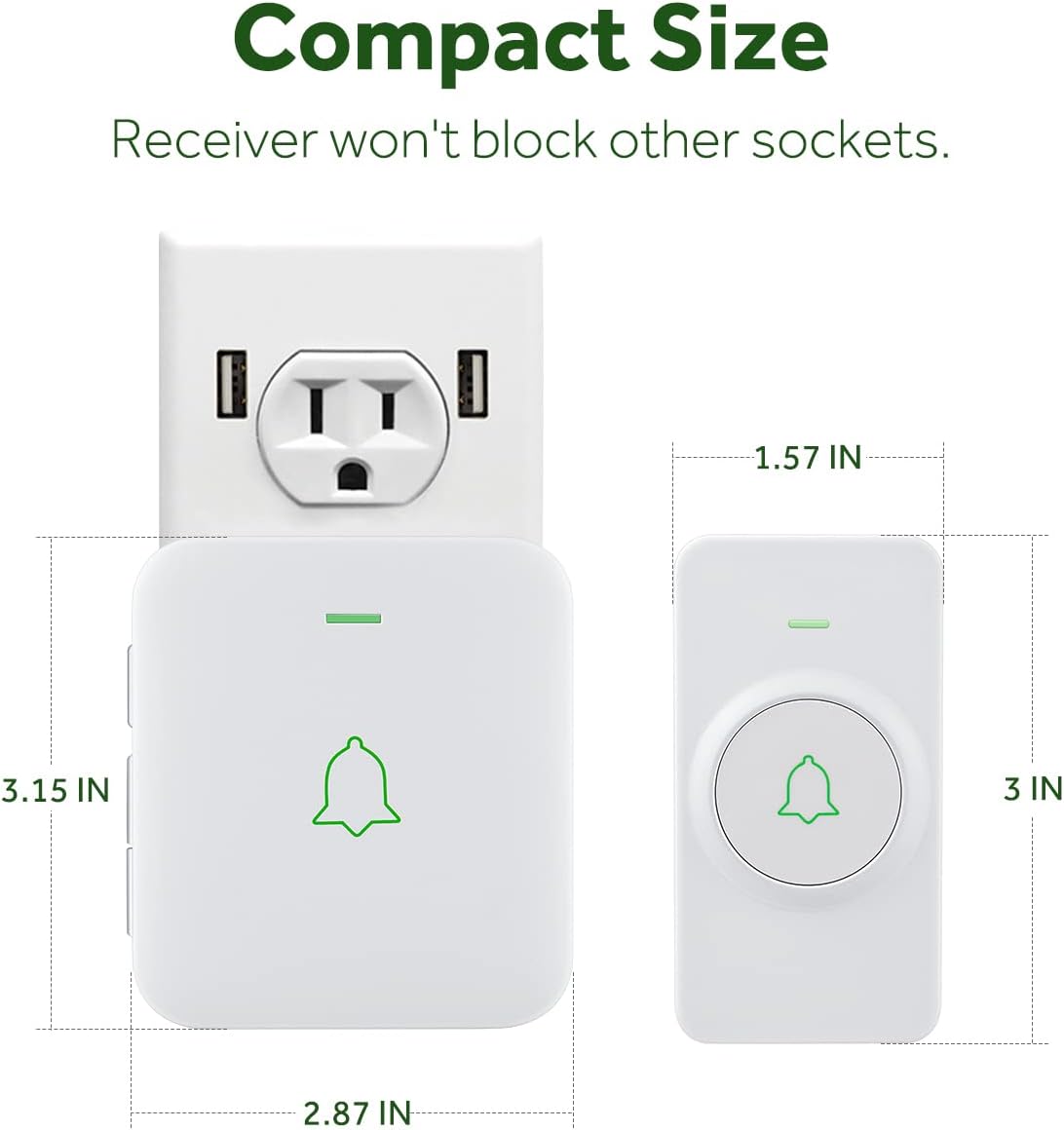
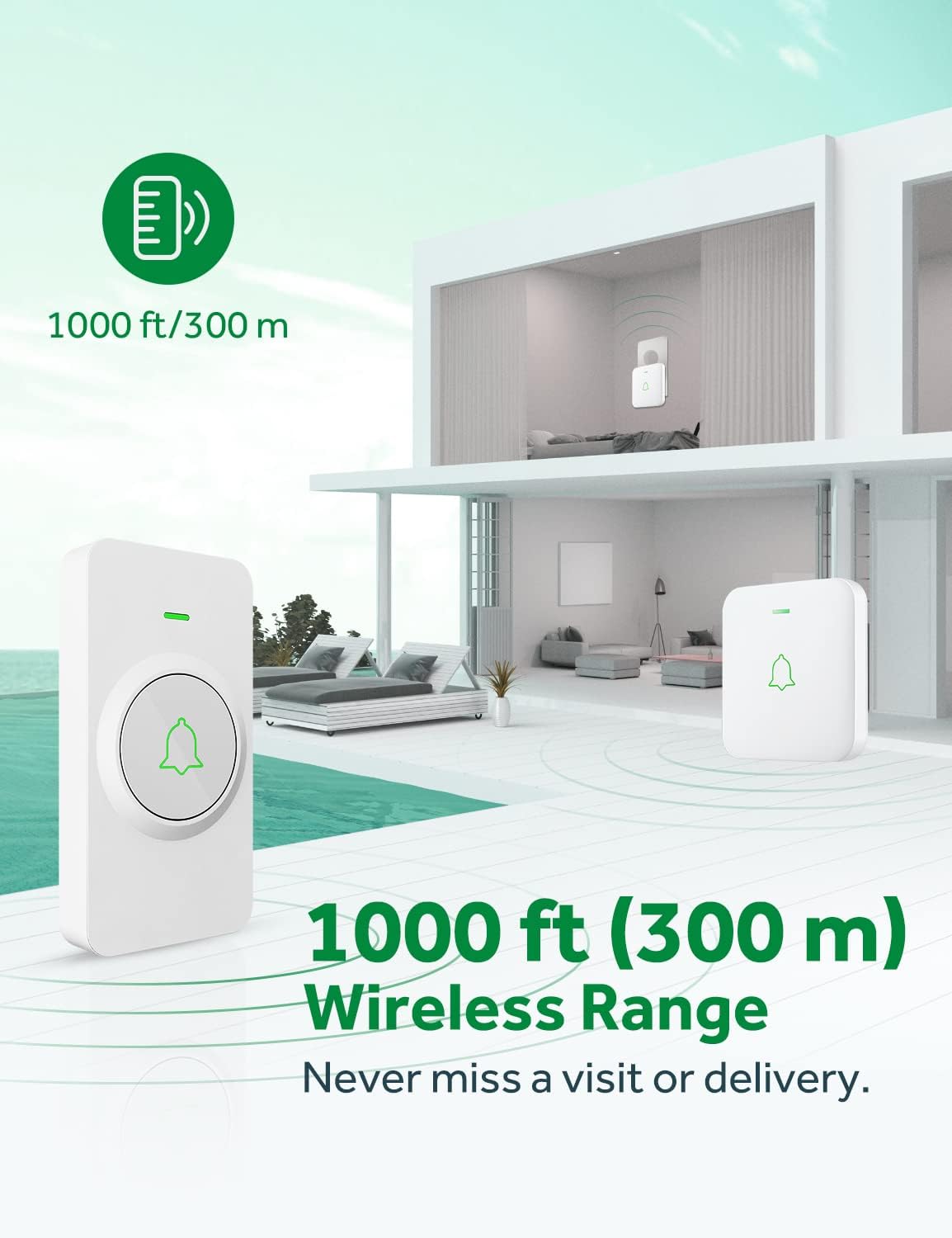

Fidio: Ipariview of the AVANTEK Mini Wireless Doorbell, showcasing Awọn ẹya ara ẹrọ ati awọn anfani rẹ.
4. Eto ati fifi sori
4.1. Eto olugba
- Plug the receiver into a standard electrical outlet. The LED on the receiver will flash, indicating it is powered on.
4.2. Transmitter Setup and Installation
The transmitter (push button) can be installed using either the adhesive tape or screws and anchors.
Ọ̀nà A: Lilo Teepu Adhesive
- Clean the desired installation area thoroughly to ensure it is free of dust and moisture.
- Remove the protective film from one side of the adhesive tape and attach it to the back of the transmitter.
- Remove the protective film from the other side of the adhesive tape.
- Tẹ atagba naa ni iduroṣinṣin si ori ilẹ ti a sọ di mimọ fun o kere ju ọgbọn-aaya 30.
Ọ̀nà B: Lilo awọn skru ati awọn ìdákọ̀ró
- Open the transmitter cover by inserting the provided key into the grooved slot and gently prying it open.
- Mark the positions for drilling holes on the wall using the back plate of the transmitter as a template.
- Lu ihò méjì ní àwọn ibi tí a sàmì sí. Fi àwọn ìdákọ́ró náà sínú àwọn ihò náà.
- Secure the back plate of the transmitter to the wall using the provided screws.
- Snap the transmitter cover back onto the secured back plate.

Video: Step-by-step instructions on how to install the AVANTEK Wireless Doorbell Transmitter.
5. Awọn ilana Iṣiṣẹ
5.1. Awọn orin aladun iyipada
To select a melody, press the 'Next' or 'Previous' button on the side of the receiver. There are 52 melodies available. Once you find your desired melody, it will be saved automatically.
5.2. Siṣàtúnṣe iwọn didun
Press the 'Volume' button on the side of the receiver to cycle through 5 adjustable volume levels. Select the volume level that best suits your needs.
5.3. Ipo ipalọlọ
To activate silent mode, repeatedly press the 'Volume' button until the volume indicator shows the lowest setting or is muted. In silent mode, the LED indicator will still flash when the doorbell is pressed, providing a visual alert without sound.
Video: Instructions on how to silence the AVANTEK wireless doorbell receiver.
5.4. Sisopọ Atagba ati olugba
Your doorbell system comes pre-paired. If you need to re-pair or add additional transmitters/receivers:
- Pulọọgi olugba sinu iho agbara kan.
- Press and hold the 'Volume' button on the receiver for 3 seconds until the LED flashes rapidly. This indicates pairing mode.
- Immediately press the push button on the transmitter. The receiver will chime once, and its LED will flash simultaneously with the transmitter's LED, indicating successful pairing.
- Repeat the process for any additional transmitters or receivers.
Video: A guide on how to pair the AVANTEK Wireless Doorbell System components.
6. Itọju
6.1. Battery Replacement (Transmitter)
The transmitter uses a CR2032 lithium battery, which typically lasts up to 3 years. To replace the battery:
- Insert the provided key or a small flat-head screwdriver into the grooved slot on the side of the transmitter.
- Gently pry open the rear cover of the transmitter.
- Fi ìṣọ́ra yọ batiri CR2032 àtijọ́ náà kúrò.
- Fi batiri CR2032 tuntun sii, ki o rii daju pe apa rere (+) kọju si oke.
- Snap the rear cover back into place until it clicks securely.
Video: Detailed steps on how to replace the battery in the AVANTEK Wireless Doorbell transmitter.
7. Laasigbotitusita
- Ko si ohun lati ọdọ olugba: Ensure the receiver is properly plugged into a working power outlet. Check the volume level and ensure it is not set to silent mode. Re-pair the transmitter and receiver if necessary.
- Transmitter Not Working: Verify the battery in the transmitter is correctly installed and has sufficient charge. Replace the CR2032 battery if needed. Ensure the transmitter is within the 1000 ft wireless range of the receiver.
- Ìjánu: Avoid installing the transmitter close to or on metal surfaces (e.g., metal door frames, metal mailboxes) as this can interfere with the wireless signal. Large metal objects or thick walls can reduce the effective range.
- Ibi kukuru: Obstacles such as thick walls, metal structures, or other wireless devices can reduce the operating range. Try relocating the receiver or transmitter to a different position.
8. Awọn pato
| Ẹya ara ẹrọ | Sipesifikesonu |
|---|---|
| Nọmba awoṣe | LD-CW-12-A |
| Alailowaya Ibiti | Titi de 1000 ẹsẹ (300 mita) |
| Awọn orin aladun | 52 |
| Awọn ipele iwọn didun | 5 (títí dé 115 dB) |
| Transmitter Waterproof Rating | IP55 |
| Awọn iwọn otutu ti nṣiṣẹ | -4°F si 140°F (-20°C si 60°C) |
| Atagba Batiri Iru | Batiri Litiumu CR2032 1 x (tí ó wà pẹ̀lú rẹ̀) |
| Apapọ batiri Life | ọdun meji 3 |
| Orisun Agbara (Olugba) | AC Plug-in |
| Ohun elo | ABS |
| Awọn iwọn Ọja (Agbarapada) | 2.8 x 0.6 x 3.1 inches |
| Iwọn Nkan | 8.1 iwon |
9. Atilẹyin ọja ati Support
AVANTEK is committed to providing high-quality products and customer satisfaction. Our wireless doorbell is approved by FCC, CE, and RoHS standards. We offer dedicated customer service and will always do our best to support you with any inquiries or issues.
For further assistance or warranty claims, please refer to the contact information provided on the AVANTEK official webojula tabi rẹ ra iwe.