
1. Ifihan
Thank you for choosing the Rocketfish RF-HTS4418 12-Outlet Power Center. This device is designed to protect your valuable electronics from power surges and spikes while providing ample power outlets and USB charging ports. Please read this manual thoroughly before using the product to ensure safe and optimal performance.
Aworan 1.1: Iwaju view of the Rocketfish 12-Outlet Power Center.
2. Alaye Aabo
Lati dinku eewu ina mọnamọna, ina, tabi ipalara, nigbagbogbo tẹle awọn iṣọra aabo ipilẹ wọnyi:
- Do not use this product near water or in excessively humid environments.
- Do not open the housing. There are no user-serviceable parts inside.
- Ensure the power center is plugged into a properly grounded outlet.
- Do not exceed the electrical ratings of the power center.
- Keep children away from the power center.
- Avoid running power cords under carpets or rugs.
3. Package Awọn akoonu
Rí i dájú pé àwọn nǹkan wọ̀nyí wà nínú àpò rẹ:
- Rocketfish RF-HTS4418 12-Outlet Power Center
- Afowoyi Olumulo (iwe-ipamọ yii)
4. Awọn ẹya Ọja
The Rocketfish RF-HTS4418 Power Center offers advanced features for comprehensive protection and convenience:
- Awọn iṣan AC 12: Pese ample awọn asopọ agbara fun ọpọ awọn ẹrọ.
- Awọn ibudo gbigba agbara USB: Conveniently charge mobile devices.
- Idaabobo iṣẹ abẹ: Protects connected equipment from power surges and spikes with a 5280-joule rating.
- EMI/RFI Noise Filter: Reduces electromagnetic and radio frequency interference for cleaner power delivery.
- Pro kekerefile Apẹrẹ: Allows for placement in limited spaces.
- Ibamu Agbaye: Suitable for computers, TVs, and various household appliances.

Image 4.1: The power center features a 5280-joule rating for robust surge protection.

Image 4.2: Detail of the 12 AC outlets and multiple USB ports.

Image 4.3: Features such as the 47dB EMI/RFI Noise Filter and low profile oniru.

Image 4.4: Universal compatibility for various electronic devices.
5. Eto
- Ibi: Position the power center in a dry, indoor location, away from heat sources and direct sunlight. Its low-profile design allows for flexible placement.
- Sopọ si Odi Odi: Plug the power center's main power cord into a standard, grounded 240V AC wall outlet.
- Awọn ẹrọ Sopọ: Plug your electronic devices into the available AC outlets. For charging mobile devices, use the USB ports.
- Coaxial/Phone Line Protection (if applicable): If your model includes coaxial or phone line protection, connect your incoming line to the 'IN' port and your device to the 'OUT' port.

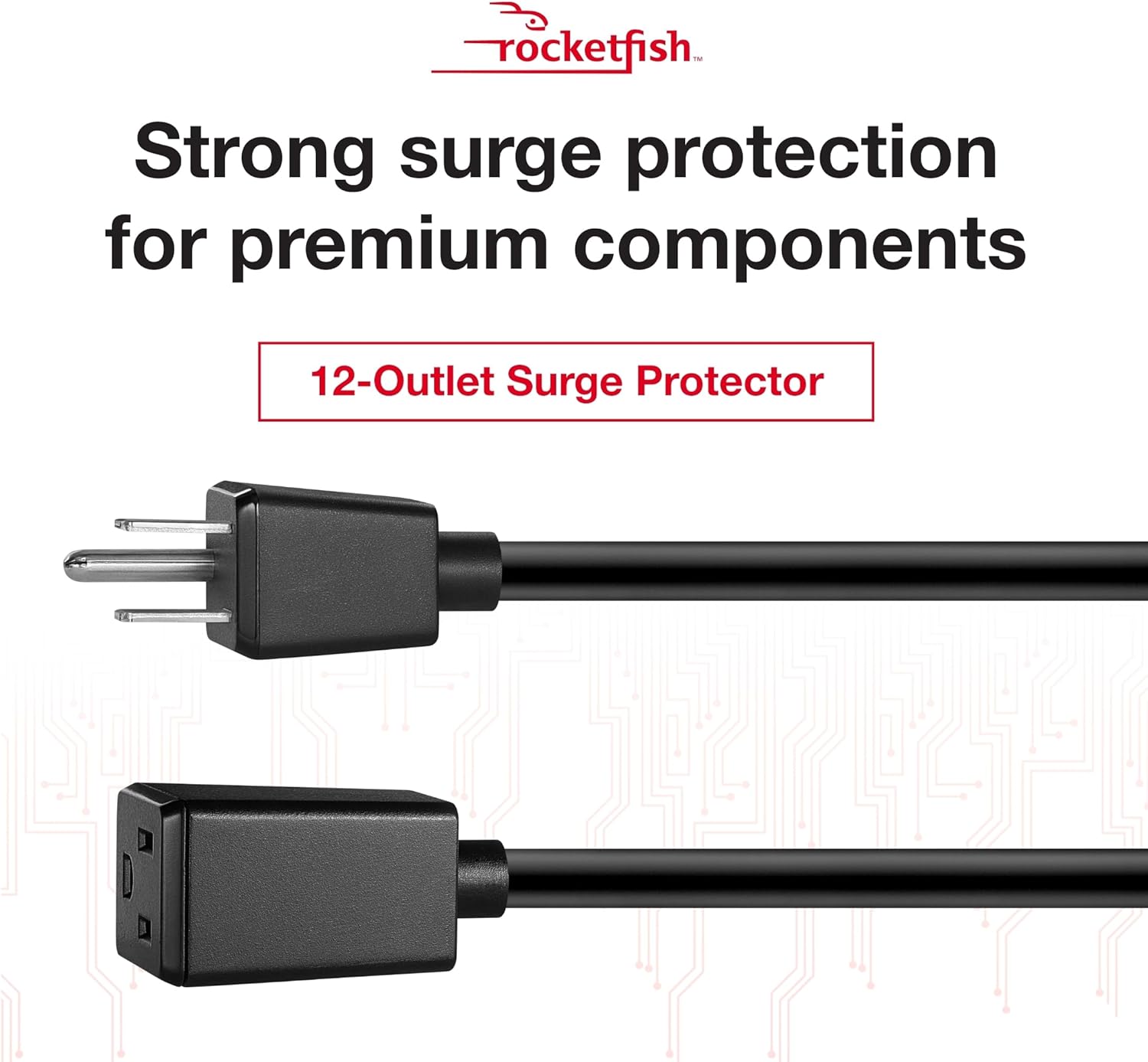
Image 5.1: The power center's main plug for connection to a wall outlet.
6. Awọn ilana Iṣiṣẹ
Once connected, the Rocketfish Power Center operates automatically to protect your devices.
- Atọka Agbara: A light on the power center indicates that it is receiving power and the surge protection is active.
- Idaabobo Apọju: In case of an overload, the circuit breaker may trip. If this happens, unplug some devices, then press the reset button (if available) to restore power.
- Ngba agbara USB: Simply connect your USB-powered devices to the USB ports for charging. The power center will automatically detect and deliver the appropriate charging current.
Fidio 6.1: Pariview of the Rocketfish Power Center's features and functionality.
Video 6.2: Demonstration of connecting devices to the power center.
7. Itọju
The Rocketfish Power Center requires minimal maintenance:
- Ninu: Unplug the power center from the wall outlet before cleaning. Use a soft, dry cloth to wipe the exterior. Do not use liquid cleaners or aerosols.
- Ayewo: Periodically inspect the power cord and the unit for any signs of damage. If damage is present, discontinue use and contact support.
8. Laasigbotitusita
| Isoro | Owun to le Fa | Ojutu |
|---|---|---|
| Ko si agbara si awọn ẹrọ ti a ti sopọ. | Power center not plugged in, wall outlet not working, circuit breaker tripped. | Ensure power center is securely plugged in. Test wall outlet with another device. Reset the power center's circuit breaker if tripped. |
| Awọn ebute oko USB ko gba agbara. | Device not compatible, cable faulty, power center not receiving power. | Check device compatibility. Try a different USB cable. Ensure the power center is powered on. |
| Ina Atọka agbara wa ni pipa. | No power to the unit, surge protection compromised. | Check wall outlet. If the indicator remains off after confirming power, the surge protection may have been sacrificed to protect your devices. The unit may still function as a power strip, but surge protection is no longer active. Replace the unit for continued surge protection. |
9. Awọn pato
- Awoṣe: RF-HTS4418
- Lapapọ Awọn iṣan agbara: 12
- Voltage: 240 Volts
- Idaabobo iṣẹ abẹ: 5280 ayokele
- Awọn ẹya pataki: Surge Protection, USB Slots, EMI/RFI Noise Filter
- Awọn iwọn ọja: 17.33 x 10.56 x 3.85 inches (44.02 x 26.82 x 9.78 cm)
- Ìwọ̀n Nkan: 6.25 poun (2.83 kg)
- Awọn lilo ti a ṣe iṣeduro: Apartment, Home Theater, Office
- Akọkọ Wa: Oṣu Kẹfa Ọjọ 13, Ọdun 2018
10. Atilẹyin ọja ati Support
Rocketfish products are designed for reliability and performance. This product includes a lifetime equipment guarantee, protecting your connected devices up to $1,000,000 against surge damage when properly connected.
For technical support, warranty claims, or further assistance, please visit the official Rocketfish webojú òpó wẹ́ẹ̀bù tàbí kí o kàn sí iṣẹ́ oníbàárà wọn. Pa ìwé ẹ̀rí ìrajà rẹ mọ́ fún ète àtìlẹ́yìn.
Atilẹyin Ayelujara: www.rocketfishproducts.com/support (Eksample ọna asopọ, jọwọ tọkasi lati gangan ọja iwe fun ti o tọ URL)