
MAZ-TEK MZ3092
MAZ-TEK Plug in Dimmable LED Night Light User Manual
Model: MZ3092 | Brand: MAZ-TEK
1. Ifihan
Thank you for choosing the MAZ-TEK Plug in Dimmable LED Night Light. This manual provides essential information for the safe and effective use of your new night light. Please read it thoroughly before installation and operation, and retain it for future reference.
Package Awọn akoonu
- LED Night Lights (4 Pack)
- Itọsọna olumulo
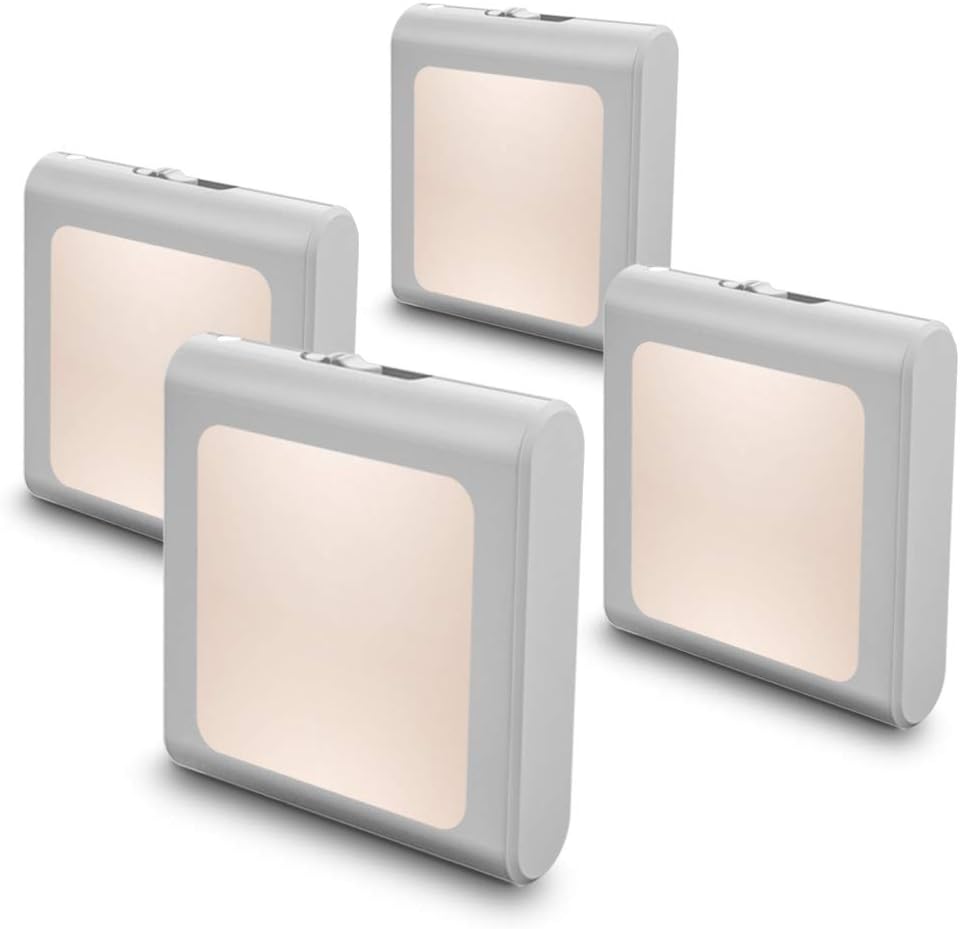
Image: Four MAZ-TEK Plug-in Dimmable LED Night Lights, illustrating the product included in the package.
2. Key Awọn ẹya ara ẹrọ
- Imọlẹ Adijositabulu: Steplessly adjust warm white brightness from 0 lm to 15 lm using a slide switch.
- Imọlẹ Aifọwọyi: Equipped with a smart dusk-to-dawn sensor, the night light automatically turns on at night or when ambient light is insufficient.
- Apẹrẹ alailẹgbẹ: Small and exquisite design that does not obstruct the second outlet when plugged into a standard wall socket.
- Itoju Agbara: Utilizes LED technology for a long lifespan of up to 50,000 hours and a maximum power consumption of only 0.5W.
- Imudara Aabo: Provides gentle illumination to help prevent tripping or stumbling in the dark.
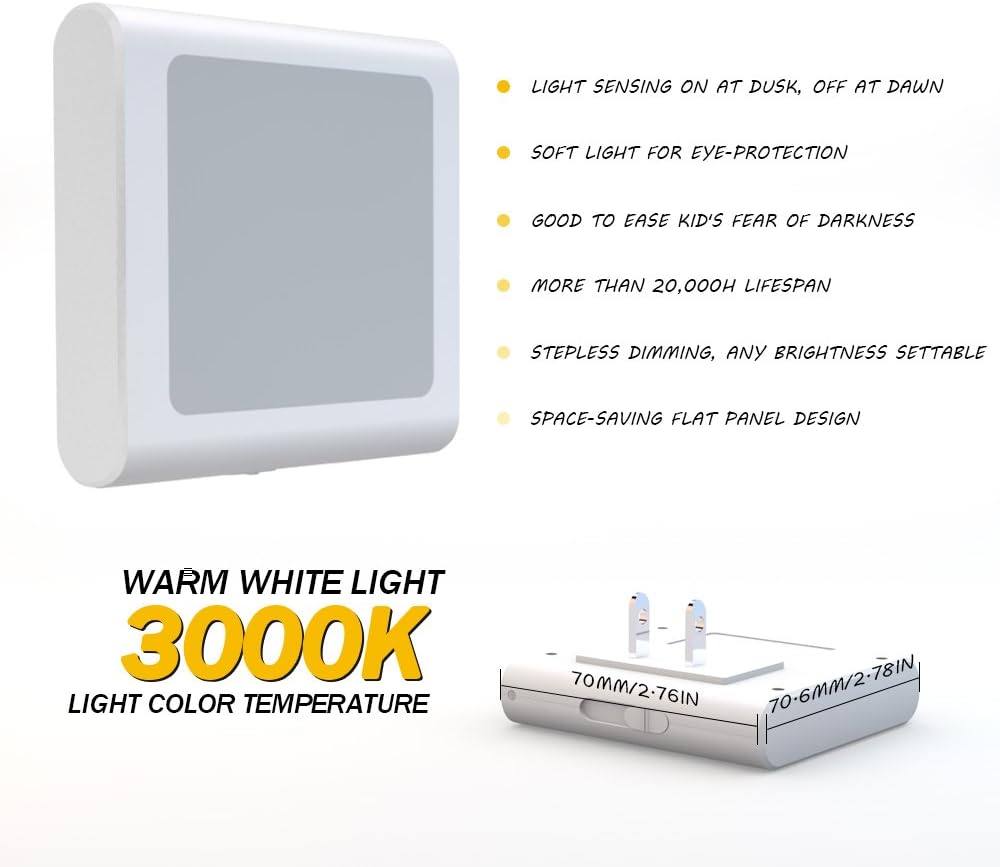
Image: A detailed diagram of the MAZ-TEK night light, pointing out its key features such as light sensing, soft light for eye protection, stepless dimming, and space-saving flat panel design, along with its compact dimensions.
3. Awọn ilana iṣeto
Setting up your MAZ-TEK night light is simple and quick.
- Yọọ kuro: Fara yọ ina alẹ kuro ninu apoti rẹ.
- Wọle: Insert the night light directly into any standard 110V AC wall outlet. Ensure it is securely seated.
- Ipo: For optimal performance of the dusk-to-dawn sensor, ensure the sensor (located on the front of the unit) is not obstructed by furniture or other objects. Avoid placing it in areas with direct artificial light that might interfere with the sensor's operation.

Image: The MAZ-TEK night light plugged into a wall outlet, showcasing its compact and ultra-slim design that allows the second outlet to remain accessible for other devices.
4. Operating the Night Light
Imọlẹ Aifọwọyi
The MAZ-TEK night light features a built-in dusk-to-dawn sensor. This sensor detects the ambient light level in the room:
- The light will automatically turn ON when the room becomes dark.
- The light will automatically turn PAA when the room becomes bright.
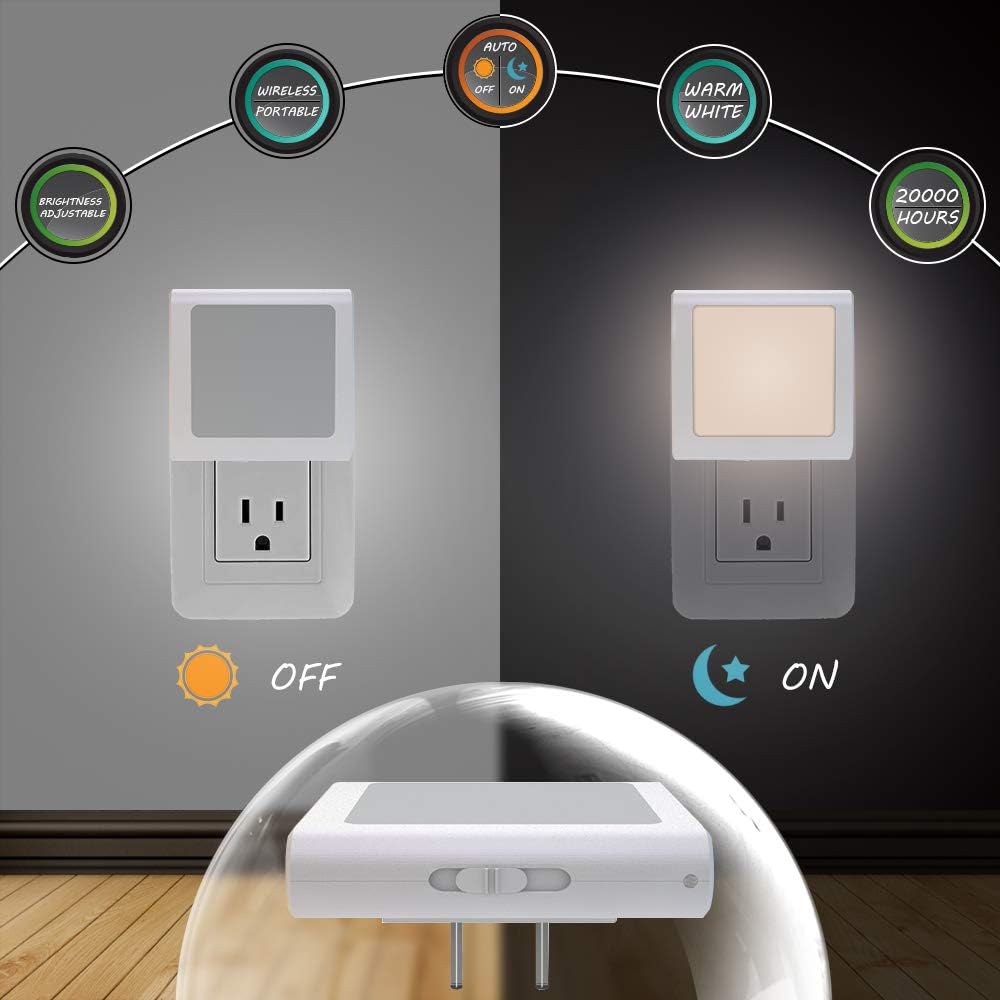
Image: An illustration depicting the night light's automatic function, showing it in an 'OFF' state during daylight and an 'ON' state during nighttime, activated by the ambient light sensor.
Atunṣe Imọlẹ
To adjust the brightness of the night light, locate the slide switch on the side of the unit. Slide the switch to increase or decrease the light output from 0 lumens (off) to 15 lumens (maximum brightness). This allows you to customize the illumination level to suit your preference and the environment.
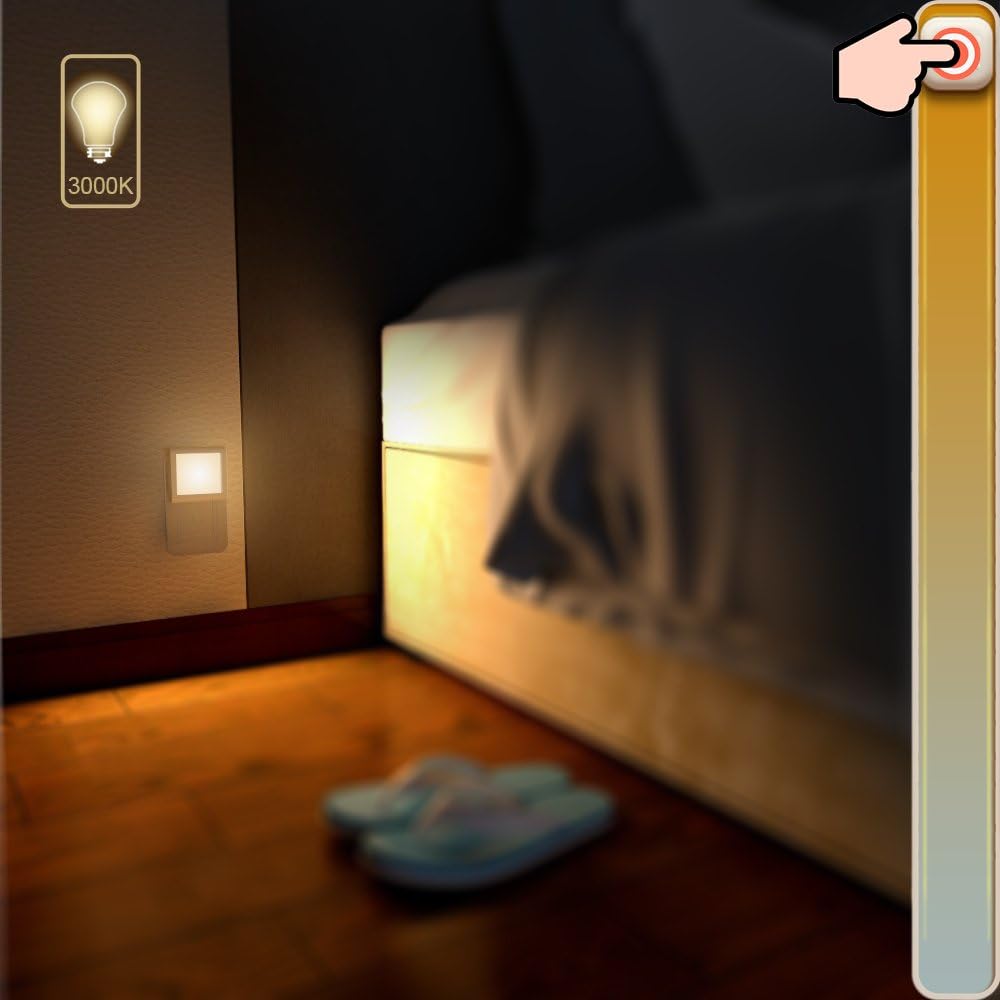
Image: A MAZ-TEK night light emitting a soft glow near the floor in a dimly lit room, demonstrating its ability to provide subtle illumination for navigation.
5. Itọju ati Itọju
- Ninu: To clean the night light, first unplug it from the wall outlet. Use a soft, dry cloth to wipe the surface. Do not use abrasive cleaners, solvents, or harsh chemicals, as these may damage the finish or internal components.
- Aye gigun: The LED light source is designed for a long lifespan of up to 50,000 hours and does not require bulb replacement.
- Ibi ipamọ: If storing the night light for an extended period, keep it in a cool, dry place away from direct sunlight and extreme temperatures.
6. Laasigbotitusita
If you encounter any issues with your MAZ-TEK night light, please refer to the table below for common problems and their solutions.
| Isoro | Owun to le Fa & Solusan |
|---|---|
| Light does not turn on in the dark. |
|
| Imọlẹ duro lori nigba ọjọ. |
|
| Imọlẹ ko le ṣe atunṣe. |
|
7. Awọn alaye ọja
| Iwa | Iye |
|---|---|
| Nọmba awoṣe | MZ3092 |
| Ọja Mefa | 0.7"D x 2.76"W x 2.79"H |
| Iwọn Nkan | 8.4 Ounces (for 4 pack) |
| Orisun agbara | Plug-in Electric |
| Voltage | 110 Volts |
| Imọlẹ Orisun Orisun | LED |
| Ibiti Imọlẹ | 0 lm to 15 lm (Dimmable) |
| Sensọ Iru | Dusk to Dawn sensọ |
| Igba aye | Titi di wakati 50,000 |
| Ohun elo | Ṣiṣu |
| Àwọ̀ | Alawọ gbona |
| Pataki Awọn ẹya ara ẹrọ | Dimmable, Automatic Sensor |
| Omi Resistance Ipele | Waterproof (Designed for indoor use) |
| Awọn irinše to wa | LED night lights, User Manual |
8. Atilẹyin ọja ati Support
MAZ-TEK is committed to providing high-quality products. While specific warranty details are not provided in this manual, please retain your purchase receipt as proof of purchase. For any product inquiries, technical support, or warranty claims, please contact MAZ-TEK customer service through the retailer where the product was purchased or visit the official MAZ-TEK webojula fun alaye olubasọrọ.
We value your satisfaction and are here to assist you with any questions or concerns regarding your MAZ-TEK night light.
Ask a question about this manual
Ask about setup, troubleshooting, compatibility, parts, safety, or missing instructions. Manuals+ will review the question and use this page’s manual context to help answer it.