
HyperGear 15077
HyperGear RaveMini Portable Wireless LED Speaker Instruction Manual
Awoṣe: 15077
Ọrọ Iṣaaju
The HyperGear RaveMini is a compact, portable wireless speaker designed to deliver powerful sound with an interactive, beat-driven LED light show. This speaker is suitable for both indoor and outdoor use, offering extended battery life and multiple playback options for a versatile audio experience.

The HyperGear RaveMini speaker and its packaging.
Ohun ti o wa ninu Apoti
- HyperGear RaveMini Portable Wireless LED Speaker
- Micro USB Ngba agbara USB
- Okùn Ìrànlọ́wọ́ Sitẹrio 3.5mm
Awọn ẹya ara ẹrọ
- Small Size, Big Sound: Engineered with a 40mm neodymium driver for room-filling sound.
- Beat-Driven LED Lightshow: Multi-colored LEDs flash to the beat of your music.
- Asopọ Alailowaya: Connects with any Bluetooth device within a 33-foot range.
- Igbesi aye batiri ti o gbooro sii: Built-in rechargeable battery provides up to 3 hours of wireless playback on a single charge.
- Ibaraẹnisọrọ Laisi Ọwọ: Integrated microphone and intuitive controls for managing calls and playlists.
- Awọn aṣayan Sisisẹsẹhin lọpọlọpọ: Supports Bluetooth, Aux-in, Micro SD memory card, and USB flash drive audio playback.

The RaveMini combines HD sound with a vibrant LED lightshow.

The multi-colored LED lights dance to the beat of the music.
Ṣeto
Gbigba agbara si Agbọrọsọ
Before first use, fully charge your RaveMini speaker. Connect the included Micro USB charging cable to the speaker's charging port and the other end to a USB power source (e.g., wall adapter, computer USB port). The charging time is approximately 1 hour, providing up to 3 hours of playback.
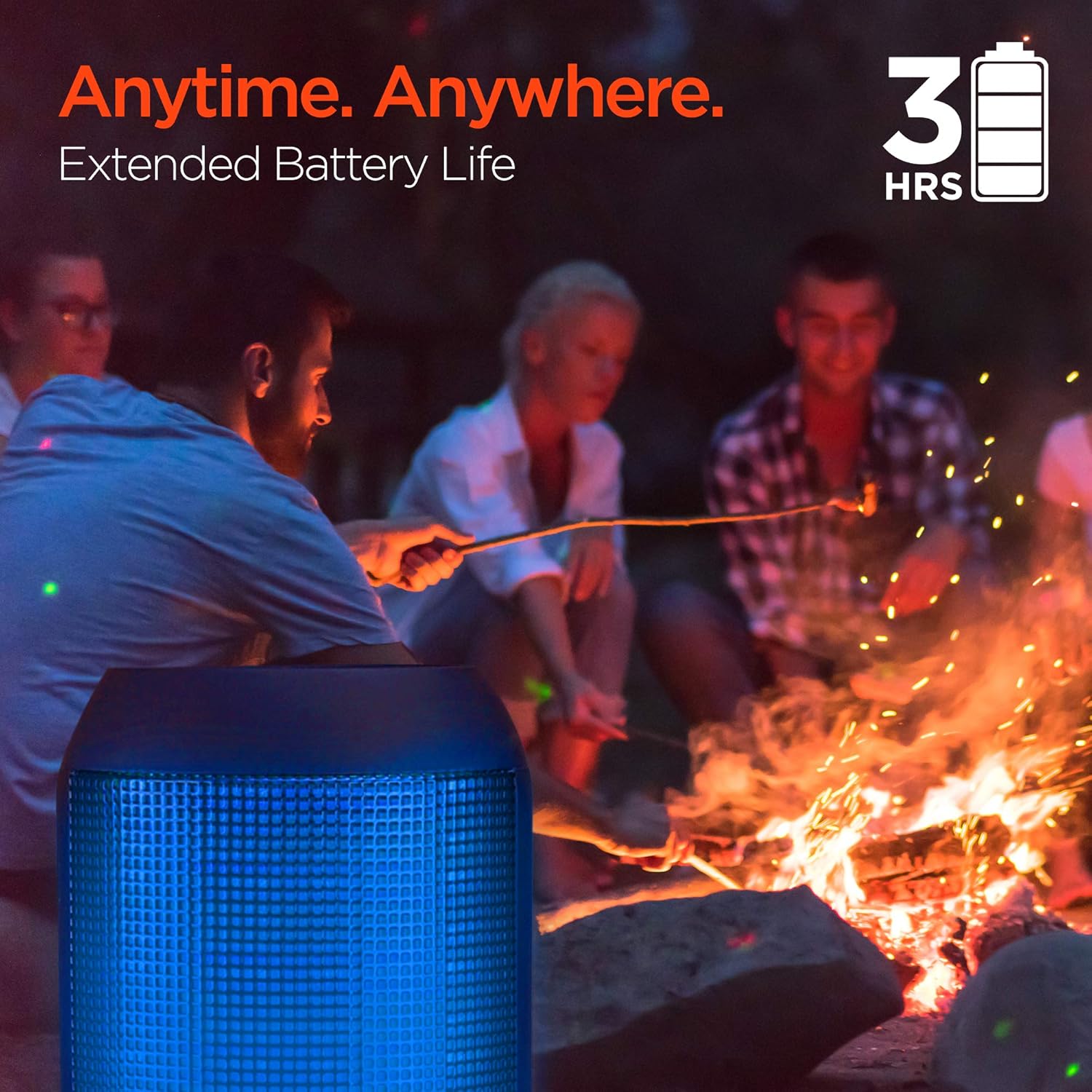
Enjoy up to 3 hours of music with the RaveMini's extended battery life.
Titan / Pipa agbara
Locate the power button on the speaker. Press and hold the power button for a few seconds to turn the speaker on or off. An audible cue or LED indicator will confirm the power status.
Asopọ Bluetooth
- Ensure the RaveMini speaker is powered on and in pairing mode (usually indicated by a flashing LED light).
- Lórí ẹ̀rọ Bluetooth rẹ (fóònù alágbèéká, tábìlẹ́ẹ̀tì, àti bẹ́ẹ̀ bẹ́ẹ̀ lọ), lọ sí àwọn ètò Bluetooth.
- Wa fun available devices and select "HyperGear RaveMini" (or similar name) from the list.
- Once connected, the speaker will provide an audible confirmation, and the LED light may change to a solid color.
- The speaker has a wireless range of up to 33 feet.
Ṣiṣẹ Agbọrọsọ
Awọn iṣakoso ati Awọn iṣẹ
The RaveMini features intuitive controls for managing your audio and calls directly from the speaker. Refer to the specific button layout on your device for functions such as:
- Mu orin ṣiṣẹ / sinmi
- Adjust Volume (Volume Up/Down)
- Skip Tracks (Next/Previous)
- Dahun/Pari Awọn ipe
- Activate Voice Assistant (if supported)
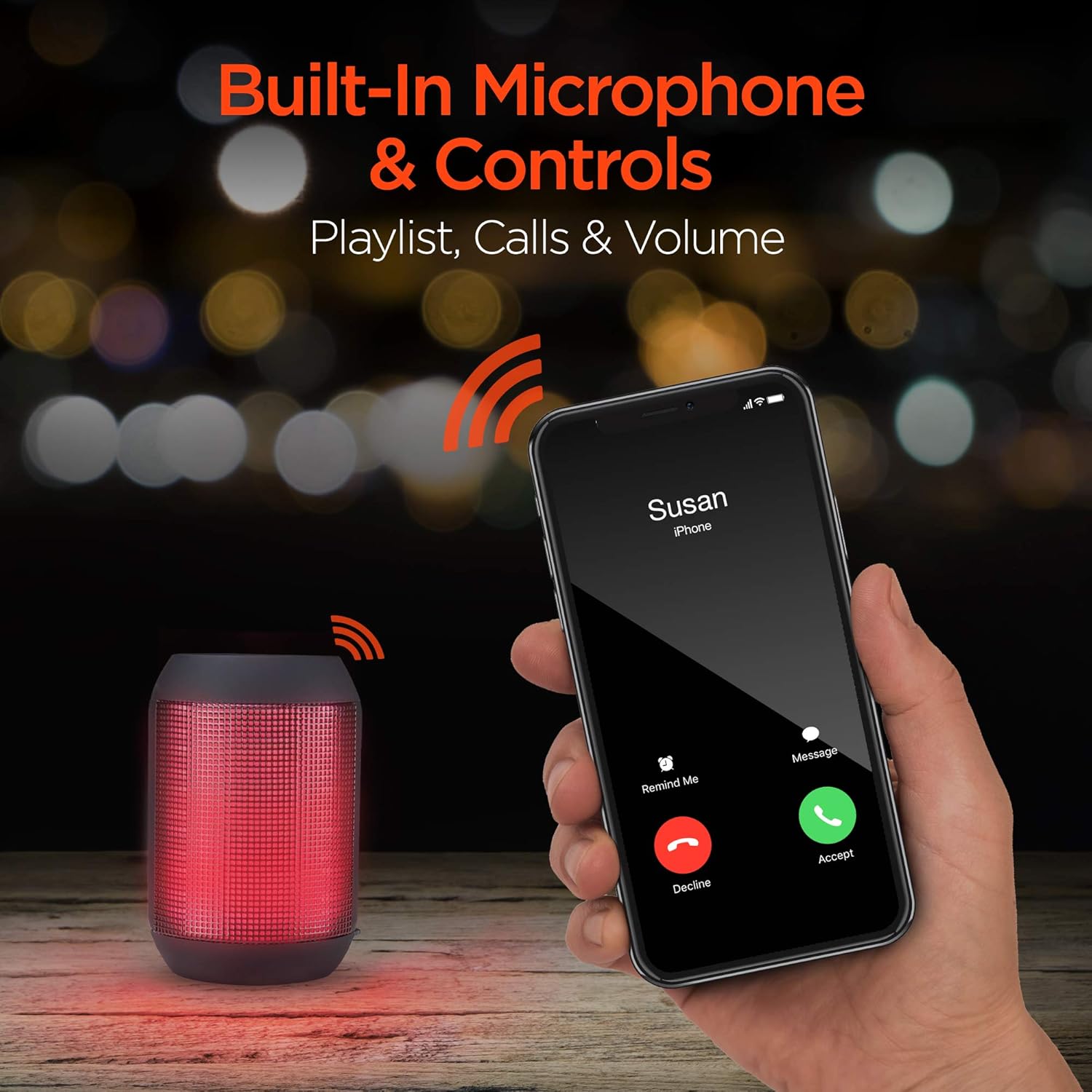
Built-in microphone and controls allow for hands-free calls and playlist navigation.
Awọn ọna Sisisẹsẹhin
The RaveMini offers four ways to play your audio:
- Bluetooth: Sopọ̀ mọ́ fóònù alágbèéká rẹ, tábìlẹ́ẹ̀tì, tàbí àwọn ẹ̀rọ míràn tí Bluetooth ń ṣiṣẹ́ láìsí aláilowaya.
- Aux-in: Use the included 3.5mm stereo auxiliary cable to connect to non-Bluetooth devices.
- Kaadi SD Micro: Insert a Micro SD memory card with audio filesinu iho ti a yàn.
- Awakọ Filaṣi USB: So dirafu filasi USB ti o ni ohun ninu files si ibudo USB.

The RaveMini supports four versatile playback options.
Itoju
- Keep the speaker dry. Do not expose it to excessive moisture or liquids.
- Clean the speaker with a soft, dry cloth. Avoid using harsh chemicals or abrasive cleaners.
- Tọju agbohunsoke ni itura, ibi gbigbẹ nigbati o ko ba lo.
- Yago fun sisọ tabi tẹriba agbọrọsọ si awọn ipa to lagbara.
Laasigbotitusita
| Isoro | Owun to le Solusan |
|---|---|
| Agbọrọsọ ko ni tan. | Ensure the speaker is fully charged. Connect it to a power source using the Micro USB cable. |
| Ko le so pọ pẹlu ẹrọ Bluetooth. |
|
| Ko si ohun tabi iwọn kekere. |
|
| Awọn imọlẹ LED ko ṣiṣẹ. | Check if the light show feature is enabled (if there's a dedicated button). Ensure the speaker has sufficient battery charge. |
Awọn pato
| Ẹya ara ẹrọ | Ẹ̀kúnrẹ́rẹ́ |
|---|---|
| Orukọ awoṣe | 15077 |
| Agbọrọsọ Iru | Ita gbangba |
| Pataki Ẹya | Wireless Music + Calls, HD Stereo Sound, Beat-Driven LED Lightshow, Aux-in, Micro SD & USB compatible |
| Niyanju Lilo Fun Ọja | Fun Awọn ẹrọ orin Orin |
| Adarí Iru | Agbara Batiri |
| Àwọ̀ | Dudu |
| Igbesi aye batiri | Awọn wakati 3 |
| Akoko gbigba agbara | Awọn wakati 1 |
| Se mabomire | ERO |
| Ọna Iṣakoso | App |
| Imọ-ẹrọ Ibaraẹnisọrọ Alailowaya | Bluetooth |
| Iwọn Agbọrọsọ | 40 millimeters |
| Orisun agbara | Agbara Batiri |
| Nọmba ti awọn batiri | Awọn batiri 2 AAA nilo. (pẹlu) |
| Audio Driver Type | Yiyi Awakọ |
| Bluetooth Ibiti | 33 Ẹsẹ |
| Audio Driver Iwon | 40 millimeters |
| Ilana Asopọmọra | Bluetooth |
| Nọmba ti USB 2 Ports | 1 |
| UPC | 633755150777 |
| Olupese | HYPERGEAR |
| Iwọn Nkan | 10.9 iwon |
| ASIN | B07VHTZHJ4 |
| Ọjọ Akọkọ Wa | Oṣu Keje 18, Ọdun 2019 |
| Brand | HyperGear |
| Agbọrọsọ Agbara Ijade ti o pọju | 5 Wattis |
| Asopọmọra Technology | Bluetooth, Iranlọwọ, USB |
| Ipo Ijade Ohun | Sitẹrio |
| Iṣagbesori Iru | Tabletop Oke |
Atilẹyin ọja
The HyperGear RaveMini Portable Wireless LED Speaker comes with a Limited Warranty. For detailed information regarding warranty coverage, terms, and conditions, please refer to the official HyperGear webaaye tabi kan si atilẹyin alabara wọn taara. Jeki ẹri rira rẹ fun awọn iṣeduro atilẹyin ọja.
Atilẹyin
Fun iranlọwọ siwaju sii, iforukọsilẹ ọja, tabi si view frequently asked questions, please visit the official HyperGear webojula:
Ṣabẹwo si Ile-itaja HyperGear lori Amazon
You may also contact HyperGear customer service for direct support.
Ask a question about this manual
Ask about setup, troubleshooting, compatibility, parts, safety, or missing instructions. Manuals+ will review the question and use this page’s manual context to help answer it.