
Ọrọ Iṣaaju
Thank you for choosing the Conceptronic REGAS01B Optical Desktop Mouse. This manual provides essential information for setting up, operating, and maintaining your new mouse. Please read these instructions carefully before use to ensure proper functionality and longevity of your device.
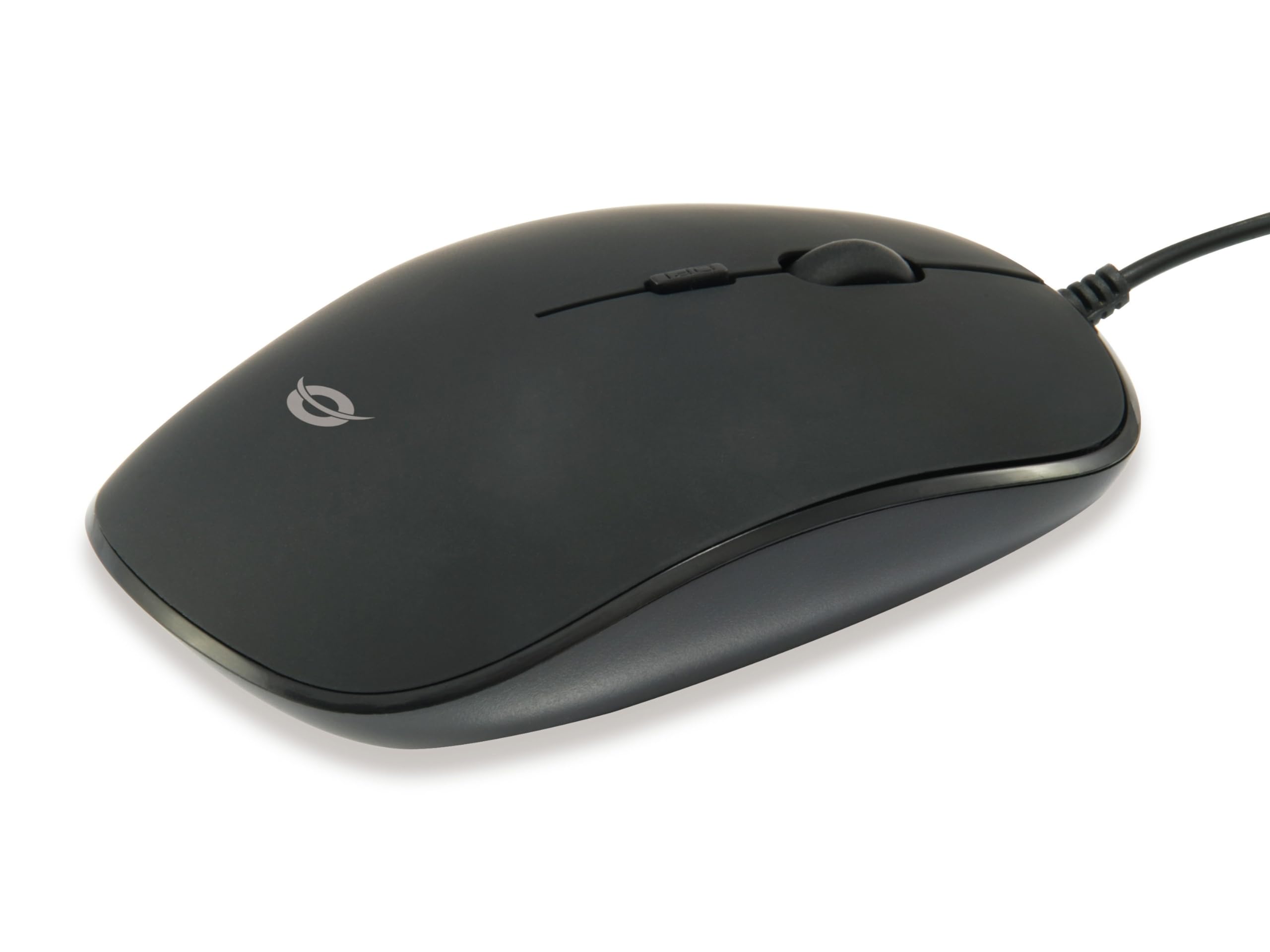
Aworan: Oke view of the Conceptronic REGAS01B Optical Desktop Mouse, showcasing its ergonomic black design.
Package Awọn akoonu
Rii daju pe gbogbo awọn nkan wa ninu package:
- Conceptronic REGAS01B Optical Desktop Mouse
- Afowoyi Olumulo (iwe-ipamọ yii)
- Note: This is a wired USB mouse and does not require external batteries for operation, despite some generic product data indicating otherwise.
Awọn ẹya ara ẹrọ
- DPI Yipada: Adjustable sensitivity (800/1000/1200 DPI) for precise control.
- Pulọọgi ati Ṣiṣẹ: Easy installation without the need for additional drivers.
- Apẹrẹ Ambidextrous: Comfortable for both left and right-handed users.
- Rubberized Surface: Provides enhanced grip and comfort during extended use.
- Titele Opitika: Reliable and accurate cursor movement.
- Asopọmọra USB: Standard wired connection for stable performance.
Ṣeto
- So Asin naa pọ: Locate an available USB port on your computer. Insert the USB connector of the Conceptronic REGAS01B mouse into the USB port.
- Fifi sori ẹrọ laifọwọyi: Your operating system (Windows, Linux, etc.) will automatically detect and install the necessary drivers. This process typically takes a few seconds.
- Ṣetan fun Lilo: Once the installation is complete, the mouse is ready for immediate use. No additional software is required.

Aworan: Isunmọ view of the mouse's scroll wheel and the DPI switch button, located behind the scroll wheel.
Awọn ilana Iṣiṣẹ
Awọn iṣẹ ipilẹ
- Tẹ osi: Tẹ bọtini osi lati yan awọn ohun kan, ṣii files, tàbí mu awọn iṣẹ ṣiṣẹ.
- Tẹ-ọtun: Tẹ bọtini ọtun lati ṣii awọn akojọ aṣayan ọrọ tabi wọle si awọn aṣayan afikun.
- Yi lọ Kẹkẹ: Yi kẹkẹ yi lọ soke tabi isalẹ lati lilö kiri nipasẹ awọn iwe aṣẹ ati web pages. The scroll wheel can also be pressed for a middle-click function, depending on software configuration.
Siṣàtúnṣe DPI ifamọ
The Conceptronic REGAS01B mouse features a DPI switch to adjust cursor sensitivity on the fly. This allows you to quickly change between different tracking speeds for various tasks, such as precise editing or fast-paced gaming.
- Bọtini Yipada DPI: Located behind the scroll wheel.
- Awọn ipele ifamọ: Press the DPI switch button to cycle through 800, 1000, and 1200 DPI settings.
- Aṣayan: Each press will change the sensitivity, allowing you to find the optimal speed for your current activity.
Itoju
- Ninu: Lo aṣọ rírọrùn tí ó gbẹ láti nu ojú eku náà. Fún eruku líle, fi díẹ̀ dì í.ampen awọn asọ pẹlu omi tabi kan ìwọnba ninu ojutu. Yago fun awọn kemikali lile tabi awọn ohun elo abrasive.
- Sensọ Ojú: Jeki sensọ opiti ti o wa ni abẹlẹ ti Asin mọ ati ofe kuro ninu eruku tabi idoti lati rii daju titele deede.
- Ibi ipamọ: When not in use, store the mouse in a clean, dry environment.
- Yago fun Olomi: Do not expose the mouse to excessive moisture or immerse it in liquids.
Laasigbotitusita
Asin Ko fesi
- Ṣayẹwo Asopọ USB: Rii daju pe okun USB ti wa ni edidi ni aabo sinu ibudo USB ti n ṣiṣẹ lori kọnputa rẹ. Gbiyanju ibudo USB ti o yatọ.
- Tun Kọmputa bẹrẹ: Nígbà míìrán, àtúnṣe kọ̀ǹpútà lásán lè yanjú àwọn ìṣòro ìsopọ̀.
- Idanwo lori Kọmputa miiran: Tí ó bá ṣeé ṣe, dán án wò lórí kọ̀ǹpútà mìíràn láti mọ̀ bóyá ìṣòro náà wà pẹ̀lú án tàbí ètò kọ̀ǹpútà rẹ.
Inaccurate Cursor Movement
- Clean Optical Sensor: Ensure the optical sensor on the bottom of the mouse is clean and free of dust or debris.
- Páàdì/Ojú Asin: Use the mouse on a clean, non-reflective, and uniform surface. Avoid highly reflective or transparent surfaces.
- Ṣe àtúnṣe DPI: Experiment with the DPI switch to find a sensitivity setting that provides accurate tracking for your needs.
Awọn pato
| Ẹya ara ẹrọ | Ẹ̀kúnrẹ́rẹ́ |
|---|---|
| Brand | Conceptronic |
| Orukọ awoṣe | REGAS01B |
| Àwọ̀ | Dudu |
| Asopọmọra Technology | USB (Ti firanṣẹ) |
| Imọ-ẹrọ Iwari išipopada | Opitika |
| Awọn Eto DPI | 800/1000/1200 DPI (Atunṣe) |
| Bọtini opoiye | 3 (Left, Right, Scroll Wheel/Middle Click) + DPI Switch |
| Ọwọ Iṣalaye | Ambidextrous |
| Awọn ẹrọ ibaramu | Kọmputa ti ara ẹni |
| Ibamu System isẹ | Linux, Windows 7, Windows XP (àti àwọn ẹ̀yà tuntun) |
| Iwọn Nkan | 61 giramu |
| Pataki Awọn ẹya ara ẹrọ | Ergonomic Design, Rubberized Surface, Plug & Play |
| Olupese Apá Number | REGAS01B |
| GTIN (UPC) | 04015867208526 |
Atilẹyin ọja ati Support
For warranty information and technical support, please refer to the official Conceptronic webaaye tabi kan si alagbata agbegbe rẹ. Jeki ẹri rira rẹ fun awọn iṣeduro atilẹyin ọja.
- Atilẹyin Ayelujara: Ṣabẹwo www.conceptronic.net (Akiyesi: Eyi jẹ aaye ibi URL, please replace with the actual support URL ti o ba wa.)
- Olubasọrọ: Refer to the contact information provided on the product packaging or the Conceptronic webojula fun onibara iṣẹ.