
1. Ifihan
Thank you for choosing the Tribit FlyBuds C1 True Wireless Earbuds (Model BTH91). This manual provides essential information for setting up, operating, and maintaining your new earbuds. Please read it thoroughly to ensure optimal performance and longevity of your device.

Image: Tribit FlyBuds C1 Wireless Earbuds and Charging Case.
2. Alaye Aabo
To prevent damage to your earbuds or injury to yourself, please observe the following safety precautions:
- Ma ṣe tu tabi ṣatunkọ awọn agbekọri tabi apoti gbigba agbara.
- Jeki ẹrọ naa kuro ni awọn iwọn otutu to gaju, oorun taara, ati ina.
- Avoid exposing the earbuds to water for prolonged periods, despite their IPX8 rating. Ensure the charging port cover is securely closed before exposure to liquids.
- Ma ṣe lo awọn olutọpa abrasive tabi awọn kemikali simi lati nu ẹrọ naa.
- Tẹtisi ni awọn ipele iwọn didun iwọntunwọnsi lati ṣe idiwọ ibajẹ igbọran.
- Jeki kuro ni arọwọto awọn ọmọde ati awọn ohun ọsin.
3. Package Awọn akoonu
The Tribit FlyBuds C1 package includes:
- Tribit FlyBuds C1 Earbuds (Model BTH91)
- Ngba agbara Case
- USB-C Ngba agbara Cable
- Lanyard
- 6 Pairs of Silicone Ear Tips (various sizes)
- Itọsọna olumulo
- 18-osu atilẹyin ọja
Image: All items included in the Tribit FlyBuds C1 retail package.
4. Eto
4.1. Ngba agbara si Earbuds ati Ọran
Ṣaaju lilo akọkọ, gba agbara ni kikun awọn agbekọri ati apoti gbigba agbara.
- Gbe awọn agbekọri sinu apoti gbigba agbara. Rii daju pe wọn joko ni deede ni awọn iho wọn.
- Connect the USB-C charging cable to the charging port on the case and to a power source. The LED indicators on the case will show charging status. A full charge takes approximately 1.5 hours.
- The charging case also supports wireless charging. Simply place the case on a compatible wireless charging pad.
The earbuds provide up to 5 hours of playback on a single charge, and the charging case extends total playtime to up to 100 hours.
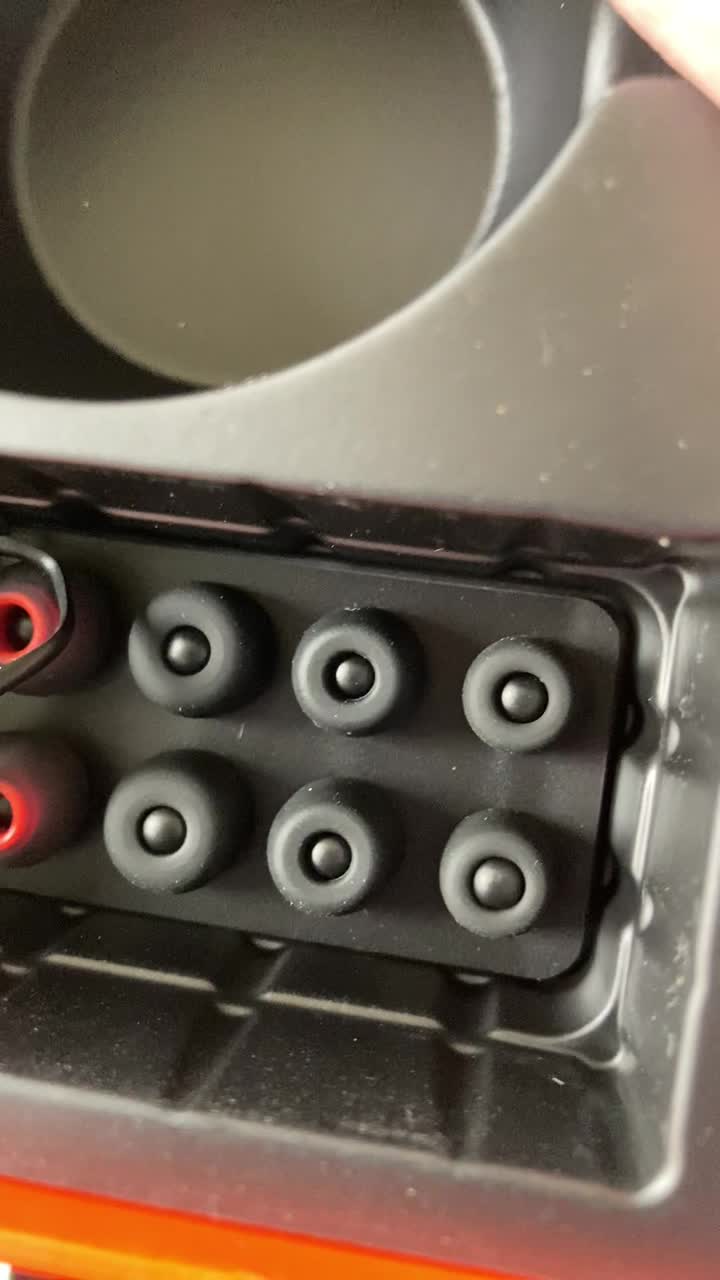
Image: Tribit FlyBuds C1 earbuds charging inside their case, with battery indicator lights visible.
4.2. Sisopọ pẹlu Ẹrọ Rẹ
The Tribit FlyBuds C1 feature one-step pairing for convenience.
- Ṣii apoti gbigba agbara. Awọn agbekọri yoo tẹ ipo isọpọ sii laifọwọyi.
- Lori ẹrọ rẹ (foonuiyara, tabulẹti, kọǹpútà alágbèéká), mu Bluetooth ṣiṣẹ ki o wa awọn ẹrọ to wa.
- Select "Tribit FlyBuds C1" from the list of devices. Once connected, a voice prompt will confirm successful pairing.
- The earbuds will automatically connect to the last paired device when the case is opened. To unpair, press and hold the button on the charging case.
4.3. Ibamu awọn Earbuds
For optimal sound quality and comfort, choose the correct size ear tips.
- Experiment with the 6 included pairs of silicone ear tips to find the best fit for your ears. A snug fit ensures better bass response and noise isolation.
- Fi àwọn ètí ìró náà sínú ihò etí rẹ pẹ̀lú ìrọ̀rùn kí o sì yí wọn díẹ̀ kí ó lè dì wọ́n mú.
Image: Selection of silicone ear tips for personalized fit.
5. Awọn ilana Iṣiṣẹ
5.1. Agbara Tan / Paa
- Agbara Tan: Ṣii apoti gbigba agbara, ati awọn agbekọri yoo tan ina laifọwọyi.
- Agbara Pa: Gbe awọn agbekọri naa pada sinu apoti gbigba agbara ki o pa ideri naa. Wọn yoo pa ina laifọwọyi ati bẹrẹ gbigba agbara.
5.2. Sisisẹsẹhin Orin
The Tribit FlyBuds C1 feature physical buttons for control:
- Ṣiṣẹ/Daduro: Tẹ bọtini lori boya agbekọri lẹẹkan.
- Orin t’okan: Tẹ bọtini lẹẹmeji lori agbekọri ọtun.
- Tẹlẹ Orin: Tẹ bọtini naa lẹẹmeji lori agbekọri osi.
Note: Volume control is not directly available on the earbuds. Please adjust volume via your connected device.
5.3. Iṣakoso ipe
- Idahun/Ipe Ipari: Tẹ bọtini lori boya agbekọri lẹẹkan.
- Kọ Ipe: Press and hold the button on either earbud for 2 seconds.
- Mu Oluranlọwọ Ohun ṣiṣẹ (Siri, Oluranlọwọ Google): Triple-press the button on either earbud.
The earbuds feature 4 microphones with CVC 8.0 Call Noise Reduction for clear calls.
5.4. Single Earbud Mode
Either earbud can be used independently. Simply take one earbud out of the case, and it will automatically connect to your device. The other earbud can remain in the case or be used later.
5.5. IPX8 Waterproofing
The Tribit FlyBuds C1 are IPX8 rated, offering protection against sweat, splashes, and submersion in water up to 1 meter for 30 minutes. This makes them suitable for sports and exercise in various weather conditions.
- Ensure the USB-C charging port cover is securely closed before exposing the earbuds to water.
- Do not charge the earbuds if they are wet. Dry them thoroughly before placing them back in the charging case.
6. Itọju
Proper maintenance ensures the longevity and performance of your Tribit FlyBuds C1.
- Ninu: Regularly clean the earbuds and charging case with a soft, dry, lint-free cloth. For ear tips, remove them and wash with mild soap and water, then dry completely before reattaching.
- Ibi ipamọ: Nigbati o ko ba si ni lilo, tọju awọn afikọti sinu apoti gbigba agbara wọn lati daabobo wọn ki o jẹ ki wọn gba agbara. Tọju ni itura, ibi gbigbẹ kuro lati awọn iwọn otutu to gaju.
- Yago fun bibajẹ: Do not drop, puncture, or expose the device to strong impacts.
7. Laasigbotitusita
If you encounter issues with your Tribit FlyBuds C1, try the following solutions:
| Isoro | Ojutu |
|---|---|
| Earbuds ko so pọ |
|
| Ko si ohun tabi iwọn didun kekere |
|
| Earbuds ko gba agbara |
|
| Asopọmọra igba diẹ |
|
8. Awọn pato
| Ẹya ara ẹrọ | Ẹ̀kúnrẹ́rẹ́ |
|---|---|
| Orukọ awoṣe | BTH91 (FlyBuds C1) |
| Asopọmọra Technology | Ailokun (Bluetooth) |
| Ẹya Bluetooth | 5.2 |
| Bluetooth Ibiti | 10 Mita |
| Igbesi aye batiri (Earbuds) | Titi di wakati 5 fun idiyele kan |
| Lapapọ akoko ere (pẹlu Ọran Gbigba agbara) | Titi di wakati 100 |
| Akoko gbigba agbara | Approx. 1.5 hours (case) |
| Omi Resistance Ipele | IPX8 (Mabomire) |
| Àwọn Ẹ̀yà Ìṣàkóso Ariwo | CVC 8.0 Call Noise Reduction, Sound Isolation |
| Ọna Iṣakoso | Bọtini ti ara |
| Gbigba agbara Port | USB-C, Wireless Charging (Qi-compatible) |
| Iwọn Nkan | 2.4 iwon |
| Ọja Mefa | 2.4 x 2.4 x 1.2 inches |
9. Atilẹyin ọja & Atilẹyin
Tribit provides an 18-month warranty for the FlyBuds C1 (Model BTH91) from the date of purchase. This warranty covers manufacturing defects and ensures your product is free from material and workmanship flaws under normal use.
For warranty claims, technical support, or any questions regarding your product, please contact Tribit customer service:
- Imeeli: support@tribitaudio.com
- Tiketi atilẹyin: Ṣabẹwo tribitaudio.com/support
- Foonu: 1-888-232-3138 (Mon-Fri, 9:00-6:00 PST [US])
Please have your purchase receipt and product model number (BTH91) ready when contacting support.