
Ọrọ Iṣaaju
This manual provides detailed instructions for the proper use and maintenance of your LG AKB74955603 Air Conditioner Remote Control. Please read this manual thoroughly before operating the device to ensure optimal performance and longevity.
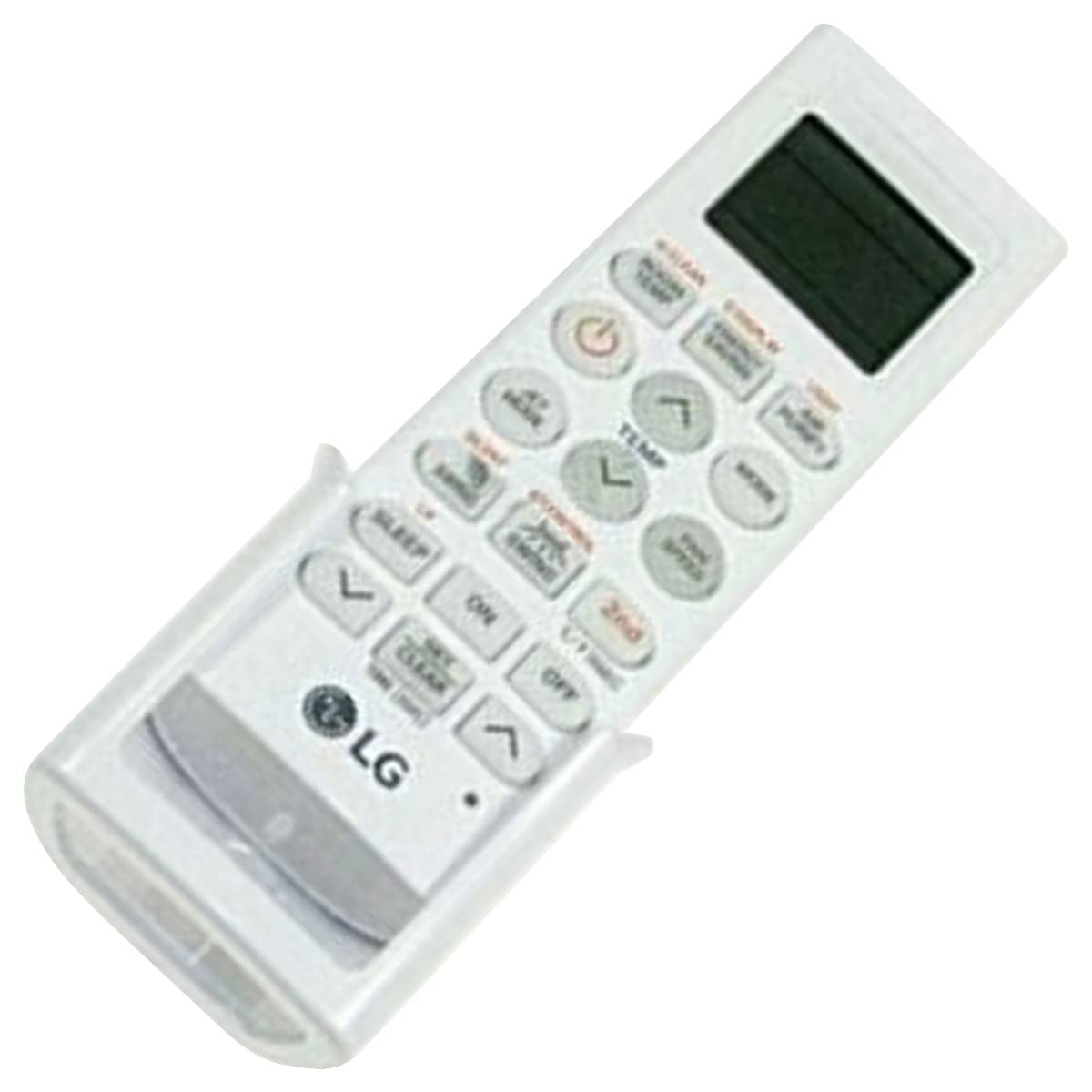
Image: The LG AKB74955603 Air Conditioner Remote Control, a white rectangular device with various control buttons.
Ṣeto
1. Fifi sori batiri
The remote control requires two (2) AAA batteries for operation. Ensure correct polarity when inserting the batteries.
- Ṣí ideri yàrá batiri tó wà ní ẹ̀yìn ìṣàkóso latọna jijin.
- Fi awọn batiri AAA tuntun meji sii, ti o baamu awọn ebute (+) ati (-) gẹgẹbi itọkasi inu yara naa.
- Pa ideri batiri naa ni aabo.
Akiyesi: Má ṣe da àwọn bátìrì àtijọ́ àti tuntun pọ̀, tàbí oríṣiríṣi bátìrì. Yọ àwọn bátìrì kúrò tí a kò bá lo ìṣàkóso latọna jijin fún ìgbà pípẹ́.
Awọn ilana Iṣiṣẹ
Point the remote control directly at the air conditioner's receiver. Ensure there are no obstructions between the remote and the unit.
Awọn iṣẹ bọtini
- AGBARA (⏻): Yipada afẹfẹ TAN tabi PA.
- Ipo: Awọn iyipo nipasẹ awọn ipo iṣẹ: Aifọwọyi, Itura, Gbẹ, Fan, Ooru.
- ÌGBÀ TUTU ▲/▼: Ṣe atunṣe eto iwọn otutu ti o fẹ.
- FAN iyara: Selects the fan speed (Auto, Low, Medium, High).
- Fifọ: Ó ń mú iṣẹ́ ìyípo louver ṣiṣẹ́ tàbí ó ń mú kí ó má ṣiṣẹ́.
- Aago: Ó ń ṣètò aago ON/OFF fún afẹ́fẹ́ afẹ́fẹ́.
- ORUN: Activates the sleep mode for comfortable night operation.
- Imọlẹ: Controls the display light on the air conditioner unit (if available).
- FUNCTION/SPECIAL: Ó ń wọlé sí àwọn iṣẹ́ tàbí ètò afikún.
Isẹ ipilẹ
- Tẹ awọn AGBARA bọtini lati tan air kondisona.
- Tẹ awọn MODE button repeatedly to select your desired operating mode (e.g., Cool).
- Lo awọn ÌGBÀ TUTU ▲/▼ awọn bọtini lati ṣeto iwọn otutu ti o fẹ.
- Ṣatunṣe iyara afẹfẹ nipa lilo FAN iyara bọtini ti o ba nilo.
- Lati paa ẹyọ kuro, tẹ bọtini naa AGBARA bọtini lẹẹkansi.
Itoju
Batiri Rirọpo
Replace batteries when the remote control's range decreases or if the display becomes dim. Follow the battery installation steps outlined in the Setup section.
Ninu
Wipe the remote control with a soft, dry cloth. Do not use liquid cleaners, abrasive materials, or chemical solvents, as these may damage the surface or internal components.
Ibi ipamọ
Tọ́jú ẹ̀rọ amúṣẹ́dá latọna jijin sí ibi tí ó tutù tí ó sì gbẹ, tí kò sí ìmọ́lẹ̀ oòrùn tààrà tàbí ooru tó le koko. Tí o bá ń tọ́jú rẹ̀ fún ìgbà pípẹ́, yọ àwọn bátìrì náà kúrò kí ó má baà jò.
Laasigbotitusita
- Iṣakoso latọna jijin ko dahun:
- Ṣayẹwo boya wọn ti fi awọn batiri sii daradara ati pe wọn ko dinku. Rọpo ti o ba wulo.
- Ensure there is a clear line of sight between the remote control and the air conditioner's receiver.
- Rí i dájú pé a tọ́ka sí ọ̀nà ìṣàkóṣo latọna jijin náà ní tààrà sí afẹ́fẹ́.
- Iwọn iṣiṣẹ to lopin:
- Ropo awọn batiri pẹlu titun.
- Ensure no strong light sources (e.g., direct sunlight, fluorescent lights) are interfering with the infrared signal.
Awọn pato
| Ẹya ara ẹrọ | Ẹ̀kúnrẹ́rẹ́ |
|---|---|
| Orukọ awoṣe | AKB74955603 |
| Brand | LG |
| Awọn ẹrọ ibaramu | Amuletutu |
| Asopọmọra Technology | Infurarẹẹdi (IR) |
| Nọmba ti Awọn bọtini | 10 |
| Ibiti o pọju | 10 Mita |
| Batiri Iru | 2 x AAA (ko si) |
| Pataki Ẹya | Rọrun lati Lo |
Atilẹyin ọja ati Support
For warranty information and customer support, please refer to the documentation provided with your air conditioner unit or visit the official LG webojula. Tọju iwe-ẹri rira rẹ bi ẹri rira fun eyikeyi awọn ibeere atilẹyin ọja.
For further assistance, you may contact LG customer service through their official channels.