
Ọrọ Iṣaaju
Thank you for choosing the GTRACING GT890MF Gaming Chair. This manual provides detailed instructions for the assembly, operation, maintenance, and troubleshooting of your new gaming chair. Please read this manual carefully before use to ensure proper function and longevity of the product. Keep this manual for future reference.
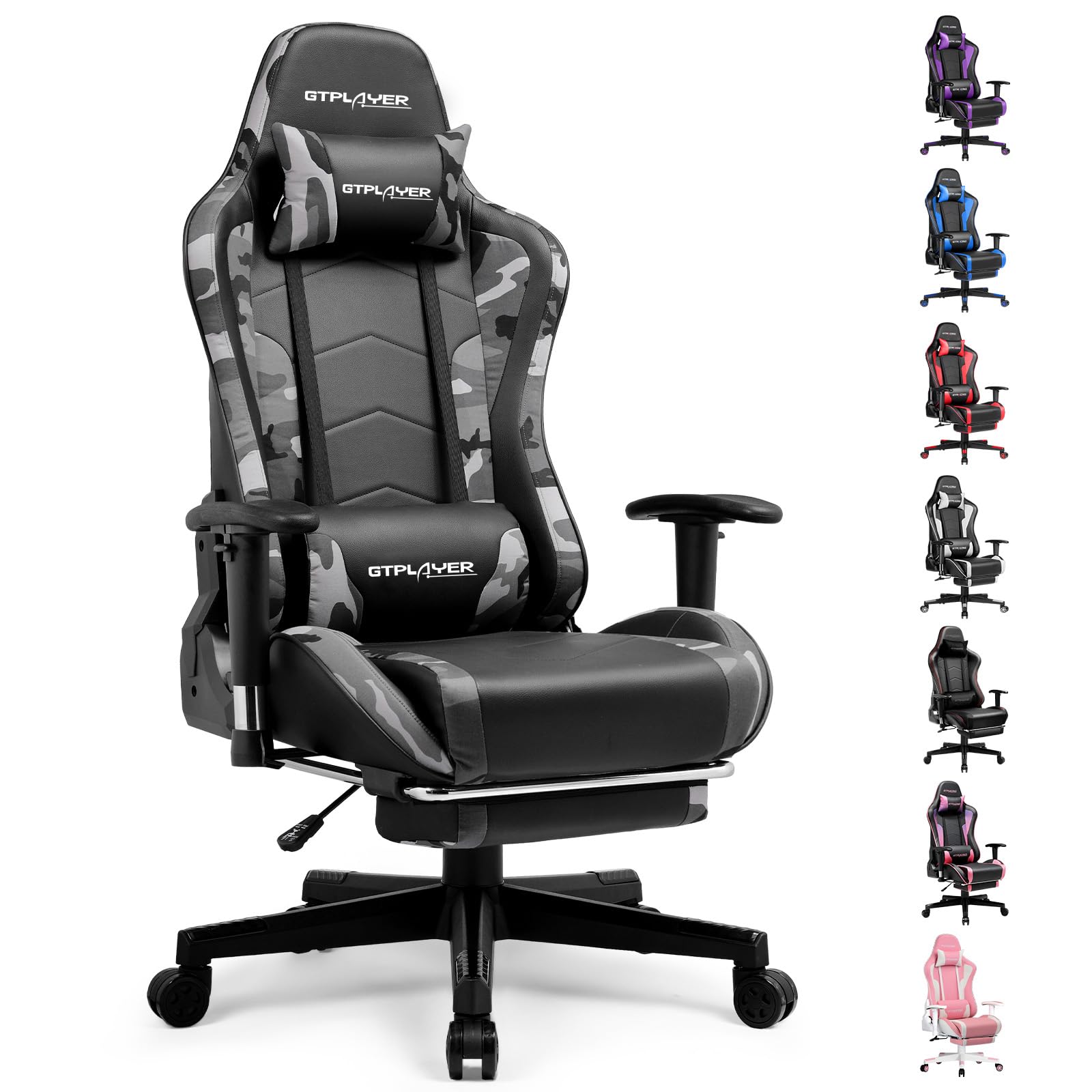
Image: The GTRACING GT890MF Gaming Chair, featuring a camouflage pattern, footrest, and integrated Bluetooth speakers, set up in a gaming environment.
Alaye Aabo
- Fun lilo inu ile nikan.
- Agbara iwuwo to pọ julọ: 300 lbs. Maṣe kọja opin yii.
- Use caution when adjusting chair height and recline to prevent injury.
- Rí i dájú pé gbogbo àwọn skru àti boluti ni a ti so pọ̀ dáadáa kí a tó lò ó, kí o sì máa ṣàyẹ̀wò lẹ́ẹ̀kọ̀ọ̀kan fún dídán.
- Pa ọwọ ati ika mọ kuro ninu gbigbe awọn ẹya lakoko awọn atunṣe.
- Maṣe duro lori alaga.
Eto ati Apejọ
Assembly is required for this chair. Please follow the steps below carefully. It is recommended to have two people for assembly.
Package Awọn akoonu

Image: An exploded diagram showing all components of the GTRACING GT890MF Gaming Chair, including the backrest, seat, armrests, base, wheels, gas lift, and footrest.
Awọn Igbesẹ Apejọ
- So awọn Armrests: Securely fasten the armrests to the seat base using the provided screws. Ensure they are oriented correctly.
- So Backrest si Ijoko: Align the backrest with the seat mechanism and attach it using the designated bolts.
- Fi sori ẹrọ Footrest: Slide the footrest into its designated slots under the seat.
- Ṣepọ ipilẹ: Insert the casters (wheels) into the star base. Place the gas lift cylinder into the center hole of the star base.
- Attach Seat to Base: Carefully place the assembled seat and backrest onto the gas lift cylinder, ensuring it is seated firmly.
- Attach Headrest and Lumbar Pillows: Position the headrest and lumbar support pillows as desired.
Awọn ilana Iṣiṣẹ
Àwọn Àtúnṣe Àga
- Atunse Giga Ijoko: Pull the lever located under the right side of the seat upwards to raise or lower the seat. Release the lever at the desired height.
- Isunmọ Afẹyinti: Pull the lever on the right side of the chair upwards to recline the backrest. Lean back to the desired angle (90 to 160 degrees) and release the lever to lock it in place.
- Atunṣe Armrest: The armrests are multi-directional. Use the buttons or levers on the armrests to adjust their height, pivot, and slide forward/backward.
- Itẹsiwaju Ẹsẹ: Pull the footrest out from under the seat when desired. Push it back in when not in use.
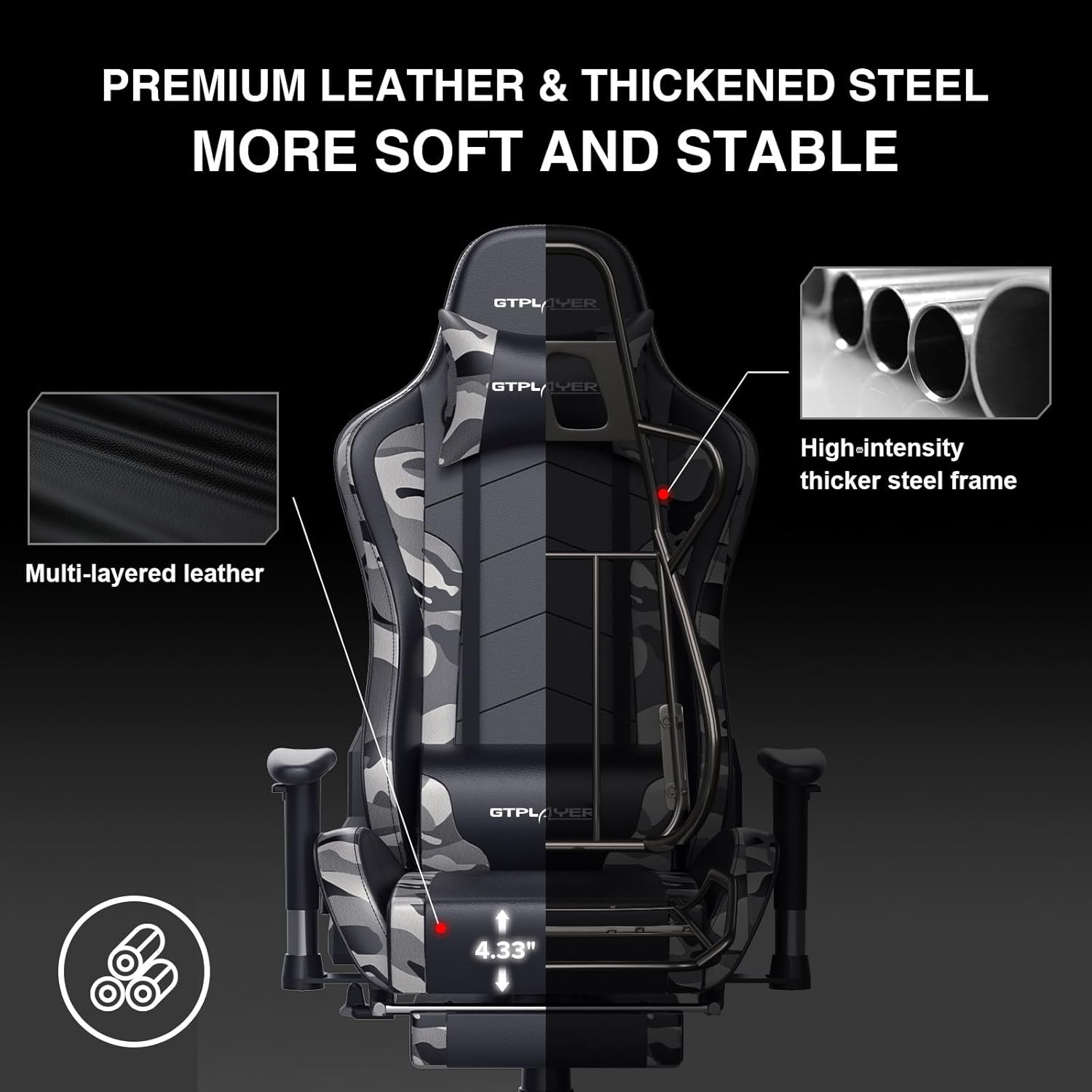
Image: The GTRACING GT890MF Gaming Chair demonstrating its backrest recline function, adjustable from 90 degrees for work to 155 degrees for resting.

Aworan: A sunmọ-soke view of the GTRACING GT890MF Gaming Chair's adjustable multi-directional armrests, highlighting their ability to move up, down, and pivot for optimal positioning.
Bluetooth Agbọrọsọ Isẹ
Your GTRACING GT890MF chair is equipped with dual Bluetooth 5.1 speakers for an immersive audio experience.
- Agbara Tan: Locate the power button for the Bluetooth speakers, typically on the side or back of the chair. Press and hold to power on. A sound or indicator light will confirm activation.
- Ipo sisopọ: The speakers will automatically enter pairing mode when powered on for the first time, or if no device is connected. An indicator light will usually flash.
- So ẹrọ pọ: On your smartphone, tablet, or other Bluetooth-enabled device, go to Bluetooth settings and search for available devices. Select "GTPLAYER" or a similar name to connect.
- Sisisẹsẹhin ohun: Once connected, audio from your device will play through the chair's speakers. Adjust volume from your connected device.
- Agbara Pa: Press and hold the power button again to turn off the speakers.

Image: The GTRACING GT890MF Gaming Chair with a visual representation of sound waves emanating from the integrated Bluetooth speakers in the headrest area.

Image: A detailed diagram illustrating the dual Bluetooth 5.1 speakers within the GTRACING GT890MF Gaming Chair, highlighting features like clear treble, stereo sound, HiFi audio, and dust prevention.

Image: A user seated in the GTRACING GT890MF Gaming Chair, with an illustration showing how the chair's Bluetooth speakers can connect to various devices like PC/TV, PS4/PS5/XBOX, and other Bluetooth 5.1 enabled devices. A separate USB Bluetooth transmitter is shown as an option for non-Bluetooth devices.
Itoju
- Ninu: Pa nu pẹlu ipolowoamp asọ. Yẹra fun awọn kẹmika lile tabi awọn olutọpa abrasive ti o le ba awọn ohun-ọṣọ alawọ faux jẹ.
- Ayewo: Lorekore ṣayẹwo gbogbo awọn boluti ati awọn skru lati rii daju pe wọn ṣinṣin. Tun-mu ti o ba wulo.
- Itọju Caster: Jeki awọn casters laisi irun ati idoti lati rii daju yiyi dan.
- Ibi ipamọ: Store the chair in a dry, cool place away from direct sunlight to prevent material degradation.
Laasigbotitusita
| Isoro | Owun to le Fa | Ojutu |
|---|---|---|
| Alaga ko ṣatunṣe iga | Gas gbe lefa ko išẹ tabi gaasi gbe mẹhẹ. | Ensure the lever is fully pulled. If issue persists, contact support for gas lift replacement. |
| Backrest does not recline/lock | Recline lever not engaged or mechanism obstructed. | Ensure the recline lever is fully pulled/released. Check for obstructions in the recline mechanism. |
| Bluetooth speakers not pairing | Speakers not powered on, out of range, or already paired to another device. | Ensure speakers are charged and powered on. Move device closer to chair. Disconnect from other devices. Try restarting both chair speakers and your device. |
| Chair is wobbly | Loose boluti tabi uneven ijọ. | Ṣayẹwo ati Mu gbogbo awọn boluti ijọ pọ. Rii daju pe alaga wa lori alapin, paapaa dada. |
Awọn pato
- Orukọ awoṣe: GT890MF
- Brand: JIJI
- Àwọ̀: Kamẹra
- Ohun elo: Faux Leather, Foam Fill, Steel Frame
- Awọn iwọn Ọja (D x W x H): 20.87" x 21.65" x 53.15"
- Giga Ijoko: Adjustable, up to 22.04 inches
- Ijinle ijoko: 20.87 inches
- Ìwọ̀n Nkan: 47 iwon
- Iṣeduro iwuwo ti o pọju: 300 iwon
- Aṣa Pada: Solid Back, Reclining (90 to 160 degrees)
- Awọn ẹya pataki: Adjustable Height, Adjustable Lumbar, Ergonomic Design, Foot Rest, Rolling Casters, Dual Bluetooth 5.1 Speakers
- Apejọ: Ti beere fun

Image: A diagram illustrating the key dimensions of the GTRACING GT890MF Gaming Chair, including overall height, width, and depth.

Image: A detailed diagram showing various dimensions of the GTRACING GT890MF Gaming Chair, including seat height, armrest height, and backrest height, along with maximum load capacity (330 lbs) and recommended user height (6.2 ft).
Atilẹyin ọja ati Support
GTRACING offers a worry-free purchase experience for your gaming chair.
- Ilana 30-ọjọ: Free replacement or refund within 30 days of purchase.
- Atilẹyin ọja Ọdun 1: Free replacement or repair within 1 year of purchase for manufacturing defects.
For any questions, suggestions, or support needs, please feel free to contact our customer service team. We are dedicated to ensuring customer satisfaction.

Image: A group of customer service representatives wearing headsets, symbolizing available support.