
1. Ifihan
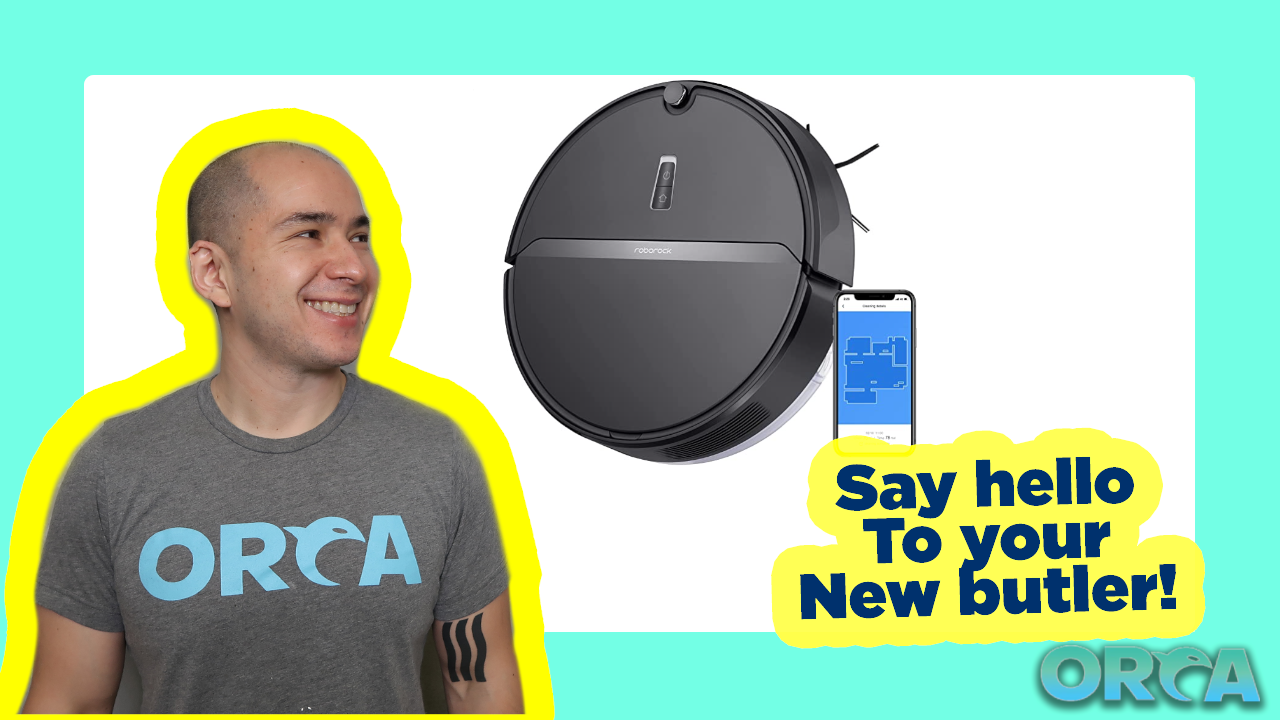
The Roborock E4 is a versatile robot vacuum and mop cleaner designed to efficiently clean various floor types in your home. It features powerful suction, intelligent navigation, and a long-lasting battery, making it suitable for daily cleaning and managing pet hair.

Figure 1: Roborock E4 Robot Vacuum and Mop Cleaner
This manual provides detailed instructions for setting up, operating, and maintaining your Roborock E4 to ensure optimal performance and longevity.
2. Eto
2.1 Unboxing ati Ṣayẹwo paati
Carefully remove all components from the packaging. Ensure all items listed in the 'Included Components' section of the specifications are present.
2.2 Gbigba agbara ibi iduro
Place the charging dock against a wall on a hard, level surface. Ensure there is at least 0.5 meters (1.6 feet) of clear space on both sides and 1.5 meters (4.9 feet) in front of the dock. Connect the power cable to the dock and plug it into a power outlet.
2.3 Gbigba agbara akọkọ
Place the Roborock E4 onto the charging dock. The robot will automatically align and begin charging. For first-time use, allow the robot to charge completely before its initial cleaning cycle. The power indicator light will change to solid white when fully charged.
2.4 Connecting to the Roborock App
- Download the Roborock app from your mobile device's app store.
- Ṣii app naa ki o tẹle awọn ilana loju iboju lati ṣẹda akọọlẹ kan.
- Select 'Add Device' and choose your Roborock E4 model.
- Follow the in-app prompts to connect your robot to your home Wi-Fi network.
3. Isẹ
3.1 Bibẹrẹ ati idekun Cleaning
To start a cleaning cycle, press the Power button on the robot or use the Roborock app. To pause cleaning, press the Power button again. To send the robot back to the charging dock, press the Home button on the robot or use the app.
3.2 Ipo fifin omi
The Roborock E4 utilizes 2000Pa strong suction to effectively pick up dirt, dust, and pet hair from various surfaces including wood, tiles, and carpets. It employs OpticEye, dual gyroscopes, and precision internal mapping for a methodical Z-shape cleaning pattern.
3.3 Ipò Ìmọ́lẹ̀
The E4 features a 2-in-1 vacuum and mop function. To activate mopping:
- Kun omi ojò pẹlu mimọ omi.
- So asọ mop pọ si ojò omi.
- Slide the water tank assembly into the back of the robot until it clicks into place.
- Adjust the water flow level via the Roborock app (High or Low) based on your floor type and cleaning needs.
The robot will vacuum and mop simultaneously, removing fine dust that vacuuming alone might miss.
3.4 Carpet Boost
The Roborock E4 automatically detects carpets and increases suction power for deeper cleaning. This feature ensures thorough cleaning across different floor types without manual intervention.
3.5 App Control and Voice Assistant
The Roborock app provides total control over your E4. You can:
- Start, pause, or stop cleaning.
- Schedule cleaning times.
- Ṣe àtúnṣe agbára ìfàmọ́ra àti ipele ìṣàn omi.
- View cleaning maps and history.
- Receive maintenance alerts.
The E4 also supports voice control through compatible devices like Amazon Echo, allowing for hands-free operation.
Video 1: Official Roborock E4 Mop Robot Vacuum Cleaner overview, demonstrating its features and operation.
4. Itọju
Regular maintenance ensures your Roborock E4 operates efficiently and extends its lifespan. Refer to the app for specific maintenance schedules.
4.1 Ofo Dustbin
The E4 features a large 640ml dustbin. It should be emptied after each cleaning cycle or when full. To empty, lift the top cover of the robot, unclip and remove the dustbin, and discard the contents.
4.2 Fífọ àti Rírọ́pò Àlẹ̀mọ́
The E11 rated filter is washable. It is recommended to wash the filter every two weeks and replace it every 150 hours of use. After washing, allow the filter to air dry completely before reinserting.
4.3 Awọn gbọnnu mimọ
- Fẹlẹ ẹgbẹ: Check and clean the side brush regularly. Replace after 200 hours of use.
- Fẹlẹ akọkọ: Remove any tangled hair or debris from the main brush. Replace after 300 hours of use.
4.4 Cleaning sensosi
Clean the various sensors (infrared, cliff-sensors) every 30 hours of use with a soft, dry cloth to ensure proper navigation and prevent falls.
4.5 Omi mimọ ojò ati paadi mop
After each mopping session, empty any remaining water from the tank and clean the mop pad. The mop pad is reusable and can be hand-washed or machine-washed.
olusin 2: Underside view of the Roborock E4, highlighting the main brush, side brush, and mop pad attachment area.
5. Laasigbotitusita
If you encounter issues with your Roborock E4, refer to the following common solutions:
- Robot ko gba agbara: Ensure the charging dock is powered on and the robot is correctly aligned with the charging contacts. Clean the charging contacts on both the robot and the dock.
- Robot n di: Clear obstacles like loose cables, small objects, or thick rugs from the cleaning path. The robot is designed to climb over 0.8-inch (2cm) obstacles, but higher thresholds may cause issues.
- Iṣe mimọ ti ko dara: Empty the dustbin, clean or replace the filter, and remove any tangled hair from the main and side brushes. Check if the water tank is filled for mopping.
- Awọn oran Asopọmọra App: Ensure your robot is within Wi-Fi range and your Wi-Fi network is stable. Restart your router and the robot.
- Robot not returning to dock: Ensure the charging dock is accessible and not blocked by furniture or other items.
For persistent issues, consult the Roborock app for further diagnostics or contact customer support.
6. Awọn pato
| Ẹya ara ẹrọ | Ẹ̀kúnrẹ́rẹ́ |
|---|---|
| Brand | roborock |
| Orukọ awoṣe | E4 mop |
| Pataki Ẹya | 2152 sqft/200 mins one charge, Cordless |
| Ọja Mefa | 19"L x 16"W x 6"H |
| Awọn irinše to wa | 1* E4 Robot Vacuum Cleaner, 1* E4 Water Tank, 1* Charging Dock, 1* Power Cable, 1* User Manual |
| Àlẹmọ Iru | Katiriji |
| Igbesi aye batiri | 200 iṣẹju |
| Voltage | 240 Volts |
| Orisun agbara | Agbara Batiri |
| Ọna Iṣakoso | Ohùn |
| Awọn ẹrọ ibaramu | Amazon iwoyi |
| Fọọmù ifosiwewe | Robotik |
| UPC | 850016799340 |
| Iwọn Nkan | 7.9 iwon |
| Nọmba awoṣe ohun kan | E4 |
| Iwọn didun | 0.64 liters |
| Dada iṣeduro | capeti |
7. Atilẹyin ọja & Atilẹyin
For warranty information and customer support, please refer to the official Roborock webojula tabi kan si wọn onibara iṣẹ taara. Tọju iwe-ẹri rira rẹ bi ẹri rira fun awọn iṣeduro atilẹyin ọja.