1. Ifihan
Thank you for choosing the MageGee G6 Wired Gaming Mouse. This ergonomic USB optical mouse is designed to enhance your gaming and work experience with its high precision sensor, adjustable speed levels, and vibrant LED backlighting. Please read this manual thoroughly to ensure proper setup and optimal performance.
2. Eto
2.1 Package Awọn akoonu
- MageGee G6 Wired Gaming Mouse
- Ilana itọnisọna
2.2 System Awọn ibeere
- Operating System: Windows 10, Windows 8, Windows 7, Windows XP, WinME, Vista, Linux, etc.
- USB Port to wa
2.3 Nsopọ Asin
- Locate an available USB port on your computer (PC, Laptop, or Desktop).
- Plug the USB connector of the MageGee G6 mouse into the USB port.
- The mouse is plug-and-play; no additional drivers or software are required for basic functionality.
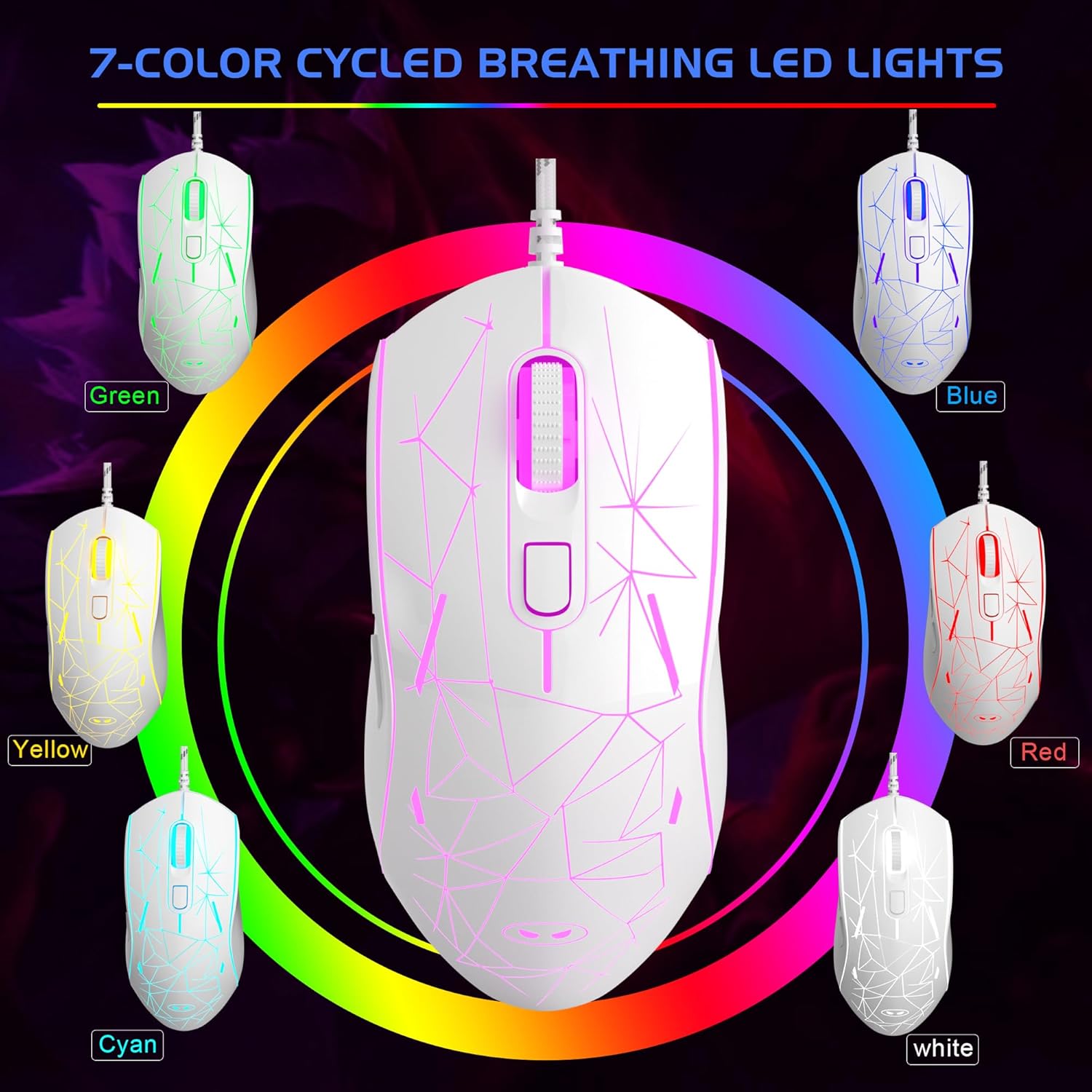
Image: The MageGee G6 Wired Gaming Mouse with its USB cable connected to a computer.
3. Awọn ilana Iṣiṣẹ
3.1 bọtini Awọn iṣẹ
The MageGee G6 offers 6 flexible buttons for versatile control:
- Bọtini osi: Standard osi-iṣẹ iṣẹ.
- Bọtini Ọtun: Standard-ọtun iṣẹ.
- Yi lọ Kẹkẹ: Scrolls up/down, and acts as a middle-click button.
- Speed Button (DPI Button): Adjusts the DPI (Dots Per Inch) sensitivity.
- Bọtini Siwaju: Lilọ siwaju sinu web aṣàwákiri tabi awọn ohun elo.
- Bọtini Pada: Lilọ kiri sẹhin sinu web aṣàwákiri tabi awọn ohun elo.
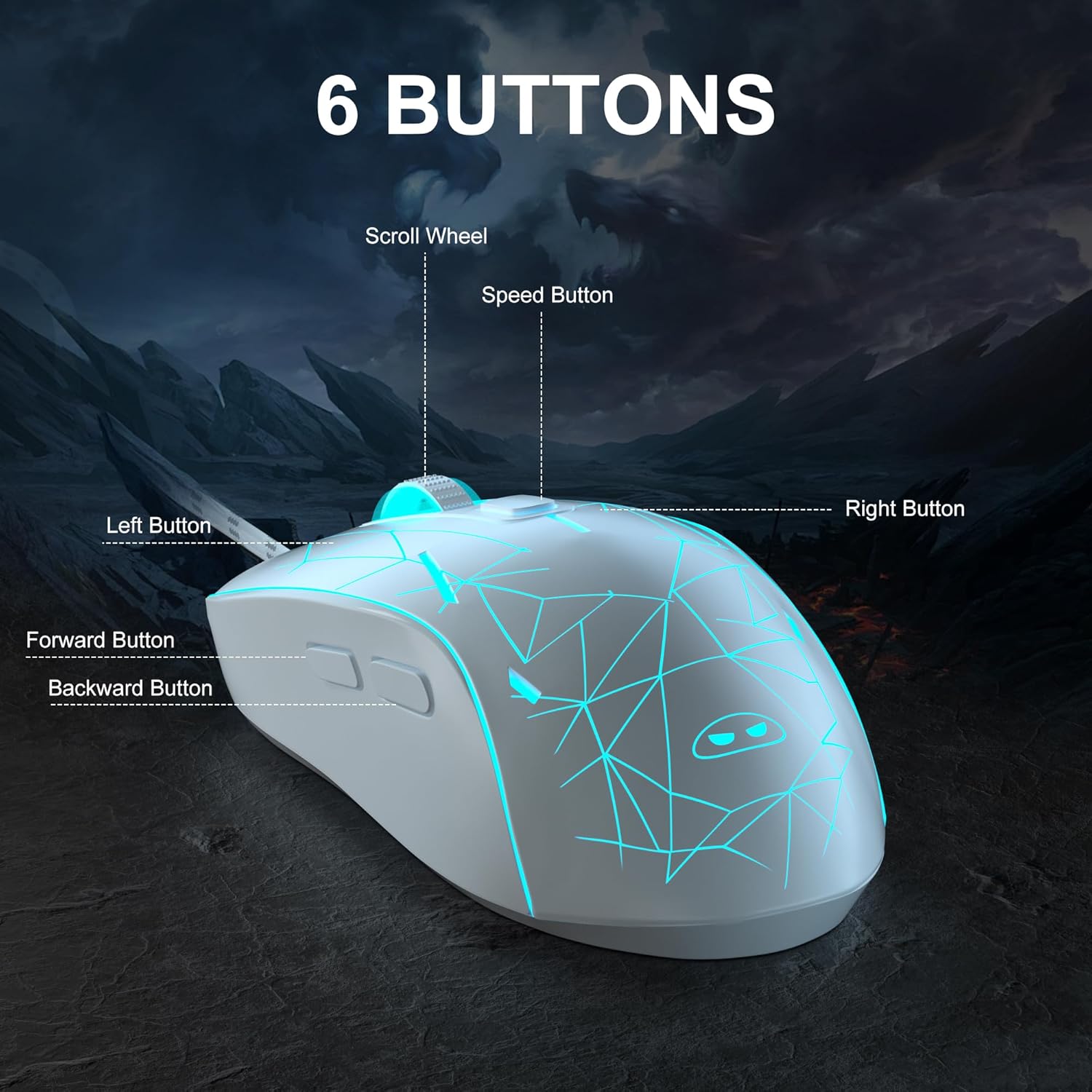
Aworan: A alaye view of the MageGee G6 mouse highlighting the Left, Right, Scroll Wheel, Speed, Forward, and Back buttons.
3.2 Adjusting DPI Speed Levels
The MageGee G6 offers 6 adjustable DPI speed levels for precise cursor control:
- 600 DPI
- 800 DPI
- 1200 DPI
- 1600 DPI
- 2400 DPI
- 3200 DPI
Tẹ awọn Bọtini iyara (located below the scroll wheel) to cycle through the different DPI settings. Each press will change the sensitivity, allowing you to find the optimal speed for your tasks or games.
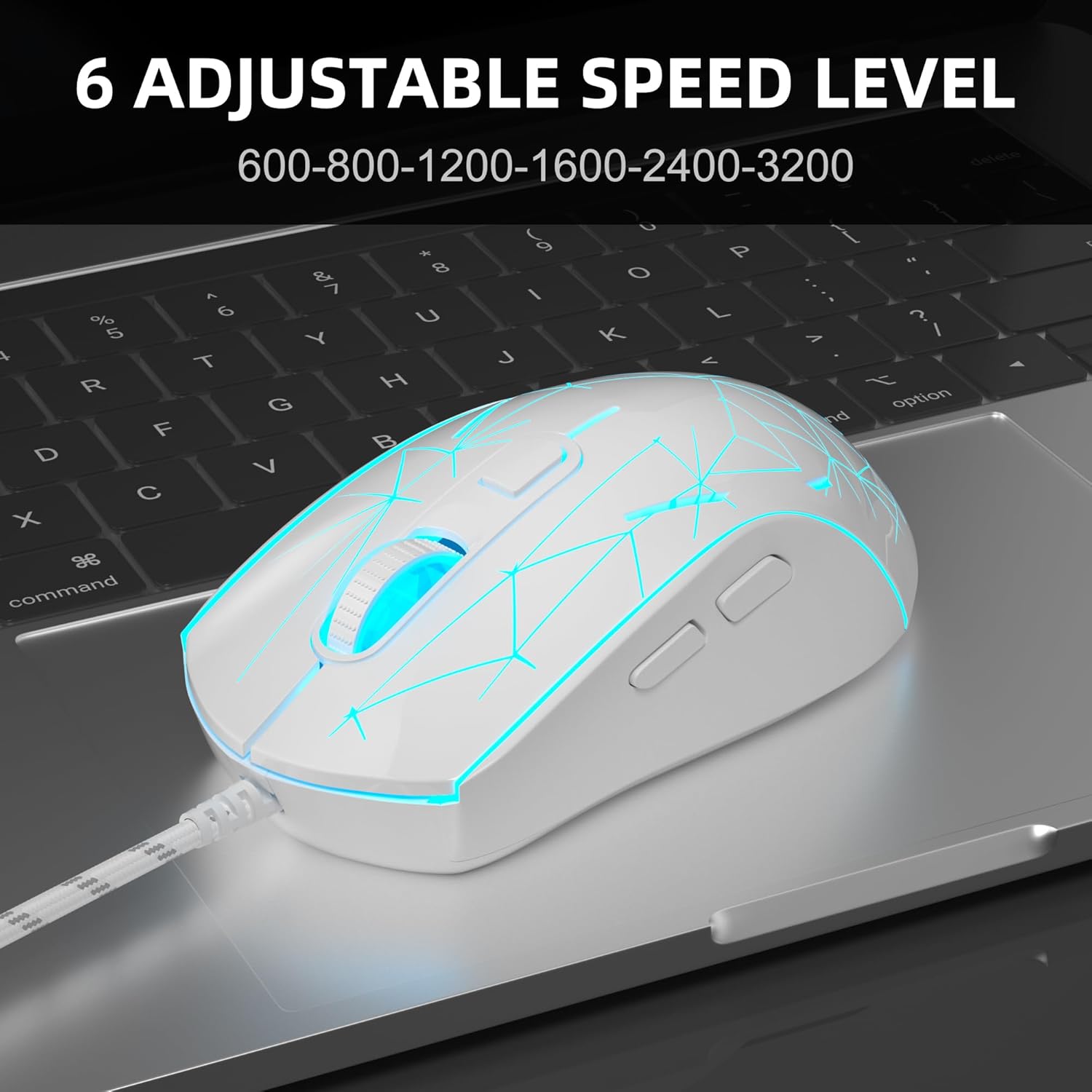
Image: The MageGee G6 mouse in use, demonstrating the adjustable DPI settings from 600 to 3200.
3.3 LED Backlight Control
The MageGee G6 features 7-color breathing LED backlighting. You can control the lighting as follows:
- Yi Awọ: Tẹ awọn Bọtini iyara ati awọn Bọtini Iwaju simultaneously to cycle through and lock a specific color.
- Tan-an/Pa ina: Tẹ mọlẹ Bọtini iyara for 3 seconds to toggle the LED lights on or off.
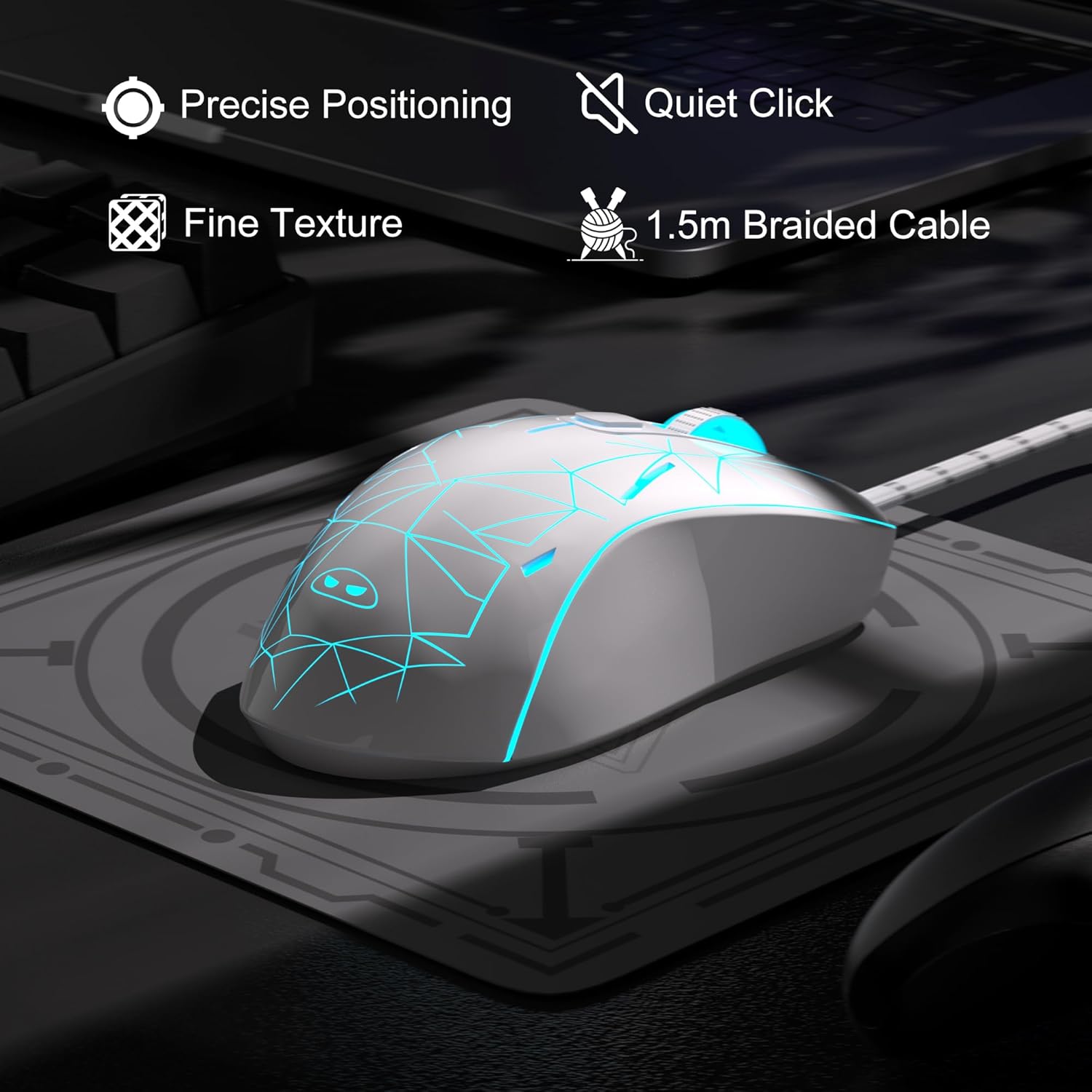
Image: The MageGee G6 mouse showcasing its 7-color breathing LED lights, including green, yellow, cyan, blue, red, and white.
4. Itọju
- Ninu: Lo asọ asọ ti o gbẹ lati nu asin naa. Yago fun lilo awọn kẹmika lile tabi awọn ohun elo abrasive.
- Itọju USB: Do not pull or twist the braided USB cable excessively to prevent damage.
- Ibi ipamọ: Store the mouse in a dry place away from extreme temperatures.
5. Laasigbotitusita
5.1 Asin Ko fesi
- Rii daju pe okun USB ti wa ni edidi ni aabo sinu ibudo USB ti n ṣiṣẹ lori kọnputa rẹ.
- Gbiyanju yiyi asin sinu ibudo USB ti o yatọ.
- Tun kọmputa rẹ bẹrẹ.
Awọn imọlẹ LED 5.2 Ko Ṣiṣẹ
- Rí i dájú pé àsín náà so mọ́ kọ̀ǹpútà rẹ dáadáa.
- Tẹ mọlẹ Bọtini iyara for 3 seconds to toggle the LED lights on or off.
5.3 Cursor Movement is Erratic
- Fi aṣọ rírọ fọ sensọ opitika ti o wa ni isalẹ asin naa.
- Rii daju pe o nlo Asin lori aaye ti o dara (fun apẹẹrẹ, paadi asin).
- Adjust the DPI sensitivity using the Bọtini iyara.
6. Awọn pato
| Ẹya ara ẹrọ | Ẹ̀kúnrẹ́rẹ́ |
|---|---|
| Brand | MageGee |
| Awoṣe | G6 |
| Asopọmọra Technology | USB, Ti firanṣẹ |
| Imọ-ẹrọ Iwari išipopada | Opitika |
| Awọn ipele DPI | 600/800/1200/1600/2400/3200 (Adjustable) |
| Awọn bọtini | 6 (Left, Right, Scroll Wheel, Speed, Forward, Back) |
| Atilẹyin LED | 7 Colors Breathing LED (Blue, Red, Green, Purple, Cyan, Yellow, White) |
| USB Ipari | 1.5 meters (Durable Braided Cable) |
| Ergonomics | Ergonomic Design with Comfortable Grip |
| Ibamu | Windows 10, 8, 7, XP, WinME, Vista, Linux, PC, Laptop, Desktop |
| Iwọn Nkan | 5.6 iwon |
| Package Mefa | 5.31 x 3.62 x 1.65 inches |
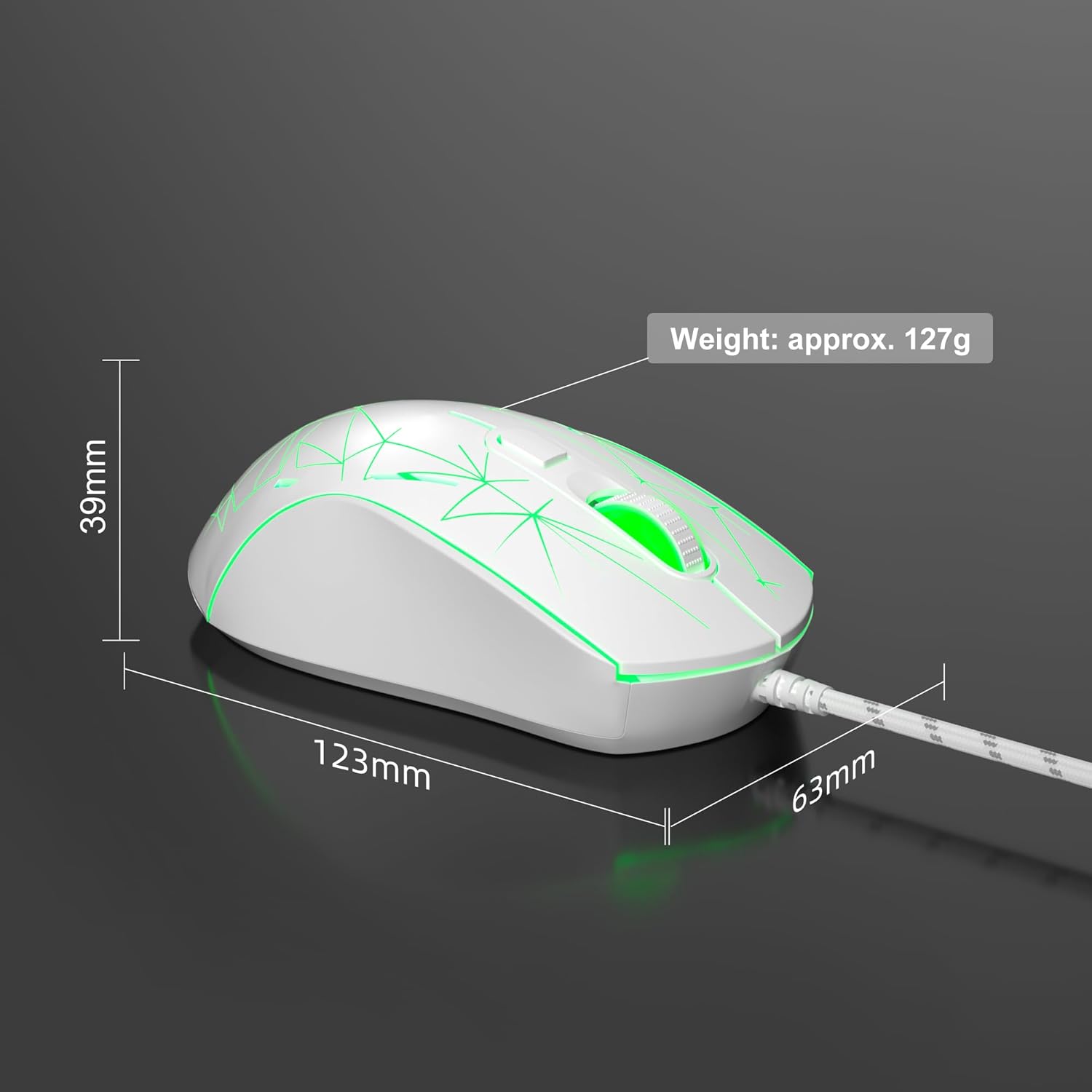
Image: Diagram illustrating the dimensions of the MageGee G6 Wired Gaming Mouse (123mm length, 63mm width, 39mm height, approx. 127g weight).
7. Atilẹyin ọja & Atilẹyin
For warranty information and customer support, please refer to the official MageGee webojula tabi kan si alagbata rẹ. Tọju iwe-ẹri rira rẹ fun awọn ẹtọ atilẹyin ọja.
MageGee is committed to technological and product innovation, providing quality computer peripherals. Our after-sales team is available to promptly respond and solve your problems.
Ṣabẹwo si MageGee Store fun diẹ ẹ sii awọn ọja ati alaye.