
Ọrọ Iṣaaju
This manual provides essential instructions for the safe and efficient use of your Teufel AIRY TRUE WIRELESS in-ear headphones. Please read this guide thoroughly before operating the device and retain it for future reference.
Alaye Aabo
Ṣe akiyesi awọn iṣọra ailewu wọnyi lati yago fun ibajẹ si ẹrọ tabi ipalara si ararẹ:
- Ma ṣe fi ẹrọ naa han si awọn iwọn otutu to gaju, imọlẹ orun taara, tabi ọriniinitutu giga.
- Yago fun sisọ silẹ tabi tẹriba ẹrọ si awọn ipa to lagbara.
- Keep the device away from water and liquids, despite its IPX5 rating, to prevent internal damage.
- Do not attempt to disassemble or modify the device. This voids the warranty and may cause damage.
- Use only the provided charging cable and a compatible power source.
- Prolonged listening at high volumes can cause hearing damage. Adjust volume to a safe level.
Package Awọn akoonu
Daju pe gbogbo awọn nkan wa ninu apo rẹ:
- Teufel AIRY TRUE WIRELESS In-Ear Headphones (Left and Right)
- Ngba agbara Case
- Okun Ngba agbara USB
- Awọn titobi pupọ ti Awọn imọran Eti Silikoni
- Afowoyi Olumulo (iwe-ipamọ yii)
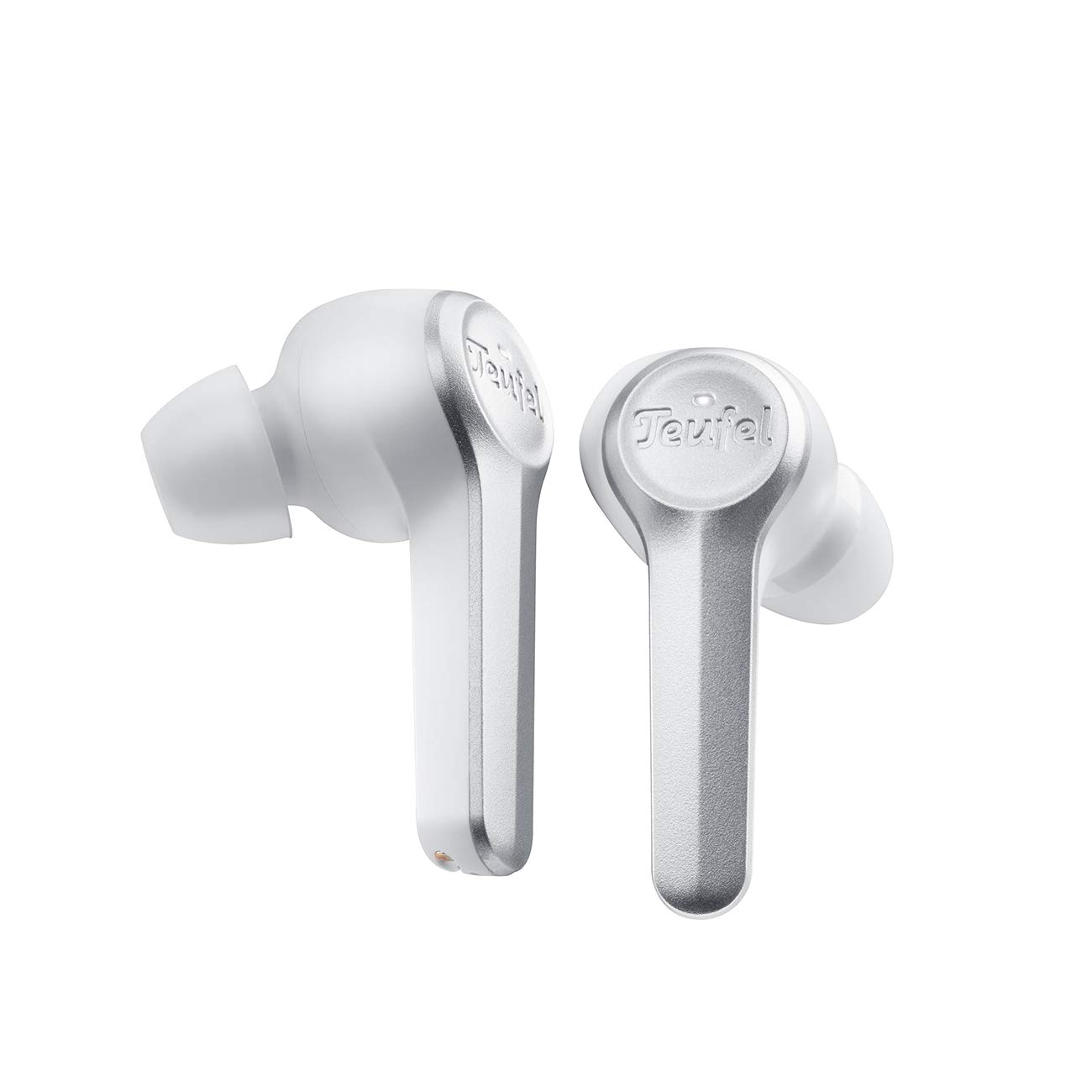
Image: The Teufel AIRY TRUE WIRELESS in-ear headphones, in white, are shown resting within their open charging case. The earbuds feature a sleek design with the Teufel logo visible on the outer surface. The charging case has indicator lights on the front.
Ṣeto
1. Ngba agbara ẹrọ
Ṣaaju lilo akọkọ, gba agbara ni kikun awọn agbekọri ati apoti gbigba agbara.
- Gbe awọn agbekọri sinu apoti gbigba agbara. Rii daju pe wọn joko ni deede.
- So okun gbigba agbara USB pọ mọ ibudo gbigba agbara lori apoti naa ati si orisun agbara USB ti o baamu.
- The indicator lights on the charging case will show the charging status. A full charge typically takes approximately 2 hours.
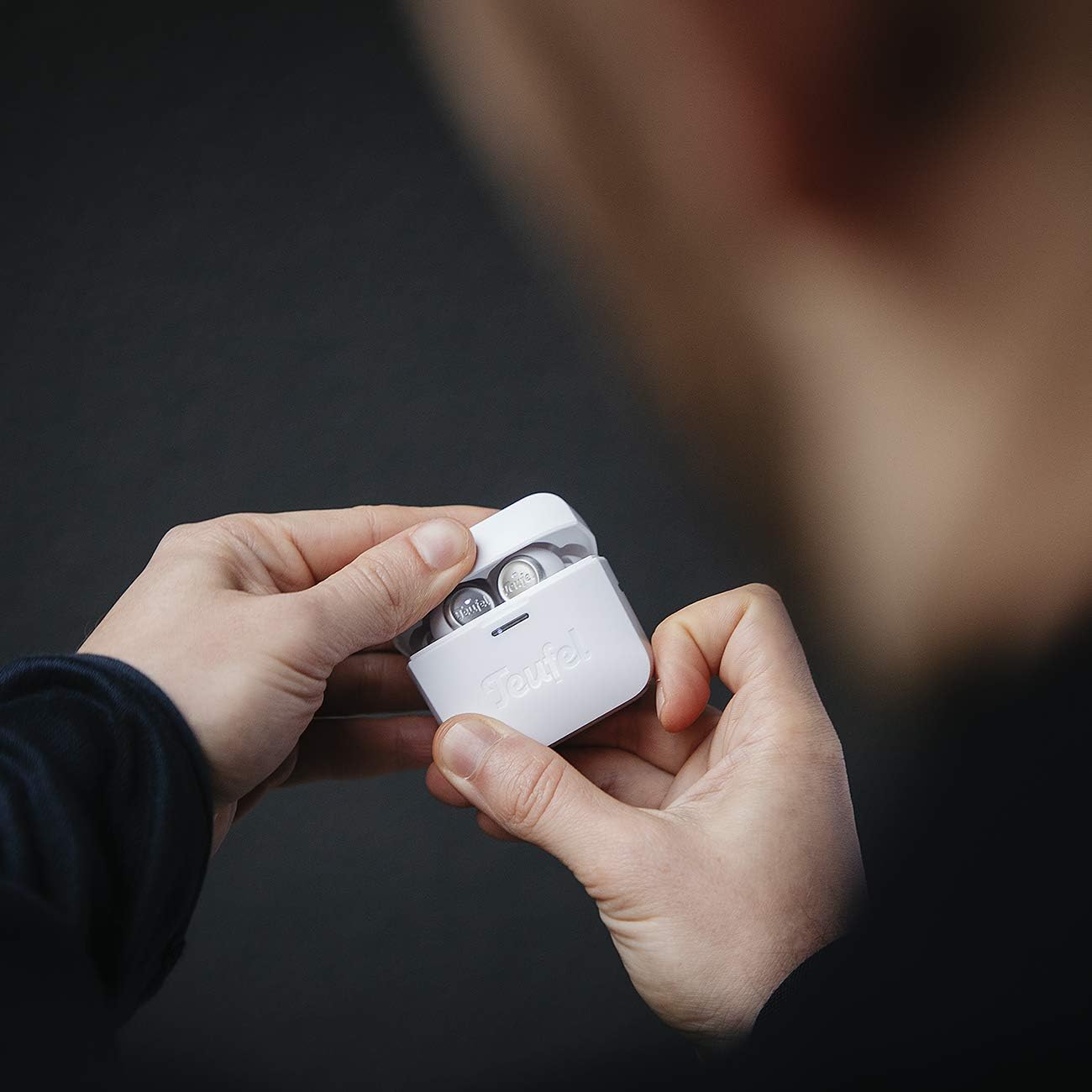
Image: A person's hands are shown holding the white Teufel AIRY TRUE WIRELESS charging case, which is open to reveal the earbuds inside. This illustrates the typical interaction when handling or charging the device.
2. Sisopọ pọ pẹlu Ẹrọ Bluetooth kan
The earbuds automatically enter pairing mode when the charging case is opened for the first time.
- Open the charging case. The earbuds will power on and enter pairing mode.
- Lórí ẹ̀rọ ohùn rẹ (fóònù alágbèéká, tábìlẹ́ẹ̀tì, àti bẹ́ẹ̀ bẹ́ẹ̀ lọ), mu Bluetooth ṣiṣẹ́ kí o sì wá àwọn ẹ̀rọ tó wà.
- Select "Teufel AIRY TRUE WIRELESS" from the list of found devices.
- Once connected, a confirmation sound will play, and the indicator lights on the earbuds may change.
3. Ibamu awọn Earbuds
Imudara to dara jẹ pataki fun didara ohun ati itunu.
- Choose the ear tips that provide the best seal and comfort for your ears. Experiment with different sizes.
- Gently insert each earbud into your ear canal and twist slightly until it feels secure and comfortable.

Image: A woman is shown wearing a white Teufel AIRY TRUE WIRELESS earbud in her right ear, demonstrating how the product is worn. The earbud is discreetly placed, indicating a comfortable and secure fit.
Ṣiṣẹ
Titan / Paa
- Agbara Tan: Open the charging case, or if already out of the case, press and hold the touch control area on both earbuds for 2 seconds.
- Agbara Pa: Place the earbuds back into the charging case and close the lid. Alternatively, press and hold the touch control area on both earbuds for 5 seconds.
Awọn iṣakoso ifọwọkan
The Teufel AIRY TRUE WIRELESS earbuds feature intuitive touch controls on the outer surface of each earbud.
| Iṣe | Agbekọti Osi | Ọtun Earbud |
|---|---|---|
| Ṣiṣẹ / Sinmi | Fọwọ ba ẹyọkan | Fọwọ ba ẹyọkan |
| Next Track | Fọwọ ba lẹẹmeji | Fọwọ ba lẹẹmeji |
| Ti tẹlẹ Track | Tẹ ni kia kia meteta | Tẹ ni kia kia meteta |
| Iwọn didun soke | N/A | Tẹ mọlẹ |
| Iwọn didun isalẹ | Tẹ mọlẹ | N/A |
| Idahun/Pari Ipe | Fọwọ ba ẹyọkan | Fọwọ ba ẹyọkan |
| Kọ Ipe | Tẹ mọlẹ | Tẹ mọlẹ |
| Mu Oluranlọwọ Ohun ṣiṣẹ | Fọwọ́bà mẹ́rin | Fọwọ́bà mẹ́rin |
Ipo batiri
The battery status of the earbuds and charging case can be viewed on connected iOS and Android devices. Additionally, indicator lights on the charging case provide a visual cue for the case's battery level.
Itoju
Ninu
- Lo asọ ti o gbẹ, asọ ti ko ni lint lati nu afikọti ati apoti gbigba agbara.
- Yọ awọn imọran eti kuro ki o sọ wọn di mimọ pẹlu ọṣẹ kekere ati omi. Rii daju pe wọn ti gbẹ patapata ṣaaju ki o to tun ṣe.
- Maṣe lo awọn afọmọ abrasive, ọti-lile, tabi awọn nkan ti kemikali.
Ibi ipamọ
Nigbati ko ba si ni lilo, tọju awọn afikọti sinu apoti gbigba agbara wọn lati daabobo wọn ati rii daju pe wọn wa ni idiyele.
Laasigbotitusita
Ti o ba pade awọn iṣoro, tọka si awọn solusan ti o wọpọ wọnyi:
- Ko si Ohun: Ensure earbuds are charged, properly paired, and volume is not muted on either the earbuds or the connected device.
- Awọn oran Isopọpọ: Turn off Bluetooth on your device, then turn it back on. Reset the earbuds by placing them in the case, closing the lid for 10 seconds, then reopening. Try pairing again.
- Agbohunsafefe kan Ko Ṣiṣẹ: Ensure both earbuds are charged. Place both earbuds back in the case, close it, then reopen. If the issue persists, try re-pairing the earbuds.
- Awọn iṣoro gbigba agbara: Check the charging cable and power source. Ensure the earbuds are correctly seated in the charging case. Clean the charging contacts if necessary.
- Omi Resistance (IPX5): The earbuds are resistant to splashes and jet water. They are not designed for submersion. Ensure the charging port is dry before charging.
Awọn pato
| Ẹya ara ẹrọ | Ẹ̀kúnrẹ́rẹ́ |
|---|---|
| Orukọ awoṣe | AIRY TRUE WIRELESS |
| Nọmba awoṣe | 106083002 |
| Asopọmọra | Bluetooth 5.0 with AAC |
| Igbesi aye batiri (Earbuds) | Titi di wakati 6 fun idiyele kan |
| Lapapọ Igbesi aye Batiri (pẹlu Ọran) | Ju 25 wakati |
| Gbigba agbara kiakia | 15 minutes charge for over 1 hour playback |
| Omi Resistance | IPX5 (splash and jet water resistant) |
| Iwọn (Ọja) | 2.2 x 1.9 x 3.9 cm |
| Iwuwo (Ọja) | 160 g |
| Ohun elo | Ṣiṣu |
| Batiri Iru | Lithium ion (pẹlu) |
Atilẹyin ọja ati Support
Your Teufel AIRY TRUE WIRELESS headphones come with a manufacturer's warranty. For detailed information regarding warranty terms, conditions, and duration, please refer to the warranty card included in your product packaging or visit the official Teufel website. For technical support, troubleshooting assistance beyond this manual, or service inquiries, please contact Teufel customer support through their official channels.