
1. Ifihan
This manual provides detailed instructions for the assembly, operation, and maintenance of your Antec NX410 ATX Mid-Tower Case. Please read this manual thoroughly before beginning installation to ensure proper setup and to maximize the performance and longevity of your system.

Figure 1.1: Antec NX410 ATX Mid-Tower Case (Black)
2. Key Awọn ẹya ara ẹrọ
- Itutu agbaiye to ti ni ilọsiwaju: Pre-installed with 2 x 140mm ARGB fans in the front and 1 x 120mm ARGB fan in the rear for efficient airflow.
- Panel Ẹgbẹ Gilasi ti o ni ibinu: A full-side view tempered glass panel allows for showcasing internal components and RGB lighting.
- Iṣafẹfẹ Afẹfẹ: Features a grid front panel design to enhance air intake and maintain optimal temperatures.
- Atilẹyin modaboudu: Compatible with ATX, Micro-ATX, and ITX motherboard form factors.
- Ample Expansion: Supports various storage configurations and large graphics cards (up to 335mm) and CPU coolers (up to 168mm).
3. Eto ati fifi sori
3.1 Ngbaradi Ọran naa
Before installing components, ensure the case is placed on a stable, flat surface. The tempered glass side panel can be easily opened via a magnetic latch for access to the interior.

Figure 3.1: Internal Component Layout and Compatibility
3.2 Fifi sori modaboudu
The NX410 supports ATX, Micro-ATX, and ITX motherboards. Install standoffs as required by your motherboard's form factor before mounting the motherboard.
3.3 Fan and Radiator Support
The case comes with pre-installed ARGB fans. Additional fans or radiators can be installed as follows:
- Iwaju: Up to 3 x 120mm or 3 x 140mm fans (up to 360mm radiator).
- Oke: Up to 2 x 120mm or 2 x 140mm fans (up to 280mm radiator).
- Ẹyìn: 1 x 120mm fan (up to 120mm radiator).
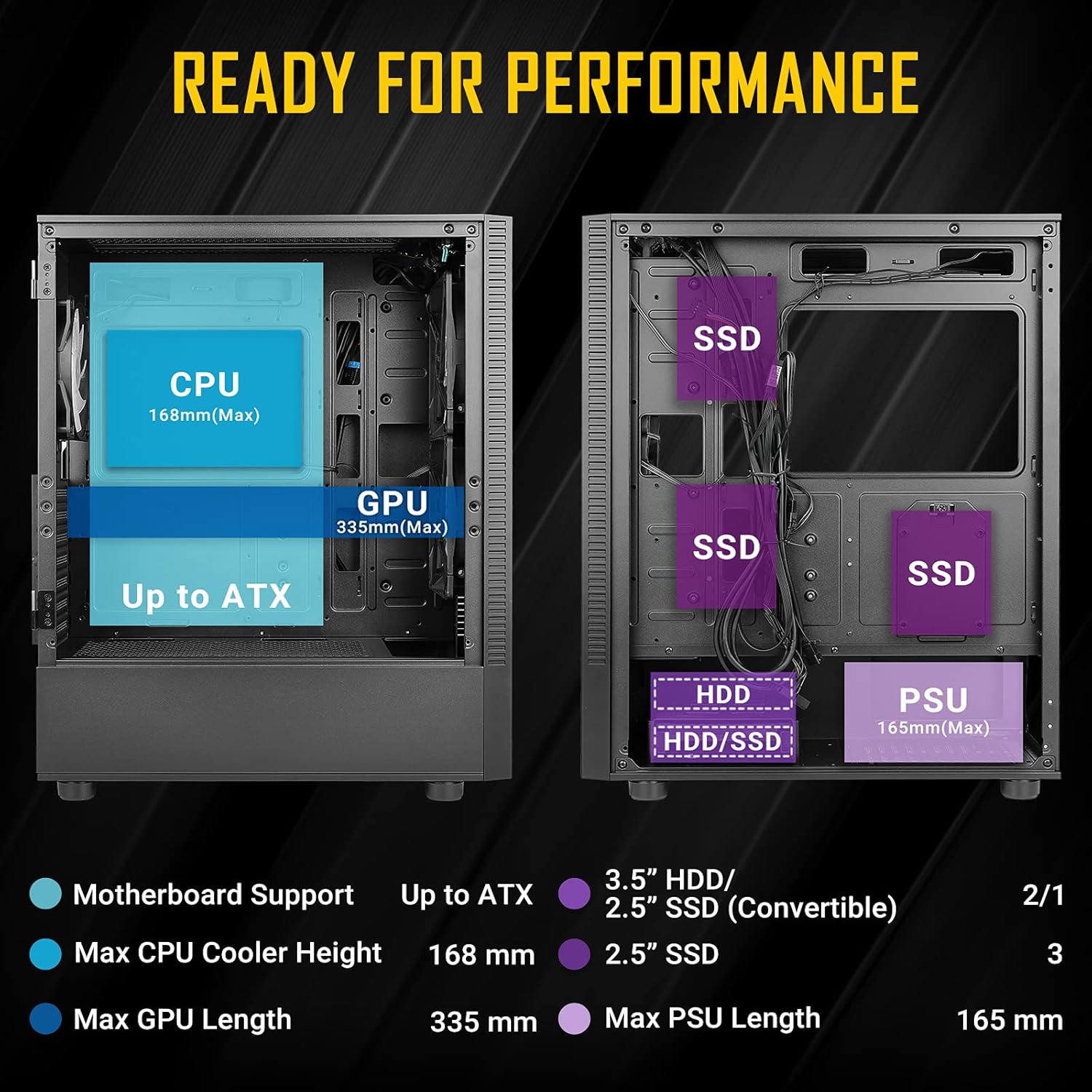
Figure 3.2: Fan and Radiator Configuration
Important Fan Connection Note:
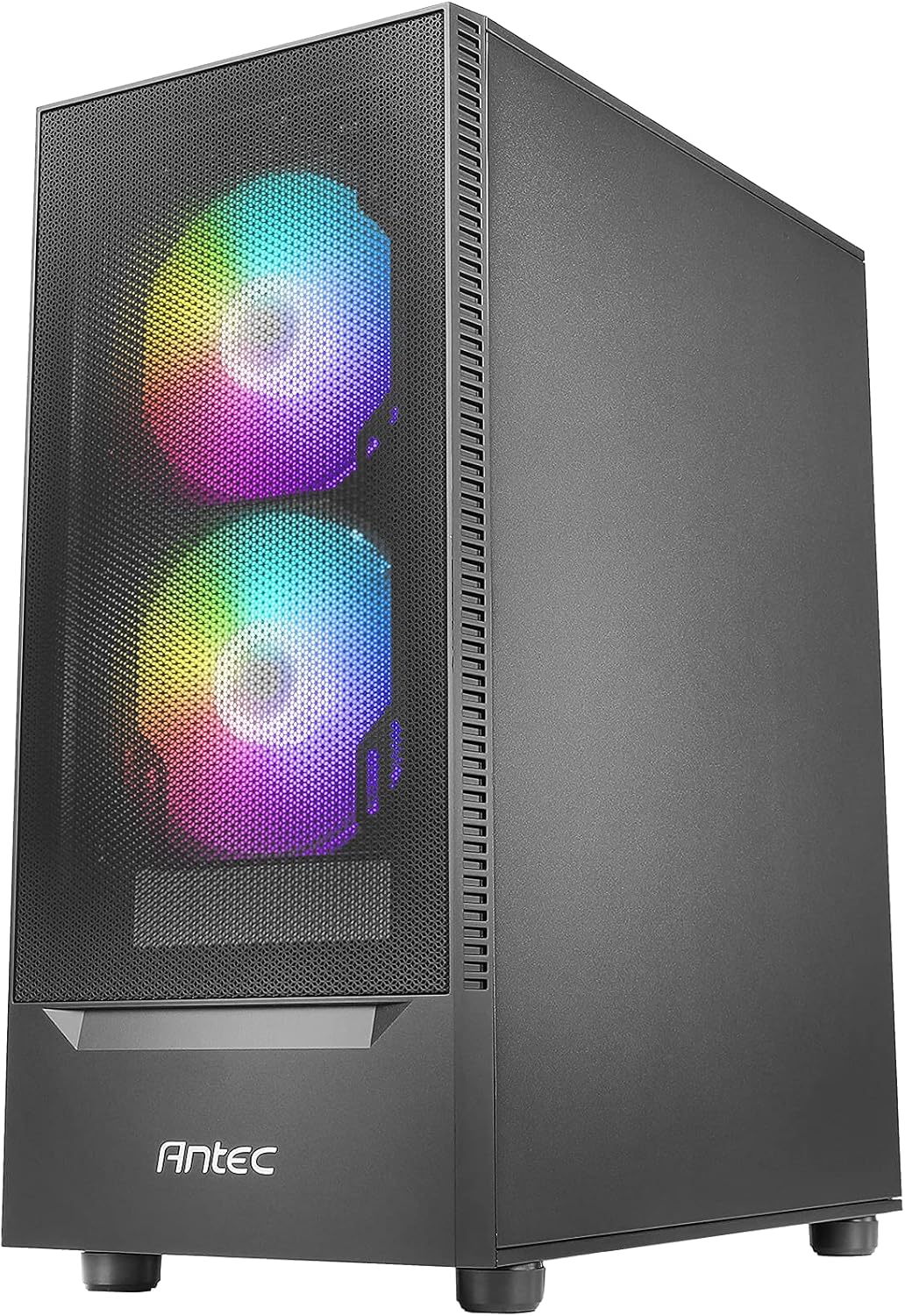
Figure 3.3: Fan Installation Warning
- If you connect the major fan and other fans but do not connect the major fan to the motherboard, other fans will not function.
- The fan kit does not work in sync with the motherboard ARGB function unless properly connected.
3.4 Ibi ipamọ wakọ sori
The case provides bays for 3.5-inch HDDs and 2.5-inch SSDs. Refer to the internal layout diagram (Figure 3.1) for specific mounting locations.
3.5 Power Ipese Unit (PSU) fifi sori
The PSU mounts at the rear bottom of the case. Ensure the PSU length does not exceed 165mm for optimal fit and cable management.
4. Ṣiṣẹ Awọn ẹya ara ẹrọ Ọran
4.1 Front Panel I/O Ports
The top front panel provides convenient access to essential ports and controls:
- Bọtini agbara
- Bọtini Iṣakoso LED
- USB 3.0 x 1
- USB 2.0 x 2
- HD-AUDIO (Headphone and Microphone jacks)

Àwòrán 4.1: Àwọn Ibùdó Ìṣí/O Pánẹ̀lì Ìwájú
4.2 ARGB ina Iṣakoso
Use the dedicated LED Control Button on the front panel to cycle through various ARGB lighting effects and colors for the pre-installed fans. This allows for customization of your system's aesthetic.

Figure 4.2: LED Control Button
5. Itọju
5.1 Ninu eruku Ajọ
The Antec NX410 features a fine mesh front panel and a magnetic dust filter on the top panel to prevent dust buildup. Regularly remove and clean these filters to maintain optimal airflow and cooling performance.
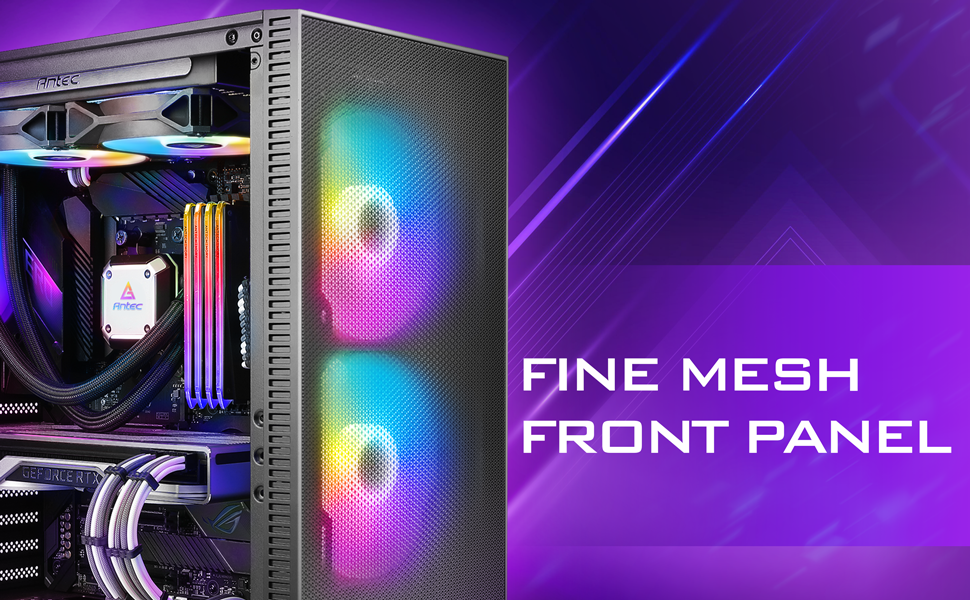
Figure 5.1: Fine Mesh Front Panel
5.2 Accessing Internal Components
The tempered glass side panel is secured with a magnetic latch, allowing for tool-less access to the internal components for upgrades, cleaning, or troubleshooting. Gently pull the handle to open the panel.
6. Laasigbotitusita
- Eto Ko Titan: Ensure all power cables (24-pin ATX, 8-pin CPU, GPU PCIe) are securely connected to the motherboard, graphics card, and power supply. Verify the power supply switch is in the 'ON' position.
- Awọn onijakidijagan Ko Yiyi/RGB Ko Ṣiṣẹ: Check fan connections to the motherboard or fan controller. Ensure the LED control button is pressed to cycle through modes. Refer to Figure 3.3 for proper fan wiring.
- Awọn oran igbona pupọ: Confirm all case fans are installed correctly and spinning. Clean dust filters regularly. Ensure proper thermal paste application on the CPU cooler.
- Awọn ibudo USB Ko Ṣiṣẹ: Verify the USB headers from the front panel are correctly connected to the motherboard.
7. Awọn pato
| Ẹya ara ẹrọ | Ẹ̀kúnrẹ́rẹ́ |
|---|---|
| Brand | Antec |
| Orukọ awoṣe | NX410 |
| Iru Irú | Ile-iṣọ Mid |
| Modaboudu Ibamu | ATX, Micro-ATX, ITX |
| Iwọn (D x W x H) | 15.35"D x 8.27"W x 19.09"H |
| Ohun elo | Gilasi tempered, Irin |
| Awọn onijakidijagan ti a ti fi sii tẹlẹ | 2 x 140mm ARGB (Front), 1 x 120mm ARGB (Rear) |
| Max Sipiyu kula Iga | 168mm |
| Max GPU Ipari | 335mm |
| Iye ti o ga julọ ti PSU | 165mm |
| Imugboroosi Iho | 7 |
| I/O Ports | Power, LED Control Button, USB 3.0 x 1, USB 2.0 x 2, HD-AUDIO |
| Lile Disk Fọọmù ifosiwewe | 3.5 inches |
| Internal Bays Quantity | 2 (3.5" HDD / 2.5" SSD Convertible), 3 (2.5" SSD) |
8. Atilẹyin ọja ati Support
The Antec NX410 ATX Mid-Tower Case comes with a 2-odun atilẹyin ọja. For technical support, troubleshooting assistance, or warranty claims, please visit the official Antec webojula tabi kan si wọn onibara iṣẹ Eka. Jeki ẹri rira rẹ fun ijẹrisi atilẹyin ọja.