
1. Ifihan
Thank you for choosing the Hoco HC2 Wireless Speaker. This manual provides essential information for setting up, operating, and maintaining your device. Please read it carefully before use to ensure optimal performance and longevity of your speaker.
2. Awọn ẹya ara ẹrọ
- Bluetooth 5.0 fun iduroṣinṣin ati Asopọmọra alailowaya daradara.
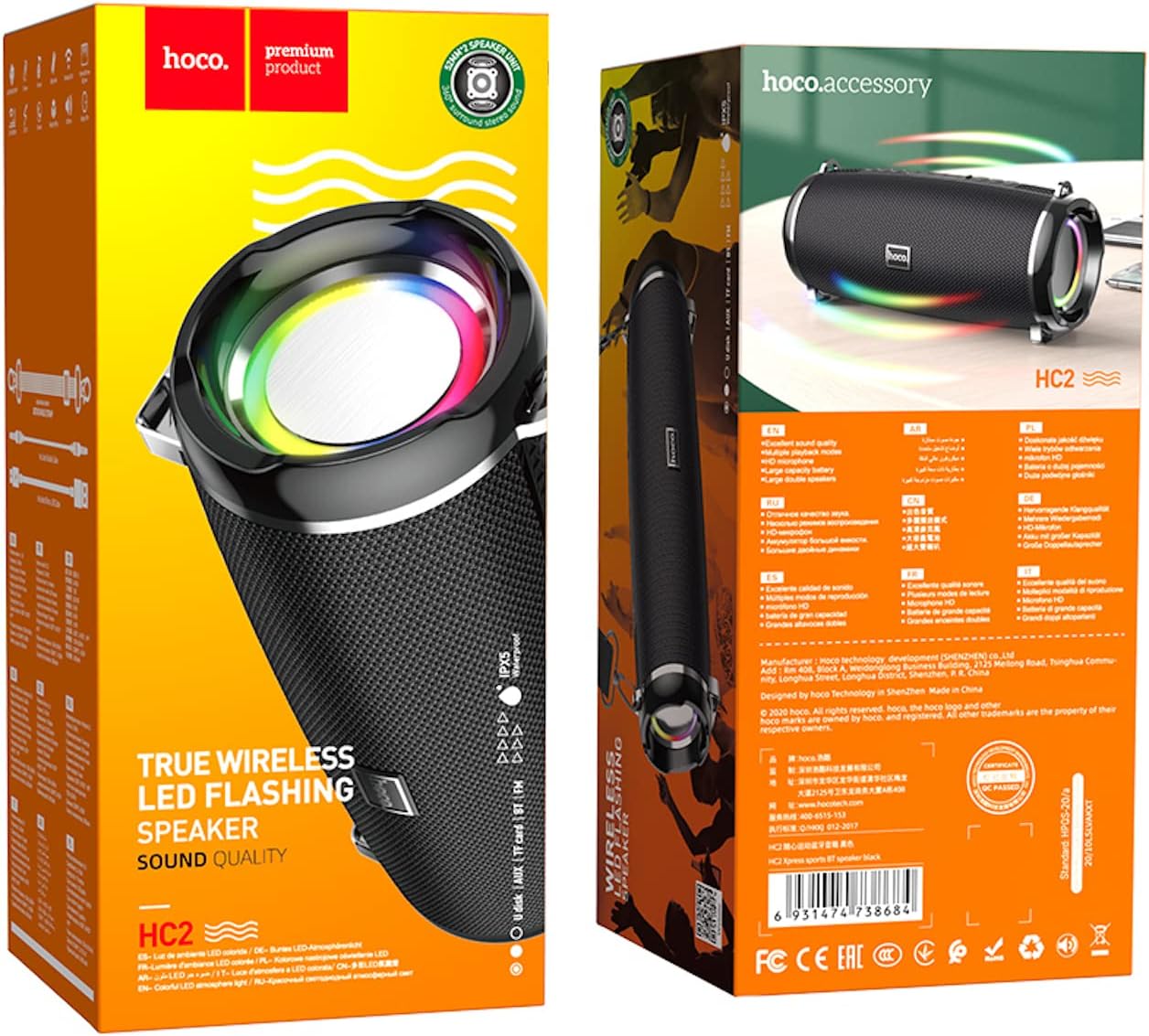
- Dual 52mm speaker units with 5W x 2 power output for rich, clear audio.
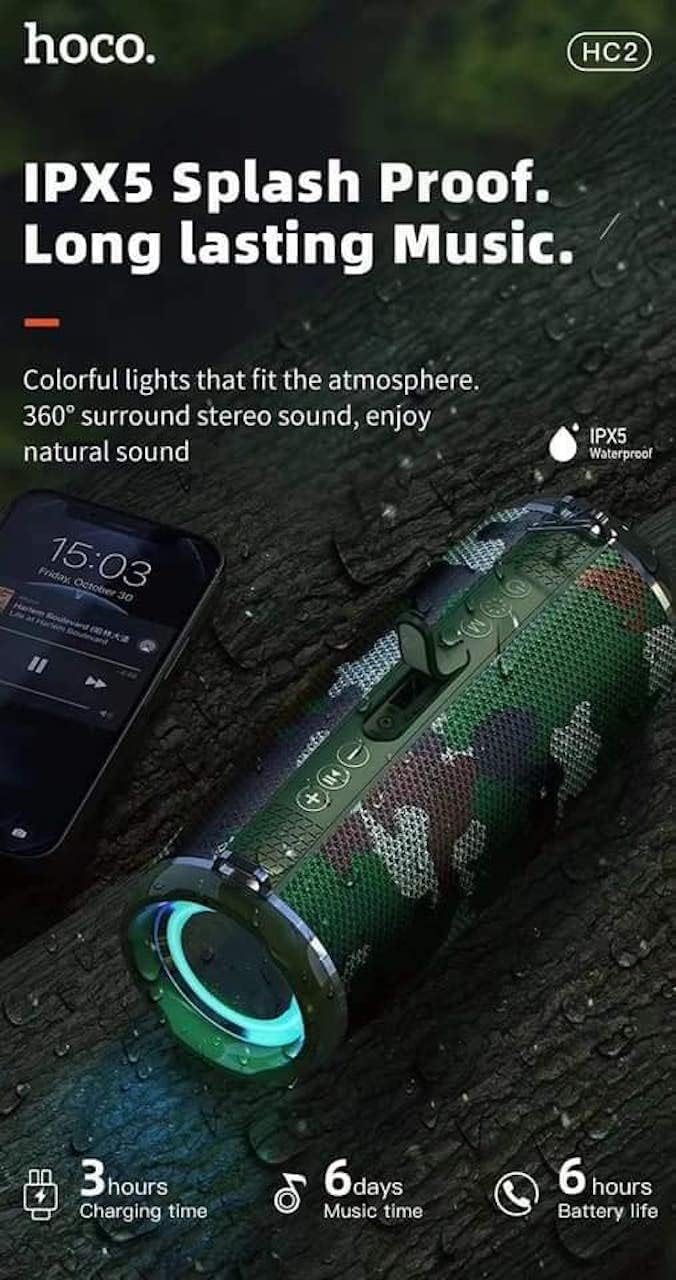
- Built-in 2400 mAh battery providing approximately 6 hours of talk/music playback time.
- Versatile playback options: Supports Bluetooth, TF card, USB, AUX, and FM radio modes.
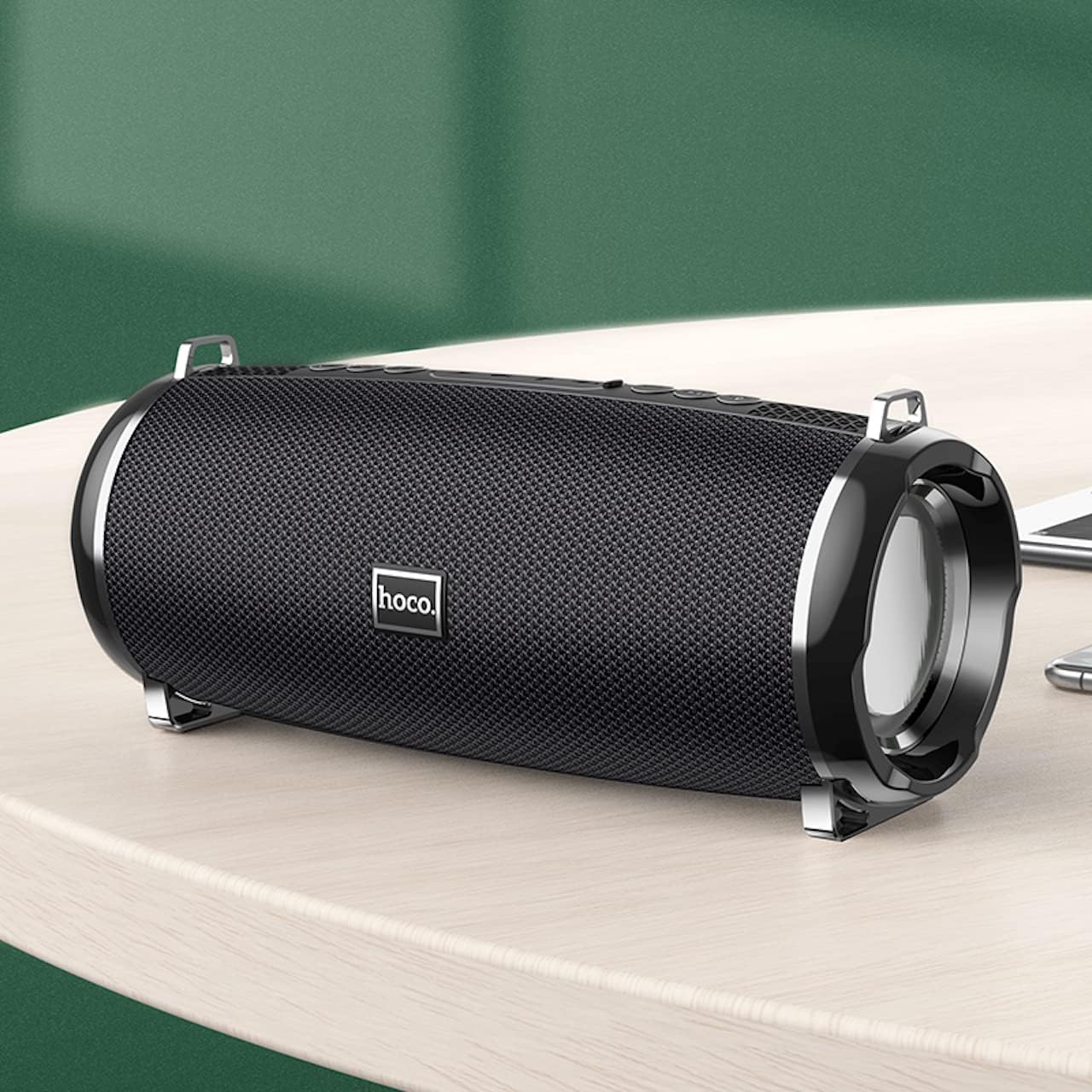
- Compact and portable design with dimensions of 194.4 x 81 x 82 mm and a weight of 598 grams.
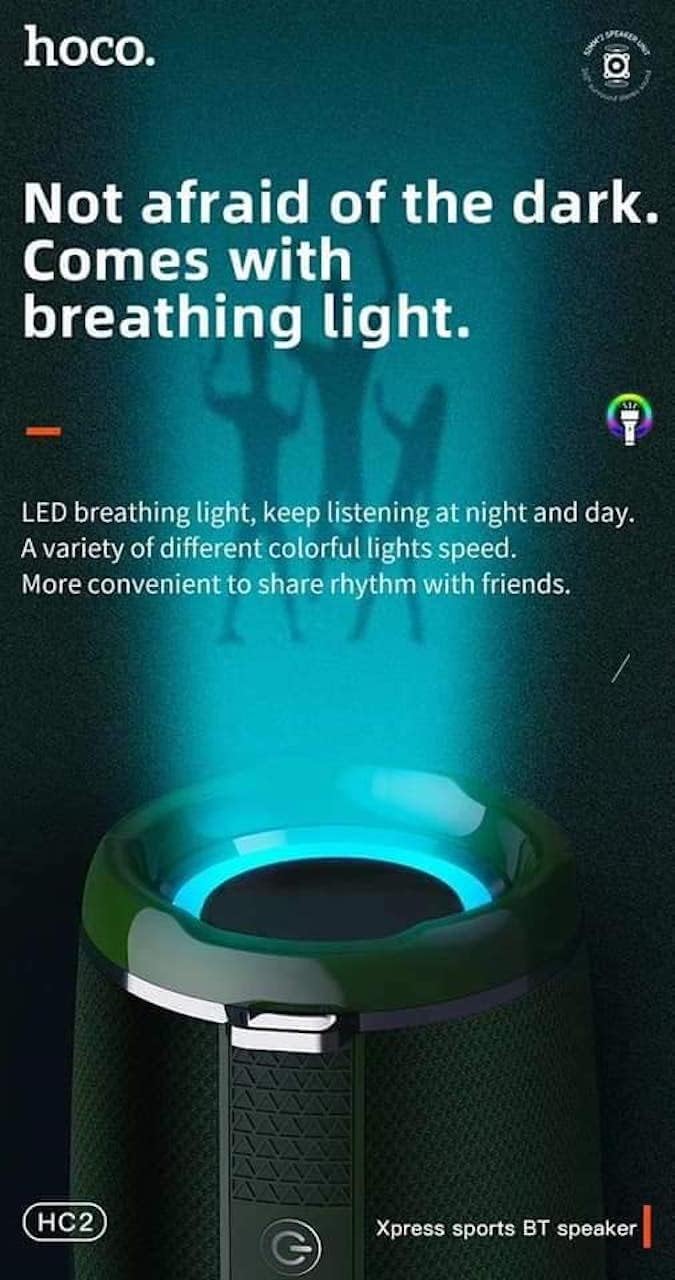
- Features LED breathing light for enhanced visual experience.
- IPX5 splash-proof rating for outdoor use.
3. Package Awọn akoonu
Jọwọ ṣayẹwo package fun awọn nkan wọnyi:
- Hoco HC2 Wireless Speaker
- Okun Ngba agbara USB
- Itọsọna olumulo
- Shoulder Strap (may vary by package)
4. Eto
4.1 Gbigba agbara si Agbọrọsọ
Before first use, fully charge the speaker. Connect the provided USB charging cable to the speaker's charging port and the other end to a USB power adapter (not included) or a computer's USB port. The charging indicator light will illuminate during charging and turn off when fully charged. Charging takes approximately 3 hours.
4.2 Titan / Pa a
Press and hold the power button for a few seconds to turn the speaker on or off. A voice prompt will indicate the power status.
4.3 Sisopọ Bluetooth
- Tan agbohunsoke. Yoo tẹ ipo sisopọ pọ si Bluetooth laifọwọyi, ti a fihan nipasẹ ina LED didan.
- Mu Bluetooth ṣiṣẹ lori foonu alagbeka rẹ, tabulẹti, tabi ẹrọ miiran.
- Wa fun "HC2" in the list of available Bluetooth devices.
- Select "HC2" to connect. Once connected, a voice prompt will confirm the successful pairing, and the LED light will stop flashing.
- Ti o ba beere fun ọrọ igbaniwọle, tẹ "0000".
Agbọrọsọ yoo tun sopọ laifọwọyi si ẹrọ ti o so pọ to kẹhin nigbati o ba wa ni ina, ti ẹrọ Bluetooth ba nṣiṣẹ ati laarin iwọn.
5. Awọn ilana Iṣiṣẹ
5.1 Ipo Yipada
Press the 'M' (Mode) button to cycle through available modes: Bluetooth, TF Card, USB, AUX, and FM Radio.
5.2 Music Playback (Bluetooth/TF Card/USB)
- Ṣiṣẹ/Daduro: Tẹ bọtini Play/Sinmi.
- Orin t’okan: Short press the 'Next' button.
- Tẹlẹ Orin: Short press the 'Previous' button.
- Iwọn didun Up: Long press the 'Volume Up' button.
- Iwọn didun isalẹ: Long press the 'Volume Down' button.
5.3 FM Radio isẹ
- Yípadà sí ipò rédíò FM nípa lílo bọ́tìnì 'M'.
- Press the Play/Pause button to automatically scan and save available radio stations.
- Use the 'Next' and 'Previous' buttons to switch between saved stations.
5.4 AUX Ipo
Connect an external audio device (e.g., MP3 player, computer) to the speaker's AUX port using a 3.5mm audio cable. The speaker will automatically switch to AUX mode. Control playback from your connected device.
5.5 LED ina Iṣakoso
The speaker features an LED breathing light. Refer to the specific button on your speaker (often a dedicated light button or a long press on a volume button) to cycle through light modes or turn the light on/off.
6. Itọju
- Ninu: Lo asọ asọ ti o gbẹ lati sọ agbọrọsọ di mimọ. Ma ṣe lo abrasive ose tabi epo.
- Ibi ipamọ: Tọju agbohunsoke ni itura, aye gbigbẹ kuro lati orun taara ati awọn iwọn otutu to gaju.
- Itọju Batiri: To prolong battery life, charge the speaker regularly, even if not in use. Avoid fully discharging the battery frequently.
- Omi Resistance: The speaker is IPX5 splash-proof, meaning it can resist light splashes of water. Do not submerge it in water or expose it to heavy rain. Ensure all ports are securely covered when exposed to moisture.
7. Laasigbotitusita
| Isoro | Owun to le Fa | Ojutu |
|---|---|---|
| Agbọrọsọ ko ni tan. | Batiri kekere. | Gba agbara si agbọrọsọ ni kikun. |
| Ko si ohun. | Iwọn didun kere ju; ipo ti ko tọ; ẹrọ ko sopọ mọ. | Increase volume; switch to correct mode; ensure device is paired/connected. |
| Asopọ Bluetooth kuna. | Agbọrọsọ kii ṣe ni ipo sisopọ; ẹrọ jina ju; kikọlu. | Ensure speaker is in pairing mode; move devices closer; restart both devices. |
| Gbigba redio FM ti ko dara. | Ifihan agbara. | Relocate the speaker to an area with better signal. |
8. Awọn pato
| Sipesifikesonu | Ẹ̀kúnrẹ́rẹ́ |
|---|---|
| Orukọ awoṣe | HC2 |
| Ọja Mefa | 19.44 x 8.2 x 8.1 cm |
| Iwọn | 598 giramu |
| Asopọmọra Technology | Bluetooth, FM, TF Card, USB Disk, AUX, TWS |
| Ẹya Bluetooth | 5.0 |
| Chipset | JLAC6928B |
| Agbara Batiri | 2400 mAh |
| Akoko gbigba agbara | Isunmọ. wakati meji 3 |
| Talk/Music Playback Time | Isunmọ. wakati meji 6 |
| Agbọrọsọ Unit | 52 mm × 2 |
| O pọju Agbọrọsọ o wu Power | 5W × 2 |
| Ipo Ijade Ohun | Ayika |
| Pataki Ẹya | Bluetooth, TF Card, USB, AUX, FM Radio support |
| Niyanju Lilo | Smartphones, Tablets, Music Players, Surround Sound Systems |
| Awọn ẹrọ ibaramu | Smartphone, Laptop, MP3 Player, Tablet, Desktop Computer |
| Iṣagbesori Iru | Tabili |
9. Awọn aworan ọja




10. Atilẹyin ọja ati Support
Hoco products are manufactured to the highest quality standards. This product is covered by a standard manufacturer's warranty against defects in materials and workmanship. Please refer to the warranty card included in your package for specific terms and conditions, including the warranty period.
For technical support, troubleshooting assistance, or warranty claims, please contact Hoco customer service through their official website or the retailer from whom you purchased the product. Keep your purchase receipt as proof of purchase for warranty purposes.
Extended protection plans may be available from your retailer. These plans offer additional coverage beyond the standard manufacturer's warranty.