
SLuB T16
SLuB Bluetooth Earphones T16 User Manual
Model: T16 | Brand: SLuB
1. Ifihan
O ṣeun fun riraasing the SLuB Bluetooth Earphones Model T16. These true wireless stereo earphones are designed to provide a high-quality audio experience with convenient features such as Bluetooth 5.1 connectivity, Hi-Fi sound, automatic pairing, and touch controls. This manual will guide you through the setup, operation, and maintenance of your new earphones to ensure optimal performance and longevity.
2. Alaye Aabo
- Má ṣe tú ọjà náà ká, má ṣe tún un ṣe, tàbí ṣe àtúnṣe rẹ̀. Èyí lè fa iná, ìkọlù iná mànàmáná, tàbí ìbàjẹ́ pátápátá sí ọjà náà.
- Keep the product away from extreme temperatures, humidity, and corrosive environments.
- Yago fun jisilẹ tabi tẹriba ọja si awọn ipa to lagbara.
- Jeki kuro ni arọwọto awọn ọmọde ati awọn ohun ọsin.
- Lo okun gbigba agbara ti a pese nikan tabi okun Iru-C ti a fọwọsi fun gbigba agbara.
- Ifarahan gigun si awọn ohun ti npariwo le fa ibajẹ igbọran. Ṣatunṣe iwọn didun si ipele iwọntunwọnsi.
3. Package Awọn akoonu
Jọwọ ṣayẹwo awọn akoonu package lati rii daju pe gbogbo awọn ohun kan wa:
- SLuB T16 Earbuds (Left and Right)
- Ngba agbara Case
- USB Iru-C Ngba agbara USB
- Ilana itọnisọna
4. Ọja Ipariview
The SLuB T16 earphones feature a compact and lightweight design, making them easy to carry and comfortable for extended wear. The charging case provides additional battery life on the go.
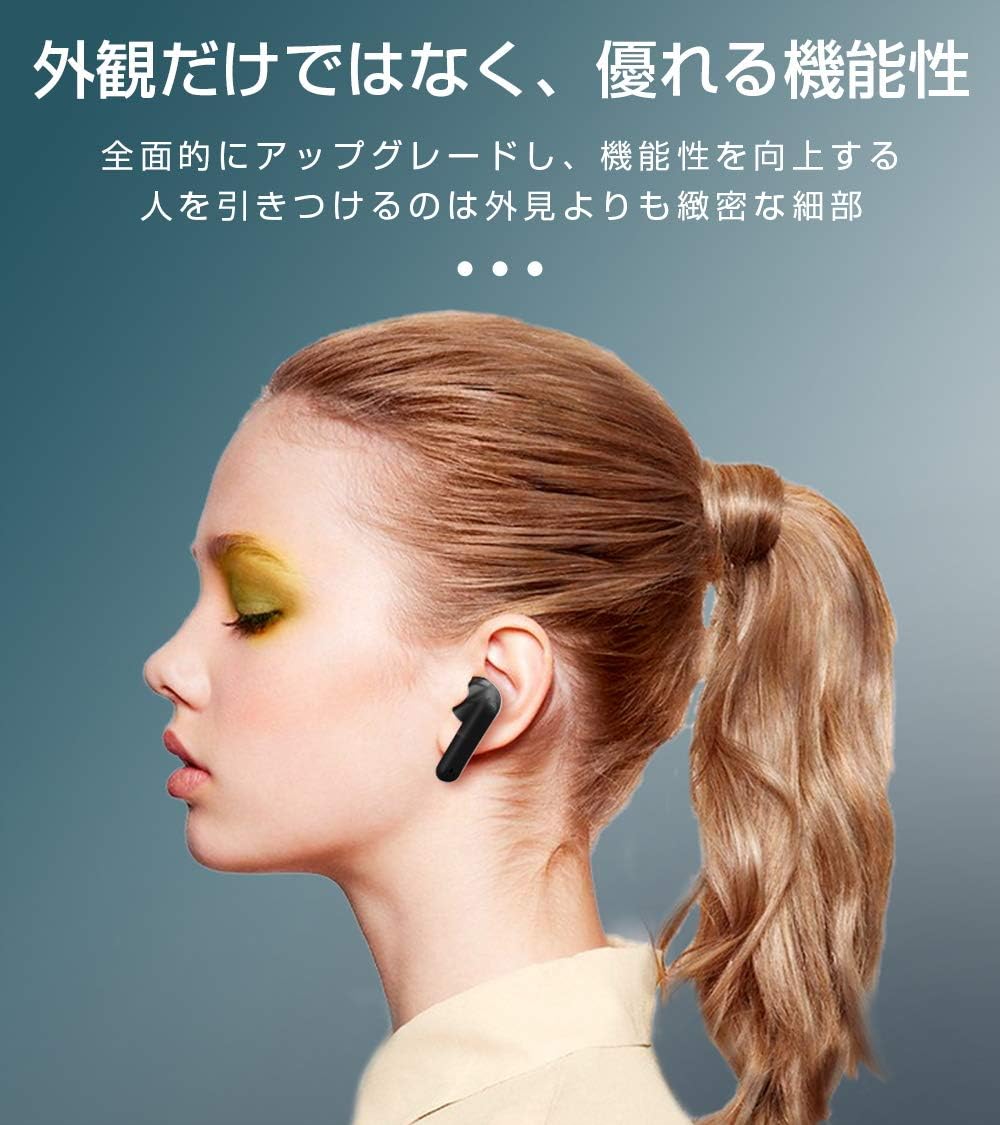
Image: SLuB T16 Earbuds securely placed in their charging case.
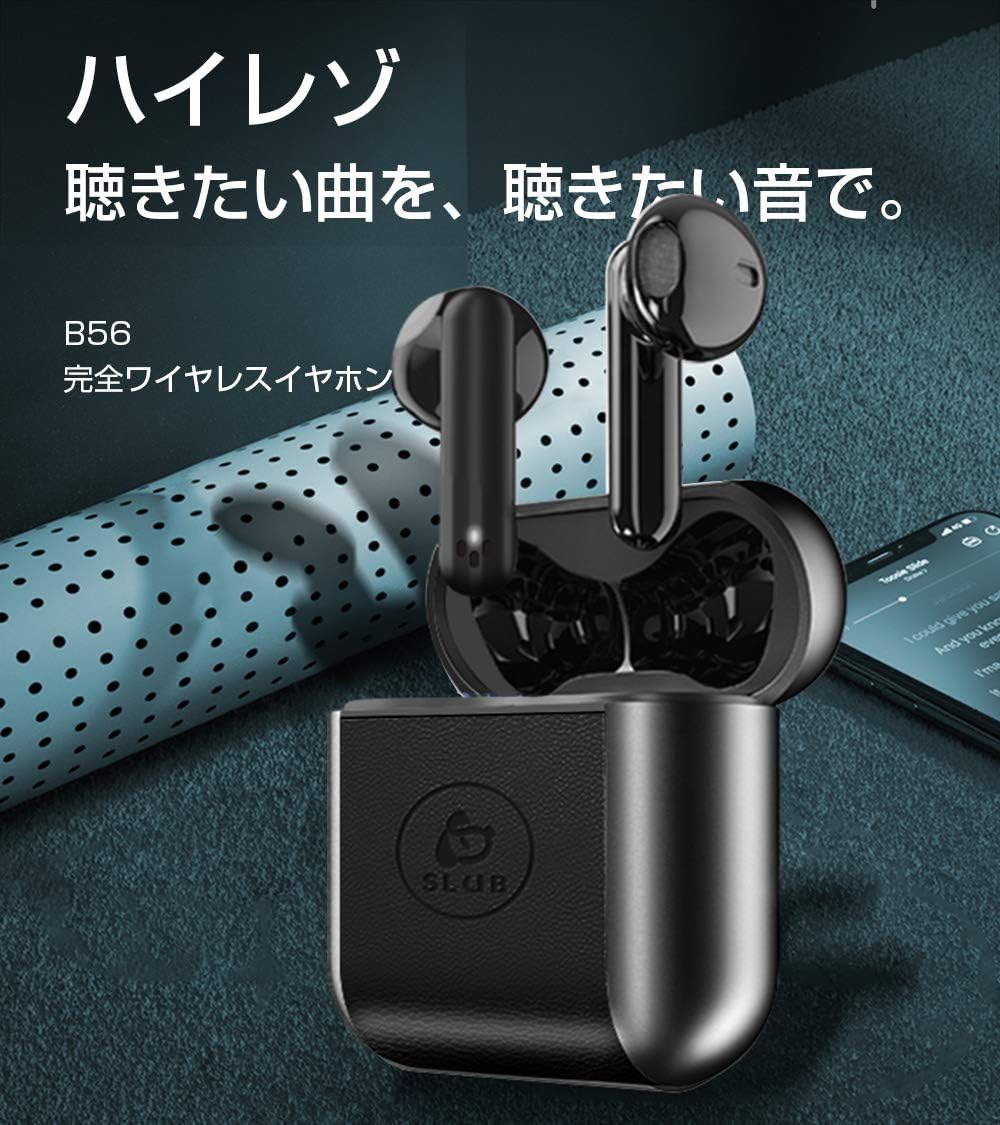
Image: A single SLuB T16 earbud comfortably fitted in a user's ear, highlighting its ergonomic design.
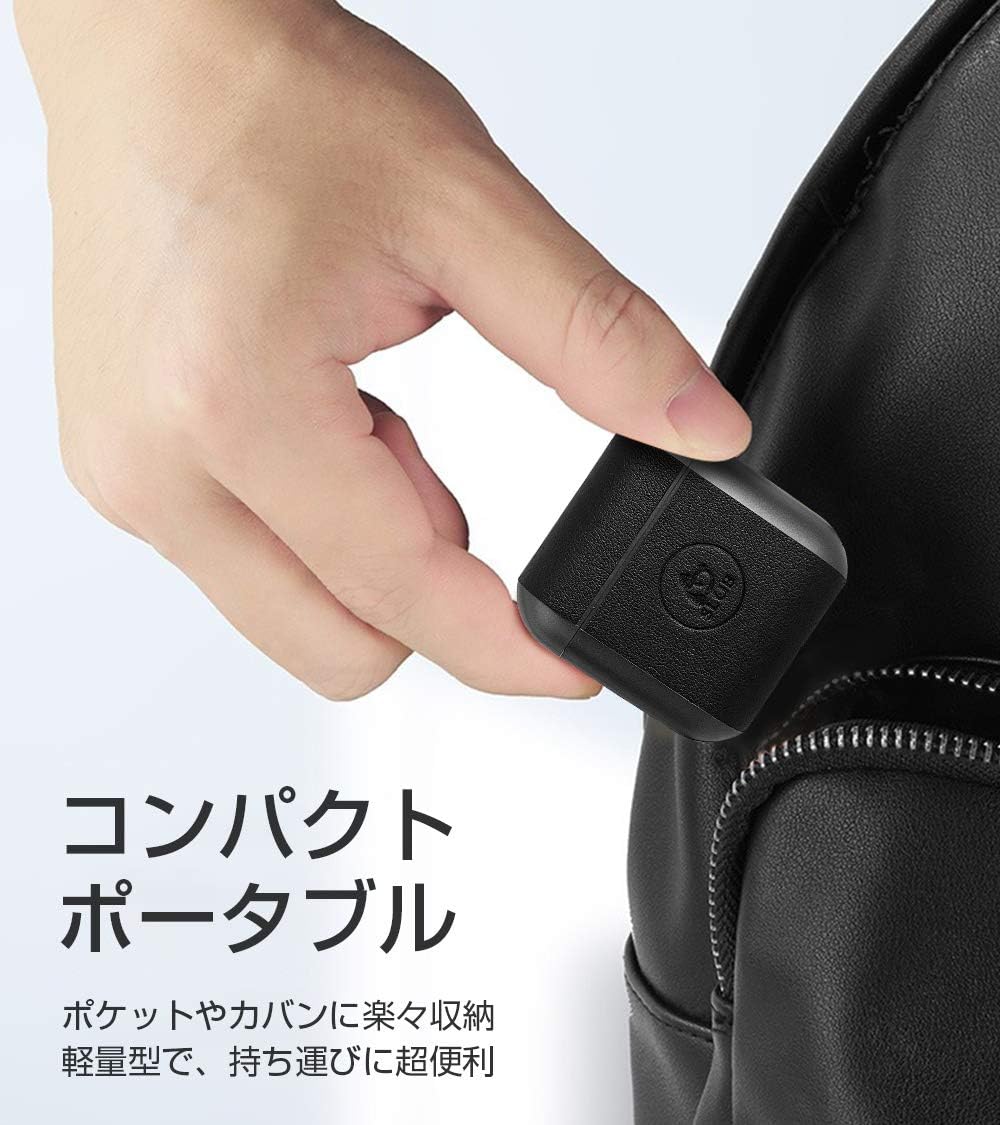
Image: A hand holding the compact SLuB T16 charging case, demonstrating its portability.
5. Eto
5.1. Ngba agbara si Earbuds ati Ọran
Ṣaaju lilo akọkọ, gba agbara ni kikun awọn agbekọri ati apoti gbigba agbara.
- Gbe awọn agbekọri sinu apoti gbigba agbara. Rii daju pe wọn joko ni deede.
- Connect the provided USB Type-C cable to the charging port on the case and plug the other end into a USB power adapter (not included) or a computer's USB port.
- Awọn ina Atọka lori ọran naa yoo fi ipo gbigba agbara han. Ni kete ti o ba ti gba agbara ni kikun, awọn ina yoo tọka si ipari tabi paa.
A full charge for the earbuds takes approximately 1.5 hours, providing 2-3 hours of playback. The charging case takes about 2 hours to fully charge and can provide 5-6 full charges for the earbuds.
5.2. Ibẹrẹ Ibẹrẹ
The SLuB T16 earphones feature automatic pairing for ease of use.
- Ṣii apoti gbigba agbara. Awọn agbekọri yoo tan ina laifọwọyi ati tẹ ipo sisopọ pọ sii.
- Lori ẹrọ rẹ (foonuiyara, tabulẹti, ati bẹbẹ lọ), mu Bluetooth ṣiṣẹ ki o wa awọn ẹrọ to wa.
- Select "T16" from the list of found devices to connect.
- Once successfully paired, you will hear a confirmation sound, and the earbud indicator lights will change.
After the initial pairing, the earbuds will automatically reconnect to your last paired device when taken out of the charging case, provided Bluetooth is enabled on your device.
6. Awọn ilana Iṣiṣẹ
6.1. Awọn iṣakoso ifọwọkan
The SLuB T16 earphones utilize touch-sensitive areas for various functions. Refer to the diagram below for specific actions:

Image: Visual guide detailing the touch control functions for the SLuB T16 earbuds.
- Mu ṣiṣẹ/Danu Orin duro: Single touch on either earbud's touch area.
- Idahun/Ipe Ipari: Single touch on either earbud's touch area.
- Kọ Ipe: Long press on either earbud's touch area.
- Orin t’okan: Double touch the right earbud's touch area.
- Tẹlẹ Orin: Double touch the left earbud's touch area.
- Iwọn didun Up: Triple touch the left earbud's touch area.
- Iwọn didun isalẹ: Triple touch the right earbud's touch area.
- Mu Oluranlọwọ Ohun ṣiṣẹ: Long press for 3 seconds on either earbud's touch area.
6.2. Single and Twin Earbud Mode
The SLuB T16 earphones support both single and twin earbud usage modes.
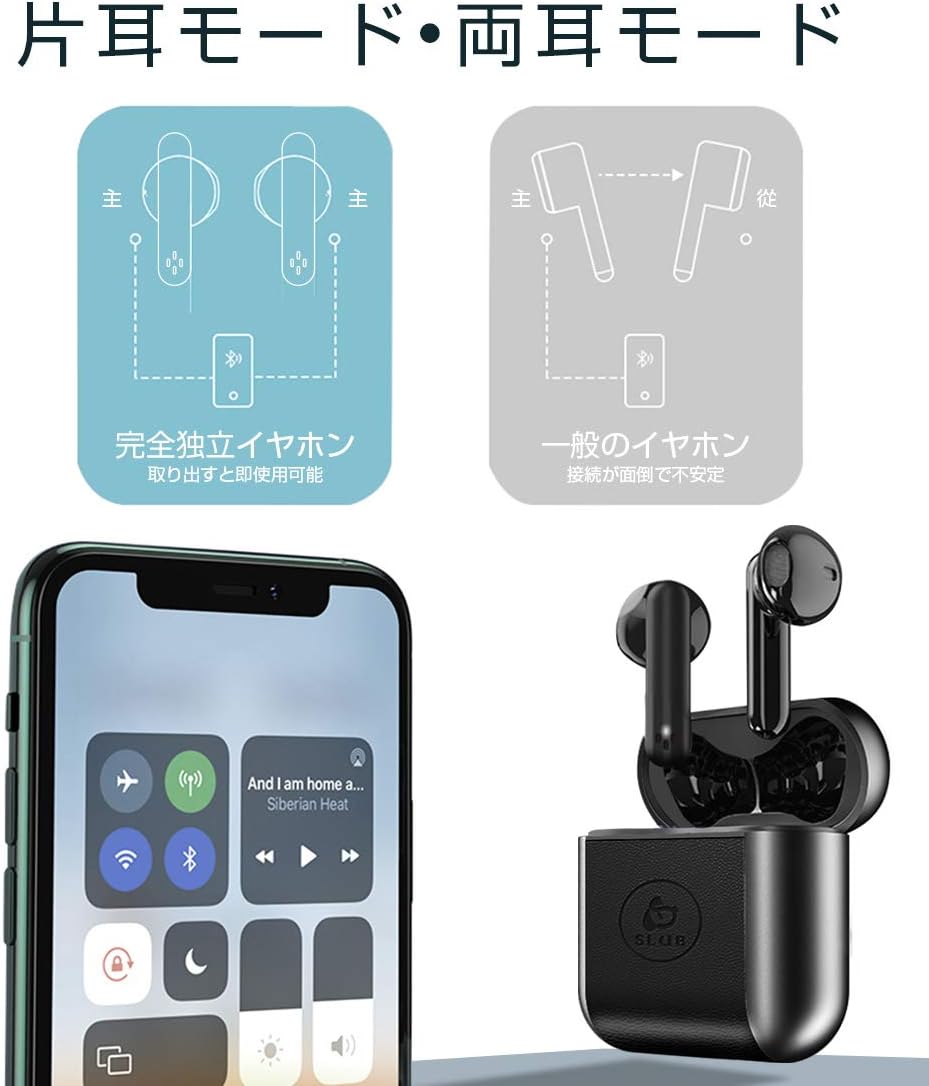
Image: Diagram showing how to use the earbuds in both single (mono) and twin (stereo) modes.
- Ipò Twin: Take both earbuds out of the charging case. They will automatically connect to each other and then to your device for stereo sound.
- Ipo Kanṣo: Take only one earbud out of the charging case. It will automatically connect to your device and function independently. The other earbud can remain in the case or be used later.
7. Itọju
- Ninu: Lo asọ ti o gbẹ, asọ ti ko ni lint lati nu afikọti ati apoti gbigba agbara. Maṣe lo awọn kẹmika lile tabi awọn ohun elo abrasive.
- Ibi ipamọ: Tí o kò bá lò ó, fi àwọn ètí ìgbọ́rọ̀ náà sínú àpótí ìgbóná wọn láti dáàbò bò wọ́n kí wọ́n sì máa gba agbára. Tọ́jú sí ibi tí ó tutù tí ó sì gbẹ.
- Itọju Batiri: Lati pẹ aye batiri, yago fun gbigba agbara si batiri ni kikun nigbagbogbo. Gba agbara si ẹrọ nigbagbogbo, paapaa ti ko ba wa ni lilo fun awọn akoko ti o gbooro sii.
8. Laasigbotitusita
| Isoro | Owun to le Fa | Ojutu |
|---|---|---|
| Earbuds ko ni agbara lori. | Batiri kekere. | Charge the earbuds and charging case. |
| Ko le so pọ pẹlu ẹrọ. | Bluetooth is off on device; earbuds not in pairing mode; too far from device. | Rii daju pe Bluetooth wa ni titan. Gbe awọn agbekọri sinu ọran, sunmọ, lẹhinna ṣii lati tun-tẹ ipo isọpọ sii. Sunmọ ẹrọ. |
| Agbekọri agbekọri kan ṣoṣo n ṣiṣẹ. | Earbuds not properly connected to each other; one earbud has low battery. | Gbe awọn agbekọri mejeeji pada sinu apoti gbigba agbara, pa ideri naa, lẹhinna ṣi i lẹẹkansi. Rii daju pe awọn agbekọri mejeeji ti gba agbara. |
| Didara ohun ko dara tabi igba diẹ. | kikọlu; ẹrọ jina ju; kekere batiri. | Move closer to your device. Avoid environments with strong Wi-Fi or other Bluetooth signals. Charge earbuds. |
9. Awọn pato
Detailed technical specifications for the SLuB T16 Bluetooth Earphones:

Image: A table displaying the detailed technical specifications of the SLuB T16 earphones and charging case.
| Ẹya ara ẹrọ | Ẹ̀kúnrẹ́rẹ́ |
|---|---|
| Orukọ ọja | Awọn agbekọri Sitẹrio Alailowaya otitọ |
| Nọmba awoṣe | T16 |
| Ẹya Bluetooth | 5.1 (Low Power Consumption) |
| Call/Playback Time | Approx. 2-3 hours (with one full charge) |
| Iṣawọle | 5.0V / 200mA |
| Ayika ti nṣiṣẹ | Iwọn otutu: -10°C si 40°C, Ọriniinitutu: 10% si 85% |
| Gbigba agbara Port | Iru-C |
| Agbara Batiri Earbud | 30mAh |
| Aago Gbigba agbara Earbud | Isunmọ. wakati meji 1.5 |
| Akoko Iduro | Isunmọ. wakati meji 120 |
| Ngba agbara Batiri Case | 300mAh |
| Gbigba agbara Case Time | Isunmọ. wakati meji 2 |
| Nikan Earbud iwuwo | Isunmọ. 3.1g |
| Earbud Mefa | 34 x 16.9 x 16.7mm |
| Ngba agbara Case Mefa | 51 x 49.1 x 24mm |
| Gbigba agbara Case iwuwo | Isunmọ. 31.6g |
| Awọn ẹrọ ibaramu | iOS and Android devices with Bluetooth functionality |
10. Atilẹyin ọja ati Support
For warranty information and customer support, please refer to the documentation included with your purchase or contact the retailer. Keep your proof of purchase for any warranty claims.
Ask a question about this manual
Ask about setup, troubleshooting, compatibility, parts, safety, or missing instructions. Manuals+ will review the question and use this page’s manual context to help answer it.