
Ọrọ Iṣaaju
This manual provides detailed instructions for the setup, operation, and maintenance of your Arducam 5MP Wide Angle USB Camera, Model UB0233. Please read this manual thoroughly before using the product to ensure proper functionality and longevity.
Ọja Pariview
The Arducam 5MP Wide Angle USB Camera (Model UB0233) is a compact, UVC-compliant camera featuring a 5MP OV5648 CMOS sensor and a 95-degree horizontal view angle M12 lens with an IR-cut filter. It is designed for various applications including video surveillance, live streaming, videoconferencing, and dashcams.

Image: The Arducam 5MP Wide Angle USB Camera, showing its compact design and lens.
Ohun ti o wa ninu Apoti
- Arducam 5MP Wide Angle USB Camera (Model UB0233)
- USB Cable (3.3ft/1m)
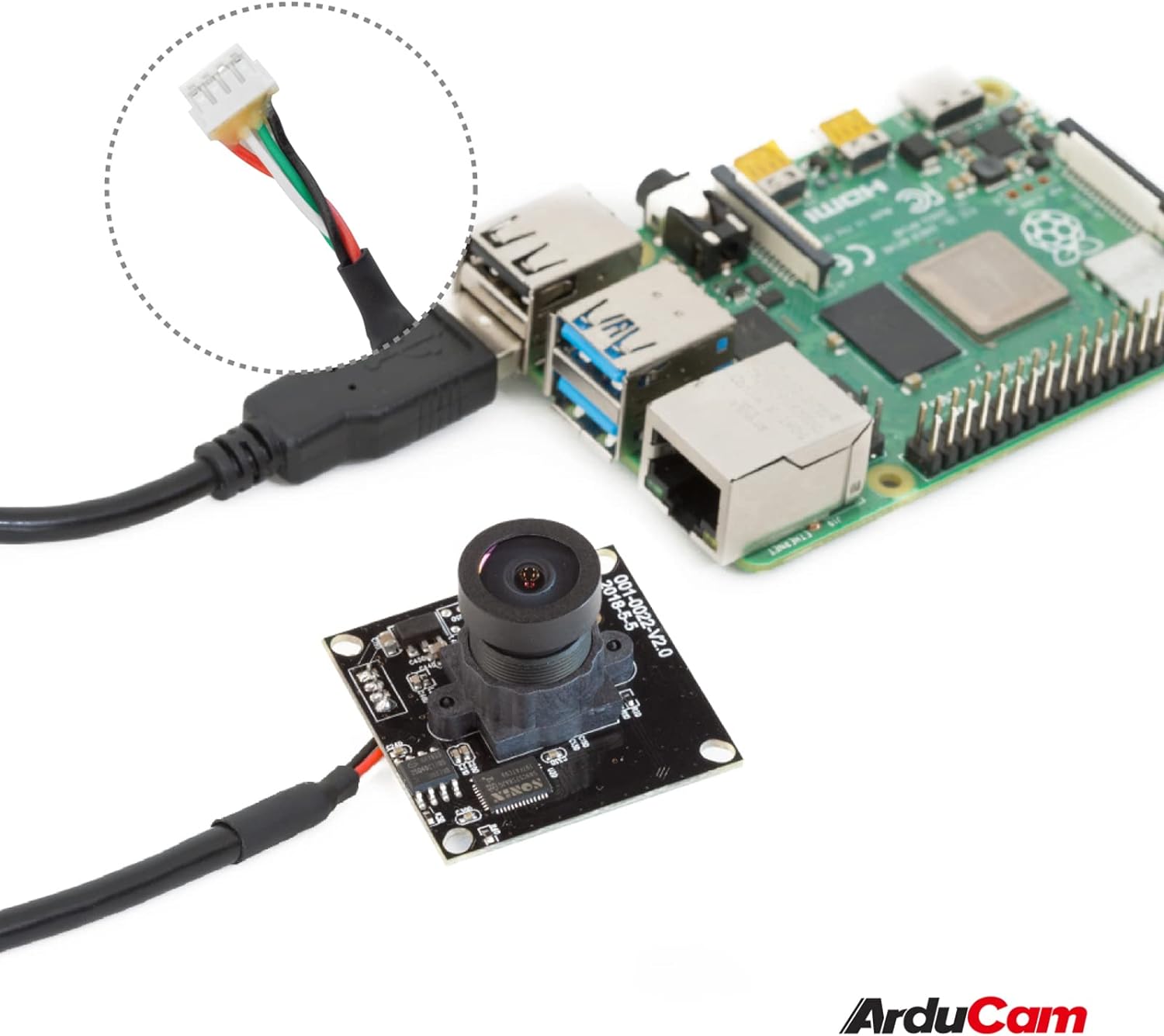
Image: The Arducam USB camera with its included USB cable, shown connected to a Raspberry Pi for illustration.
Awọn ilana iṣeto
- So kamẹra pọ: Insert the USB cable into the camera's USB port and then connect the other end to a compatible device (PC, laptop, Android device, or Raspberry Pi).
- Fifi sori Awakọ: The camera is UVC-compliant, meaning it is plug-and-play. No additional drivers are required for Windows, Linux, or Mac operating systems. The system should automatically detect and install the necessary drivers.
- Jẹrisi Asopọmọra: After connecting, check your device's system settings or camera application to ensure the camera is recognized and functioning.
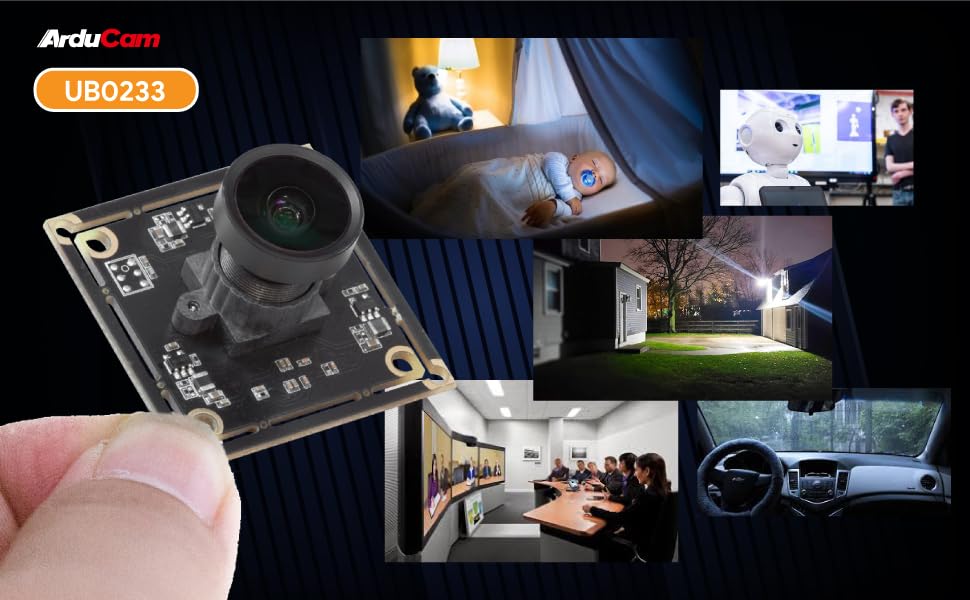
Image: Diagram illustrating the Arducam USB camera's compatibility with various operating systems including Windows, Mac, and Linux, and devices like PCs, laptops, and Raspberry Pi.
Awọn ilana Iṣiṣẹ
Isẹ ipilẹ
Once connected and recognized by your device, the Arducam 5MP USB Camera can be used with any standard camera application or software that supports UVC devices. This includes common video conferencing software, surveillance applications, and custom vision projects.
Atunṣe idojukọ
The camera features a manual focus lens. To adjust the focus, gently rotate the lens barrel until the image appears clear and sharp. This allows for precise focus depending on your application's distance requirements.
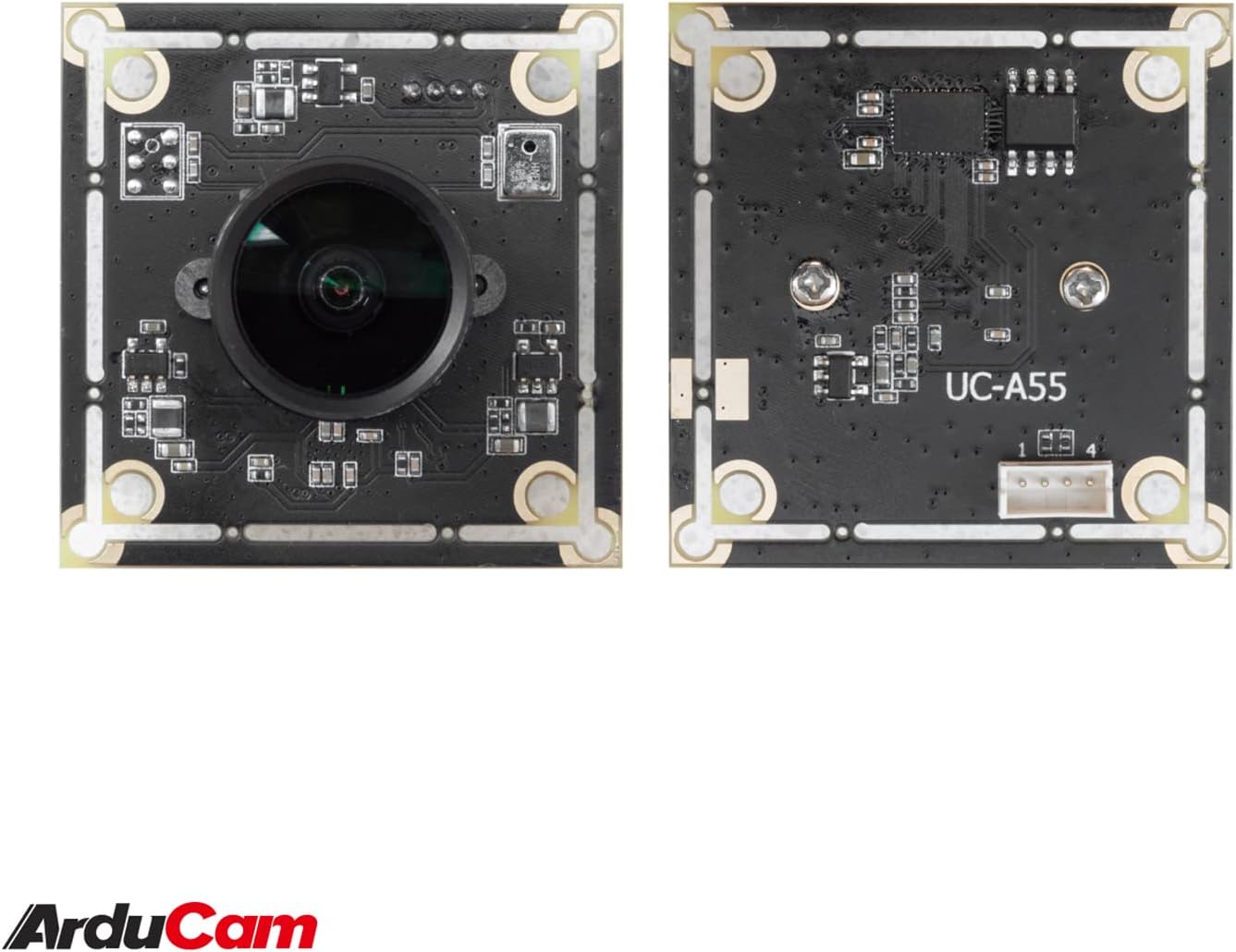
Image: The compact Arducam 5MP USB Camera being held, demonstrating its small form factor suitable for various integrations.
Frame Rates and Resolutions
The camera supports various frame rates and resolutions:
- MJPG:
- 15fps@2592*1944 / 2048*1536 / 1600*1200
- 30fps@1920*1080 / 1280*960 / 1280*720 / 1024*768 / 800*600 / 640*360 / 640*480
- YUY2:
- 2fps@2592*1944 / 2048*1536
- 5fps@1920*1080
- 7.5fps@1600*1200 / 1280*960
- 10fps@1280*720 / 1024*768
- 20fps@800*600
- 30fps@640*360 / 640*480
Awọn ohun elo
This camera is suitable for a variety of applications, including:
- Video surveillance systems
- Sisanwọle ifiwe
- Videoconferencing
- Dashcam functionality
- Other vision applications requiring a wide field of view and high resolution
Video: An official video demonstrating the Arducam 5MP Wide Angle USB Camera's various applications, including live streaming, home surveillance, and meetings.
Itoju
- Ninu: Lo aṣọ rírọrùn tí ó gbẹ láti nu lẹ́ńsì kámẹ́rà àti ara rẹ̀. Yẹra fún lílo àwọn kẹ́míkà líle tàbí àwọn ohun èlò ìpalára.
- Ibi ipamọ: Tọju kamẹra naa ni itura, aye gbigbẹ kuro lati orun taara ati awọn iwọn otutu to gaju nigbati ko si ni lilo.
- Mimu: Handle the camera with care to prevent damage to the lens or circuit board.
Laasigbotitusita
- Camera not detected by the device:
- Ensure the USB cable is securely connected to both the camera and the device.
- Try connecting the camera to a different USB port on your device.
- Test the camera on another computer or compatible device to rule out a device-specific issue.
- Tun kọmputa rẹ tabi ẹrọ bẹrẹ.
- Àwòrán náà kò hàn kedere tàbí kò hàn gbangba:
- Gently rotate the lens barrel to adjust the manual focus until the image is clear.
- Rii daju pe lẹnsi jẹ mimọ ati ofe lati eruku tabi smudges.
- Low frame rate or video lag:
- Ensure your device meets the minimum system requirements for the desired resolution and frame rate.
- Pa awọn ohun elo miiran ti o le jẹ jijẹ awọn orisun eto.
- Try a different USB port, preferably a USB 2.0 port for optimal compatibility.
Awọn pato
| Ẹya ara ẹrọ | Ẹ̀kúnrẹ́rẹ́ |
|---|---|
| Brand | Arducam |
| Nọmba awoṣe | UB0233 |
| Fọto sensọ Technology | CMOS |
| Ipinnu Iduro ti o munadoko | 5 MP |
| Ipinnu Yaworan fidio | Up to 1944p (MJPG) |
| Lẹnsi Iru | Igun gbooro |
| Viewigun igun | 95 iwọn |
| Idojukọ Iru | Idojukọ Afowoyi |
| Asopọmọra Technology | USB 2.0 |
| Ibamu System isẹ | Windows 7/8/10, Linux, Mac |
| Pataki Ẹya | Iṣẹ́ ìmọ́lẹ̀ kékeré |
| Iwọn Nkan | 0.06 kg |
| Awọn iwọn Nkan (D x W x H) | 1.26"D x 1.26"W x 1.26"H |
| -Itumọ ti Media | Okun USB |
| Ipari Ifojusi ti o pọju | 32 milimita |
| Ipari Ifojusi Kere | 6 milimita |
| O pọju Iho | 4 f_stop |
| Iboju Kere | 4 milimita |
| Pipin Ipin Aworan | 1.33:1 |
| White Iwontunws.funfun Eto | Aifọwọyi |
| Ifihan Iṣakoso Iru | Afowoyi |

Aworan: Alaye view of the Arducam 5MP USB Camera with its physical dimensions (32mm x 28mm) indicated.
Alaye atilẹyin ọja
The Arducam 5MP Wide Angle USB Camera (Model UB0233) comes with a 6-osu atilẹyin ọja from the date of purchase. This warranty covers manufacturing defects and malfunctions under normal use. Please retain your proof of purchase for warranty claims. For detailed warranty terms and conditions, please refer to the official Arducam webojula tabi kan si atilẹyin alabara.
Onibara Support
For technical assistance, troubleshooting, or further inquiries regarding your Arducam 5MP Wide Angle USB Camera, please visit the official Arducam webojula tabi kan si wọn atilẹyin alabara egbe.
- Awọn orisun Ayelujara: www.arducam.com
- Ile Itaja Brand: Arducam Amazon Store