
Ọrọ Iṣaaju
This manual provides detailed instructions for the safe and effective operation of your ENGiNDOT SC-L01 Self-Leveling Cross Line Laser Level. Please read this manual thoroughly before using the device and retain it for future reference. The ENGiNDOT SC-L01 is designed for various leveling and alignment tasks, offering both self-leveling and manual modes for versatility.

Image: The ENGiNDOT SC-L01 laser level projecting cross lines for alignment tasks.
Alaye Aabo
Nigbagbogbo ṣe akiyesi awọn iṣọra ailewu atẹle lati yago fun ipalara ati ibajẹ si ẹrọ naa:
- Lesa Ìtọjú: Do not stare directly into the laser beam. Avoid direct eye exposure.
- Awọn ọmọde: Jeki ẹrọ naa kuro ni arọwọto awọn ọmọde.
- Ayika: Use the device in a well-lit area. Avoid using it in explosive atmospheres.
- Itọju: Ma ṣe gbiyanju lati tunto tabi tun ẹrọ naa funrararẹ. Tọkasi awọn oṣiṣẹ iṣẹ ti o peye.
- Awọn batiri: Ensure batteries are inserted with correct polarity. Do not mix old and new batteries or different types of batteries. Remove batteries if the device will not be used for an extended period.
Package Awọn akoonu
Jẹrisi pe gbogbo awọn ohun kan wa ninu package:
- ENGiNDOT Laser Level SC-L01
- Iṣagbesori Awo oofa
- Nylon Zippered Pouch
- 2 x AAA batiri
- Afowoyi Olumulo (iwe-ipamọ yii)
Fidio: Ipariview of the ENGiNDOT SC-L01 Laser Level and its included accessories.
Ṣeto
1. Fifi awọn batiri
- Locate the battery compartment on the bottom of the device.
- Ṣii ideri iyẹwu batiri naa.
- Fi awọn batiri AAA meji sii, ki o rii daju pe polarity ti o tọ (+/-).
- Pa ideri batiri naa ni aabo.

Image: The laser level's battery compartment and various fixing methods, including magnetic mounting and tripod use.
2. Iṣagbesori Device
The ENGiNDOT SC-L01 offers flexible mounting options:
- Iṣagbesori oofa: Attach the magnetic mounting plate to metal surfaces. The laser level can then be rotated 360 degrees on the plate.
- Igbesoke Tripod: The device features a 1/4-20 mounting thread on its base, compatible with standard camera tripods for stable positioning.
Awọn ilana Iṣiṣẹ
1. Agbara lori / Paa
- To turn on the device, slide the Power/Lock switch to the unlocked position and press the Power Button.
- To turn off the device, slide the Power/Lock switch to the locked position and press the Power Button.
2. Awọn ọna ṣiṣe
The laser level features two operating modes:
- Ipo Ipele-ara-ẹni:
Slide the Power/Lock switch to the unlocked position. The laser will automatically self-level within 4 degrees. If the device is outside this range, the laser beams will flash to indicate it cannot self-level. This mode is ideal for achieving perfectly horizontal and vertical lines.
- Ipo afọwọṣe:
Slide the Power/Lock switch to the locked position. The laser lines will be projected, but they will not self-level. This mode allows you to project lines at any desired angle, useful for tasks like installing handrails or decorative patterns.

Image: Illustration of the two operating modes: self-leveling for automatic horizontal/vertical lines and manual mode for angled projections.
Video: Demonstrates how to turn off the laser in self-leveling mode and switch between modes.
3. Awọn ohun elo
The ENGiNDOT SC-L01 is suitable for various tasks, including:
- Tiling installation
- Picture and photo hanging
- Door and window installation
- Furniture alignment
- General interior decoration and construction tasks

Aworan: Examples of the laser level in use for tasks such as floor tiling, wall decoration, and picture hanging.
Itoju
Itọju to dara ṣe idaniloju gigun ati deede ti ipele laser rẹ:
- Ninu: Nu ẹrọ naa pẹlu asọ, damp cloth. Do not use abrasive cleaners or solvents. Keep the laser windows clean for optimal visibility.
- Ibi ipamọ: Store the device in its zippered pouch in a dry, cool place when not in use. Remove batteries for long-term storage.
- Iduroṣinṣin: The device features an IP54 water/debris resistant over-molded housing and TPE material wrapped rubber for enhanced durability. While robust, avoid unnecessary drops or impacts.
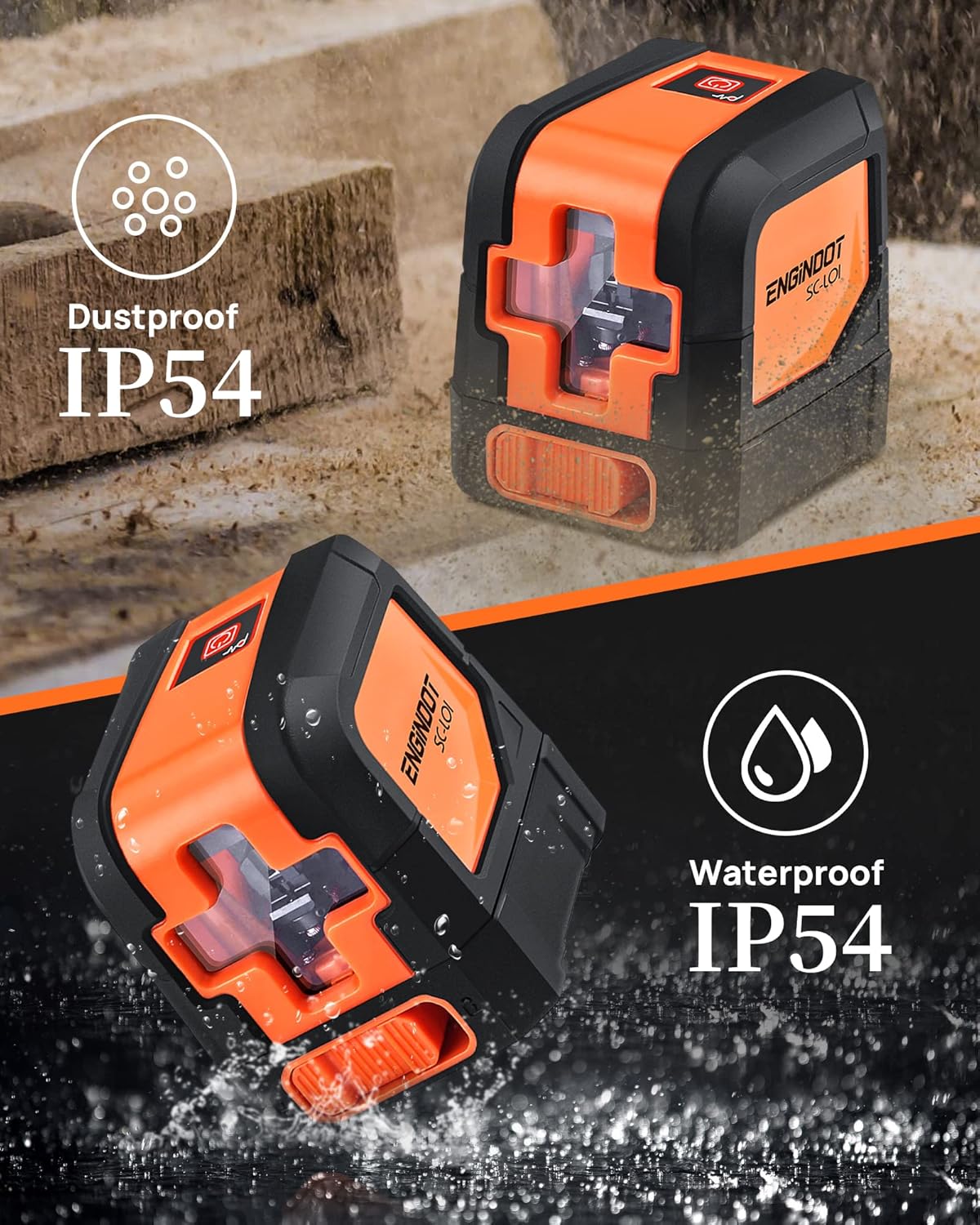
Image: The laser level highlighting its IP54 dustproof and waterproof design, indicating its suitability for various work environments.
Laasigbotitusita
| Isoro | Owun to le Fa | Ojutu |
|---|---|---|
| Lesa ko ni tan. | Awọn batiri ti ku tabi fi sii lọna ti ko tọ. | Ṣayẹwo polarity batiri ki o rọpo awọn batiri ti o ba jẹ dandan. |
| Laser lines are flashing in self-leveling mode. | Device is outside its self-leveling range (over 4 degrees tilt). | Place the device on a more level surface. |
| Awọn laini lesa jẹ baibai tabi ko han. | Ambient light is too bright; laser windows are dirty. | Use in lower light conditions or clean laser windows. |
| Awọn wiwọn ti ko pe. | Device not properly calibrated or damaged. | Ensure the device is on a stable surface. If issues persist, contact customer support. |
Awọn pato
| Ẹya ara ẹrọ | Ẹ̀kúnrẹ́rẹ́ |
|---|---|
| Brand | ENGINDOT |
| Awoṣe | SC-L01 |
| Ohun elo | Acrylonitrile Butadiene Styrene, roba |
| Àwọ̀ | Ọsàn, Dúdú |
| Awọn iwọn Ọja (L x W) | 2.95"L x 2.6"W |
| Iwọn Nkan | 0.46 kilo |
| Ipo Isẹ | Self-leveling mode, Manual mode |
| Ara-ni ipele Range | Laarin 4° |
| Yiye | ± 1/8 inch at 33 Ft |
| Visibility Range | Titi di 50ft |
| Water/Debris Resistance | IP54 |
| Iṣagbesori Oran | 1/4-20 |
| Batiri Iru | AAA (2 included) |
Atilẹyin ọja ati Support
ENGiNDOT is committed to providing quality products and customer satisfaction. For any questions, technical support, or warranty claims, please contact us. We offer 24-hour quick response and product technical support for every customer.
Please refer to your purchase documentation or the official ENGiNDOT webAaye fun alaye atilẹyin ọja ti o pọ julọ ati awọn alaye olubasọrọ.
