
1. Ifihan
This manual provides detailed instructions for the installation, operation, and maintenance of your Zhitong Wireless Doorbell, Model G33001+W96001. Please read this manual carefully before use to ensure proper functionality and longevity of the product.
2. Ọja irinše
The Zhitong Wireless Doorbell system includes the following main components:
- Olugba: The indoor unit that produces the chime and LED flash. Requires 2 x AA 1.5V DC batteries (not included).
- Olùgbéjáde (Tí Bọ́tìnì): The outdoor unit that sends a signal to the receiver when pressed. Powered by a CR2032 button cell battery (included).
- Teepu Almorapo 3M: For mounting the transmitter.

Image 2.1: Product components and their approximate dimensions. The receiver measures 7.2 cm x 7.2 cm, and the transmitter measures 3.3 cm x 7.8 cm.
3. Eto ati fifi sori
Follow these steps to set up your Zhitong Wireless Doorbell:
- Fi Awọn Batiri sinu Olugba: Open the battery compartment of the receiver and insert 2 x AA 1.5V DC batteries, ensuring correct polarity.
- Install Battery in Transmitter: The transmitter comes with a CR2032 button cell battery pre-installed. If replacement is needed, open the transmitter casing and insert a new CR2032 battery.
- Gbe Agbejade naa: Choose a suitable location for the transmitter (push button) near your door. Ensure the surface is clean and dry. Peel off the protective film from the 3M adhesive tape on the back of the transmitter and firmly press it onto the desired location on the door frame or wall. Alternatively, screws can be used for mounting (not included).
- Fi Olugba naa si ipo: Place the receiver indoors in a location where the chime can be easily heard. The operating range is up to 300 meters (1000 feet) in an open area.
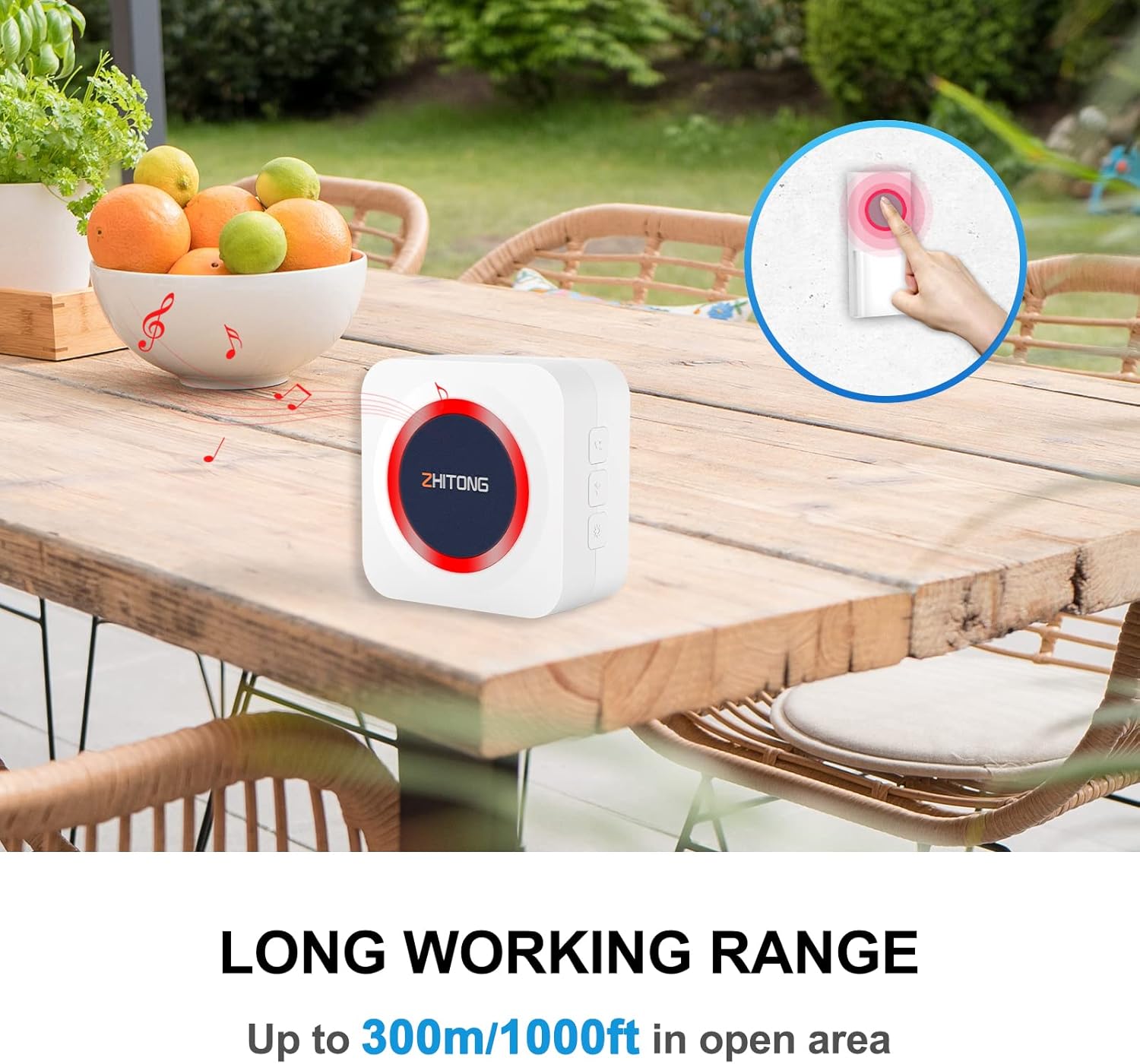
Image 3.1: The doorbell system offers a long working range of up to 300m/1000ft in open areas, suitable for various home and office environments.
4. Awọn ilana Iṣiṣẹ
Once installed, your Zhitong Wireless Doorbell is ready for use. The system offers multiple chimes, adjustable volume levels, and different notification modes.
4.1 Adjusting Volume Levels
The receiver has 4 adjustable volume levels, ranging from 0 dB (mute) to 115 dB. This allows for customization based on your environment and hearing needs. Use the volume control buttons on the side of the receiver to cycle through the levels.
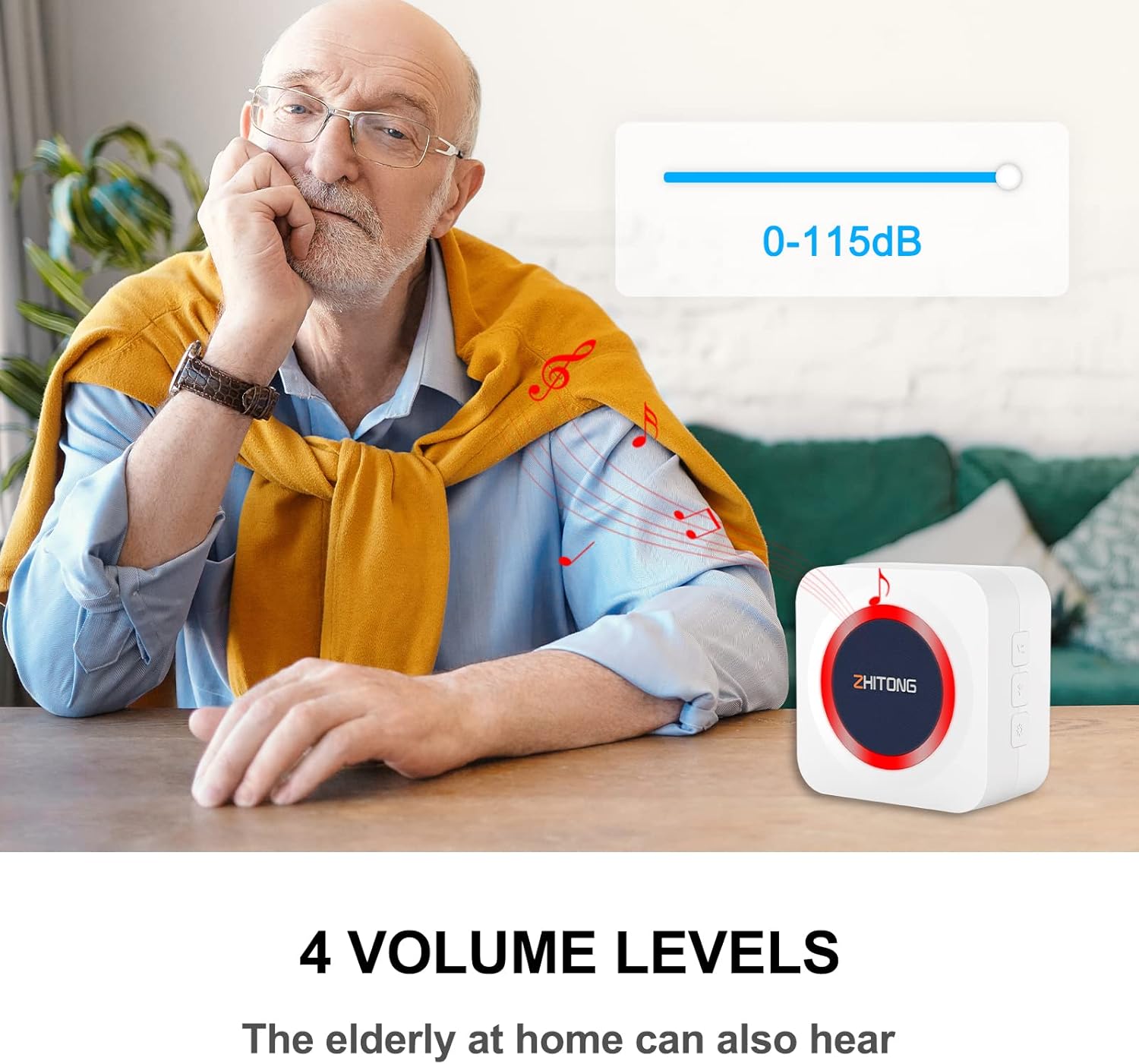
Image 4.1: The doorbell offers 4 volume levels, from 0 to 115 dB, ensuring it can be heard by individuals with varying hearing abilities.
4.2 Changing Chimes
The doorbell features 38 different melodies. To change the chime, press the melody selection button on the receiver. Each press will cycle to the next melody. Stop pressing when you hear your desired chime.
4.3 Notification Modes
The doorbell supports 3 notification modes:
- Ohun Nikan: The receiver will only play the selected chime.
- Fíláṣì Nìkan: The receiver's LED light will flash without sound. This is ideal for silent notification or for individuals with hearing impairments.
- Sound + Flash: The receiver will play the chime and the LED light will flash simultaneously.
Use the mode selection button on the receiver to switch between these modes.
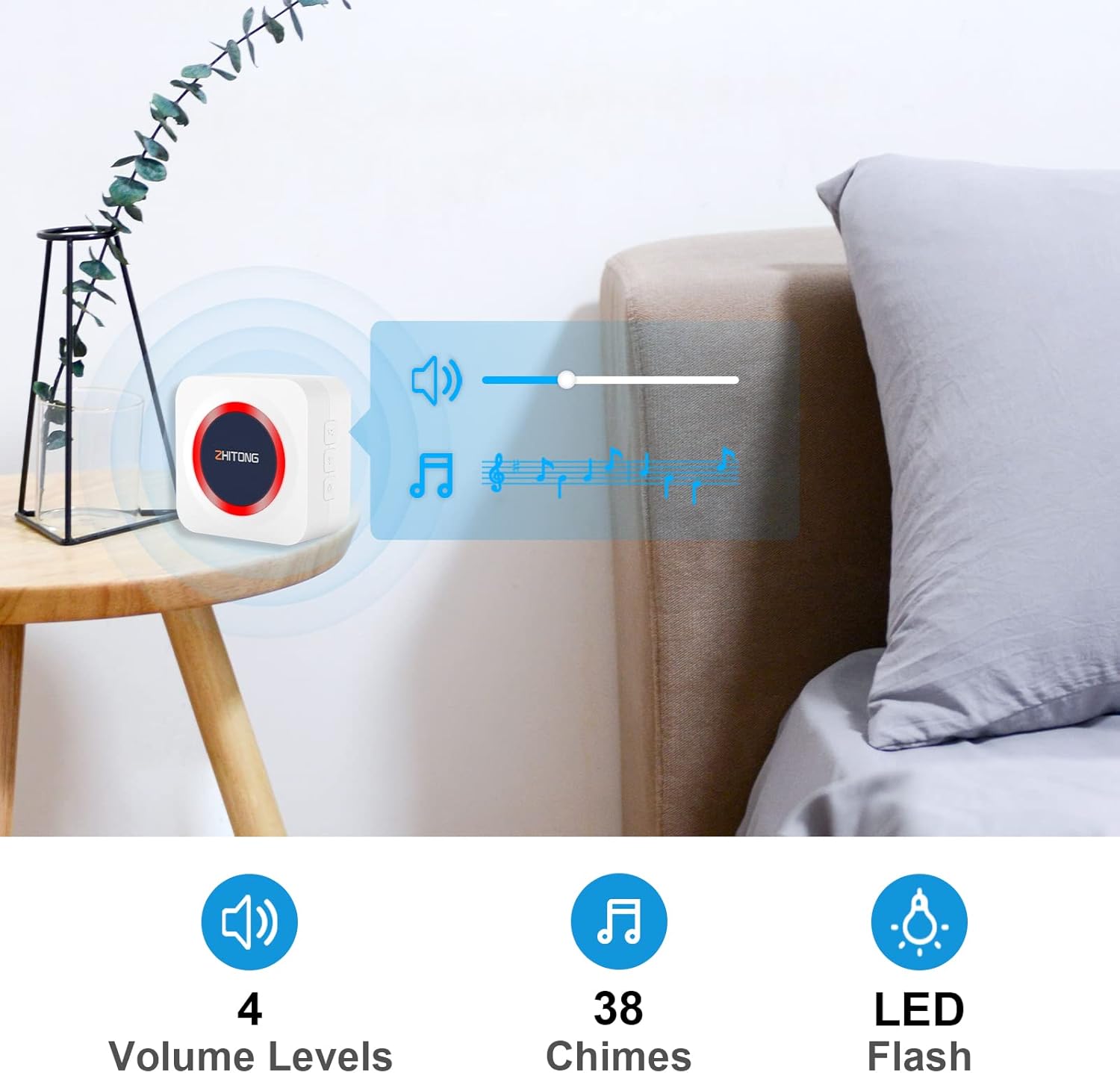
Image 4.2: The receiver offers 4 volume levels, 38 distinct chimes, and an LED flash for visual alerts.
4.4 Iṣẹ iranti
The doorbell is equipped with a smart memory function. It will remember your last selected melody and volume level even after a power outage or battery replacement, ensuring your preferred settings are retained.
4.5 DIY Nameplate
The transmitter features a convenient DIY nameplate design. You can customize the nameplate with your name or house number by writing on the designated area, making it easier for visitors to identify.
5. Itọju
Proper maintenance ensures the longevity and optimal performance of your doorbell.
5.1 Batiri Rirọpo
- Olugba: Replace the 2 x AA 1.5V DC batteries when the sound becomes weak or the LED flash is dim.
- Atagba: The CR2032 button cell battery in the transmitter has an estimated lifespan of up to 3 years. Replace it if the doorbell fails to ring when the button is pressed.
5.2 Ninu
Wipe the doorbell units with a soft, dry cloth. Do not use abrasive cleaners or solvents, as they may damage the surface.
5.3 Oju ojo Resistance
The transmitter is designed with an IP44 waterproof rating, making it resistant to dust and water splashes. It can operate in temperatures ranging from -10 °C to 55 °C. While it is weather-resistant, avoid submerging it in water or exposing it to extreme weather conditions for prolonged periods.

Image 5.1: The transmitter is IP44 waterproof, functional between -10°C and 55°C, and has a battery life of up to 3 years.
6. Laasigbotitusita
If you encounter issues with your Zhitong Wireless Doorbell, refer to the following common problems and solutions:
- Doorbell does not ring:
- Check if the receiver batteries are correctly installed and not depleted. Replace if necessary.
- Check if the transmitter battery is depleted. Replace the CR2032 battery if needed.
- Ensure the receiver is within the operating range of the transmitter (up to 300m in open area). Walls and metal structures can reduce range.
- Verify that the receiver is not in 'Flash Only' or 'Mute' mode. Adjust the mode and volume settings.
- Ibi iṣẹ kukuru:
- Relocate the receiver closer to the transmitter.
- Avoid placing the receiver near large metal objects, thick walls, or other electronic devices that may cause interference.
- Ensure both units have fresh batteries.
- Idilọwọ lati awọn ẹrọ miiran:
- The doorbell operates on a frequency of 433.92 MHz. While designed to be anti-interference, try moving the receiver away from other wireless devices if you experience consistent false rings or missed signals.
7. Awọn pato
| Ẹya ara ẹrọ | Sipesifikesonu |
|---|---|
| Nọmba awoṣe | G33001+W96001 |
| Olupese | ZHITONG |
| Olugba Agbara Ipese | 2 x AA 1.5V DC batteries (not included) |
| Atagba Power Ipese | 1 x CR2032 button cell battery (included) |
| Ibiti nṣiṣẹ | Titi di mita 300 (agbegbe ṣiṣi) |
| Awọn ipele iwọn didun | 4 levels (0-115 dB) |
| Chimes | 38 awọn orin aladun |
| Àwọn Ìgbékalẹ̀ Ìfitónilétí | Sound Only, Flash Only, Sound + Flash |
| Mabomire Rating | IP44 (Olugbeja) |
| Awọn iwọn otutu ti nṣiṣẹ | -10 °C si 55 °C |
| Igbohunsafẹfẹ | 433.92 MHz |
| Atagba batiri Life | Titi di ọdun 3 |
| Ohun elo | ABS |
8. Atilẹyin ọja ati Support
Information regarding specific warranty details and availability of spare parts is not provided in the product description. For any issues or support inquiries, please refer to the retailer or manufacturer's customer service channels.