
Ọja Pariview
This manual provides instructions for the JORAIR A10-03 Filter Replacement Kit, designed for various Tineco cordless vacuum cleaner models. The kit includes both pre-filters and HEPA filters to maintain optimal vacuum performance.
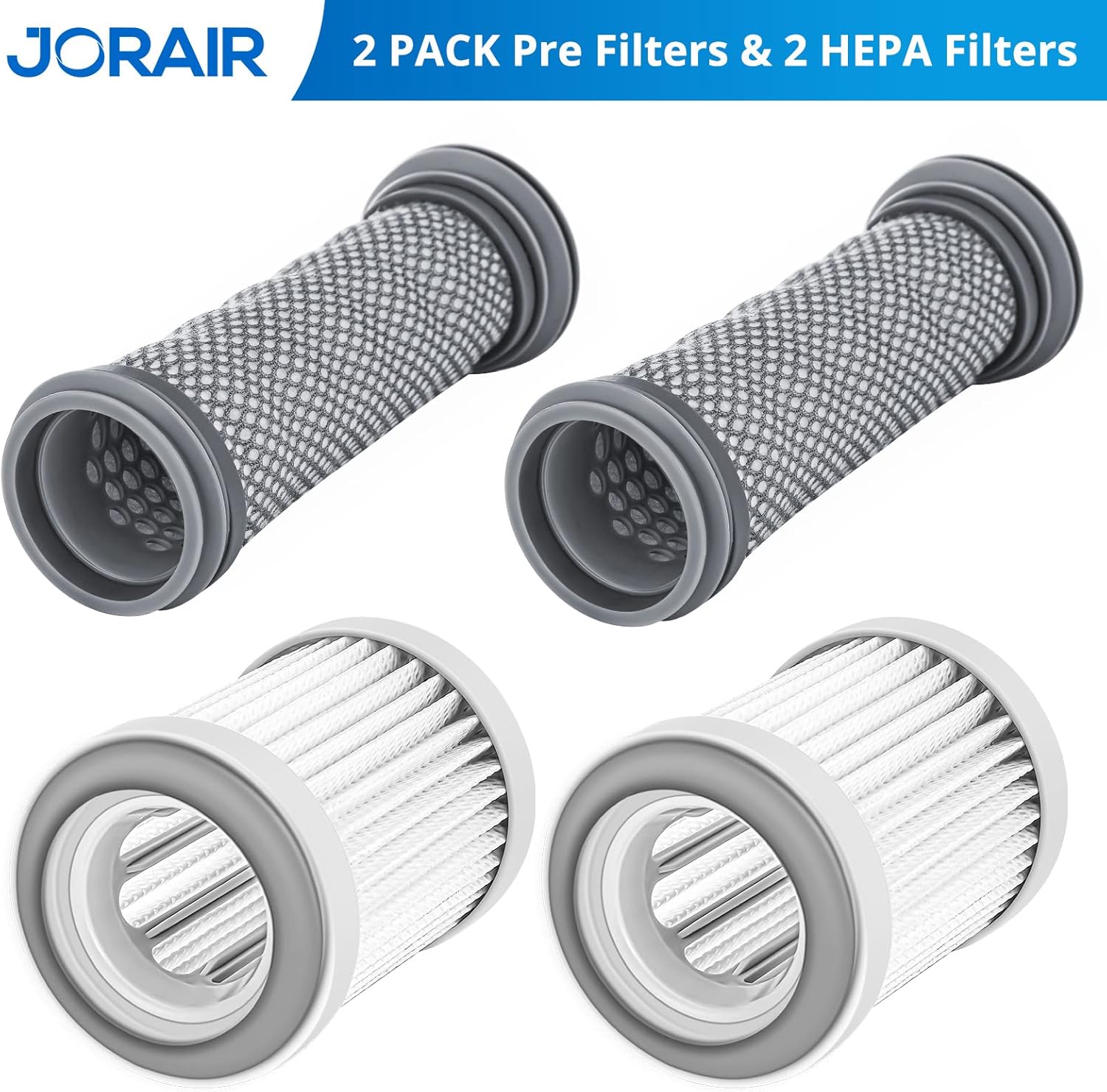
Image: JORAIR A10-03 Filter Replacement Kit, containing two pre-filters and two HEPA filters.
Awọn awoṣe ibaramu
The JORAIR A10-03 Filter Replacement Kit is compatible with the following Tineco cordless vacuum cleaner models:
- Tineco A10 Hero
- Tineco A11 Hero
- Tineco A10 Master
- Tineco A11 Master
- Tineco A11 PET
- Tineco PURE ONE S11
- Tineco PWRHERO11 Snap
- Tineco A10 dash
- Tineco A10-03
- Tineco Hero+
- Tineco Master+
- Tineco A10/A11 Essential
- Tineco S11 Series
- Tineco S12 Pro EX
- HONITURE S12
- ILIFE A11
- Xiaomi S12
- ZACO A10

Image: JORAIR filters displayed next to a list of compatible Tineco A10 and A11 series cordless vacuum cleaners.
Ohun ti o wa ninu Apoti
Your JORAIR A10-03 Filter Replacement Kit includes:
- 2 x Pre-Filters
- 2 x HEPA Ajọ
Awọn ilana fifi sori ẹrọ
Follow these steps to replace the filters in your compatible Tineco vacuum cleaner:
- Ensure your vacuum cleaner is turned off and unplugged (if applicable).
- Locate the filter compartment on your vacuum. Refer to your vacuum's original manual for specific instructions on accessing the filters.
- Carefully remove the old pre-filter and HEPA filter.
- Insert the new JORAIR pre-filter into its designated slot. Ensure it is seated correctly.
- Insert the new JORAIR HEPA filter into its designated slot. Ensure it is seated correctly.
- Pa abala àlẹmọ naa ni aabo.
Video: Demonstrates the replacement process for A10/A11 series filters. This video shows how to remove and install the pre-filter and HEPA filter in a Tineco vacuum.
Video: Shows the installation of a pre-filter compatible with Tineco A10/A11 vacuum cleaners. This video provides a close-up view of inserting the pre-filter.
Awọn Ilana Iṣiṣẹ
The JORAIR filter kit provides a high-efficiency filtration system for your vacuum. The pre-filter captures larger particles, while the HEPA filter traps fine dust, allergens, and other microscopic particles, ensuring cleaner exhaust air and maintaining strong suction power.

Image: Illustration of the high-efficiency filtration system provided by the HEPA filter.
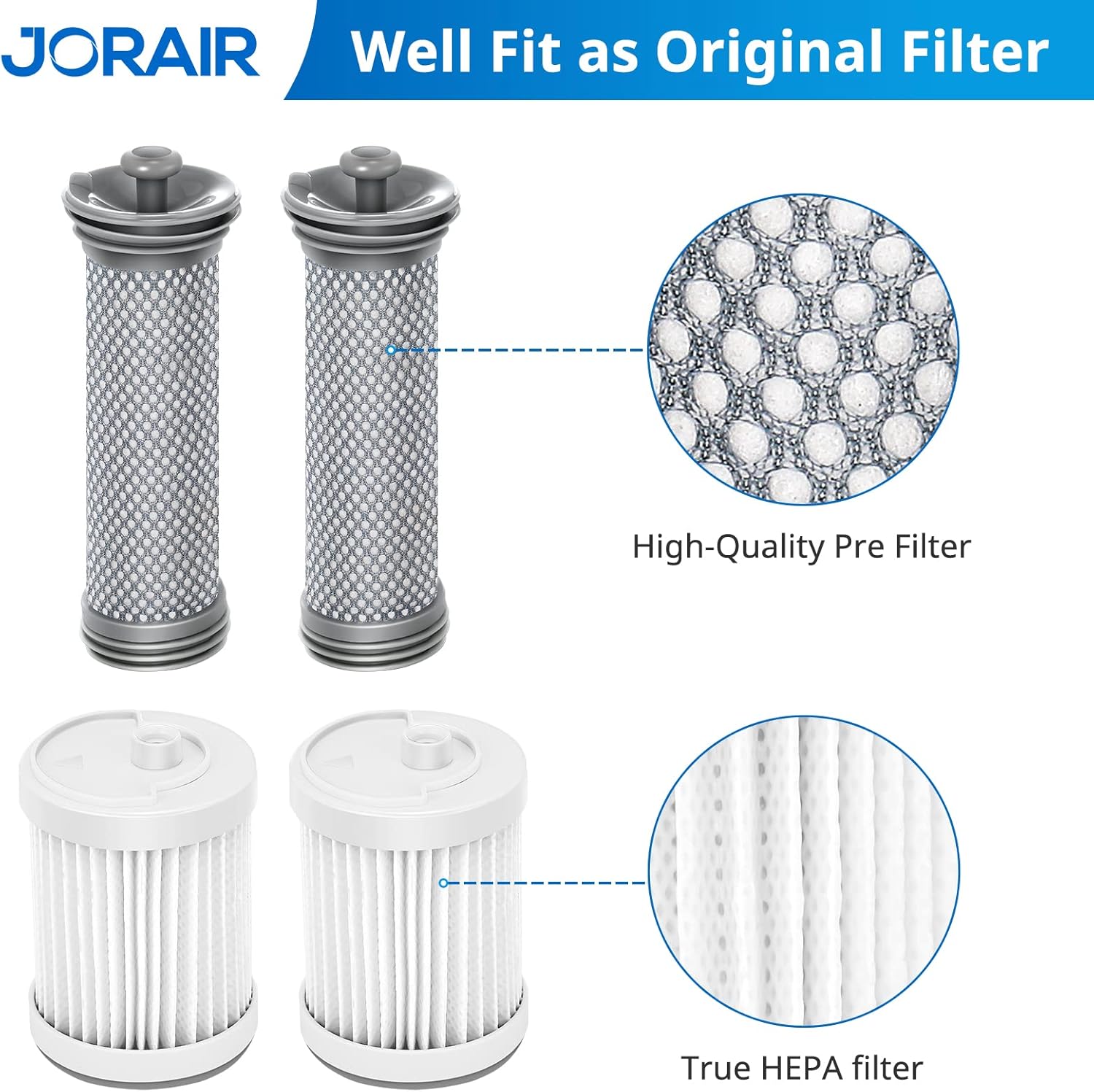
Aworan: Alaye view of the pre-filter and HEPA filter construction, emphasizing their design for effective filtration.
Itoju
Proper maintenance of your filters is crucial for extending their lifespan and ensuring your vacuum operates efficiently.
Washing and Reusing Filters
- Both the pre-filters and HEPA filters are washable and reusable.
- Wash the filters under running water until the water runs clear.
- Pataki: Allow the filters to air dry completely for at least 24 hours before reinstallation. Reusing wet filters can damage your vacuum and reduce filtration effectiveness.

Image: JORAIR pre-filter and HEPA filter being rinsed under water, demonstrating their washable design.
Iṣeduro Iṣeduro Iṣeduro
- Àlẹmọ-tẹlẹ: Rọpo ni gbogbo oṣu mẹfa si mejila.
- Ajọ HEPA: Rọpo ni gbogbo oṣu mẹfa 6.
Regular replacement ensures optimal vacuum performance and air quality.
