
1. Ifihan
This manual provides instructions for the safe and efficient operation of your MIFA S2118 WildRod Portable Bluetooth Speaker. Please read this manual thoroughly before using the product and retain it for future reference.
2. Package Awọn akoonu
Jẹrisi pe gbogbo awọn ohun kan wa ninu package:
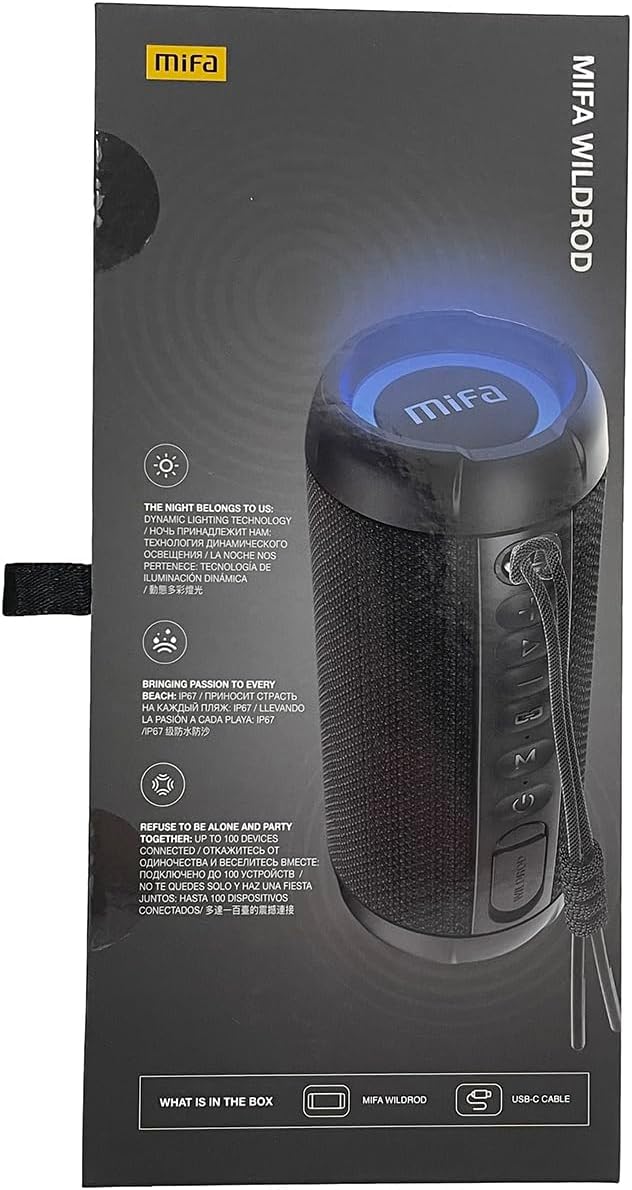
- MIFA WildRod Speaker
- Okun USB-C
- Afowoyi Olumulo (iwe-ipamọ yii)
3. Ọja Ipariview
The MIFA S2118 WildRod is a portable Bluetooth speaker designed for outdoor use, featuring robust construction and dynamic audio capabilities.
Awọn ẹya pataki:
- IP67 Mabomire ati eruku: Designed to withstand immersion in water up to 1 meter for 30 minutes and protected against dust ingress.
- Agbara Ijade 30W: Delivers clear and powerful sound with a 2-way speaker system, including a racetrack-shaped woofer and a separate tweeter.
- Dynamic LED Light: Features 16.8 million Aurora colors and 36 mixed color flashing lights that synchronize with music.
- Bluetooth 5.3: For stable wireless connectivity.
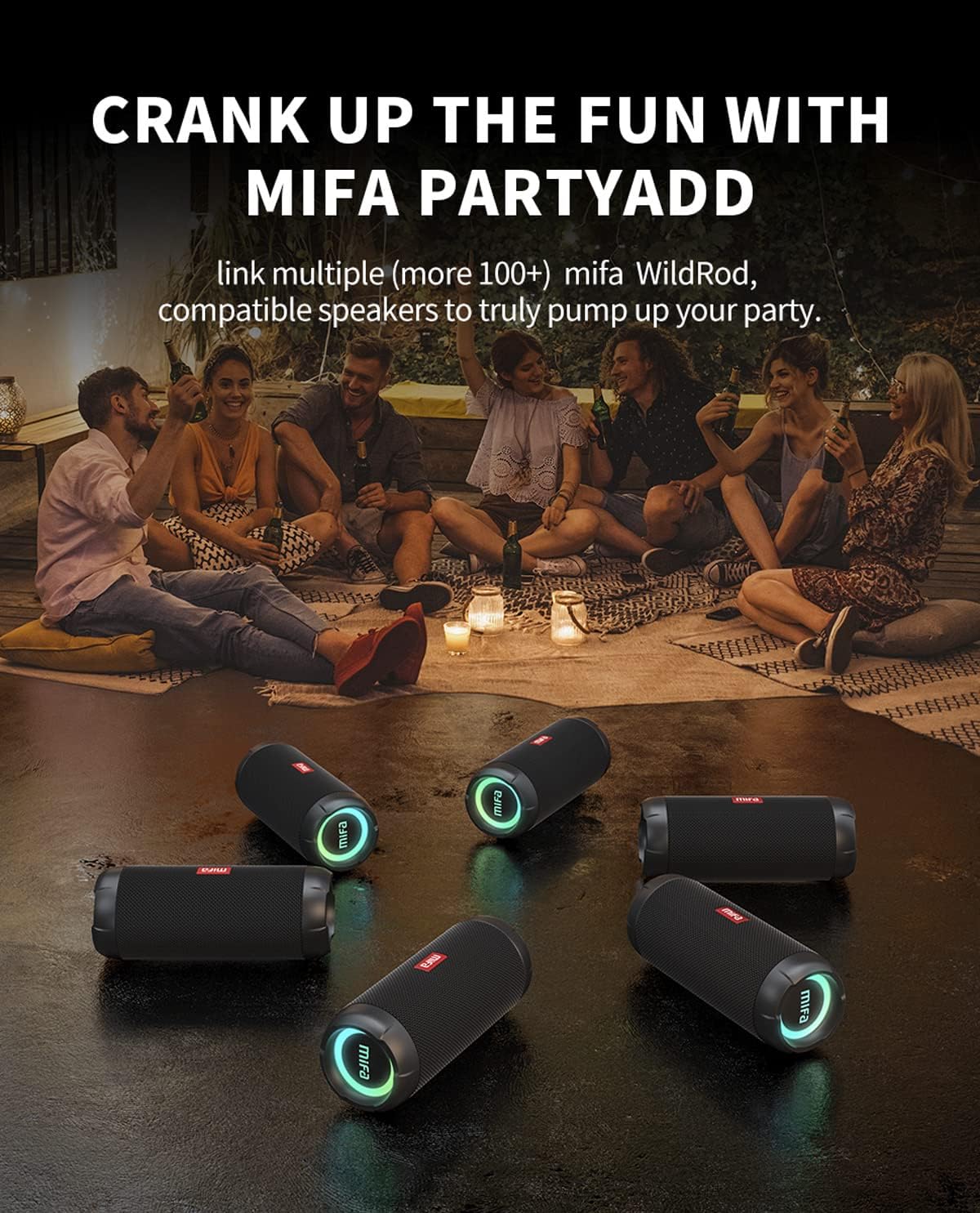
- MIFA PartyAdd: Allows linking multiple (100+) compatible speakers for synchronized audio.
- Akoko ere 12: Equipped with a 5000mAh lithium battery.
- Awọn aṣayan Iṣawọle Ọpọ: Supports Bluetooth and Micro SD card playback.


4. Eto
4.1 Gbigba agbara akọkọ
- Before first use, fully charge the speaker using the provided USB-C cable.
- Connect the USB-C cable to the charging port on the speaker and the other end to a compatible USB power adapter (not included).
- Àmì LED náà yóò fi ipò agbára hàn, yóò sì pa tàbí yí àwọ̀ padà nígbà tí ó bá ti gba agbára tán.

5. Awọn ilana Iṣiṣẹ
5.1 Agbara Tan / Pa
- Lati tan-an, tẹ mọlẹ Bọtini Agbara titi ti ina Atọka yoo fi tan.
- Láti pa iná, tẹ bọ́tìnnì Agbára náà kí o sì di í mú títí tí iná àmì náà yóò fi pa.
5.2 Sisopọ Bluetooth
- Rí i dájú pé a ti tan agbọrọsọ naa ati pe o wa ni ipo asopọ Bluetooth (ina itọkasi yoo tan imọlẹ).
- Lori ẹrọ rẹ (foonuiyara, tabulẹti, ati bẹbẹ lọ), mu Bluetooth ṣiṣẹ ki o wa awọn ẹrọ to wa.
- Select "MIFA S2118" or "MIFA WildRod" from the list of devices.
- Nígbà tí a bá so wọ́n pọ̀, agbọ́hùnsọ̀ náà yóò fi hàn pé ìsopọ̀ náà ti yọrí sí rere, ìmọ́lẹ̀ àfihàn náà yóò sì di líle.
5.3 Sisisẹsẹhin Iṣakoso
- Ṣiṣẹ/Daduro: Tẹ bọtini Play/Sinmi.
- Iwọn didun Up: Tẹ bọtini iwọn didun +.
- Iwọn didun isalẹ: Tẹ bọtini Iwọn didun.
- Orin t’okan: Tẹ ki o si mu bọtini Iwọn didun + naa.
- Tẹlẹ Orin: Tẹ bọtini Iwọn didun ki o si mu.
5.4 LED Light igbe
The speaker features dynamic LED lights. Refer to the specific button on your speaker (often marked with a light icon) to cycle through different light modes or turn them off.
5.5 MIFA PartyAdd (True Wireless Stereo Pairing)
To connect multiple MIFA WildRod speakers for a synchronized audio experience:
- Rii daju pe awọn agbohunsoke mejeeji wa ni titan ati pe ko sopọ si eyikeyi ẹrọ Bluetooth.
- On one speaker, press the PartyAdd button (or designated TWS button). It will enter pairing mode.
- Tun ilana naa ṣe lori agbọrọsọ keji.
- Once connected, the speakers will indicate successful pairing. You can then connect your device to one of the speakers via Bluetooth.

5.6 Micro SD Kaadi Sisisẹsẹhin
Fi kaadi Micro SD sii pẹlu ohun files into the designated slot. The speaker will automatically switch to Micro SD card playback mode. Use the playback controls to manage your music.
6. Itọju
- Ninu: Lo asọ, damp Aṣọ láti fi nu ìta agbọrọsọ naa. Má ṣe lo àwọn kẹ́míkà líle tàbí àwọn ohun ìfọmọ́ tí ó máa ń pa ara.
- Ibi ipamọ: Tọju agbohunsoke ni itura, aye gbigbẹ kuro lati orun taara ati awọn iwọn otutu to gaju.
- Itọju Batiri: To prolong battery life, fully charge the speaker before long periods of inactivity. Avoid completely draining the battery frequently.
7. Laasigbotitusita
| Isoro | Owun to le Fa | Ojutu |
|---|---|---|
| Agbọrọsọ ko ni agbara lori. | Batiri kekere. | Gba agbara si agbọrọsọ ni kikun. |
| Ko le so pọ nipasẹ Bluetooth. | Agbọrọsọ kii ṣe ni ipo sisopọ; Bluetooth ẹrọ pa; ju jina lati agbọrọsọ. | Ensure speaker is in pairing mode. Turn device Bluetooth off and on. Move device closer to speaker. |
| Ko si ohun. | Volume too low; device not connected; incorrect input source. | Increase volume on both speaker and device. Re-pair Bluetooth. Check if Micro SD card is inserted. |
| Iparun ohun. | Iwọn didun ga ju; kekere batiri. | Din iwọn didun. Gba agbara si agbọrọsọ. |
8. Awọn pato
- Orukọ awoṣe: WildRod
- Nọmba Awoṣe Nkan: S2118
- Brand: MIFA
- Agbara Ijade ti o pọju Agbọrọsọ: 30 Wattis
- Idahun Igbohunsafẹfẹ: 20000 Hz
- Imọ-ẹrọ Asopọmọra: USB (for charging), Bluetooth 5.3
- Ipo Ijade Ohun: Sitẹrio
- Iṣagbewọle Voltage: 5 Volts
- Iru fifi sori: Tabili
- Ohun elo: Waterproof and dustproof plastic with LED lights
- Irú Agbọrọsọ: Ita gbangba
- Awọn batiri: 1 batiri litiumu ion (pẹlu)
- Awọn iwọn ọja: 7 x 7 x 19 cm
- Ìwúwo: 600 g
- Idiwon ti ko ni omi: IP67
- Idiwon Ko eruku: IP6X
- Àkókò eré: Titi di wakati 12
9. Alaye Aabo
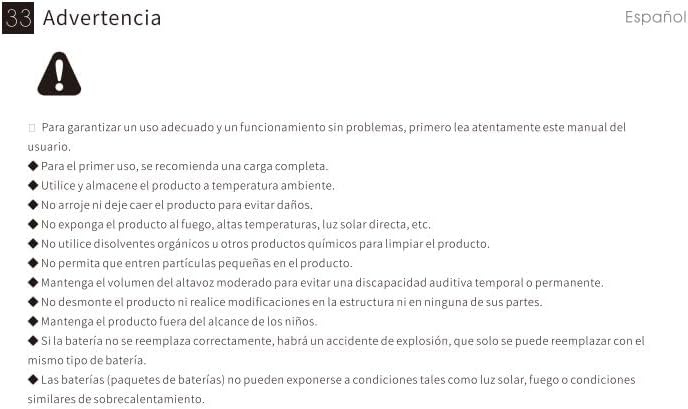
⚠ Ikilọ: For proper use and trouble-free operation, please read this user manual carefully first.
- For first use, a full charge is recommended.
- Lo ati tọju ọja naa ni iwọn otutu yara.
- Ma ṣe ju ọja silẹ lati yago fun ibajẹ.
- Ma ṣe fi ọja han si ina, awọn iwọn otutu giga, imọlẹ orun taara, ati bẹbẹ lọ.
- Do not use organic solvents or other chemical products to clean the product.
- Má ṣe jẹ́ kí àwọn èròjà kéékèèké wọ inú ọjà náà.
- Maintain moderate speaker volume to avoid temporary or permanent hearing impairment.
- Do not disassemble the product or make modifications to the structure or any of its parts.
- Jeki ọja naa kuro ni arọwọto awọn ọmọde.
- If the battery is not replaced correctly, there will be an explosion accident, and it can only be replaced with the same type of battery.
- Batteries (battery packs) cannot be exposed to conditions such as light, fire, or overheating.
10. Atilẹyin ọja ati Support
MIFA products are covered by a limited warranty. For detailed warranty information and support, please visit the official MIFA webojula tabi olubasọrọ onibara iṣẹ.
- Olupese: MIFA Awọn ikede LLC
- Webojula: www.mifa.net
- Olubasọrọ: 4007-881-899
