
1. Ifihan
O ṣeun fun riraasing the Edifier X3s True Wireless Stereo Earbuds. This manual provides detailed instructions on how to set up, operate, and maintain your earbuds to ensure optimal performance and longevity. Please read this manual thoroughly before use.

Image: The Edifier X3s earbuds, one removed from the open charging case, showcasing wọn iwapọ oniru.
2. Package Awọn akoonu
- Edifier X3s True Wireless Earbuds (Left and Right)
- Ngba agbara Case
- Okun Ngba agbara USB
- Italolobo Eti (orisirisi titobi)
- Itọsọna olumulo
3. Eto
3.1 Ngba agbara si Earbuds ati Ọran
Ṣaaju lilo akọkọ, gba agbara ni kikun awọn agbekọri ati apoti gbigba agbara.
- Place the earbuds into the charging case. Ensure they are correctly seated; the indicator lights on the earbuds will illuminate.
- Connect the charging case to a power source using the provided USB cable. The indicator light on the charging case will show charging status.
- A full charge for the charging case typically takes approximately 8 hours. The earbuds will charge automatically when placed in the case.
3.2 Sisopọ Bluetooth
Follow these steps to pair your Edifier X3s earbuds with your device:
- Rii daju pe awọn agbekọri ti gba agbara.
- Ṣii apoti gbigba agbara. Awọn agbekọri yoo tẹ ipo isọpọ sii laifọwọyi, ti a fihan nipasẹ ina didan lori awọn agbekọri.
- Lori ẹrọ rẹ (foonuiyara, tabulẹti, ati bẹbẹ lọ), mu Bluetooth ṣiṣẹ ki o wa awọn ẹrọ titun.
- Select "EDIFIER X3s" from the list of available devices.
- Once connected, a voice prompt will confirm successful pairing, and the earbud indicator lights will turn off.
Awọn agbekọri atilẹyin TrueWireless Mirroring, allowing seamless switching between single and dual earbud use.
4. Awọn ilana Iṣiṣẹ
4.1 Fọwọkan Iṣakoso
The Edifier X3s earbuds feature intuitive touch controls on each earbud. Refer to the diagram below for specific functions:

Image: A diagram illustrating the touch control functions for the left and right Edifier X3s earbuds.
- Single Tap (L/R): Play/Pause music, Answer an Incoming Call
- Double Tap (L): Orin ti tẹlẹ
- Double Tap (R): Orin t'okan
- Triple Tap (L): Switch On Game Mode
- Triple Tap (R): Mu Oluranlọwọ Ohun ṣiṣẹ
- Long Press for 2-3 Seconds (L/R): Hang Up/Reject a Call
- Long Press (L): Iwọn didun isalẹ
- Long Press (R): Iwọn didun soke
4.2 Ipo Ere
To enhance your gaming experience, the Edifier X3s features a dedicated Game Mode. Triple-tap the osi earbud to activate or deactivate Game Mode. This mode optimizes audio-visual synchronization for gaming.
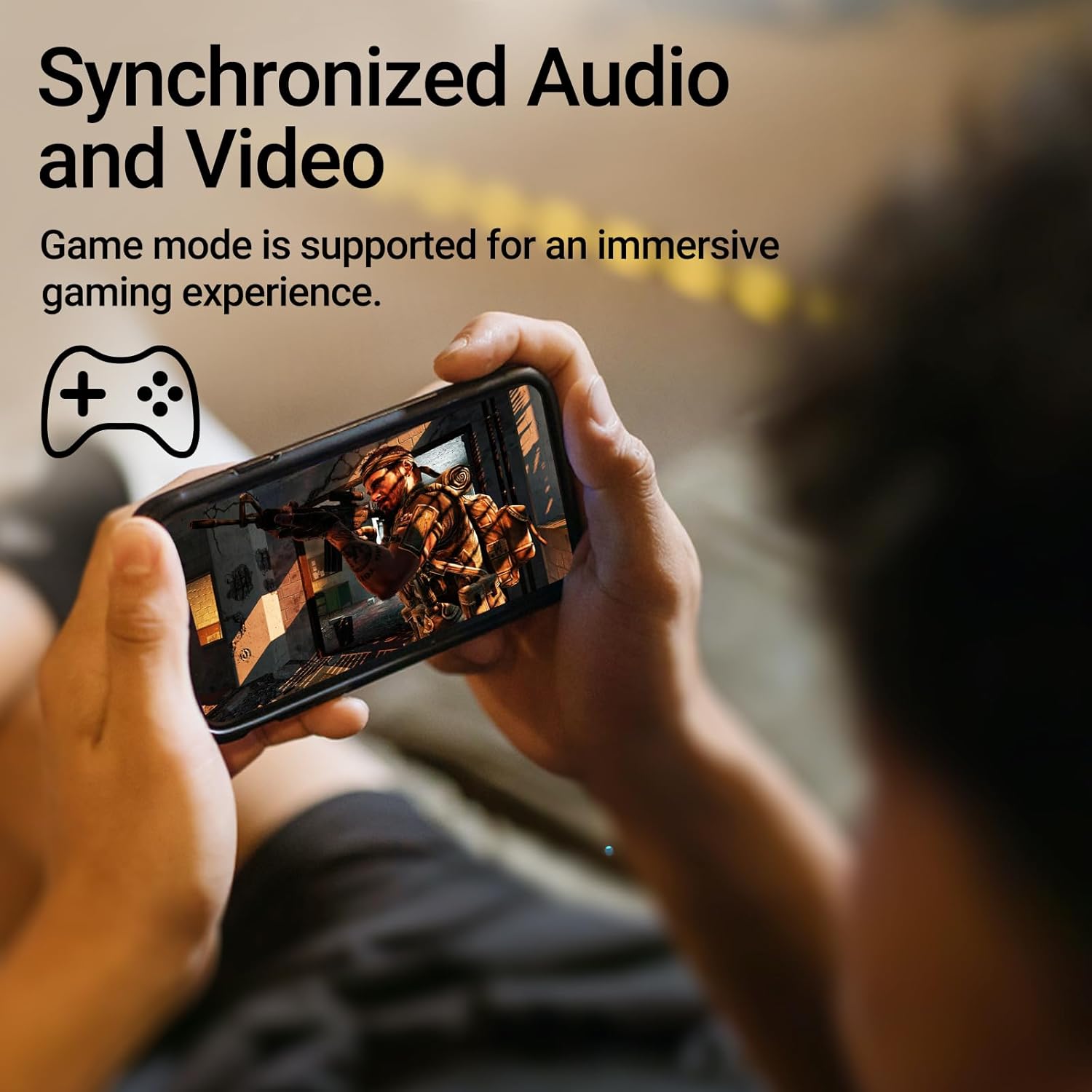
Image: A person holding a smartphone, playing a game, with the text "Synchronized Audio and Video. Game mode is supported for an immersive gaming experience."
5. Key Awọn ẹya ara ẹrọ
- True Wireless Experience: Bluetooth V5.2 with Qualcomm aptX audio decoding for high-fidelity sound and stable connections.
- Akoko Idaraya: Up to 28 hours of total playtime, with 8 hours from the earbuds and an additional 20 hours from the charging case.
- Superior Call Clarity: Equipped with Qualcomm cVc 8.0 noise cancellation technology for crystal clear calls.
- IP55 Rated Protection: Dust and water resistance make these earbuds suitable for outdoor activities and various weather conditions.
- Itunu & Apẹrẹ iwuwo fẹẹrẹ: Weighing only 62g, these earbuds provide a secure and comfortable fit for extended wear.

Image: A close-up of the Qualcomm aptX QCC3040 chip, highlighting Bluetooth V5.2 with aptX audio decoding for lossless audio transmission.

Image: Hands holding the Edifier X3s charging case, with an overlay indicating "Up to 28 hours of playback in total: 8 hours (earbuds), 20 hours (charging case)".

Image: A graphic illustrating cVc 8.0 noise reduction, showing how ambient noise is reduced while voice remains clear during calls.

Image: A woman exercising, with an overlay indicating "Dust and water resistant. Feel free to use them at the gym or on a rainy day. IP55-Rated."
6. Itọju
6.1 Ninu
- Mọ awọn afikọti nigbagbogbo ati apoti gbigba agbara pẹlu asọ ti o gbẹ, asọ ti ko ni lint.
- Yọ awọn imọran eti kuro ki o sọ wọn di mimọ pẹlu ọṣẹ kekere ati omi ti o ba jẹ dandan. Rii daju pe wọn ti gbẹ patapata ṣaaju ki o to tun ṣe.
- Use a cotton swab to gently clean the charging contacts on both the earbuds and the case.
6.2 Ibi ipamọ
- Nigbati o ko ba si ni lilo, tọju awọn afikọti sinu apoti gbigba agbara wọn lati daabobo wọn ki o jẹ ki wọn gba agbara.
- Tọju ni itura, aye gbigbẹ kuro ni iwọn otutu ti o ga julọ ati oorun taara.
6.3 Omi ati eruku Resistance
The earbuds are IP55 rated, meaning they are protected against dust ingress and low-pressure water jets from any direction. While they can withstand sweat and light rain, they are not designed for submersion in water. Do not use them while swimming or showering.
7. Laasigbotitusita
- Awọn agbekọri ti ko so pọ: Rii daju pe awọn agbekọri mejeeji wa ninu ọran gbigba agbara, lẹhinna ṣii ideri lati bẹrẹ ipo sisopọ. Ṣayẹwo awọn eto Bluetooth ti ẹrọ rẹ ki o gbiyanju atunsopọ.
- Agbekọri agbekọri kan ṣoṣo ti n ṣiṣẹ: Gbe awọn agbekọri mejeeji pada sinu apoti gbigba agbara, pa ideri naa, duro fun iṣẹju diẹ, lẹhinna ṣi i lẹẹkansi. Eleyi igba tun-syncs wọn.
- Ko si ohun: Check the volume level on both your device and the earbuds. Ensure the earbuds are properly paired and connected.
- Awọn iṣoro gbigba agbara: Verify that the charging cable is securely connected and the power source is active. Clean the charging contacts on the earbuds and case.
- Didara ipe ti ko dara: Ensure the earbuds are clean and positioned correctly in your ears. Check for any obstructions to the microphone.
8. Awọn pato
- Awoṣe: EDIFIER X3S
- Asopọmọra: Ailokun (Bluetooth V5.2)
- Iyipada ohun: Qualcomm aptX
- Ifagile ariwo: Qualcomm cVc 8.0 (for calls)
- Àkókò eré: Earbuds: 8 hours, Total with Charging Case: 28 hours
- Akoko Gbigba agbara (Ila): O fẹrẹ to awọn wakati 8
- Omi/Eruku koju: IP55 won won
- Ọna Iṣakoso: Fọwọkan
- Ìwúwo: 62 Giramu (lapapọ)
- Ohun elo: Polycarbonate (PC), Thermoplastic Elastomer (TPE)
- Awọn ẹrọ ibaramu: Smartphones, Gaming Devices, Tablets
9. Atilẹyin ọja ati Support
For warranty information and customer support, please refer to the warranty card included with your product or visit the official Edifier webojula. Jeki ẹri rira rẹ fun eyikeyi awọn ibeere atilẹyin ọja.