
1. Ifihan ati Loriview
This instruction manual provides essential information for the safe and effective use of your CJP-Geek USB DC Power Adapter Charger Cable. This cable is specifically designed as a power and charging solution for the We-Vibe Bloom Massager, ensuring compatibility and reliable performance. Please read this manual thoroughly before use.
2. Awọn ẹya Ọja
The CJP-Geek USB DC Power Adapter Charger Cable is engineered with several features to ensure efficient and safe charging:
- Iṣagbewọle Voltage: AC 100-240V, 50/60Hz, suitable for global use.
- Gigun USB: Approximately 20cm (total length).
- Orisi Asopọmọra: USB Type-A to 2.5mm DC plug.
- Awọn iwe-ẹri Abo: CE certified, ensuring compliance with European safety standards.
- Ààbò Alápọ̀: Equipped with multiple safety mechanisms including:
- Kukuru Circuit Idaabobo
- Lori-Lọwọlọwọ Idaabobo
- Lori-Voltage Idaabobo
- Apọju Idaabobo
- Lori-otutu Idaabobo
- Ibamu: Specifically designed for the We-Vibe Bloom Massager.

Image 2.1: The CJP-Geek USB DC Power Adapter Charger Cable, featuring a standard USB-A connector on one end and a 2.5mm DC plug on the other.

Image 2.2: Visual representation of the cable's quality and integrated safety features, including over-heat, overload, and overcharge protection.
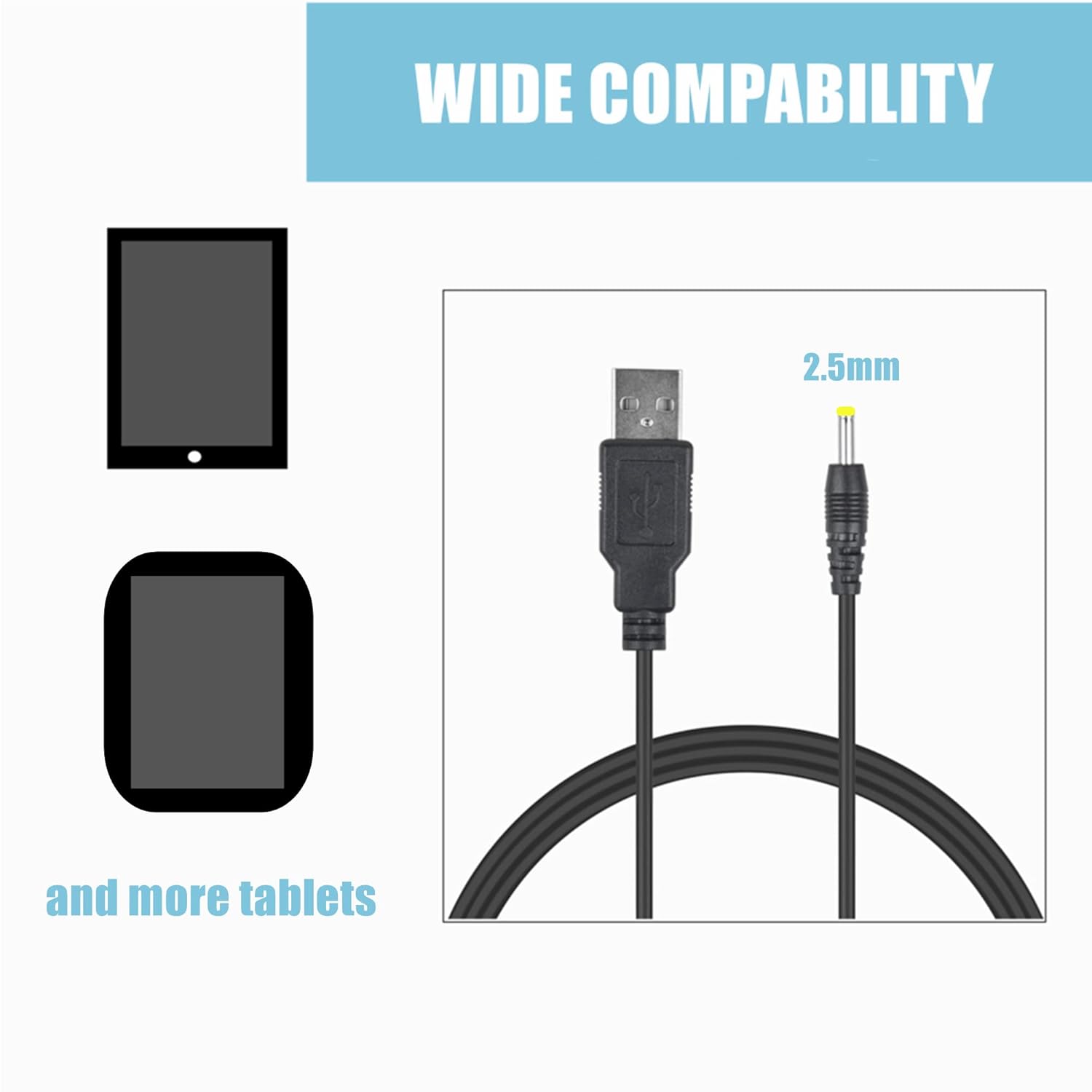
Image 2.3: Illustration demonstrating the wide compatibility of the USB to 2.5mm connection with various electronic devices, including tablets.
3. Eto ati fifi sori
- Sopọ si Orisun Agbara: Insert the USB-A end of the CJP-Geek charger cable into a compatible USB power source. This can be a USB wall adapter (not included), a computer USB port, or a power bank. Ensure the power source provides stable power.
- Sopọ si Ẹrọ: Insert the 2.5mm DC plug end of the cable into the charging port of your We-Vibe Bloom Massager. Ensure the plug is fully inserted for a secure connection.
- Jẹrisi Asopọmọra: Once connected, your We-Vibe Bloom Massager should indicate that it is charging, typically via an LED indicator.
4. Awọn ilana Iṣiṣẹ
The CJP-Geek USB DC Power Adapter Charger Cable operates automatically once connected. It provides the necessary power to charge your We-Vibe Bloom Massager. No additional user interaction is required during the charging process.
- Always ensure the cable and connectors are clean and free from debris before connecting.
- Avoid bending the cable sharply, especially near the connectors, to prevent internal damage.
- Disconnect the cable by pulling on the plug, not the cord, to prevent damage to the cable or device port.
5. Itọju
Proper maintenance ensures the longevity and safe operation of your charger cable:
- Ninu: Use a soft, dry cloth to wipe the cable and connectors. Do not use liquid cleaners or abrasive materials.
- Ibi ipamọ: Store the cable in a cool, dry place away from direct sunlight and extreme temperatures. Avoid tangling the cable tightly.
- Ayewo: Periodically inspect the cable for any signs of wear, fraying, or damage to the insulation or connectors. Discontinue use if any damage is observed.
6. Laasigbotitusita
If you encounter issues with your charger cable, refer to the following common troubleshooting steps:
- Ohun elo Ko Ngba agbara:
- Ensure both the USB-A and 2.5mm DC plugs are fully and securely inserted into their respective ports.
- Try a different USB power source (e.g., a different wall adapter or computer USB port) to rule out issues with the power source.
- Verify that your We-Vibe Bloom Massager is functioning correctly and its charging port is not damaged.
- Gbigba agbara lọra:
- Ensure the USB power source provides sufficient output. Some USB ports (e.g., older computer ports) may provide lower power, resulting in slower charging.
- Avoid using the device while it is charging, as this can extend charging time.
- Ibaje okun USB: If the cable shows any signs of physical damage (fraying, exposed wires, bent connectors), discontinue use immediately and replace it.
7. Awọn pato
| Brand | CJP-Geek |
| Nọmba awoṣe | CJP-Geek-PSA-M21TO17FT1122 |
| Asopọmọra Iru | USB Type-A to 2.5mm DC |
| USB Iru | USB |
| Awọn ẹrọ ibaramu | We-Vibe Bloom Massager |
| Pataki Awọn ẹya ara ẹrọ | Short Circuit Protection, Over-Current Protection, Over-Voltage Protection, Overload Protection, Over-Temperature Protection |
| Iṣagbewọle Voltage | AC 100-240V, 50/60Hz |
| USB Ipari | 20cm |
| Àwọ̀ | Dudu |
| Ijẹrisi | CE |
| inu ile / ita gbangba Lilo | Ninu ile, ita gbangba |
8. Atilẹyin ọja ati Support
The CJP-Geek USB DC Power Adapter Charger Cable comes with a 2-odun atilẹyin ọja. If the product is found to be defective within this period, please contact CJP-Geek customer support for assistance. A replacement will be provided without the need to return the defective unit.
For further support or inquiries, please refer to the seller's contact information on the product purchase page or visit the official CJP-Geek store on Amazon: CJP-Geek Amazon Store.
9. Fidio ọja
Video 9.1: An official product video demonstrating the CJP-Geek Universal USB Power Cable and its features. This video highlights the cable's design, compatibility, and safety aspects.