
1. Ifihan
Thank you for choosing the Hysnox HY-02 Motorcycle Helmet Communication System. This device is designed to provide seamless communication, entertainment, and navigation assistance while riding. Featuring advanced Bluetooth 5.0 technology, CVC noise reduction, and universal pairing, the HY-02 ensures a clear and reliable connection for up to 6 riders over a distance of 2 kilometers. Please read this manual carefully before use to ensure proper operation and to maximize your riding experience.
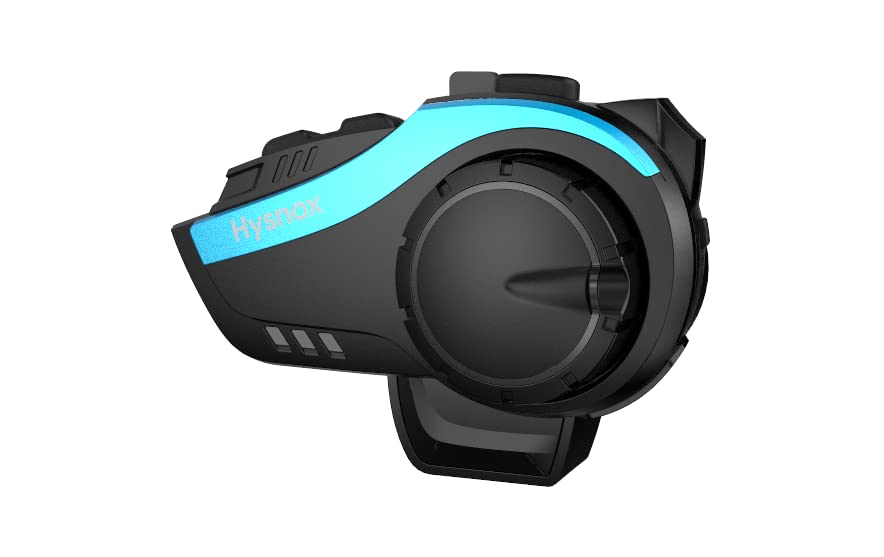
Image: The Hysnox HY-02 communication system, showcasing awọn oniwe-aso oniru ati iwapọ fọọmu ifosiwewe.
2. Key Awọn ẹya ara ẹrọ
- Bluetooth 5.0 ti ilọsiwaju: Equipped with a Qualcomm Bluetooth 5.0 chip for stable connection, dual intelligence, and low power consumption.
- 6-Rider Group Intercom: Supports simultaneous intercom for up to 6 riders with a maximum range of 2 kilometers.
- Pipọpọ Igbesẹ Kan: Simplified pairing process for quick and easy connection.
- Idinku Ariwo CVC: Advanced intelligent CVC noise reduction technology ensures crystal-clear audio for calls and music, even at high speeds.
- Ìsopọ̀ Gbogbogbò: Compatible with Bluetooth devices from various brands, allowing seamless integration with existing motorcycle intercoms.
- Igbesi aye batiri gigun: Powerful 900mAh battery provides up to 30 hours of talk time, 33 hours of music listening, or 500 hours of standby time.
- Isẹ-Ọfẹ: Supports hands-free calls and voice assistant commands (Siri/S Voice) for safe riding.
- Ohùn Sitẹrio Hi-Fi: High-quality 40mm speakers deliver rich stereo music and clear audio prompts.
- Redio FM: Built-in FM radio for entertainment and traffic updates during your ride.
- IP65 Mabomire: Designed with IP65 waterproof technology to withstand various weather conditions.
- Atilẹyin Ọpọ Ede: Supports 8 languages for tone operation: English, German, French, Spanish, Italian, Korean, Japanese, Chinese.
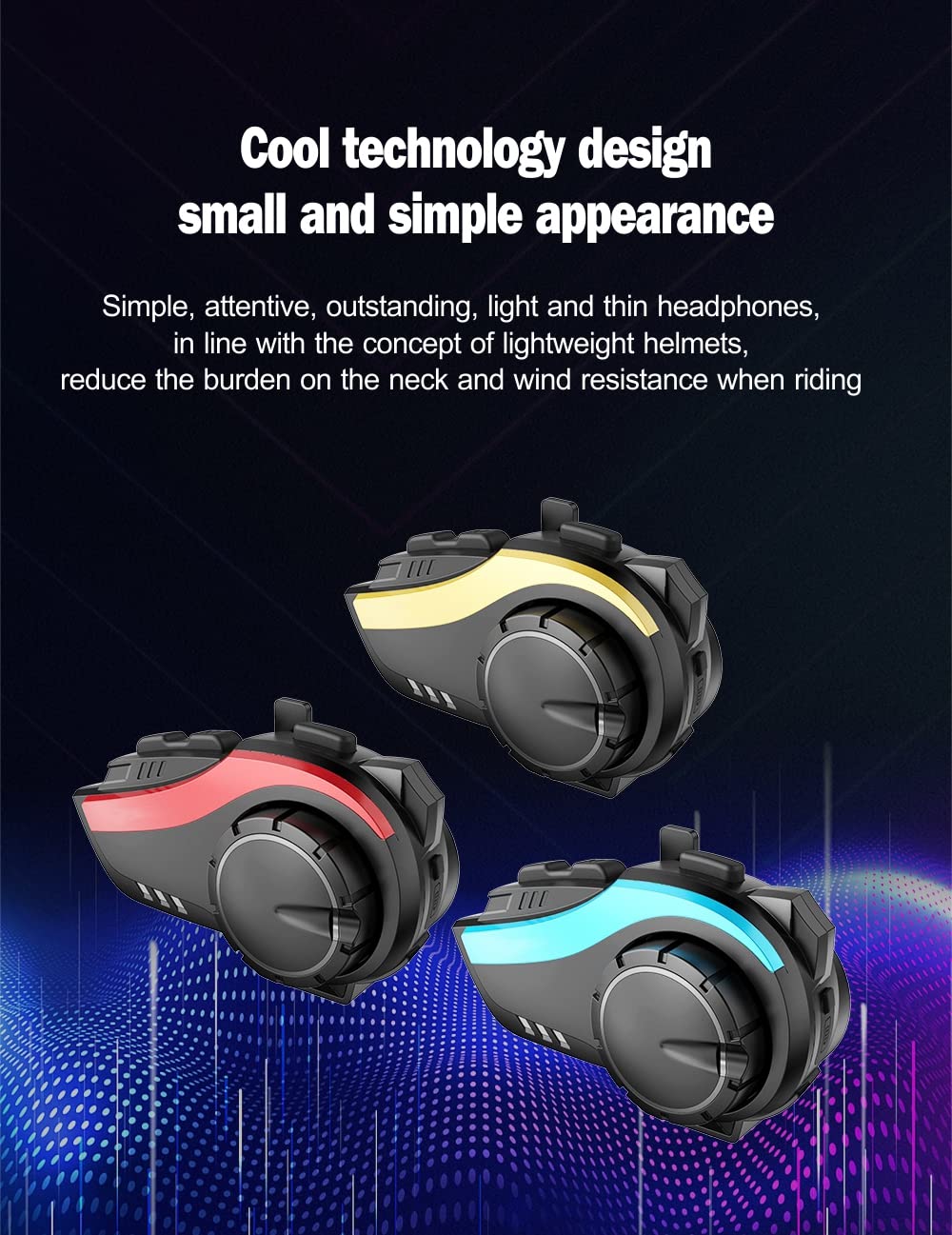
Image: The HY-02 unit displayed in blue, red, and gold color options, highlighting its cool technology design and simple appearance.
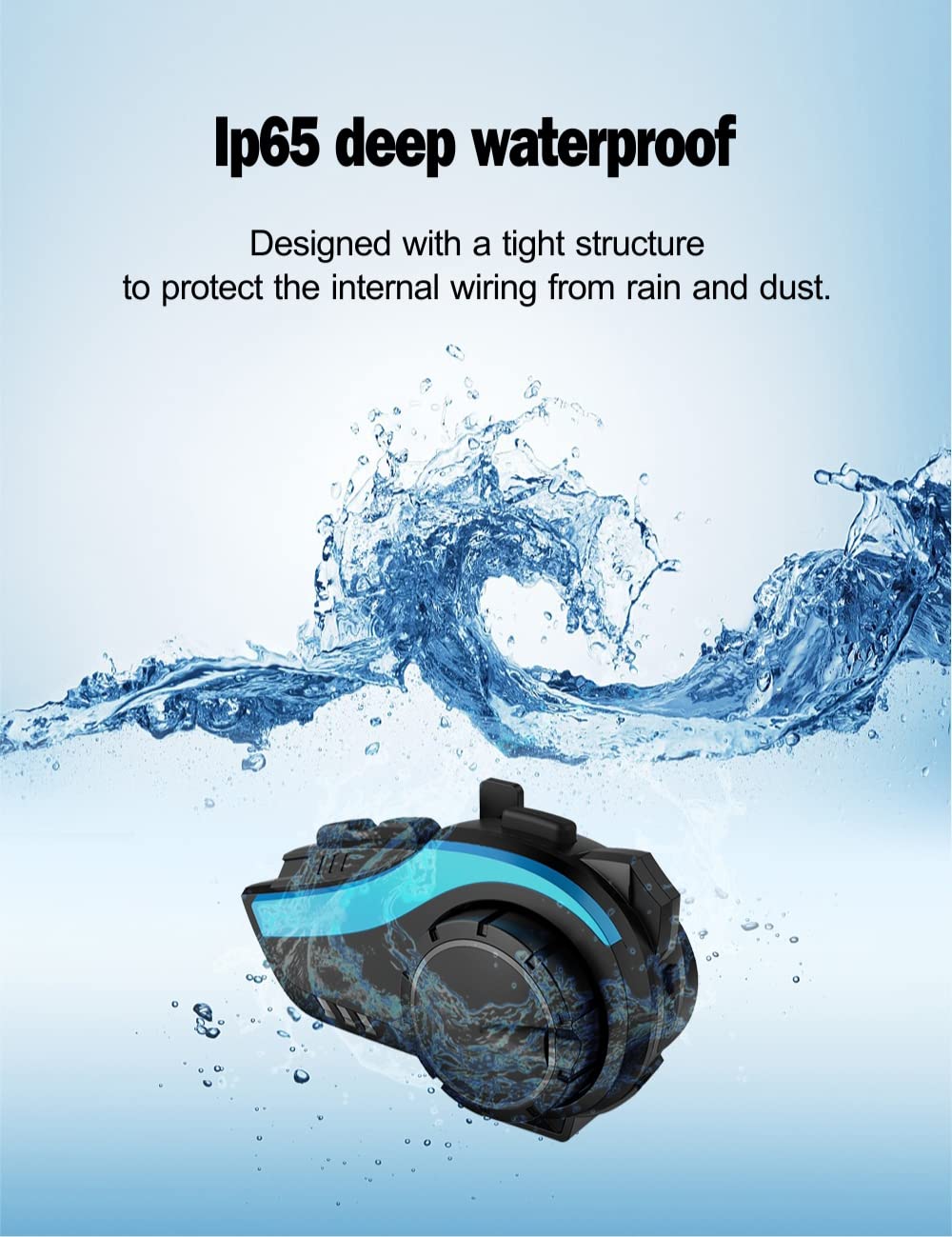
Image: The HY-02 unit shown with water splashing, illustrating its IP65 deep waterproof capability, designed to protect internal wiring from rain and dust.
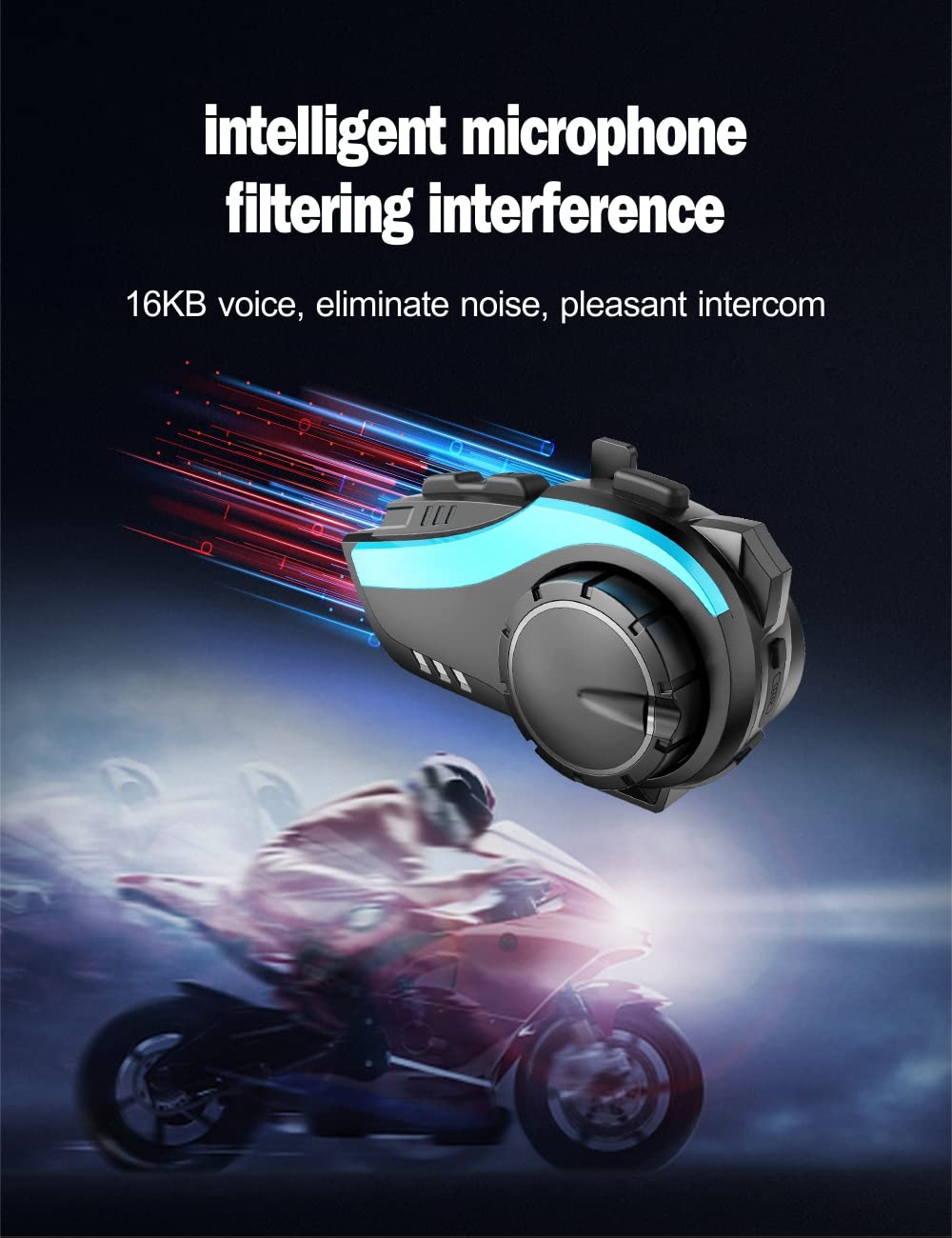
Image: A visual representation of the intelligent microphone filtering interference, ensuring clear voice communication by eliminating noise.
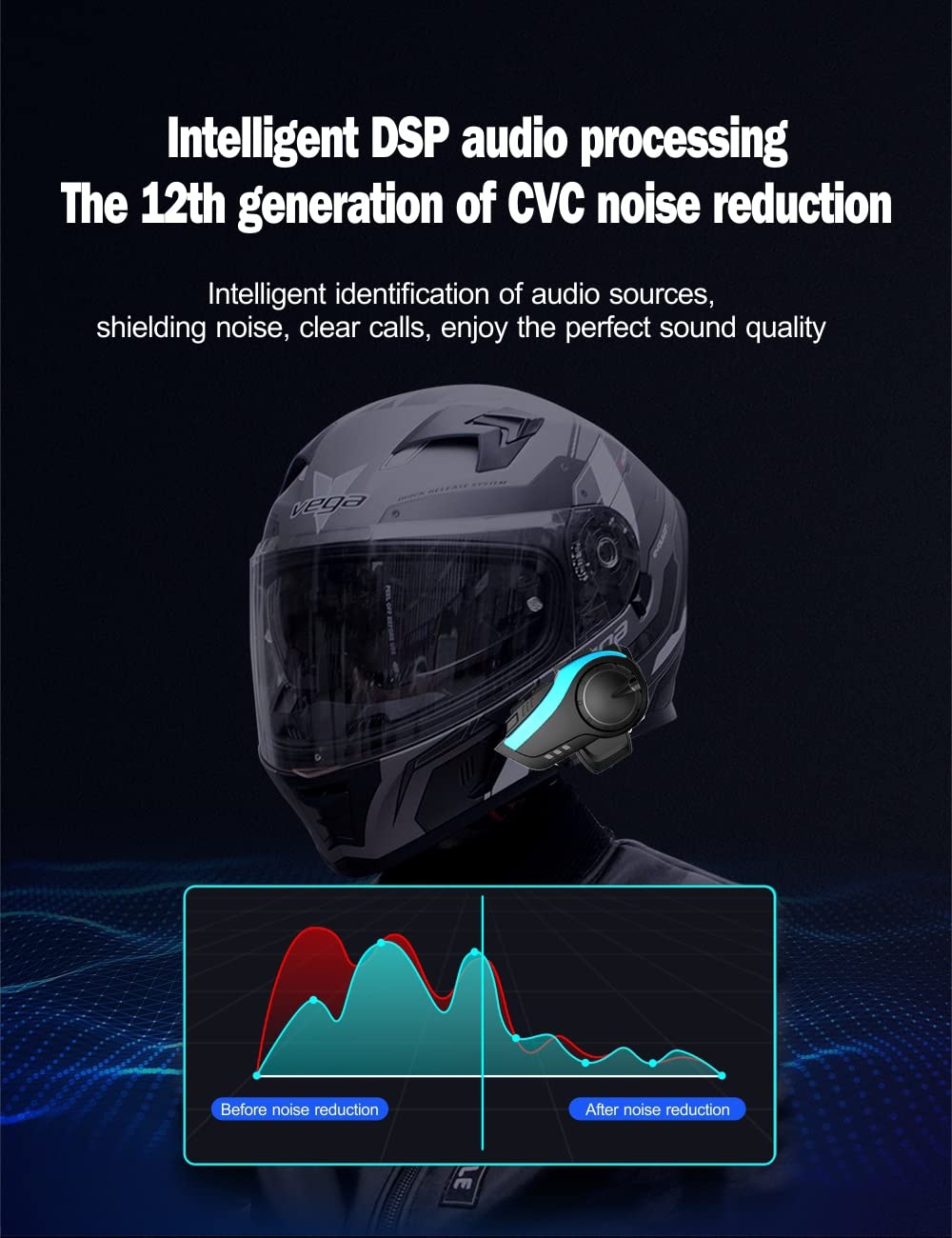
Image: A graph illustrating the effect of Intelligent DSP audio processing and 12th generation CVC noise reduction, showing significant noise reduction for clear calls and perfect sound quality.
3. Eto Itọsọna
3.1. Package Awọn akoonu
- Bluetooth Host × 1
- Headset and Microphone × 1
- Velcro Clip × 2
- Agekuru × 1
- Velcro Horn × 4
- Data Cable × 1
- Screwdriver × 1
- Awọn ilana × 1
- Changeable Panels (Gold/Blue/Red) × 3
3.2. fifi sori
- Yan Ọna Igbesoke: Decide between the Velcro clip or the standard clip for attaching the HY-02 unit to your helmet.
- Attach Unit: Securely attach the HY-02 main unit to the side of your helmet using the chosen clip. Ensure it is firmly in place.
- Fi sori ẹrọ awọn agbọrọsọ: Place the 40mm speakers inside the helmet's ear pockets. Use the provided Velcro pads to secure them. Ensure speakers are positioned directly over your ears for optimal sound.
- Gbohungbohun ipo: Attach the microphone to the inside of the helmet, positioning it close to your mouth for clear voice pickup. Route the cable neatly along the helmet's interior.
- Awọn okun Sopọ: Plug the speaker and microphone cables into the corresponding ports on the HY-02 main unit.
- Ẹrọ gbigba agbara: Before first use, fully charge the HY-02 using the provided data cable. The charging indicator will change when charging is complete.
4. Awọn ilana Iṣiṣẹ
4.1. Agbara Tan / Paa
- Agbara Tan: Press and hold the Power button for approximately 3 seconds until you hear a voice prompt.
- Agbara Pa: Press and hold the Power button for approximately 3 seconds until you hear a voice prompt.
4.2. Bluetooth Pairing (Mobile Phone)
- Ensure the HY-02 is powered off.
- Press and hold the Power button for about 5-7 seconds until the LED indicator flashes red and blue alternately, indicating pairing mode.
- On your mobile phone, enable Bluetooth and search for "HY-02".
- Select "HY-02" from the list of available devices to connect. Once connected, the LED will flash blue slowly.
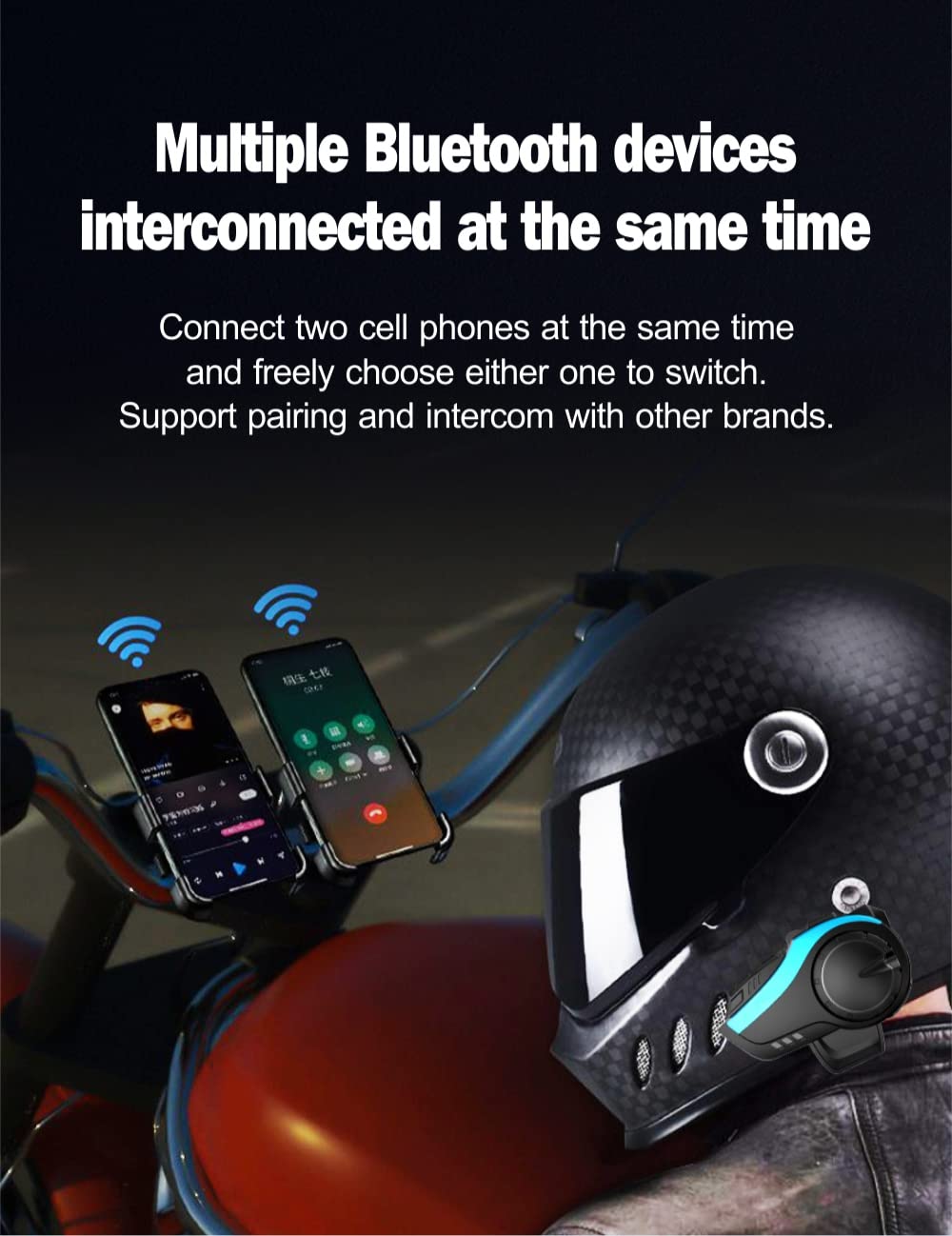
Image: The HY-02 connected to multiple Bluetooth devices simultaneously, demonstrating its ability to connect to two cell phones and switch between them freely, supporting pairing and intercom with other brands.
4.3. Intercom Pairing (Group Intercom)
The HY-02 supports one-step pairing for group intercom. For detailed instructions on multi-unit pairing, refer to the specific intercom pairing section in the full manual (if available) or the manufacturer's webojula.
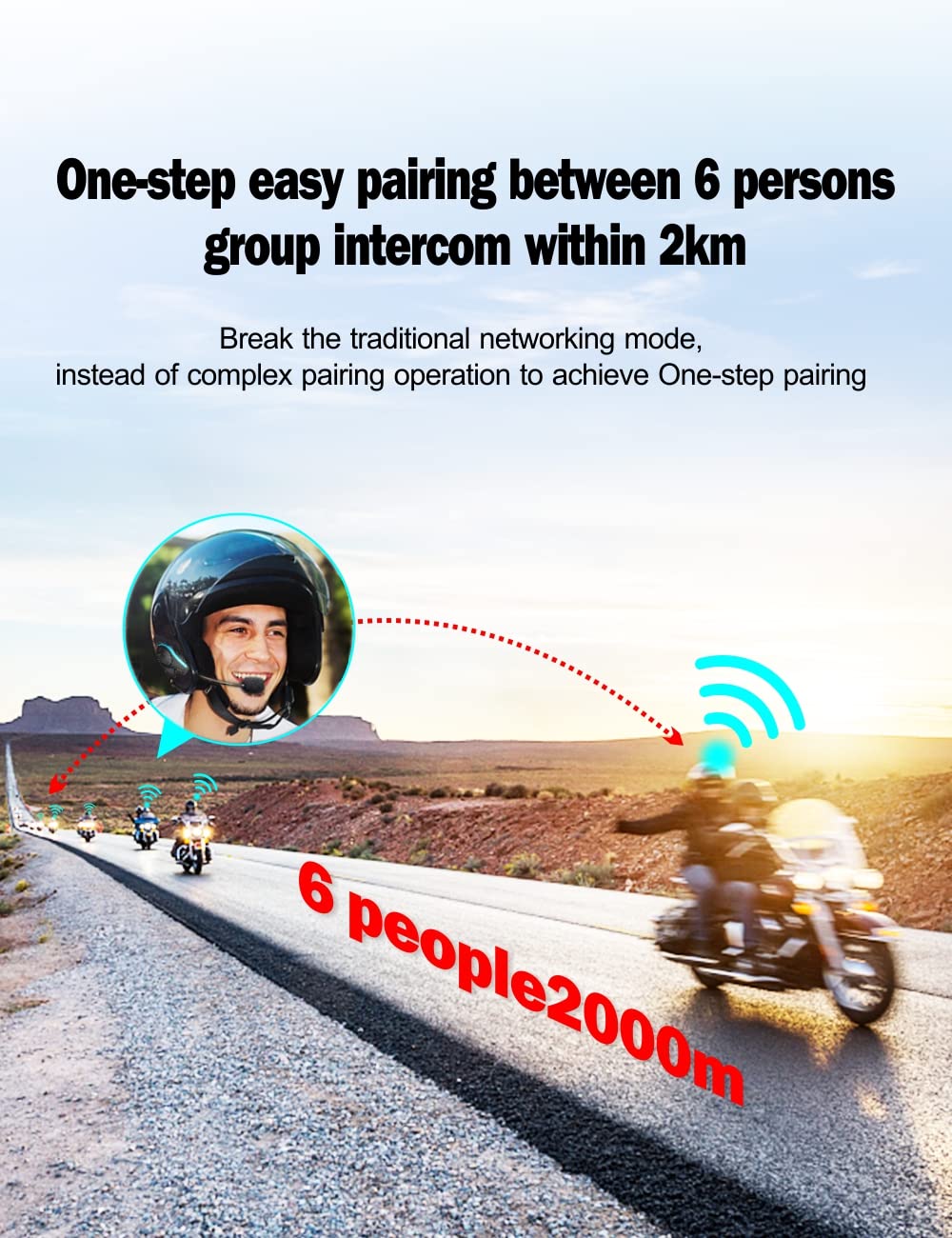
Image: Riders on motorcycles, illustrating the one-step easy pairing for a 6-person group intercom within a 2km range, breaking traditional complex networking modes.
4.4. Awọn ipe foonu
- Idahun Ipe: Tẹ bọtini Olona-iṣẹ lẹẹkan.
- Ipe Ipari: Tẹ bọtini iṣẹ-ọpọlọpọ lẹẹkan nigba ipe kan.
- Kọ Ipe: Tẹ mọlẹ bọtini iṣẹ-ọpọlọpọ fun iṣẹju-aaya 2.
- Nọmba Ikẹhin Tun Tun: Tẹ bọtini Olona-iṣẹ lẹẹmeji.
4.5. Sisisẹsẹhin Orin
- Ṣiṣẹ/Daduro: Tẹ bọtini Olona-iṣẹ lẹẹkan.
- Orin t’okan: Tẹ bọtini Iwọn didun Up.
- Tẹlẹ Orin: Tẹ bọtini Iwọn didun isalẹ.
- Iwọn didun Up: Yi ipe jog pada ni apa aago.
- Iwọn didun isalẹ: Yi ipe jog pada ni ọna idakeji.
4.6. Redio FM
- Tan/Pa FM: Tẹ bọtini FM.
- Àwọn Ibùdó Ṣíṣàyẹ̀wò: Press the Volume Up/Down buttons to scan for the next/previous station.
4.7. Voice Assistant (Siri/S Voice)
- Mu Oluranlọwọ Ohun ṣiṣẹ: Double-press the Voice Assistant button (if available) or refer to your phone's specific voice assistant activation method while connected.
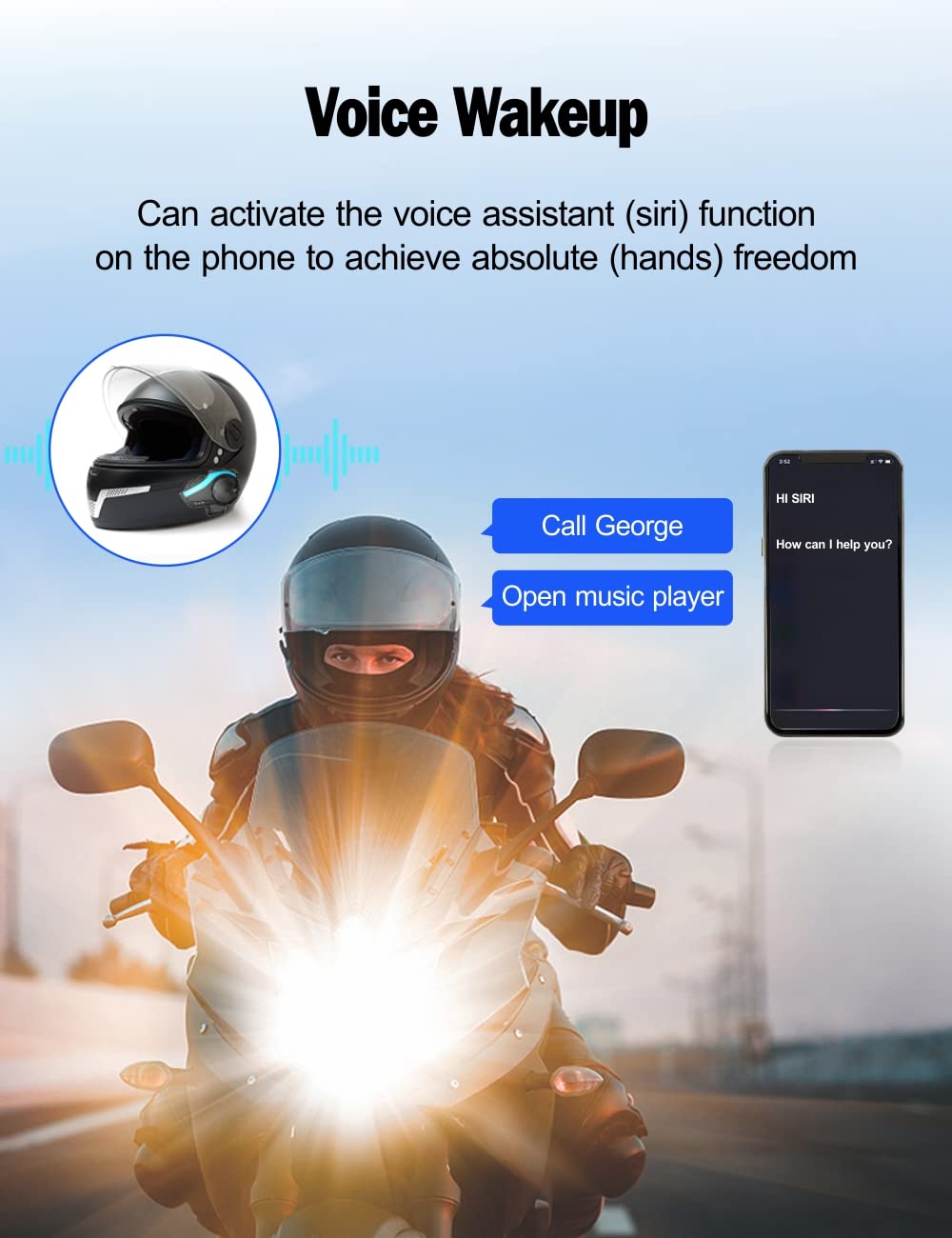
Image: A motorcyclist on the road, with an illustration of the voice wakeup feature, showing how to activate the voice assistant (Siri) for hands-free commands like making calls or opening music players.
5. Itọju
- Ninu: Lo asọ, damp cloth to clean the unit. Do not use harsh chemicals or abrasive cleaners.
- Ibi ipamọ: Tọ́jú ẹ̀rọ náà sí ibi tí ó tutù tí ó sì gbẹ nígbà tí a kò bá lò ó. Yẹra fún ìwọ̀n otútù tó le koko.
- Itọju Batiri: Láti mú kí batiri pẹ́ sí i, gba agbára lórí ẹ̀rọ náà déédéé, kódà bí kò bá tiẹ̀ jẹ́ pé a ń lò ó déédéé. Má ṣe jẹ́ kí batiri náà máa jáde pátápátá fún ìgbà pípẹ́.
- Ifihan omi: While IP65 waterproof, avoid submerging the device in water. Ensure all ports are sealed when exposed to rain.
6. Laasigbotitusita
| Isoro | Owun to le Fa | Ojutu |
|---|---|---|
| Ẹrọ naa ko ṣiṣẹ | Batiri kekere; Ẹrọ tio tutunini | Charge the device; Perform a hard reset (refer to full manual for specific steps). |
| Ko si ohun lati ọdọ awọn agbohunsoke | Volume too low; Speakers not connected properly; Device not paired | Increase volume; Check speaker connections; Re-pair the device. |
| A ko le so pọ mọ foonu/intercom | Device not in pairing mode; Bluetooth off on phone; Too many devices connected | Ensure device is in pairing mode; Turn on phone's Bluetooth; Disconnect other Bluetooth devices. |
| Ipese intercom kuru | Obstructions; Environmental interference | Ensure clear line of sight between units; Avoid areas with high electromagnetic interference. |
7. Awọn pato
| Ẹya ara ẹrọ | Ẹ̀kúnrẹ́rẹ́ |
|---|---|
| Orukọ awoṣe | HY-02 |
| Brand | Hysnox |
| Asopọmọra Technology | Bluetooth 5.0, Alailowaya |
| Gbigbe Eti | Lori Eti |
| Agbekọri Fọọmù ifosiwewe | Lori Eti |
| Jack agbekọri | Ko si Jack |
| Agbara Batiri | 900mAh |
| Aago Ọrọ | Titi di wakati 30 |
| Akoko Sisisẹsẹhin Orin | Titi di wakati 33 |
| Akoko Iduro | Titi di wakati 500 |
| Intercom Ibiti | Up to 2 KM (group intercom) |
| Mabomire Rating | IP65 |
| Ọja Mefa | 2 x 0.5 x 1.2 cm |
| Iwọn | 481.94 giramu |
| Olupese | Shenzhen Hysnox Technology Co., Ltd |
| Akọkọ Wa Ọjọ | Oṣu Kẹta Ọjọ 25, Ọdun 2024 |
8. Atilẹyin ọja ati Support
For warranty information and technical support, please refer to the official Hysnox webojula tabi kan si wọn onibara iṣẹ taara. Tọju iwe-ẹri rira rẹ bi ẹri rira fun eyikeyi awọn ibeere atilẹyin ọja.
Atilẹyin Ayelujara: Visit the Hysnox official webojú òpó wẹ́ẹ̀bù fún àwọn ìbéèrè tó ń gbajúmọ̀, àwọn ìwé àtúnṣe, àti àwọn ìgbàsílẹ̀ sọ́fítíwètì.
Iṣẹ onibara: Contact details for customer service can typically be found on the product packaging or the official webojula.