
HOCO EW15
Hoco EW15 Clear Explore Edition TWS Wireless Headset User Manual
Awoṣe: EW15
Ọrọ Iṣaaju
Thank you for choosing the Hoco EW15 Clear Explore Edition TWS Wireless Headset. This manual provides detailed instructions on how to set up, operate, and maintain your new headset. Please read this manual carefully before use to ensure optimal performance and longevity of your device.
The Hoco EW15 features Bluetooth v5.1 for stable connectivity, a 30mAh headset battery providing up to 4 hours of call and music time, and a 300mAh charging case for extended use. Its translucent design offers a unique aesthetic, showcasing the internal components.
Package Awọn akoonu
- Hoco EW15 Clear Explore Edition True Wireless BT Headset (Left and Right Earbuds)
- Ngba agbara Case
- Okun Ngba agbara USB
- Itọsọna olumulo
Ọja Pariview




Ṣeto
Charging the Headset and Case
Before first use, fully charge the Hoco EW15 headset and its charging case.
- Fi àwọn ètí ìgbọ́rọ̀ méjèèjì sínú àpótí ìgbóná. Rí i dájú pé wọ́n jókòó dáadáa.
- Connect the USB charging cable to the charging port on the case and to a compatible USB power source (e.g., computer USB port, wall adapter).
- The indicator light on the charging case will show charging status. It takes approximately 1.5 hours to fully charge the case and 1 hour for the headset.
- Ni kete ti o ti gba agbara ni kikun, ge asopọ okun gbigba agbara.
Sopọ pẹlu Ẹrọ kan
The Hoco EW15 supports automatic pairing and master-slave switching.
- Ṣii apoti gbigba agbara. Awọn agbekọri yoo tan ina laifọwọyi ati tẹ ipo sisopọ pọ sii.
- Lori ẹrọ rẹ (foonuiyara, tabulẹti, ati be be lo), jeki Bluetooth.
- Wa fun Awọn ẹrọ Bluetooth ti o wa ko si yan "Hoco EW15" lati akojọ.
- Nígbà tí o bá ti so pọ̀ mọ́ ara rẹ, o máa gbọ́ ohùn ìjẹ́rìísí, ìmọ́lẹ̀ tí ó wà lórí àwọn ètí ìgbọ́rọ̀ náà yóò sì yípadà.
- Lẹhin sisopọ akọkọ, awọn afikọti yoo sopọ laifọwọyi si ẹrọ ti o so pọ to kẹhin nigbati o ba jade ninu ọran naa, ti o ba jẹ pe Bluetooth ti ṣiṣẹ lori ẹrọ naa.
Awọn ilana Iṣiṣẹ
Awọn iṣakoso ifọwọkan
The Hoco EW15 earbuds feature touch-sensitive controls for easy operation.
| Iṣe | Išẹ |
|---|---|
| Tẹ ẹyọkan (Afikun Osi/Ọtun) | Mu orin ṣiṣẹ/Danuduro, Dahun/Pari ipe |
| Tẹ ni kia kia lẹẹmeji (Agbohun Akọkọ osi) | Ti tẹlẹ Track |
| Tẹ ni kia kia lẹẹmeji (Ẹkọ Atẹti ọtun) | Next Track |
| Tẹ ni kia kia Meta (Apa osi/Ati Ọtun) | Muu Iranlọwọ ohun ṣiṣẹ (Siri, Iranlọwọ Google) |
| Gun Tẹ (awọn aaya 2) | Kọ Ipe |
| Gun Tẹ (awọn aaya 5) | Tan-an / Paa (nigbati kii ṣe ọran) |
Isakoso Ipe
- Idahun / Ipari Awọn ipe: Fọwọ ba ẹyọkan boya agbekọri.
- Kọ Awọn ipe: Gigun tẹ boya agbekọri fun iṣẹju meji 2.
Oluranlọwọ ohun
Triple tap either earbud to activate your device's voice assistant (e.g., Siri for iOS, Google Assistant for Android).
Itoju
Proper maintenance ensures the longevity and performance of your Hoco EW15 headset.
- Ninu: Lo asọ ti o gbẹ, asọ ti ko ni lint lati nu afikọti ati apoti gbigba agbara. Ma ṣe lo abrasive ose tabi epo.
- Ibi ipamọ: Nigbati o ko ba si ni lilo, tọju awọn afikọti sinu apoti gbigba agbara wọn lati daabobo wọn ki o jẹ ki wọn gba agbara.
- Yago fun Omi: Awọn agbekọri ko ni aabo omi. Yago fun ifihan si omi, ọrinrin, tabi awọn iwọn otutu to gaju.
- Gbigba agbara: Use the provided charging cable and a certified power adapter. Avoid overcharging.
Laasigbotitusita
If you encounter issues with your Hoco EW15 headset, refer to the following common solutions:
- Earbuds not pairing with each other or with device:
- Rii daju pe awọn agbekọri mejeeji ti gba agbara.
- Fi àwọn ètí ìgbọ́rọ̀ méjèèjì padà sínú àpótí ìgbóná, pa ìbòrí náà, dúró fún ìṣẹ́jú díẹ̀, lẹ́yìn náà ṣí ìbòrí náà lẹ́ẹ̀kan síi. Èyí sábà máa ń mú kí ìsopọ̀ náà tún bẹ̀rẹ̀.
- On your device, forget or delete "Hoco EW15" from the Bluetooth device list, then try pairing again.
- Ensure your device's Bluetooth is enabled and within 10 meters of the earbuds.
- Ko si ohun tabi iwọn kekere:
- Ṣayẹwo ipele iwọn didun lori ẹrọ rẹ mejeeji ati awọn agbekọri.
- Rii daju pe awọn agbekọri ti sopọ daradara si ẹrọ rẹ.
- Nu eyikeyi idoti kuro lati awọn agbohunsoke agbekọri.
- Apo gbigba agbara ko gba agbara:
- Ṣàyẹ̀wò okùn gbigba agbara àti adaptor agbara. Gbìyànjú okùn tàbí adaptor mìíràn.
- Rii daju pe ibudo gbigba agbara lori ọran naa jẹ mimọ ati laisi idoti.
- Microphone quality is poor:
- Ensure the microphone opening on the earbuds is not obstructed.
- Try using the earbuds in a quieter environment.
Awọn pato

| Ẹya ara ẹrọ | Ẹ̀kúnrẹ́rẹ́ |
|---|---|
| Orukọ ọja | EW15 Clear Explore Edition true wireless BT headset |
| Ẹya Bluetooth | Bluetooth 5.1 (Chip: JL AC6973) |
| Battery Capacity (Headset) | 30mAh (agbohungbohun kọọkan) |
| Agbara Batiri (Apo gbigba agbara) | 300mAh |
| Ọrọ / Orin Time | Titi di wakati 4 |
| Akoko Iduro | wakati meji 120 |
| Àkókò gbígbà agbára (Agbekọri) | O fẹrẹ to wakati 1 |
| Akoko gbigba agbara (Ila) | O fẹrẹ to awọn wakati 1.5 |
| Gbigbe Range | Up to 10 meters (barrier-free) |
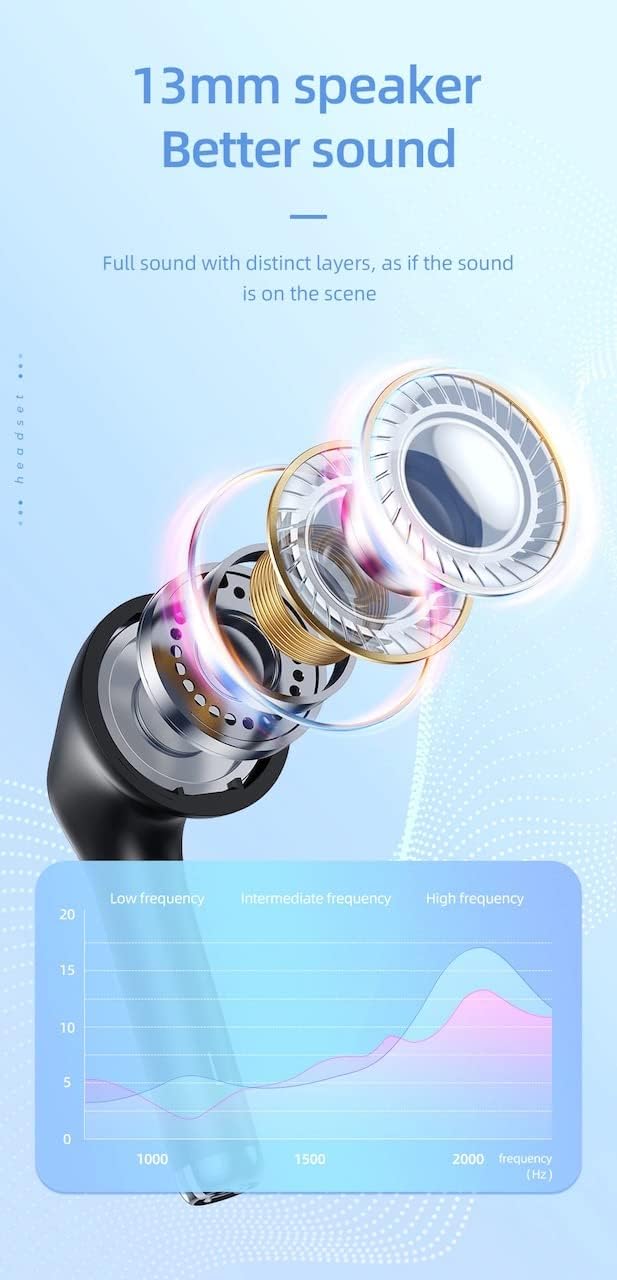
| Iwọn Agbọrọsọ | 13mm |
| Idahun Igbohunsafẹfẹ | 20-20000Hz |
| Ọja Mefa | 5.45 x 4.7 x 2.5 cm (Case) |
| Iwọn | Whole device 40g, single headset 3g |
| Ohun elo | Ṣiṣu |
Atilẹyin ọja ati Support
For warranty information and technical support, please refer to the official HOCO webaaye tabi kan si olupin agbegbe rẹ.
Osise Webojula: www.hocotech.com
Jọwọ ṣe idaduro ẹri rira rẹ fun eyikeyi awọn ibeere atilẹyin ọja.
Ask a question about this manual
Ask about setup, troubleshooting, compatibility, parts, safety, or missing instructions. Manuals+ will review the question and use this page’s manual context to help answer it.