
Lefitus i126-black-us
Lefitus Smart Watch User Manual
Model: i126-black-us
Brand: Lefitus
Ọrọ Iṣaaju
The Lefitus Smart Watch is a versatile fitness tracker designed for both men and women, offering a wide range of features to enhance your daily life and health monitoring. With its 1.85-inch HD display, Bluetooth call capabilities, and extensive health and sports tracking, this smartwatch keeps you connected and informed. This manual provides detailed instructions to help you set up, operate, and maintain your new device.
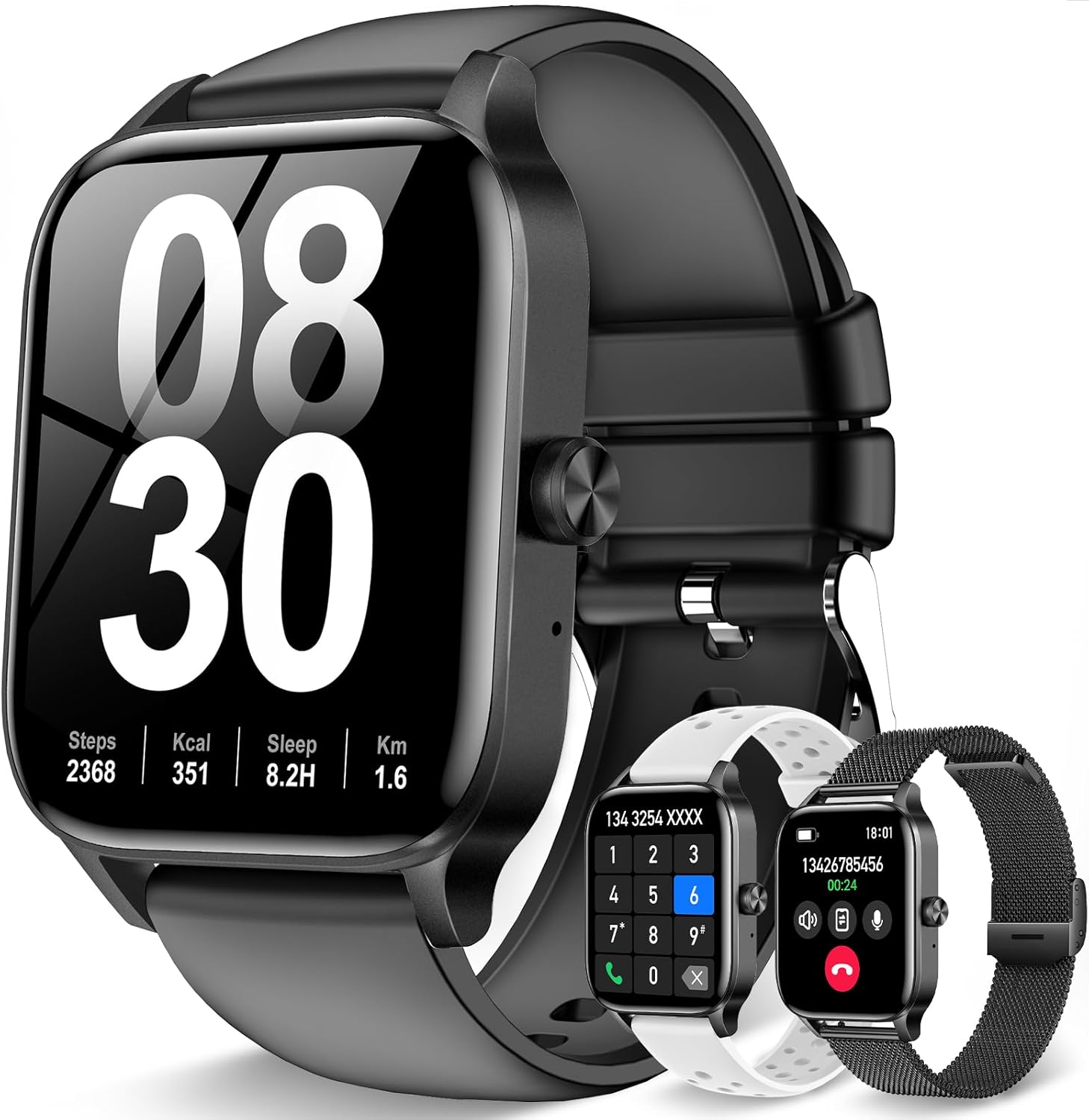
Image: The Lefitus Smart Watch, showcasing its main display and the included interchangeable straps.
Ohun ti o wa ninu Apoti
Upon unboxing your Lefitus Smart Watch, please verify that all the following components are included:
- Smart Watch x 1
- Watch bands x 3 (Black, White, Black Steel Mesh)
- Okun gbigba agbara x 1
- Connection card x 1
- Ilana itọnisọna x 1
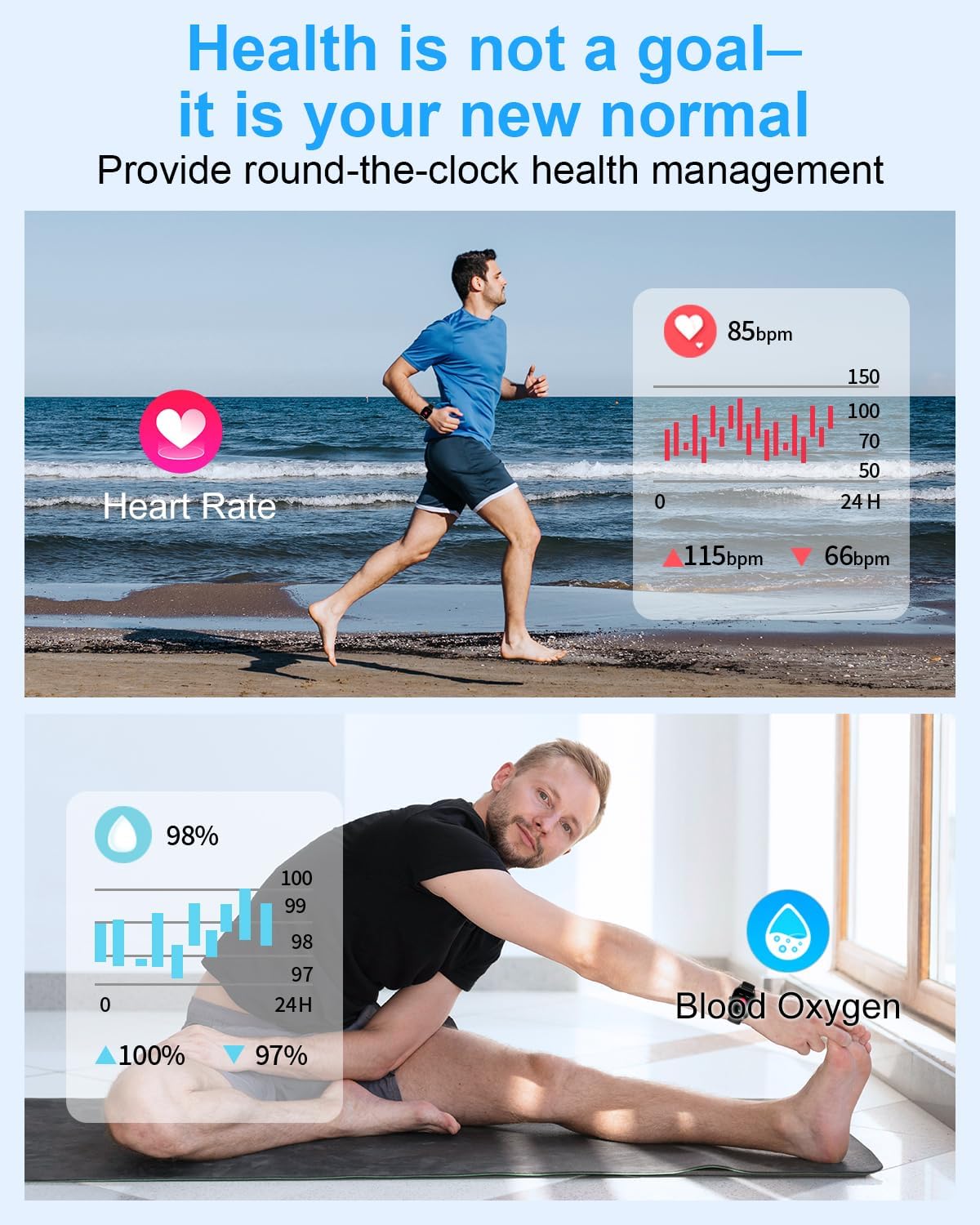
Image: A visual representation of all items included in the product packaging.
Eto Itọsọna
1. Ngba agbara ẹrọ
Before first use, fully charge your smartwatch. Connect the magnetic charging cable to the charging points on the back of the watch and plug the USB end into a power adapter (not included) or a computer USB port. A full charge takes approximately 2 hours.
2. Fifi sori App ati Sisopọ
- Scan the QR code on the connection card or in the manual to download the companion app (compatible with iOS and Android).
- Rii daju pe Bluetooth ti ṣiṣẹ lori foonuiyara rẹ.
- Open the app and follow the on-screen instructions to search for and pair with your Lefitus Smart Watch.
- Grant necessary permissions for notifications, health data, etc., when prompted by the app.
3. Iṣeto ni ibẹrẹ
Once paired, you can set up your personal profile within the app, including age, height, weight, and fitness goals. This information helps the watch provide more accurate health and activity data.
Awọn ilana Iṣiṣẹ
Bluetooth Calls and Message Notifications
The smartwatch features a built-in microphone and HD speakers, allowing you to make and receive calls directly from your wrist. It also displays notifications from various apps like Facebook, WhatsApp, Instagram, and Twitter, ensuring you don't miss important updates.

Image: The smartwatch interface showing call and message notification capabilities.
Ifihan ati isọdi
The 1.85-inch HD color screen provides vivid visuals and smooth touch response. You can personalize your watch face from over 500 stylish dials available in the app, or upload your favorite photos to create a unique look.

Aworan: Examples of customizable watch dials and the process of uploading a personal photo.
Health and Sleep Tracking
Equipped with advanced sensors, the smartwatch continuously monitors your heart rate, blood pressure, blood oxygen level, and sleep quality. It provides detailed sleep analysis and health insights. A dedicated women's period reminder function is also included for comprehensive health management.
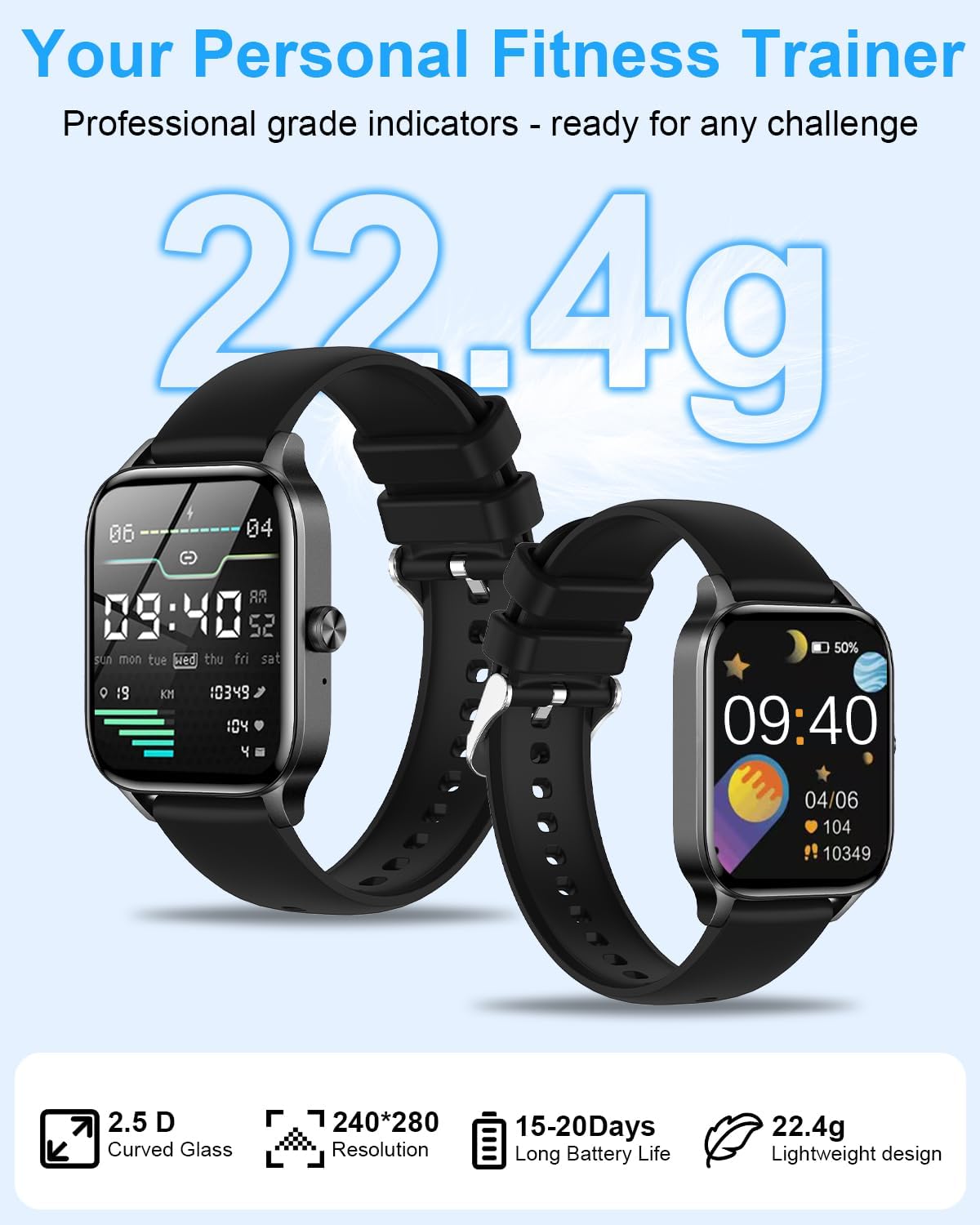
Image: Visuals demonstrating heart rate and blood oxygen monitoring features.
Sports Modes and Water Resistance
The watch supports over 130 sports modes, including running, cycling, hiking, and yoga, providing real-time data for your activities. With an IP68 waterproof rating, the watch can be worn during rain and hand washing, meeting daily waterproof requirements.

Aworan: Pariview of the extensive sports modes and activity tracking.

Image: The smartwatch demonstrating its IP68 water resistance during hand washing.
Battery Life and Versatility
The smartwatch features a fast magnetic charging system, fully charging in just 2 hours. It offers 7-14 days of typical use and up to 30 days of standby time. Additional functions include a timer, stopwatch, alarm clock, cell phone finder, sedentary reminder, music control, weather forecast, brightness adjustment, and camera control.
Music and Camera Control
Control music playback on your smartphone directly from your smartwatch, including adjusting volume and switching songs. You can also remotely control your phone's camera to take photos, making it easy to capture moments from a distance.

Image: The smartwatch's camera control feature, enabling remote photo capture.
Itoju
Ninu
- Ṣe nu smartwatch rẹ nigbagbogbo ati okun pẹlu asọ, damp asọ.
- Yẹra fún lílo àwọn kẹ́míkà líle tàbí àwọn ohun èlò ìfọ́, nítorí wọ́n lè ba ẹ̀rọ náà jẹ́.
- Rii daju pe awọn olubasọrọ gbigba agbara jẹ mimọ ati ki o gbẹ ṣaaju gbigba agbara lati yago fun ibajẹ.
Itọju Batiri
- Do not expose the watch to extreme temperatures (hot or cold) as this can affect battery life.
- If storing the watch for an extended period, charge it to about 50% to preserve battery health.
Ibi ipamọ
- Store the smartwatch in a cool, dry place away from direct sunlight.
- Pa á mọ́ kúrò lọ́wọ́ àwọn pápá agbára mànàmáná tó lágbára.
Laasigbotitusita
Wọpọ Oran ati Solusan
| Isoro | Ojutu |
|---|---|
| Wo ko ni titan | Ensure the watch is fully charged. If it still doesn't turn on, contact customer support. |
| Ko le so pọ pẹlu foonu | Ensure Bluetooth is on, the app is open, and the watch is within range. Restart both the watch and phone. Check app permissions. |
| Awọn iwifunni ko han | Check app notification settings on your phone and within the smartwatch app. Ensure the app is running in the background. |
| Awọn alaye ilera ti ko pe | Ensure the watch is worn snugly on your wrist. Keep your personal information (height, weight) updated in the app. |
| Aye batiri kukuru | Reduce screen brightness, turn off unnecessary features, and limit continuous heart rate monitoring if not needed. |
Imọ ni pato
| Ẹya ara ẹrọ | Sipesifikesonu |
|---|---|
| Package Mefa | 11 x 3.9 x 0.7 inches |
| Iwọn Nkan | 0.705 iwon (20 Giramu) |
| Nọmba Awoṣe Nkan | i126-black-us |
| Awọn batiri | Batiri 1 12V nilo (pẹlu) |
| Ọjọ Akọkọ Wa | Oṣu Kẹfa Ọjọ 6, Ọdun 2025 |
| Olupese | i126-black-us |
| Ilu isenbale | China |
| Iduro iboju Iwon | 1.85 inches |
| Agbara Ibi ipamọ Iranti | 128 GB |
| Eto isesise | Android & iOS |
| Agbara Batiri | 300 Milionuamp Awọn wakati |
| Asopọmọra Technology | Bluetooth |
| Alailowaya Ibaraẹnisọrọ Alailowaya | Bluetooth |
| Batiri Cell Tiwqn | Litiumu Iwon |
| GPS | GPS Nipasẹ Foonuiyara |
| Apẹrẹ | Onigun mẹrin |
| Iwon iboju | 1.85 inches |

Image: Detailed dimensions of the smartwatch and its interchangeable straps.
Atilẹyin ọja ati Onibara Support
Lefitus provides a 12-month warranty for your smartwatch, covering any quality or operational issues that may arise. Our customer service team is available 24 hours a day to assist you with any inquiries or support needs.
For assistance, please refer to the contact information provided on the connection card included in your package or visit the official Lefitus webojula.