
1. Ifihan
Welcome to the Nokia T10 Wi-Fi Tablet user manual. This guide provides essential information to help you set up, operate, maintain, and troubleshoot your new device. The Nokia T10 is an 8-inch HD Android 12 tablet designed for everyday use, offering a balance of performance and portability.
Jọ̀wọ́ ka ìwé ìtọ́ni yìí dáadáa láti rí i dájú pé o lò ó dáadáa àti láti mú kí tablet rẹ pẹ́ sí i.
2. Ohun ti o wa ninu Apoti
Upon unboxing your Nokia T10 tablet, please verify that all the following items are included:
- Nokia T10 Tablet Device
- Iru-C Okun USB
- Ṣaja
- Itọsọna Ibẹrẹ Yara (QSG)
- Iwe aabo
- User Guide Band
- Plastic Bag (packaging material)
If any items are missing or damaged, please contact your retailer or Nokia customer support immediately.
3. Eto
3.1 Gbigba agbara si tabulẹti
Before first use, fully charge your Nokia T10 tablet. Connect the provided Type-C USB cable to the tablet's charging port and the other end to the charger. Plug the charger into a power outlet. The battery indicator on the screen will show the charging status.
3.2 Titan / Pa a
- Lati Fi agbara: Press and hold the Power button until the Nokia logo appears.
- Lati Paarẹ: Press and hold the Power button until the power options appear on the screen. Select "Power off" and confirm.
- Lati Tun bẹrẹ: Press and hold the Power button until the power options appear. Select "Restart" and confirm.
3.3 Ni ibẹrẹ Oṣo
When you power on your tablet for the first time, you will be guided through an initial setup process:
- Aṣayan ede: Yan ede ti o fẹ julọ.
- Asopọ Wi-Fi: Connect to a Wi-Fi network to access the internet. This is crucial for downloading updates and setting up your Google account.
- Akọọlẹ Google: Sign in with your existing Google account or create a new one. This is necessary for accessing the Google Play Store, Gmail, and other Google services.
- Ọjọ & Akoko: Ṣeto ọjọ ati akoko to pe, tabi gba nẹtiwọki laaye lati ṣeto laifọwọyi.
- Aabo: Set up a screen lock (PIN, pattern, password) and consider enabling AI Face Unlock for convenient access.
3.4 Fi kaadi MicroSD sii
The Nokia T10 supports expandable storage via a MicroSD card. Locate the SIM/SD card tray on the side of the tablet. Use the provided SIM ejector tool to open the tray. Carefully place the MicroSD card into the designated slot with the gold contacts facing down, then reinsert the tray firmly.
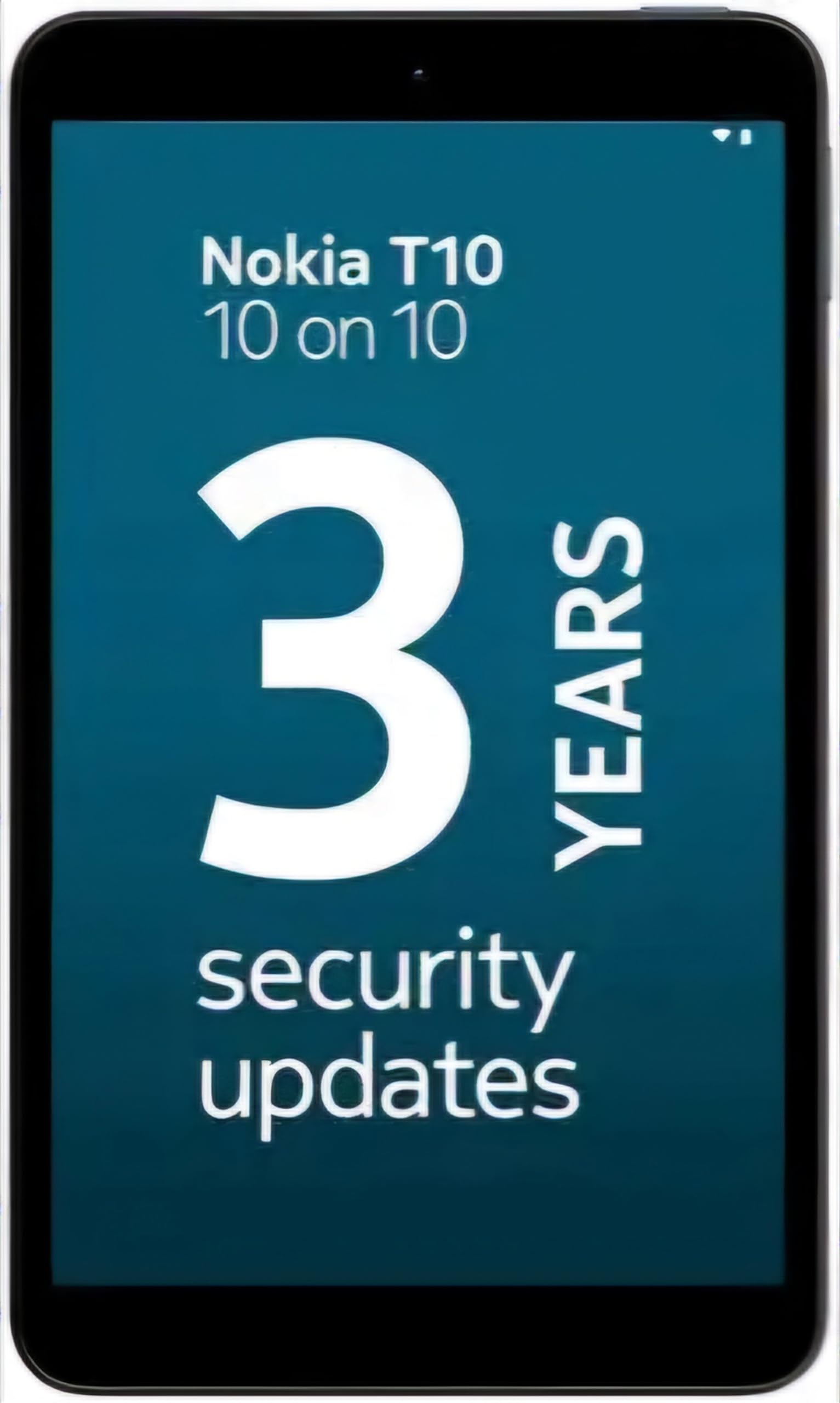
Image: Nokia T10 tablet, showcasing its sleek design and the rear camera module.
4. Awọn ilana Iṣiṣẹ
4.1 Ifihan ati Lilọ kiri
The Nokia T10 features an 8-inch HD display (1280x800 pixels). Navigate the interface using touch gestures:
- Fọwọ ba: Yan ohun kan tabi ṣii ohun elo kan.
- Ra: Yi lọ nipasẹ awọn iboju, awọn akojọ, tabi akoonu.
- Fun pọ-si- Sun-un: Sun-un sinu tabi jade lori awọn fọto ati web awọn oju-iwe.
- Long Tẹ: Wọle si awọn akojọ aṣayan ọrọ-ọrọ tabi gbe awọn aami app.
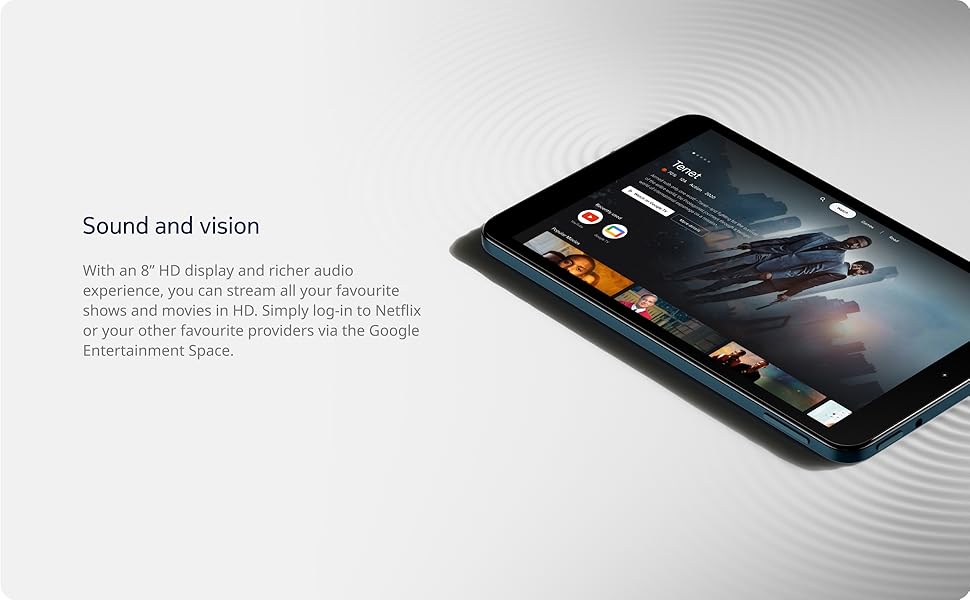
Image: The Nokia T10 tablet showcasing its 8-inch HD display with streaming video content.
4.2 kamẹra Awọn iṣẹ
Your tablet is equipped with an 8MP rear camera with autofocus and flash, and a 2MP front camera.
- Mu Awọn fọto: Ṣii ohun elo kamẹra, ṣe fireemu ibọn rẹ, ki o tẹ bọtini titiipa ni kia kia.
- Gbigbasilẹ Awọn fidio: Switch to video mode in the Camera app and tap the record button to start/stop. The tablet supports FHD 1080p video capture.
- Kamẹra iwaju: Tap the camera switch icon to use the front camera for selfies or video calls.

Image: A Nokia T10 tablet displaying a video call, highlighting its front camera functionality.
4.3 batiri Management
The Nokia T10 has a 5250 mAh battery designed for all-day use. To optimize battery life:
- Din imọlẹ iboju din.
- Pa Wi-Fi ati Bluetooth nigbati o ko ba wa ni lilo.
- Pa abẹlẹ apps.
- Enable battery saver mode in Settings.
4.4 Asopọmọra
- Wi-Fi: Connect to wireless networks via Settings > Network & internet > Wi-Fi. The tablet supports 802.11a/b/g/n/ac standards.
- Bluetooth: Pair with Bluetooth devices (headphones, speakers) via Settings > Connected devices > Bluetooth. The tablet features Bluetooth 5.0.
- USB Iru-C: Lo ibudo USB-C fun gbigba agbara ati gbigbe data.
4.5 AI Face Unlock
For quick and secure access, set up AI Face Unlock:
- Go to Settings > Security > Face unlock.
- Tẹle awọn ilana loju iboju lati forukọsilẹ oju rẹ.
- Ensure you are in a well-lit environment during setup and use.
4.6 Software ati awọn imudojuiwọn
The Nokia T10 runs on Android 12. Nokia provides 2 years of OS updates and 3 years of monthly security updates to keep your device secure and up-to-date. You will receive notifications when updates are available. It is recommended to install updates over a Wi-Fi connection.
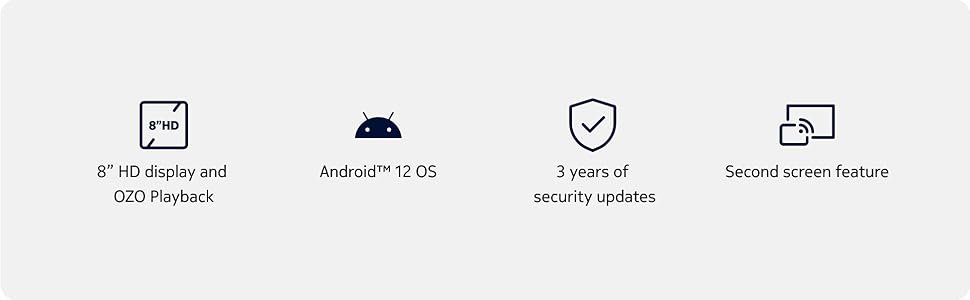
Image: Visual representation of Nokia T10 features including Android 12 OS and 3 years of security updates.
5. Itọju
5.1 Ninu rẹ tabulẹti
- Lo asọ ti ko ni lint lati nu iboju ati ara.
- Yẹra fun lilo awọn kẹmika ti o lewu, awọn olutọpa abrasive, tabi awọn ohun elo aerosol.
- Ma ṣe fi tabulẹti han si ọrinrin pupọ.
5.2 Software imudojuiwọn
Ṣayẹwo nigbagbogbo fun ati fi awọn imudojuiwọn sọfitiwia sori ẹrọ lati rii daju iṣẹ ṣiṣe ati aabo to dara julọ. Lọ si Eto> Eto> Imudojuiwọn eto.
5.3 Ibi Management
To maintain performance, periodically manage your tablet's storage:
- Delete unnecessary apps and files.
- Gbe nla files (photos, videos) to a MicroSD card or cloud storage.
- Clear app cache regularly via Settings > Apps > [App Name] > Storage & cache.
6. Laasigbotitusita
If you encounter issues with your Nokia T10 tablet, try the following solutions:
| Isoro | Ojutu |
|---|---|
| Tabulẹti ko ni agbara lori | Rii daju pe batiri ti gba agbara. So ṣaja pọ ki o duro fun iṣẹju diẹ ṣaaju igbiyanju lati tan-an lẹẹkansi. |
| Awọn oran asopọ Wi-Fi | Restart your Wi-Fi router. Go to Settings > Network & internet > Wi-Fi, turn Wi-Fi off and then on again. Forget the network and reconnect. |
| O lọra išẹ | Close unused apps. Clear app caches. Restart the tablet. Check for available software updates. |
| Awọn ohun elo kọlu tabi didi | Force stop the app (Settings > Apps > [App Name] > Force stop). Clear the app's cache and data. Reinstall the app. |
| Batiri n ṣan ni kiakia | Reduce screen brightness. Disable unnecessary features like GPS, Bluetooth, and Wi-Fi when not in use. Check battery usage in Settings to identify power-hungry apps. |
If the problem persists after trying these steps, please contact Nokia customer support.
7. Awọn pato
Below are the key technical specifications for the Nokia T10 Wi-Fi Tablet:
- Orukọ awoṣe: Nokia T10 TA-1472 WIFI 3/32
- Eto isesise: Android 12
- Olupilẹṣẹ: Unisoc T606 (Octa-core, 1.6 GHz)
- Alakoso Awọn aworan: Mali-G57
- Ramu: 3 GB
- Ibi ipamọ inu: 32 GB
- Ibi ipamọ ti o gbooro: Yes, via MicroSD card (up to 512GB, sold separately)
- Ifihan: 8-inch HD (1280 x 800 pixels) TFT, 16:10 aspect ratio
- Kamẹra Tẹhin: 8 MP with AF and Flash
- Kamẹra iwaju: 2 MP
- Ipinnu Yiya fidio: FHD 1080p at 30 fps
- Batiri: 5250 mAh litiumu polima
- Asopọmọra: Wi-Fi (802.11a/b/g/n/ac), Bluetooth 5.0, USB Type-C, 3.5mm Audio Jack
- Awọn ẹya aabo: Faceii Iwari AI
- Ohun: Stereo Speakers, OZO Playback
- Dimensions (L x W x Thickness): 20.8L x 12.3W x 0.9Th Centimeters
- Ìwúwo: 375 giramu
- Àwọ̀: Buluu
8. atilẹyin ọja Information
The Nokia T10 tablet comes with a 1-odun olupese atilẹyin ọja for the device and battery from the date of purchase. In-box accessories are covered by a 6-osu olupese atilẹyin ọja from the date of purchase. Please retain your proof of purchase for warranty claims. For detailed terms and conditions, refer to the warranty card included in your product packaging or visit the official Nokia support webojula.
9. Atilẹyin
For further assistance, technical support, or to find service centers, please visit the official Nokia support website or contact their customer service. You can typically find support contact information on the Nokia website or in the safety booklet provided with your tablet.
Atilẹyin Ayelujara: Àtìlẹ́yìn Nokia Webojula