
Generac GB2000
Generac GB2000 Portable Power Station User Manual
Model: GB2000 (8026)
1. Ifihan
This user manual provides essential information for the safe and efficient operation, maintenance, and troubleshooting of your Generac GB2000 Portable Power Station. Please read this manual thoroughly before using the device.
The Generac GB2000 is a 2106Wh portable power station designed to provide clean, emission-free power for various applications, including home use, camping, RVs, and outdoor activities. It features a lithium-ion battery, wireless charging, and multiple output ports.
2. Alaye Aabo
Nigbagbogbo tẹle awọn itọnisọna ailewu atẹle lati ṣe idiwọ ipalara tabi ibajẹ si ẹyọkan:
- Maṣe ṣe titu, tunṣe, tabi yipada ẹya.
- Jeki ẹyọ kuro lati ina, awọn orisun ooru, ati oorun taara.
- Yago fun ifihan si omi tabi awọn olomi miiran.
- Ma ṣe lo ẹyọ ti o ba bajẹ tabi ti o ti lọ silẹ.
- Rii daju pe fentilesonu to dara lakoko lilo ati gbigba agbara.
- Jeki kuro ni arọwọto awọn ọmọde.
3. Ọja irinše ati Awọn ẹya ara ẹrọ
The Generac GB2000 Portable Power Station is designed for versatility and ease of use. Below is an overview ti awọn oniwe-bọtini irinše ati awọn ẹya ara ẹrọ.

olusin 3.1: Iwaju Panel Loriview of Generac GB2000. This image highlights the multi-color display, LED ON/OFF button, diffused LED light, parallel ports, 12V car port, DC output ON/OFF button, USB-A output receptacles, USB-C output receptacles, AC output ON/OFF button, and NEMA 1-15R AC receptacles.
- Multi-Color 4.7" Display: Provides real-time information on battery level, remaining runtime, and output/input wattage.
- AC Outlets (3x NEMA 1-15R): For powering standard household appliances.
- Awọn ibudo USB-A (2x): Fun gbigba agbara awọn ẹrọ ibaramu USB-A.
- Àwọn Ibudo USB-C (2x): Fun gbigba agbara awọn ẹrọ ibaramu USB-C.
- Ibudo ọkọ ayọkẹlẹ 12V: For powering 12V DC devices or charging from a vehicle.
- Pádì Gbigba Agbara Alailowaya (15W): Conveniently charge compatible smartphones by placing them on top of the unit.
- Awọn ibudo ti o jọra: Allows connection of two GB2000 units for increased power output (Parallel Kit sold separately).
- Apẹrẹ ti o tọ: Lightweight and compact with an ergonomic handle for easy transport.
4. Eto ati Gbigba agbara akọkọ
Before first use, fully charge your Generac GB2000 Portable Power Station.
4.1 Unboxing
Carefully remove the power station and all accessories from the packaging. Verify that all components listed in the packing list are present and undamaged.
4.2 Awọn ọna Gbigba agbara
The GB2000 offers multiple charging options:
- Odi Odi (AC): Connect the provided AC charging cable to the AC input port on the unit and then to a standard wall outlet. The unit can achieve 0 to 80% charge in approximately 3.3 hours.
- Solar Panel (DC): Connect compatible solar panels (sold separately) to the DC input port. Ensure the solar panels are positioned for maximum sunlight exposure.
- Car Charger (DC): Use the provided car charging cable to charge the unit from your vehicle's 12V cigarette lighter port.
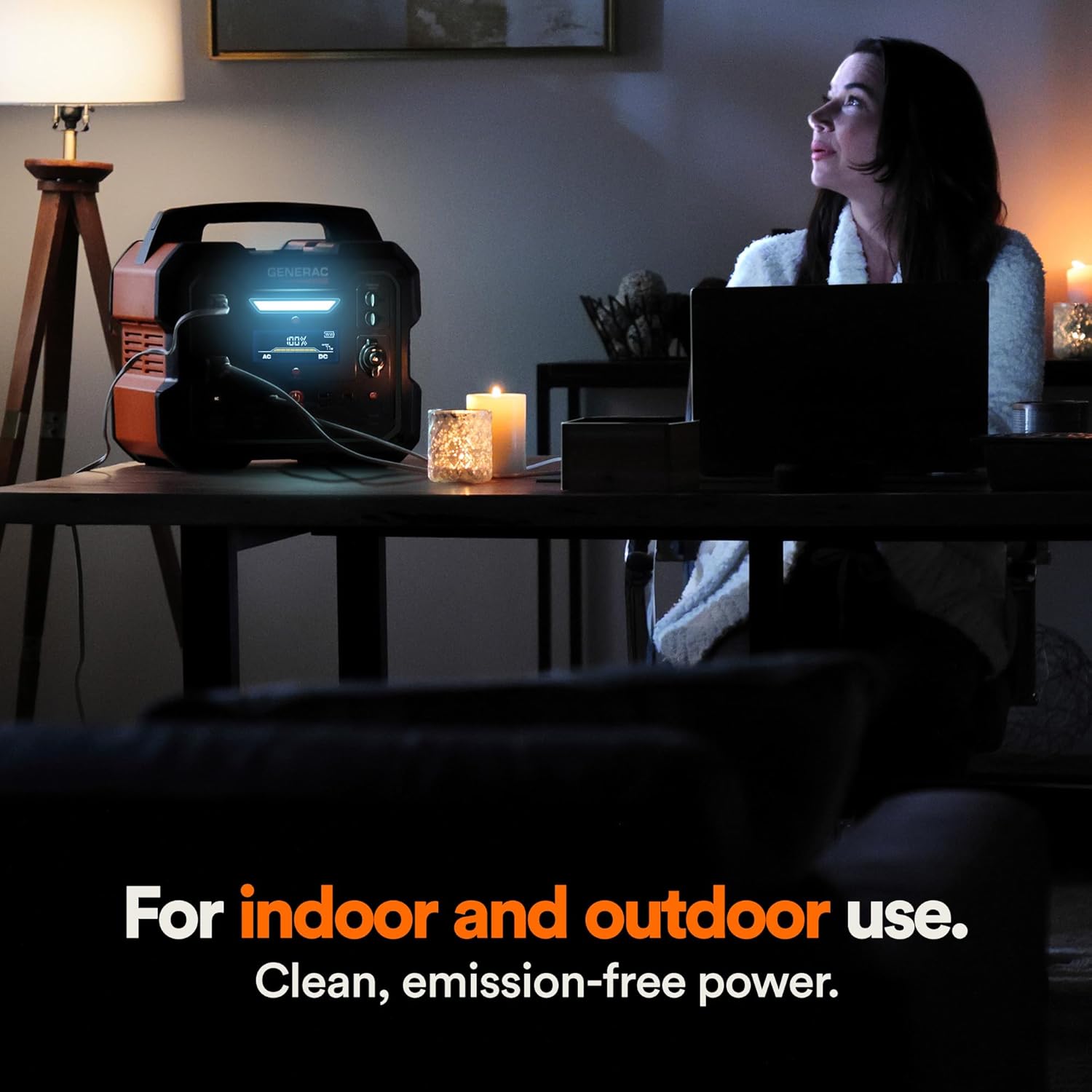
Figure 4.1: Fast Solar Recharging. The Generac GB2000 can be recharged using solar panels (sold separately) for efficient power supply in outdoor environments.
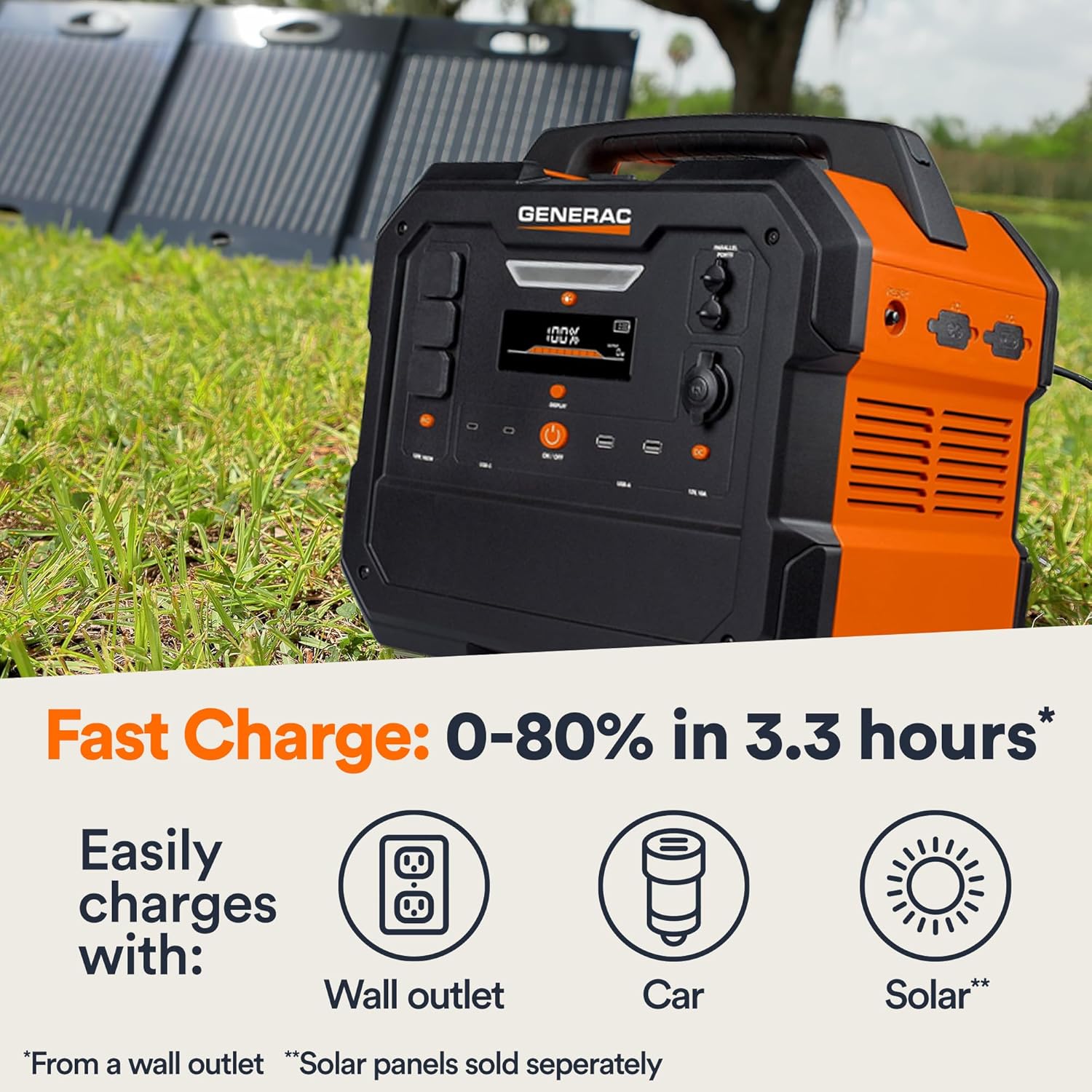
Figure 4.2: Rear Input Ports. This image shows the AC and DC input ports on the back of the Generac GB2000 for various charging methods.
5. Awọn ilana Iṣiṣẹ
5.1 Titan / Pa a
Press and hold the main TAN/PA button located on the front panel to power on or power off the unit. The display will illuminate upon activation.
5.2 Lilo o wu Ports
To use specific output ports (AC, DC, USB), press the corresponding ON/OFF button for that section. The indicator light next to the button will illuminate when active.
- Ijade AC: Connect your devices to the NEMA 1-15R outlets. Ensure the total wattage of connected devices does not exceed 1600W continuous output or 3200W surge.
- DC Iṣelọpọ: Use the 12V car port for compatible DC devices.
- Ijade USB: Plug your USB-A or USB-C cables into the respective ports for charging smartphones, tablets, and other USB-powered devices.
- Gbigba agbara Alailowaya: Fi ẹrọ Qi rẹ ti o baamu si ori paadi gbigba agbara alailowaya lori ẹrọ naa.

Figure 5.1: Indoor Use of Generac GB2000. The power station provides clean, emission-free power, making it safe for indoor use to power essential devices like laptops and lighting.
5.3 Powering Electric Vehicles (EVs)
The Generac GB2000 can provide emergency power to electric vehicles. While not a primary charging solution, it can offer enough charge to reach a charging station.
5.4 Runtime and Capacity
The GB2000 has a 2106Wh capacity. The actual runtime depends on the power consumption of connected devices. Refer to the table below for estimated runtimes for common appliances:
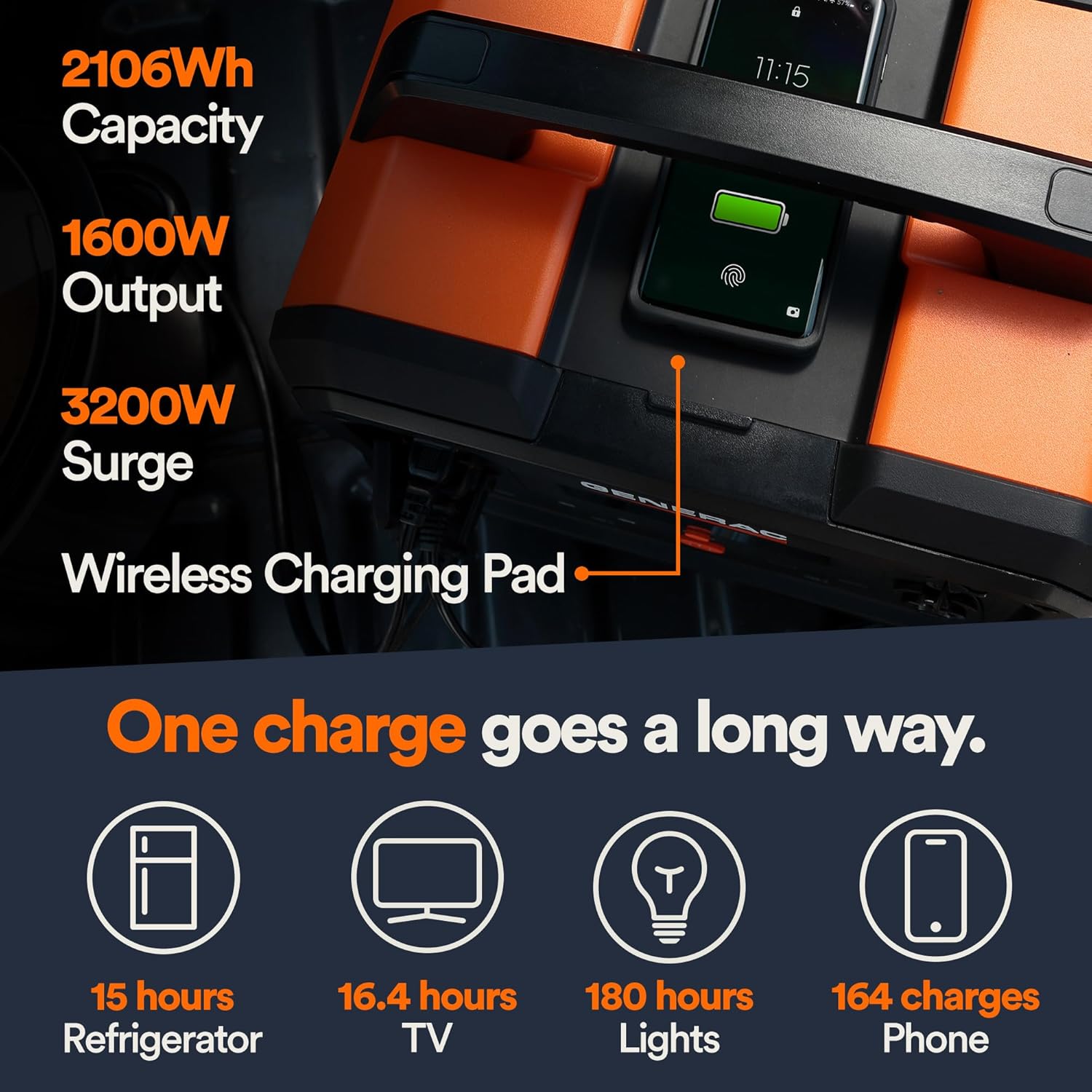
Figure 5.2: Estimated Device Runtimes. This table provides approximate usage durations for various household, jobsite, and recreation devices when powered by the Generac GB1000 and GB2000 models.
| Ẹrọ | Running Watts (Approx.) | Estimated Runtime (GB2000) |
|---|---|---|
| Imọlẹ | 10W | wakati meji 180 |
| CPAP | 40W | wakati meji 45 |
| Firiji | 120W | wakati meji 15 |
| Makirowefu | 1200W | wakati meji 1.5 |
| 50 "TV | 110W | wakati meji 16.4 |
| Phone (164 charges) | 11Wh | 164 idiyele |
6. Itọju ati Ipamọ
6.1 Ninu
Mu ẹyọ kuro pẹlu asọ ti o gbẹ, asọ. Ma ṣe lo abrasive ose tabi epo.
6.2 Ibi ipamọ
Store the Generac GB2000 in a cool, dry place, away from direct sunlight and extreme temperatures. For long-term storage, charge the unit to 50-80% every 3-6 months to maintain battery health.
7. Laasigbotitusita
| Isoro | Owun to le Fa | Ojutu |
|---|---|---|
| Ẹka ti ko tan | Low battery; Main ON/OFF button not pressed long enough. | Charge the unit; Press and hold the ON/OFF button for 3 seconds. |
| Ijade AC ko ṣiṣẹ | A kò ṣiṣẹ́ ìjáde AC; Ààbò ìṣẹ́jú-ọ̀pọ̀lọpọ̀ ṣiṣẹ́. | Press the AC ON/OFF button; Reduce load, then restart AC output. |
| Gbigba agbara alailowaya ko ṣiṣẹ | Device not Qi-compatible; Device not properly aligned. | Ensure device is Qi-compatible; Reposition device on the charging pad. |
| Unit overheating | Afẹfẹ ti ko dara; Eru ti o pọju. | Rí i dájú pé afẹ́fẹ́ afẹ́fẹ́ mọ́ tónítóní ní àyíká ẹ̀rọ náà; Dín ẹrù tí a so pọ̀ kù. |
If issues persist, please contact Generac customer support.
8. Imọ ni pato
| Sipesifikesonu | Iye |
|---|---|
| Orukọ awoṣe | GB2000 |
| Nọmba Awoṣe Nkan | 8026 |
| Batiri Iru | Litiumu-Iwọn |
| Agbara | 2106Wh |
| Continuous AC Output | 1600W |
| Peak AC Output (Surge) | 3200W |
| O wu Ngba agbara Alailowaya | 15W |
| Awọn iwọn (L x W x H) | 16.8" x 10.4" x 15.1" |
| Iwọn | 48.8 iwon |
| Recharge Time (0-80% Wall Outlet) | wakati meji 3.3 |
9. Awọn ẹya ẹrọ ti o wa
Enhance the functionality of your Generac GB2000 with these optional accessories:

Figure 9.1: Parallel Kit. Connect two Generac Power Stations together for increased power output.
- Parallel Kit: Connects two Generac power stations to double the output capacity.
- Charge Enhancer: Provides up to 50% faster charging.
- Awọn panẹli Oorun: For quick and efficient recharging using solar energy.
10. Atilẹyin ọja ati Support
For warranty information and customer support, please refer to the official Generac webojula tabi kan si wọn onibara iṣẹ laini. Tọju iwe-ẹri rira rẹ fun awọn ẹtọ atilẹyin ọja.
Generac offers protection plans for extended coverage:
- 3-odun Idaabobo Eto
- 4-odun Idaabobo Eto
- Idabobo pipe: ero kan ni wiwa gbogbo ẹtọ ti o kọja ati awọn rira iwaju.
Ask a question about this manual
Ask about setup, troubleshooting, compatibility, parts, safety, or missing instructions. Manuals+ will review the question and use this page’s manual context to help answer it.