
Ọrọ Iṣaaju
This manual provides essential information for the safe and effective use of your Paladone Green Xbox Icons Light. Please read these instructions carefully before use and retain them for future reference.

The Paladone Green Xbox Icons Light, featuring the iconic Xbox logo and sphere, illuminated in a vibrant green hue.
Alaye Aabo
- Jeki kuro ni arọwọto awọn ọmọde: Ọja yii kii ṣe nkan isere.
- Lilo ile nikan: Maṣe fi han si ojo tabi ọrinrin.
- Orisun agbara: Use only the provided USB cable or 3x AAA batteries. Do not mix old and new batteries, or different types of batteries.
- Yago fun awọn iwọn otutu to gaju: Do not operate in excessively hot or cold environments.
- Ninu: Disconnect from power before cleaning. Use a soft, dry cloth. Do not use liquid cleaners.
- Idasonu: Sọ awọn batiri sọnu ati ọja naa ni ifojusọna gẹgẹbi awọn ilana agbegbe.
Package Awọn akoonu
Ṣọra si apoti naa ki o rii daju pe gbogbo awọn nkan wa:
- 1 x Paladone Green Xbox Icons Light Unit
- 1 x USB Agbara Agbara

The product packaging, indicating the Xbox Icons Light and its features.
Ṣeto
Your Xbox Icons Light can be powered by either the included USB cable or 3x AAA batteries (not included).
Powering via USB:
- Insert the small end of the USB cable into the USB port on the back of the light unit.
- Insert the large end of the USB cable into a powered USB port (e.g., computer, USB wall adapter, game console).
Powering via Batteries:
- Locate the battery compartment on the underside of the light unit.
- Ṣii ideri iyẹwu batiri naa.
- Fi awọn batiri AAA 3x sii, ki o rii daju pe polarity ti o tọ (+/-).
- Pa ideri batiri naa ni aabo.

The Xbox Icons Light can be powered using the included USB cable or 3x AAA batteries (not included).
Awọn ilana Iṣiṣẹ
The Xbox Icons Light features a power button, typically located on the base or side of the unit. Press this button to cycle through the available lighting modes.
Lati Tan/Pa:
- Tẹ bọtini agbara ni ẹẹkan lati tan ina.
- Continue pressing the power button to cycle through the lighting modes.
- Press the power button after the last lighting mode to turn the light off.

The Xbox Icons Light offers dynamic phasing and pulsing light modes for varied visual effects.
Awọn ọna itanna
The Paladone Green Xbox Icons Light offers three distinct lighting modes:
- Ipo Standard: The light remains steadily illuminated.
- Shifting Mode: The light transitions between different brightness levels or sections.
- Pulsing Mode: The light gently pulses, creating a dynamic effect.
Press the power button repeatedly to switch between these modes.
Itoju
Ninu:
- Ensure the light is turned off and disconnected from any power source before cleaning.
- Pa dada nu pẹlu asọ, gbẹ, asọ ti ko ni lint.
- Ma ṣe lo awọn olutọpa abrasive, awọn nkanmimu, tabi awọn kẹmika lile, nitori iwọnyi le ba ipari jẹ.
Rirọpo Batiri:
- If using batteries, replace all three AAA batteries when the light dims or stops functioning.
- Follow the instructions in the 'Powering via Batteries' section under 'Setup' for safe battery replacement.
- Always dispose of used batteries according to local environmental guidelines.
Laasigbotitusita
| Isoro | Owun to le Fa | Ojutu |
|---|---|---|
| Imọlẹ ko tan. | No power supply or depleted batteries. | Check USB cable connection or replace AAA batteries. |
| Imọlẹ jẹ baibai tabi flickers. | Agbara batiri kekere. | Replace AAA batteries or use USB power. |
| Kò le yí àwọn ipò ìmọ́lẹ̀ padà. | Power issue or button malfunction. | Rí i dájú pé agbára dúró ṣinṣin. Tí ìṣòro náà bá ń bá a lọ, kan si olùrànlọ́wọ́. |
Awọn pato
| Ẹya ara ẹrọ | Ẹ̀kúnrẹ́rẹ́ |
|---|---|
| Nọmba awoṣe | PP8961XB |
| Awọn iwọn (L x W x H) | 12.45 x 4.92 x 2.91 inches (31.8 cm x 12.5 cm x 7.4 cm) |
| Iwọn Nkan | 16 iwon (nipa 453 giramu) |
| Ohun elo | Ṣiṣu |
| Orisun agbara | USB Cable (included) or 3x AAA Batteries (not included) |
| Iru boolubu | LED |
| Nọmba ti Imọlẹ | 1 |
| Voltage | Operates on low voltage DC (5V via USB, 4.5V via AAA batteries). Listed specification: 230 Volts (AC) for power adapter compatibility (adapter not included). |
| Pataki Awọn ẹya ara ẹrọ | Dynamic Phasing and Pulsing Light Modes |
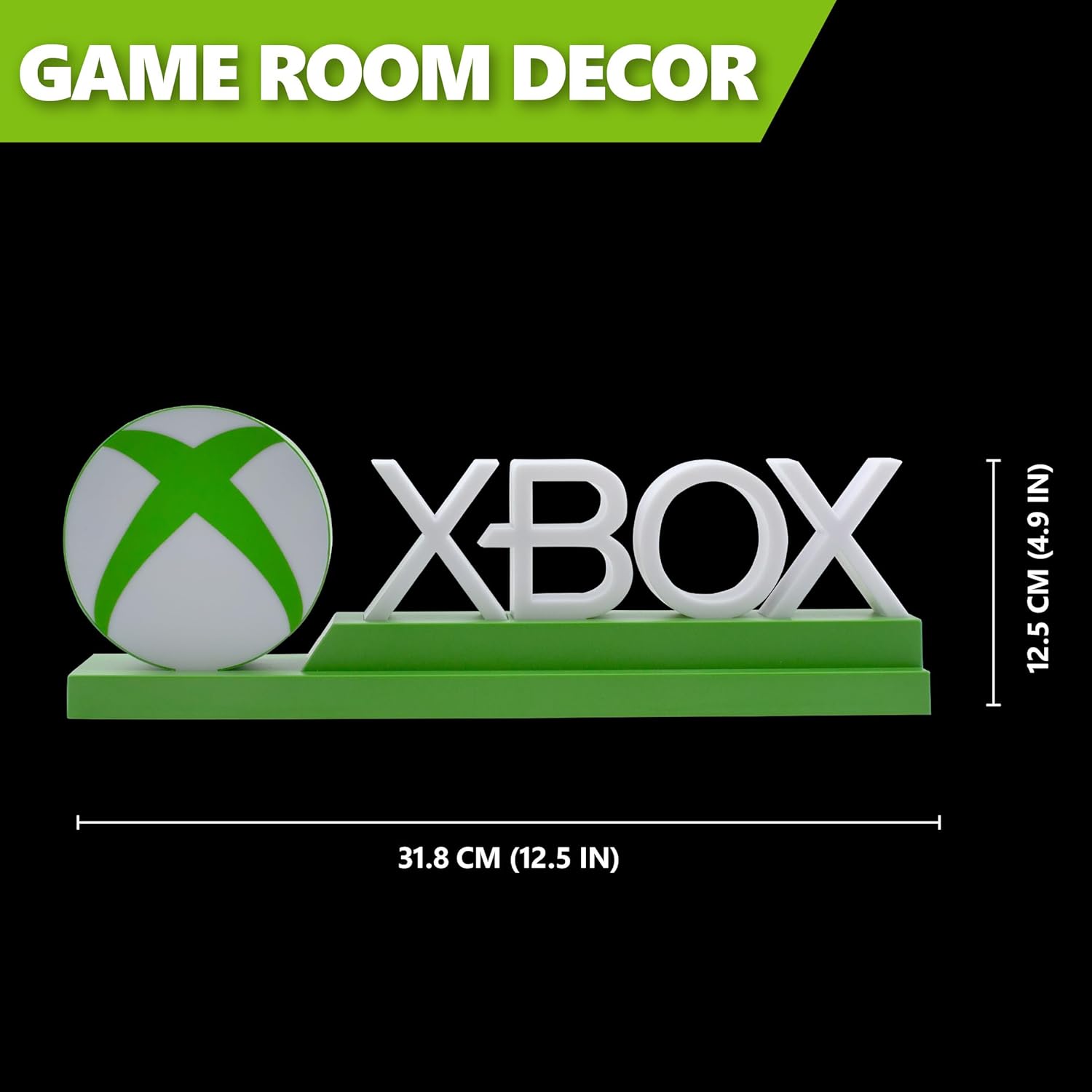
Detailed dimensions of the Xbox Icons Light, measuring 31.8 cm (12.5 inches) in width and 12.5 cm (4.9 inches) in height.
Atilẹyin ọja ati Support
For warranty information, product support, or to inquire about replacement parts, please refer to the retailer where the product was purchased or visit the official Paladone webojula. Jeki ẹri rira rẹ fun awọn iṣeduro atilẹyin ọja.
Paladone Official Webojula: www.paladone.com