
iGuzzini RP16.35
Tabili Ailokun IGuzzini Whisper LED Lamp Itọsọna olumulo
Awoṣe: RP16.35
1. Ọja Ipariview
The iGuzzini Whisper is a portable, rechargeable LED table lamp designed for both indoor and outdoor use. It features a direct emission LED light source, a durable painted aluminum body, and a textured polycarbonate diffuser. The lamp offers touch control for dimming and selecting color temperatures (2200K, 2700K, 3000K). Its IP65 rating ensures protection against dust and water jets, making it suitable for various environments. The package includes a charging base with a USB cable and features overcharging protection for battery longevity.

Figure 1: iGuzzini Whisper LED Cordless Table Lamp (Champagne)
2. Awọn ilana aabo
Please read these safety instructions carefully before using the lamp. Failure to follow these instructions may result in electric shock, fire, or serious injury.
- Maṣe ṣajọpọ tabi ṣe atunṣe lamp. Awọn atunṣe yẹ ki o ṣee ṣe nipasẹ oṣiṣẹ ti o peye nikan.
- Use only the provided charging base and USB cable.
- Ensure the charging base is placed on a stable, dry surface.
- Yẹra fun ṣiṣafihan lamp si awọn iwọn otutu to gaju tabi oorun taara fun awọn akoko pipẹ.
- Biotilejepe lamp has an IP65 rating for outdoor use, avoid submerging it in water.
- Pa lamp kuro lati flammable ohun elo.
- Awọn lamp includes overcharging protection; however, it is recommended to disconnect the charger once the battery is fully charged.
3. Package Awọn akoonu
Jẹrisi pe gbogbo awọn paati wa ninu package:
- Tabili Ailokun IGuzzini Whisper LED Lamp
- Gbigba agbara Mimọ
- Okun USB
- Integrated Lithium Battery (pre-installed)
4. Eto
4.1 Gbigba agbara akọkọ
Ṣaaju lilo akọkọ, gba agbara l naa patapataamp. Awọn lamp comes with a pre-installed lithium battery.
- Connect the USB cable to the charging base.
- Pulọọgi opin okun USB miiran sinu ohun ti nmu badọgba agbara USB ibaramu (kii ṣe pẹlu) tabi ibudo USB kan.
- Gbe lamp onto the charging base, ensuring proper contact.
- The charging indicator (if present, typically a light on the base or lamp) will show the charging status. Charge until the indicator signals a full charge.
Awọn lamp features overcharging protection, which prevents damage if left on the charger for extended periods.
5. Isẹ
5.1 Power On/Off and Dimming
Awọn lamp is controlled via a touch-sensitive surface located on the top of the light unit.
- Lati Tan/Pa a: Lightly touch the top surface of the lamp.
- To Dim: Ni kete ti lamp is on, touch and hold the top surface to continuously adjust the brightness. Release your finger when the desired brightness level is reached.
5.2 Awọ otutu tolesese
The Whisper lamp allows you to cycle through three predefined color temperatures: 2200K (warmest), 2700K (warm white), and 3000K (neutral white).
- To Change Color Temperature: Pẹlu lamp on, quickly tap the top surface. Each tap will cycle to the next color temperature setting.
5.3 Indoor and Outdoor Use
The iGuzzini Whisper lamp has an IP65 protection rating, making it suitable for both indoor and outdoor environments. This rating signifies that the lamp is protected against dust ingress and low-pressure water jets from any direction.

Figure 2: iGuzzini Whisper lamp in an indoor setting
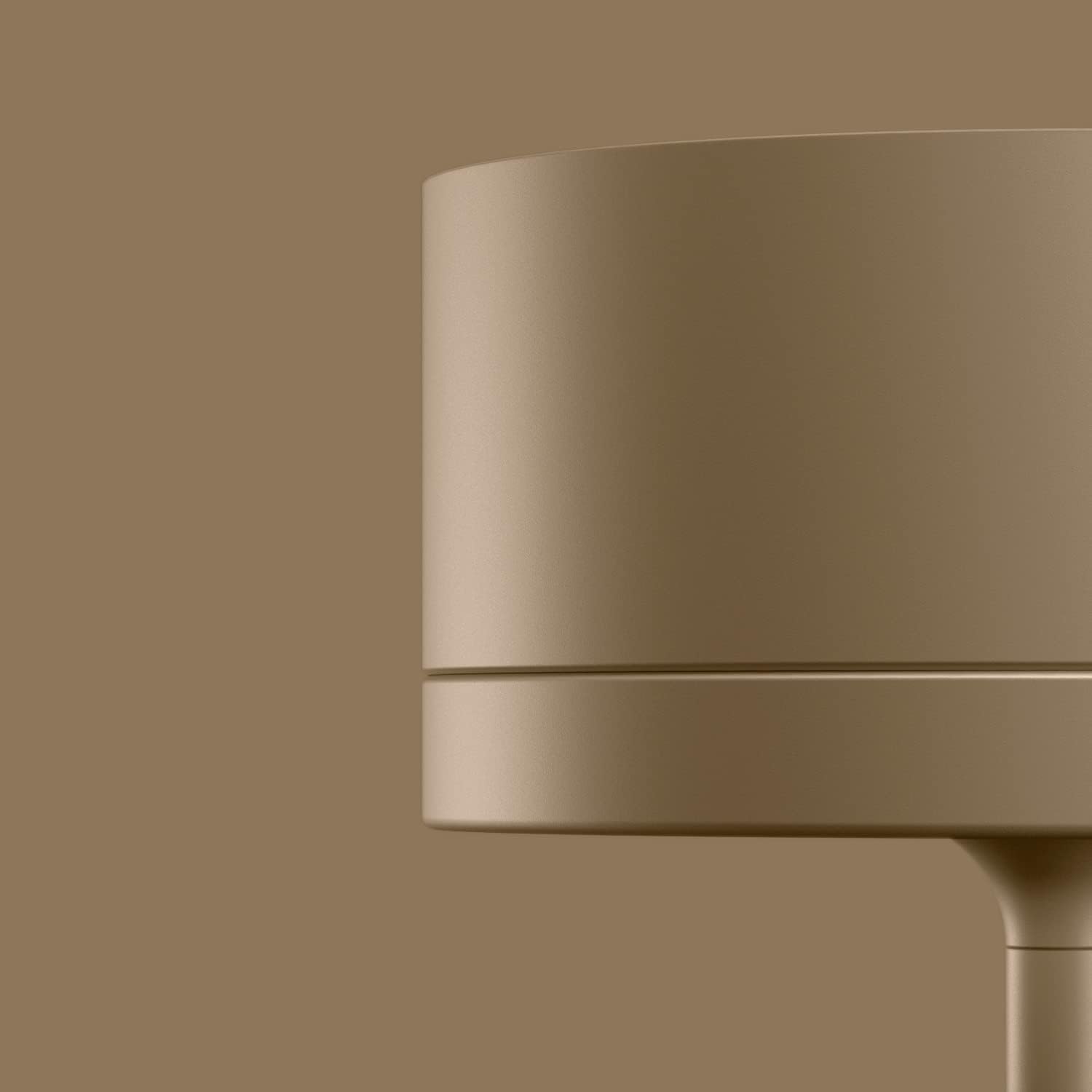
Figure 3: Close-up of the lamp's touch-sensitive top surface
6. Itọju
6.1 Ninu
To maintain the appearance and functionality of your lamp:
- Rii daju pe lamp is turned off and disconnected from the charging base before cleaning.
- Pa lamp's aluminum body with a soft, damp asọ.
- Ma ṣe lo awọn afọmọ abrasive, awọn nkanmimu, tabi awọn kẹmika lile, nitori iwọnyi le ba ipari jẹ.
- For the polycarbonate diffuser, use a soft, lint-free cloth.
6.2 batiri Itọju
The integrated lithium battery is designed for long life. To maximize battery lifespan:
- Yago fun mimu batiri kuro patapata nigbagbogbo.
- Ti o ba tọju lamp for an extended period, charge it to about 50% capacity and recharge every few months.
- The lithium battery is available as a spare part if replacement is needed. Contact iGuzzini support for assistance.
7. Laasigbotitusita
If you encounter issues with your iGuzzini Whisper lamp, refer to the table below for common problems and solutions.
| Isoro | Owun to le Fa | Ojutu |
|---|---|---|
| Lamp ko tan. | Batiri ti dinku. | Gbe lamp on the charging base and ensure it is connected to power. |
| Lamp ko tan. | Improper touch. | Ensure you are touching the center of the top surface firmly but gently. |
| Lamp does not dim or change color temperature. | Improper touch gesture. | For dimming, touch and hold. For color temperature, quick tap. |
| Lamp ko gba agbara. | Charging base not connected or lamp kò jókòó dáadáa. | Check USB cable connection and ensure the lamp is correctly placed on the charging base. |
| Ìmọ́lẹ̀ máa ń tàn tàbí kò ní ìyípadà. | Batiri kekere tabi iṣoro inu. | Gba agbara lamp fully. If the problem persists, contact customer support. |
8. Awọn pato
| Ẹya ara ẹrọ | Ẹ̀kúnrẹ́rẹ́ |
|---|---|
| Nọmba awoṣe | RP16.35 |
| Awọn iwọn (H x W x D) | 34 cm x 9.6 cm x 9.6 cm (13.4 ni x 3.8 ni x 3.8 in) |
| Iwọn | 1.26 kg (2.78 lbs) |
| Ohun elo | Painted Aluminum body, Polycarbonate diffuser |
| Orisun Imọlẹ | LED ti a ṣepọ |
| Awọn iwọn otutu awọ | 2200K, 2700K, 3000K (selectable) |
| Iṣakoso | Fọwọkan Dimmer |
| Batiri Iru | Lithium ion (pẹlu) |
| Ingress Idaabobo (IP) Rating | IP65 (Eruku mọ́, a dáàbò bò ó lọ́wọ́ àwọn ọkọ̀ ojú omi) |
| Apejọ ti a beere | Rara |

Aworan 4: Lamp Aworan Awọn iwọn
9. Atilẹyin ọja
The iGuzzini Whisper LED Cordless Table Lamp ti wa ni bo nipasẹ a 5-odun atilẹyin ọja from the date of purchase. This warranty covers defects in materials and workmanship under normal use. Please retain your proof of purchase for warranty claims. The warranty does not cover damage caused by misuse, accidents, unauthorized modifications, or normal wear and tear.
10. Atilẹyin
For further assistance, technical support, or inquiries regarding spare parts (such as the battery or charging base), please contact iGuzzini customer service. Refer to the official iGuzzini webaaye tabi iwe rira rẹ fun awọn alaye olubasọrọ.
You can also visit the official iGuzzini store on Amazon for product information and updates: iGuzzini Amazon Store
Ask a question about this manual
Ask about setup, troubleshooting, compatibility, parts, safety, or missing instructions. Manuals+ will review the question and use this page’s manual context to help answer it.