
Ọrọ Iṣaaju
Thank you for choosing JVC Marshmallow True Wireless Bluetooth 5.3 Earbuds. These earbuds are designed for comfort and convenience, featuring soft memory foam earpieces, Bluetooth 5.3 connectivity, and IPX4 water resistance. This manual provides essential information for setting up, operating, and maintaining your earbuds.
Ohun ti o wa ninu Apoti
- JVC Marshmallow True Wireless Earbuds
- Alailowaya Ngba agbara Case
- Okun Ngba agbara USB
- Memory Foam Earpieces (multiple sizes)
- Silicone Earpieces (multiple sizes)
Ṣeto
1. Ngba agbara si Earbuds ati Ọran
Before first use, fully charge the earbuds and charging case. Connect the provided USB charging cable to the charging port on the back of the case and to a power source. The indicator lights on the case will show the charging status. Once fully charged, the lights will remain solid or turn off.

Image: JVC Marshmallow Earbuds in their charging case, illustrating the charging process.
2. Earpiece Selection and Fit
The earbuds come with both memory foam and silicone earpieces in various sizes. Choose the size that provides a snug, comfortable fit and optimal sound isolation. Gently insert the earbud into your ear canal and twist slightly to secure it.

Aworan: Isunmọ view of JVC Marshmallow earbuds highlighting the soft and elastic ear tips for a comfortable fit.

Image: A selection of memory foam and silicone earpieces in different sizes, included with the earbuds for personalized comfort.
3. Sisopọ Bluetooth
- Ṣii apoti gbigba agbara. Awọn agbekọri yoo tẹ ipo isọpọ sii laifọwọyi.
- Lori ẹrọ rẹ (foonuiyara, tabulẹti, ati bẹbẹ lọ), mu Bluetooth ṣiṣẹ ki o wa awọn ẹrọ to wa.
- Select "JVC HAA18TB" from the list to connect.
- Once paired, the earbuds will automatically connect to your device when removed from the case.
Awọn ilana Iṣiṣẹ
1. Awọn iṣakoso sensọ Fọwọkan
The earbuds feature intuitive touch sensor controls for various functions:
- Ṣiṣẹ/Daduro: Fọwọ ba ẹyọkan lori boya agbekọri.
- Orin t’okan: Fọwọ ba lẹẹmeji lori agbekọri ọtun.
- Tẹlẹ Orin: Fọwọ ba lẹẹmeji lori agbekọri osi.
- Iwọn didun Up: Fọwọ ba meteta lori agbekọri ọtun.
- Iwọn didun isalẹ: Tẹ ni kia kia ni igba mẹta lori agbekọri osi.
- Idahun/Ipe Ipari: Fọwọ ba ẹyọkan lori boya agbekọri.
- Kọ Ipe: Tẹ mọlẹ lori boya agbekọri.
- Mu Oluranlọwọ Ohun ṣiṣẹ: Tẹ ki o si di ọkan ninu awọn agbekọri eti mu (nigbati ko ba si lori ipe).

Image: An earbud with a glowing circle on its surface, demonstrating the convenient touch sensor controls.
2. Awọn ọna ohun
The earbuds offer three distinct sound modes to customize your listening experience:
- Deede: Balanced audio for everyday listening.
- Ko: Enhanced vocals and treble for podcasts and spoken content.
- Bass: Amplified low frequencies for a richer, deeper sound.
To switch between sound modes, press and hold the touch sensor on the left earbud for approximately 1 second.

Image: Visual representation of the three sound modes (Normal, Clear, Bass) available on the JVC Marshmallow earbuds.
3. Low Latency Mode
Activate Low Latency Mode for a delay-free audio experience, ideal for gaming and video playback. This mode minimizes audio lag, ensuring synchronization between visuals and sound.

Image: JVC Marshmallow earbuds demonstrating Low Latency Mode, suitable for gaming and video content.
Itoju
1. Ninu
Regularly clean your earbuds and charging case to ensure optimal performance and hygiene. Use a soft, dry cloth to wipe the surfaces. For earpieces, remove them and gently clean with a damp asọ, aridaju ti won ba wa patapata gbẹ ṣaaju ki o to reattaching.
2. Omi Resistance (IPX4)
The earbuds are IPX4 water-resistant, meaning they are protected against splashing water from any direction. This makes them suitable for workouts and light rain. However, they are not designed for submersion in water. Ensure the earbuds are dry before placing them back in the charging case.
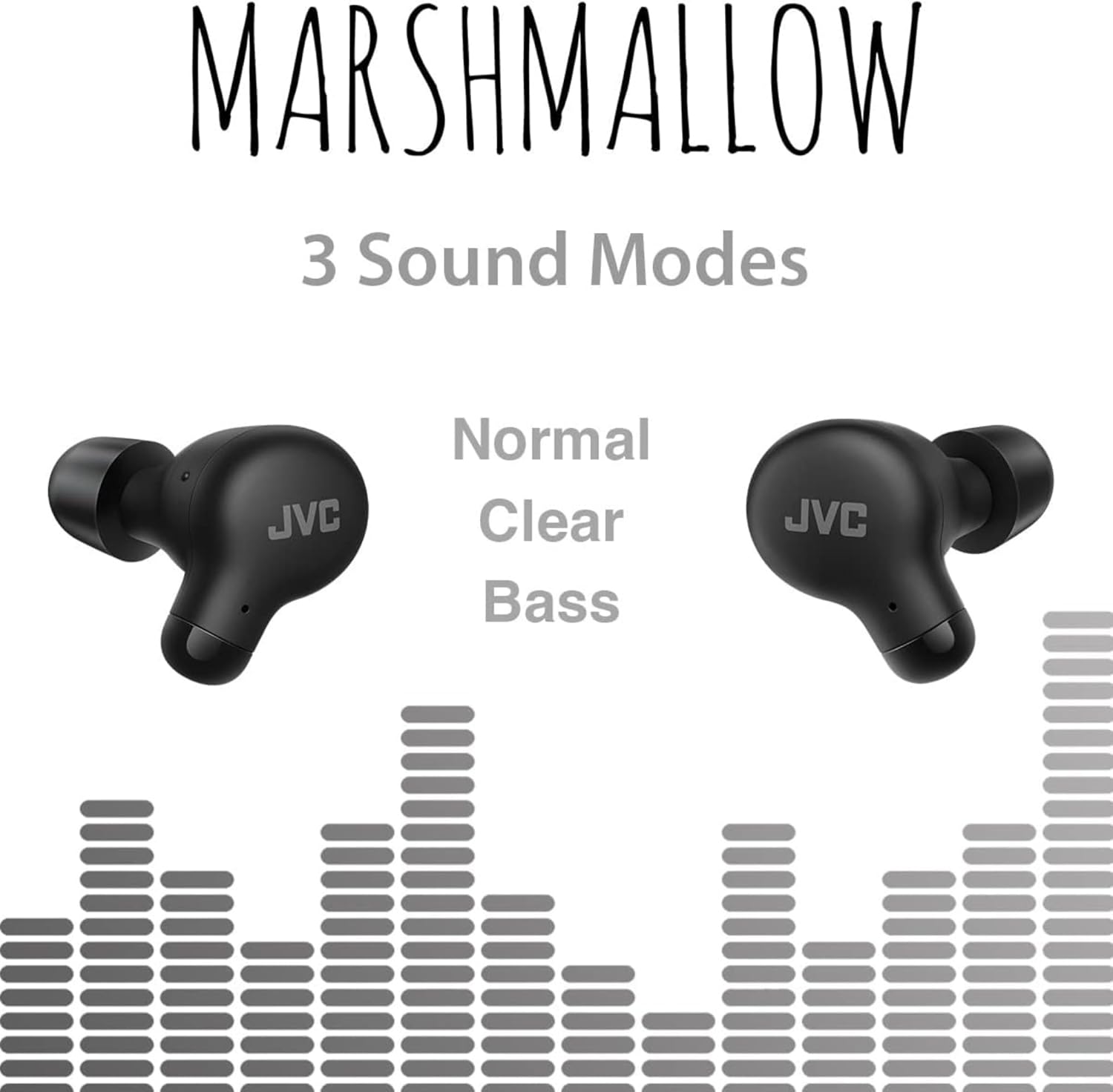
Image: A person wearing JVC Marshmallow earbuds during a workout, highlighting their IPX4 water-resistant design.
Laasigbotitusita
- Awọn agbekọri ti ko so pọ: Rii daju pe awọn agbekọri mejeeji wa ninu ọran gbigba agbara, lẹhinna ṣii ideri lati bẹrẹ ipo sisopọ. Ṣayẹwo awọn eto Bluetooth ti ẹrọ rẹ ki o gbiyanju atunsopọ.
- Ko si ohun lati inu agbekọri agbekọri kan: Place both earbuds back in the case, close the lid, and then reopen. This often resets the connection.
- Iwọn kekere tabi didara ohun ti ko dara: Ensure earpieces are clean and properly fitted. Adjust sound modes (Normal, Clear, Bass) to your preference.
- Awọn iṣoro gbigba agbara: Verify the charging cable is securely connected to both the case and power source. Clean the charging contacts on the earbuds and inside the case.
Awọn pato
| Brand | JVC |
| Nọmba awoṣe | HAA18TB |
| Asopọmọra Technology | Bluetooth 5.3 |
| Gbigbe Eti | Ninu Eti |
| Omi Resistance Ipele | IPX4 (Atako omi) |
| Batiri Apapọ Life | Awọn wakati 28 (pẹlu apoti gbigba agbara) |
| Igba agbara Batiri | Awọn wakati 2 |
| Ọna Iṣakoso | Fọwọkan, Ohùn |
| Iwọn Nkan | 1.44 iwon |
| UPC | 046838501890 |
Atilẹyin ọja ati Support
Your JVC Marshmallow True Wireless Earbuds come with a 1-year warranty covering parts and labor. For technical support, warranty claims, or further assistance, please visit the official JVC website or contact JVC customer service.
Video: Official JVC Marshmallow True Wireless Earbuds (HAA18T) product overview, demonstrating key features and usage.