
DOOGEE T30PRO
DOOGEE T30 PRO 11 Inch Tablet
Itọsọna olumulo
1. Ọja Ipariview
The DOOGEE T30 PRO is an 11-inch Android tablet designed for high performance and an immersive visual experience. It features a 2.5K display, a powerful MediaTek Helio G99 octa-core processor, and ample memory for multitasking and storage. This manual provides essential information to help you get the most out of your device.

olusin 1.1: Iwaju ati ki o ru view of the DOOGEE T30 PRO tablet, showcasing its key specifications.
2. Eto Itọsọna
2.1 Gbigba agbara akọkọ
Before first use, fully charge the tablet using the provided 33W fast charger. The tablet is equipped with an 8580mAh battery for extended usage.
2.2 Agbara Tan / Pa
- Lati Fi agbara: Press and hold the Power button until the DOOGEE logo appears.
- Lati Paarẹ: Tẹ mọlẹ bọtini agbara, lẹhinna yan 'Agbara kuro' lati awọn aṣayan.
2.3 SIM and TF Card Installation
The DOOGEE T30 PRO supports dual 4G LTE and TF card expansion up to 2TB. Locate the SIM/TF card tray on the side of the tablet. Use the provided ejector tool to open the tray. Insert your Nano-SIM cards and/or TF card into the designated slots, ensuring correct orientation. Close the tray securely.
2.4 Akọkọ-Aago Oṣo
Upon first power-on, follow the on-screen prompts to complete the initial setup. This includes selecting your language, connecting to a Wi-Fi network, and signing in with your Google account. The tablet is GMS certified, ensuring full access to the Google Play Store and Google services.
Video 2.1: An unboxing video of the DOOGEE T30 PRO tablet, demonstrating the initial setup and contents.
3. Ṣiṣẹ rẹ tabulẹti
3.1 Ifihan ati Visuals
Experience stunning visuals on the 11-inch 2.5K (2560x1600) display. The tablet features TÜV SÜD Eye Safety Certification for low blue light, reducing eye strain during prolonged use.

Figure 3.1: The tablet's display capabilities, emphasizing its high resolution and immersive viewiriri iriri.
3.2 Išẹ ati Ibi ipamọ
Powered by the MediaTek Helio G99 octa-core processor, the T30 PRO delivers smooth performance for gaming, multitasking, and demanding applications. It comes with 15GB RAM (8GB physical + 7GB virtual) and 256GB of internal storage, expandable up to 2TB via TF card.
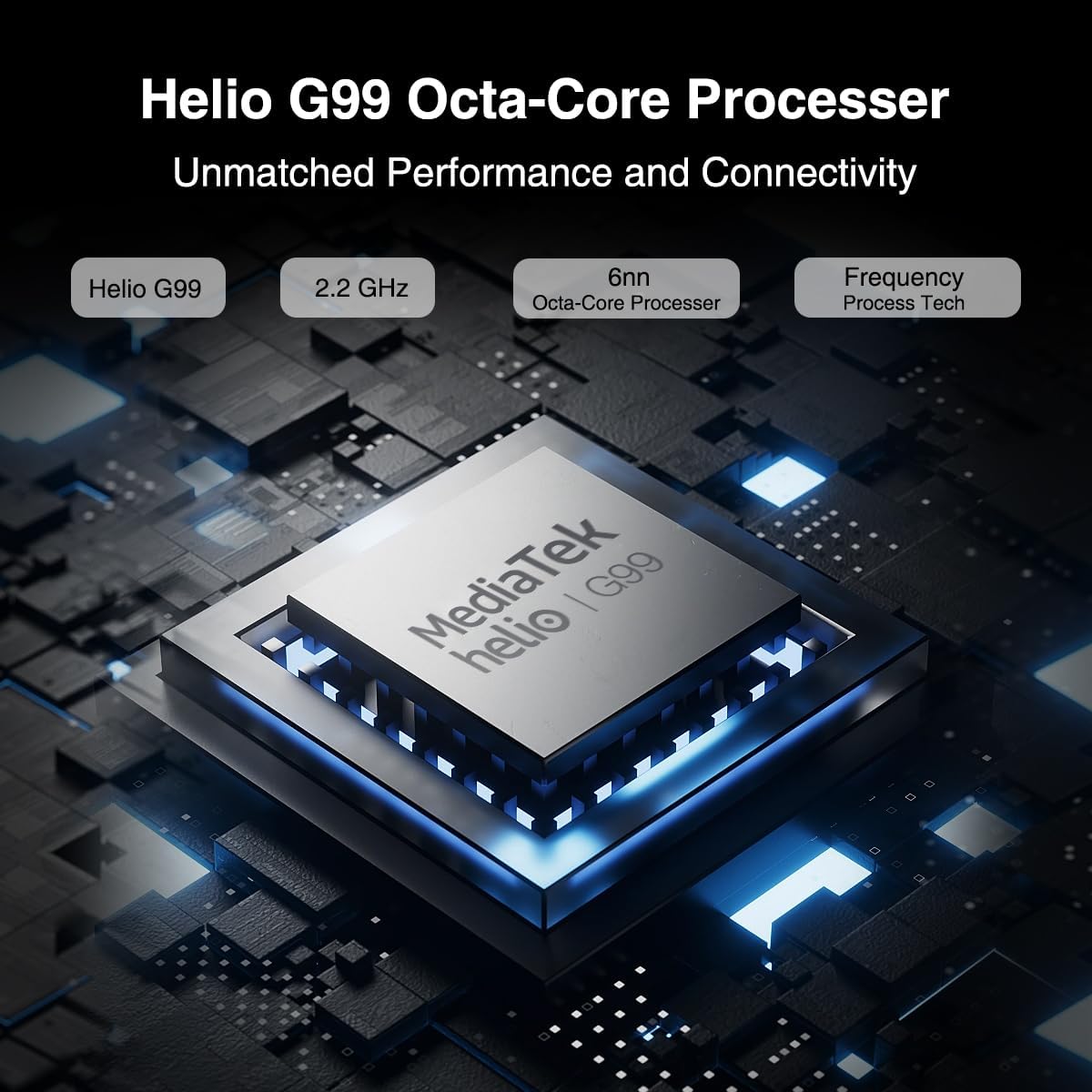
Figure 3.2: Illustration of the MediaTek Helio G99 processor, highlighting its core specifications.
3.3 kamẹra Awọn iṣẹ
The tablet features a 20MP main camera, an 8MP front camera, and a 2MP macro camera. These cameras are suitable for capturing photos, video conferencing, and e-learning.

Figure 3.3: The tablet's camera capabilities, ideal for video calls and capturing moments.
3.4 Audio System
Enjoy rich audio with the tablet's four Hi-res Stereo Speakers, providing an enhanced sound experience for media consumption.
3.5 Asopọmọra
Stay connected with dual 4G LTE support, dual-band Wi-Fi (2.4G/5G), and Bluetooth 5.0. The tablet also supports Widevine L1 for high-quality streaming from services like Prime Video, Disney+, and Hulu.

Figure 3.4: The tablet's robust connectivity options for seamless work and entertainment.
3.6 Multitasking ati ise sise
The Android 13 operating system allows for efficient multitasking, including split-screen functionality, enabling you to run multiple applications simultaneously.

Figure 3.5: The tablet's split-screen feature for enhanced productivity.
4. Itọju ati Itọju
4.1 batiri Itọju
- Yago fun awọn iwọn otutu to gaju, nitori wọn le ba igbesi aye batiri jẹ.
- Fun igbesi aye batiri to dara julọ, yago fun gbigba agbara si batiri ni kikun nigbagbogbo.
- Lo ṣaja atilẹba tabi ṣaja ti o baamu ti a fọwọsi nikan.
4.2 Ninu rẹ tabulẹti
- Lo asọ ti ko ni lint lati nu iboju ati ara.
- Fun agidi smudges, die-die dampen awọn asọ pẹlu omi tabi a iboju regede.
- Yago fun lilo awọn kẹmika lile, awọn ohun elo abrasive, tabi aerosol sprays taara lori tabulẹti.
5. Laasigbotitusita
This section addresses common issues you might encounter with your DOOGEE T30 PRO tablet.
| Isoro | Owun to le Fa | Ojutu |
|---|---|---|
| Tabulẹti ko ni agbara lori | Batiri kekere; Eto naa kuna | Charge the tablet for at least 30 minutes. If still unresponsive, press and hold the Power button for 10-15 seconds to force restart. |
| O lọra išẹ | Ọ̀pọ̀lọpọ̀ àwọn àpù tí ń ṣiṣẹ́ ní àpẹ̀rẹ̀; Ààyè ìpamọ́ díẹ̀ | Close unnecessary applications. Clear cache and data for frequently used apps. Free up storage by deleting unused files tabi apps. |
| Wi-Fi Asopọmọra oran | Incorrect password; Router issues; Out of range | Ensure correct Wi-Fi password. Restart your Wi-Fi router. Move closer to the Wi-Fi router. |
| Batiri n ṣan ni kiakia | High screen brightness; Background apps; Frequent network usage | Reduce screen brightness. Disable Wi-Fi/Bluetooth when not in use. Close background apps. Check battery usage in settings to identify power-hungry apps. |
6. Awọn pato
| Ẹya ara ẹrọ | Ẹ̀kúnrẹ́rẹ́ |
|---|---|
| Orukọ awoṣe | T30PRO |
| Eto isesise | Android 13 |
| isise | MediaTek Helio G99 Octa-core (2.2 GHz) |
| Àgbo | 15GB (8GB + 7GB foju) |
| Ibi ipamọ inu | 256GB |
| Expandable Ibi ipamọ | Títí dé 2TB (Káàdì TF) |
| Iwon iboju | 11 inches |
| Ipinnu iboju | 2.5K (2560x1600) |
| Kamẹra ẹhin | 20 MP |
| Kamẹra iwaju | 8 MP |
| Agbara Batiri | 8580mAh |
| Gbigba agbara | 33W Yara Ngba agbara |
| Alailowaya Asopọmọra | 802.11a/b/g/n/ac (2.4G/5G Wi-Fi), Bluetooth 5.0 |
| Cellular Asopọmọra | Dual 4G LTE (TD-LTE, FDD-LTE) |
| Awọn iwọn (LxWxH) | 10.11 x 0.3 x 6.64 inches |
| Iwọn Nkan | 11.1 iwon |
7. Atilẹyin ọja ati Support
The DOOGEE T30 PRO comes with a 2-year warranty. DOOGEE provides lifetime technical support and full 24/7 customer service to assist you with any inquiries or issues you may encounter. For support, please refer to the contact information provided on the official DOOGEE webojula tabi rẹ ra iwe.
Ask a question about this manual
Ask about setup, troubleshooting, compatibility, parts, safety, or missing instructions. Manuals+ will review the question and use this page’s manual context to help answer it.