
1. Ifihan
Thank you for choosing the Jectse Digital Voice Recorder Watch. This portable wristband device is designed for convenient audio recording in various settings, including lectures, meetings, and personal notes. It features advanced noise reduction, voice-activated recording, and a timestamp function for precise record-keeping. Its sleek design and long battery life make it an ideal companion for students, professionals, and anyone needing reliable audio capture.

The Jectse Digital Voice Recorder Watch is discreet and portable, suitable for various recording needs.
2. Package Awọn akoonu
Jọwọ ṣayẹwo package fun awọn nkan wọnyi:
- Digital Voice Recorder Watch
- Okun Ngba agbara USB
- Earbuds (3.5mm jack)
- Itọsọna olumulo

The package includes the Digital Voice Recorder Watch, USB charging cables, and earbuds for playback.
3. Ọja Ipariview
Familiarize yourself with the components of your Jectse Digital Voice Recorder Watch:
- Bọtini Gbigbasilẹ: Initiates and stops recording.
- Agbara Yi pada: Tan ẹrọ naa si tan tabi pa.
- Ibudo USB: Fun gbigba agbara ati gbigbe data.
- Gbohungbohun: Built-in for audio capture.
- Jack agbekari: For connecting earbuds for private playback.
- Imọlẹ Atọka: Displays device status (recording, charging, low battery).
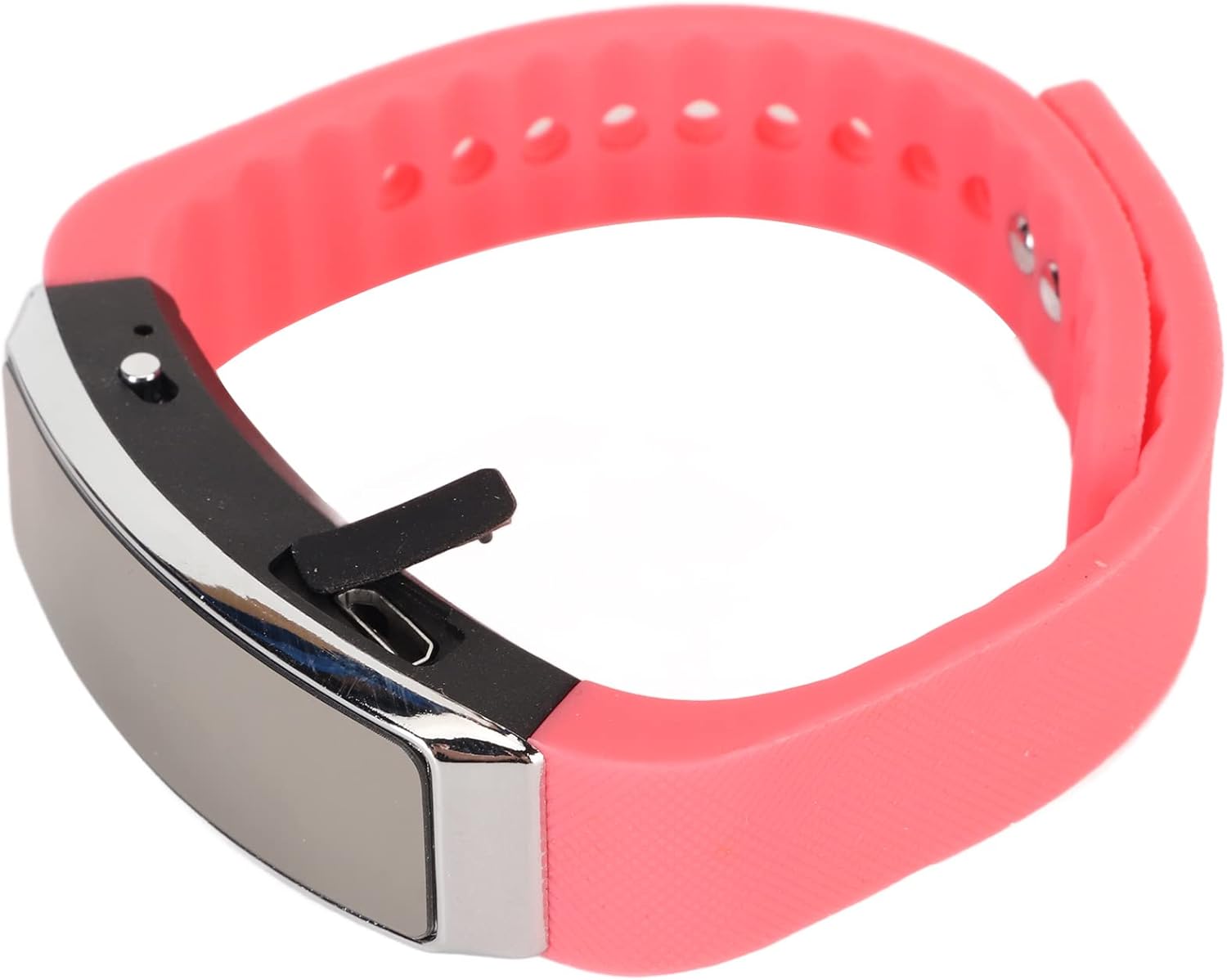
Apa view of the recorder watch, highlighting its compact design and accessible controls.

Oke view of the recorder watch, showcasing awọn oniwe-igbalode darapupo.
4. Eto
4.1. Ngba agbara ẹrọ
- Connect the small end of the USB charging cable to the USB port on the recorder watch.
- Connect the larger end of the USB cable to a USB power adapter (not included), computer USB port, or other compatible charging device.
- The indicator light will show the charging status. A full charge typically takes a few hours.

The USB port for charging and data transfer is located on the side of the device, protected by a small flap.
4.2. Setting Time and Date (Timestamp)
Lati rii daju akoko deedeamps on your recordings, connect the device to a computer. The device will automatically synchronize its time and date with your computer's system time. No manual adjustment is typically required.
5. Awọn ilana Iṣiṣẹ
5.1. Agbara Tan / Paa
- To power on: Slide the power switch to the 'ON' position. The indicator light will briefly illuminate.
- To power off: Slide the power switch to the 'OFF' position. The device will save any active recording before shutting down.
5.2. Voice Activated Recording
The device supports voice-activated recording, which means it will automatically start recording when sound is detected and pause when there is silence, conserving battery and memory.
- Rii daju pe ẹrọ ti wa ni titan.
- The recorder will automatically enter voice-activated recording mode. The indicator light may flash or change color to indicate active recording.
- To stop recording, slide the power switch to the 'OFF' position. The recording will be saved automatically.
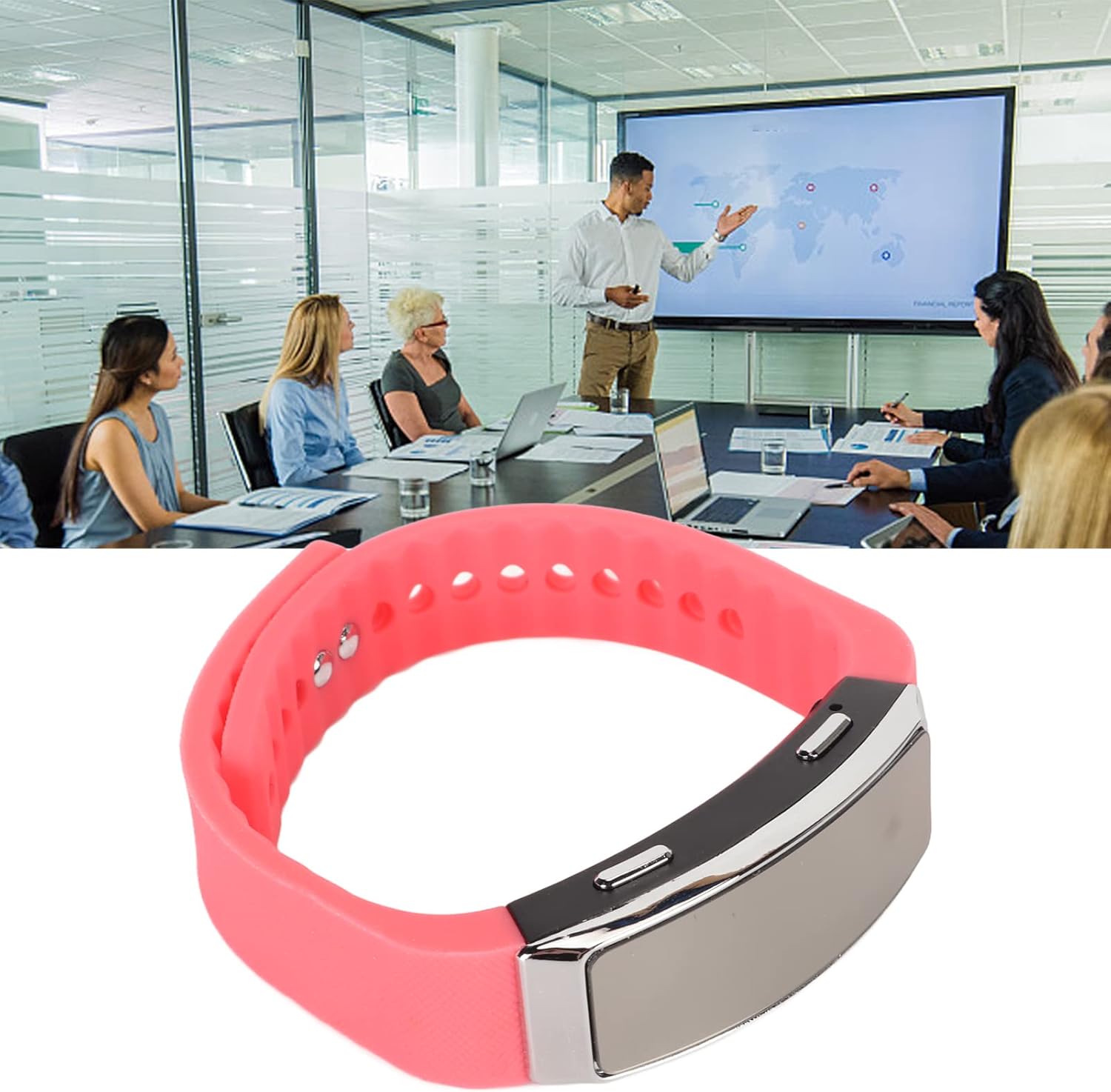
The voice recorder watch is ideal for capturing important discussions in meetings.
5.3. Sisisẹsẹhin
Lati tẹtisi awọn igbasilẹ rẹ:
- Rii daju pe ẹrọ naa ti wa ni pipa.
- Plug the included earbuds into the headphone jack on the recorder watch.
- Slide the power switch to the 'ON' position. The device will automatically enter playback mode.
- Use the control buttons (if available on the earbuds or device, refer to specific model instructions) to navigate through recordings, adjust volume, or pause/play.
5.4. Connecting to PC/Transferring Files
- Rii daju pe ẹrọ naa ti wa ni pipa.
- Connect the recorder watch to your computer using the USB charging cable.
- The computer should recognize the device as a removable disk.
- Open the device folder to access your recorded audio files (typically in WAV format).
- O le daakọ, gbe, tabi paarẹ files bi o ti nilo.
6. Itọju
- Ninu: Lo asọ asọ ti o gbẹ lati nu ẹrọ naa. Yago fun lilo awọn kẹmika lile tabi awọn ohun elo abrasive.
- Ibi ipamọ: Tọju ẹrọ naa ni itura, aye gbigbẹ kuro lati orun taara ati awọn iwọn otutu to gaju.
- Itọju Batiri: Lati pẹ aye batiri, yago fun gbigba agbara si batiri ni kikun nigbagbogbo. Gba agbara si ẹrọ nigbagbogbo, paapaa ti ko ba wa ni lilo fun awọn akoko ti o gbooro sii.
7. Laasigbotitusita
- Ẹrọ ti ko tan: Rii daju pe batiri ti gba agbara. Sopọ si orisun agbara ati gbiyanju lẹẹkansi.
- Ko le ṣe igbasilẹ: Check if the device has sufficient memory. Transfer files si kọmputa kan lati laaye soke aaye.
- Didara ohun ti ko dara: Ensure the microphone is not obstructed. Record in a quieter environment or closer to the sound source. The built-in noise reduction feature helps, but extreme noise can still affect quality.
- Ko le sopọ si kọnputa: Try a different USB port or cable. Ensure the device is powered off before connecting.
8. Awọn pato
| Ẹya ara ẹrọ | Ẹ̀kúnrẹ́rẹ́ |
|---|---|
| Brand | Jectse |
| Nọmba awoṣe | Jectsetqeg4s2wir-11 |
| Agbara Ibi ipamọ Iranti | 8 GB |
| Battery Life (Continuous Recording) | Awọn wakati 20 |
| Akoko Iduro | Titi di ọjọ 30 |
| Gbohungbo Fọọmù ifosiwewe | Ti a ṣe sinu |
| Ohun kika | WAV |
| Ni wiwo Hardware | USB |
| Awọn agbekọri Jack | 3.5 milimita |
| Awọn ẹrọ ibaramu | Kọmputa ti ara ẹni |
| Pataki Awọn ẹya ara ẹrọ | Voice Activated, Noise Reduction, Timestamp |
9. Atilẹyin ọja ati Support
The Jectse Digital Voice Recorder Watch comes with a standard manufacturer's warranty. For specific warranty details, returns, or technical support, please refer to the product packaging or contact your retailer. Keep your purchase receipt as proof of purchase.
10. Alaye Aabo pataki
- Ma ṣe fi ẹrọ naa han si awọn iwọn otutu to gaju, imọlẹ orun taara, tabi ọriniinitutu giga.
- Yago fun sisọ silẹ tabi tẹriba ẹrọ si awọn ipa to lagbara.
- Jeki kuro ni arọwọto awọn ọmọde.
- Má ṣe gbìyànjú láti tú tàbí tún ẹ̀rọ náà ṣe fúnra rẹ. Èyí yóò sọ àtìlẹ́yìn náà di òfo.
- Sọ ẹrọ naa ati batiri rẹ ni ifojusọna ni ibamu si awọn ilana agbegbe.