
Jectse Jectsehtin20gcvm-11
Jectse MP3 Player with Bluetooth User Manual
Model: Jectsehtin20gcvm-11
1. Ifihan
This manual provides detailed instructions for the operation and maintenance of your Jectse MP3 Player. This portable device features a 2.4-inch full-touch screen, 4GB internal storage, Bluetooth 5.0 connectivity, FM radio, E-book reader, and voice recording capabilities. Please read this manual thoroughly before using the device to ensure proper functionality and longevity.
2. Alaye Aabo
- Ma ṣe fi ẹrọ naa han si awọn iwọn otutu to gaju, imọlẹ orun taara, tabi ọriniinitutu giga.
- Yago fun sisọ silẹ tabi tẹriba ẹrọ si awọn ipa to lagbara.
- Ma ṣe tuka tabi gbiyanju lati tun ẹrọ naa ṣe funrararẹ. Eyi yoo sọ atilẹyin ọja di ofo.
- Use only the provided charging cable and certified power adapters.
- Tẹtisi ni awọn ipele iwọn didun iwọntunwọnsi lati ṣe idiwọ ibajẹ igbọran.
- Jeki ẹrọ naa kuro ninu omi ati awọn olomi miiran.
3. Package Awọn akoonu
Jẹrisi pe gbogbo awọn ohun kan wa ninu package:
- Jectse MP3 Player
- Awọn agbekọri ti a firanṣẹ
- Okun Ngba agbara USB

Image: The Jectse MP3 Player, along with its included wired headphones and USB charging cable, laid out on a surface.
4. Ọja Ipariview
The Jectse MP3 Player features a compact design with a 2.4-inch touch screen for intuitive navigation. The device includes physical buttons on the side for power, volume control, and other functions. A built-in speaker is located on the back.

Aworan: Iwaju view of the Jectse MP3 Player displaying its colorful touch screen interface with icons for Music, Video, Dictionary, Recorder, Settings, Applications, Folder, Listening, FM Radio, and Ebook.
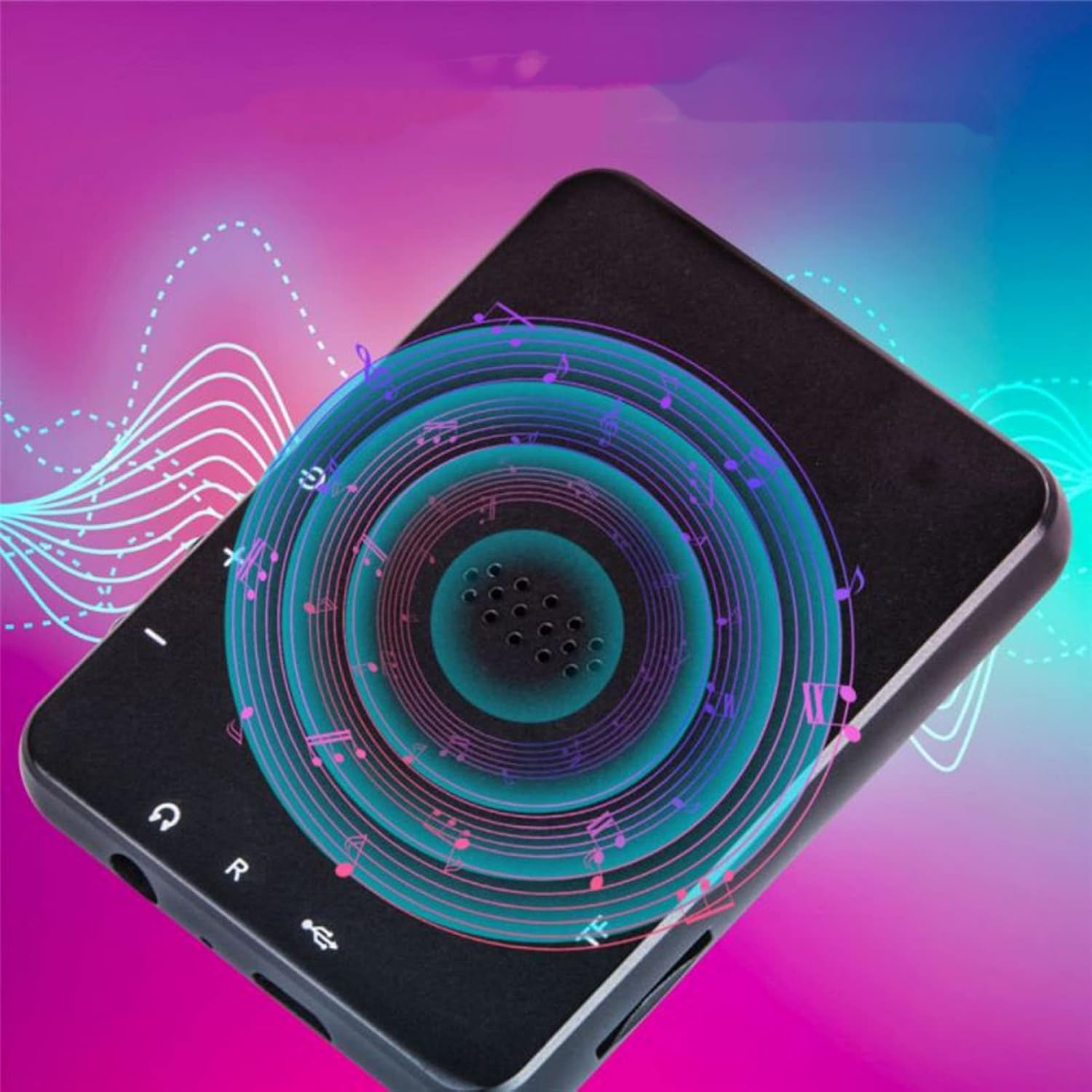
Aworan: Pada view of the Jectse MP3 Player, showing the speaker grille and side buttons for power and volume, with a visual representation of sound waves emanating from the speaker.
5. Eto
5.1. Ngba agbara ẹrọ
Before first use, fully charge the MP3 player. Connect the provided USB charging cable to the device's charging port and plug the other end into a USB power adapter (not included) or a computer's USB port. The battery indicator on the screen will show charging status.
5.2. Fi kaadi iranti sii (aṣayan)
The device has 4GB of internal storage. To expand storage, insert a microSD card (up to 256GB, not included) into the memory card slot. Ensure the card is inserted correctly until it clicks into place.
5.3. Nsopọ Awọn agbekọri
Plug the wired headphones into the 3.5mm audio jack on the device. Alternatively, you can connect Bluetooth headphones (see section 6.2).
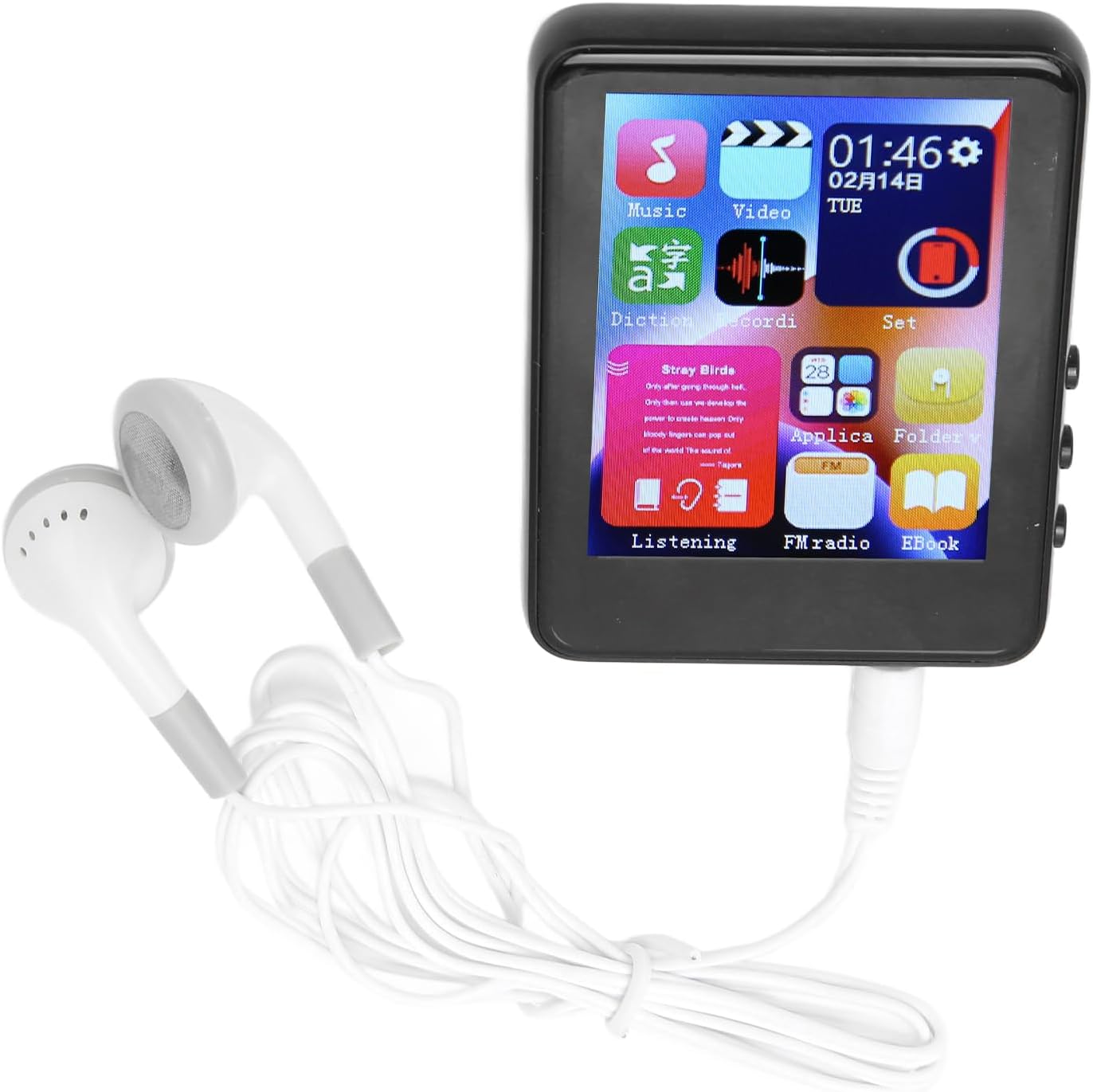
Image: The Jectse MP3 Player with white wired headphones plugged into its audio jack, ready for use.
5.4. Agbara lori / Paa
- Lati Fi agbara: Press and hold the power button on the side of the device until the screen lights up.
- Lati Paarẹ: Tẹ bọtini agbara naa ki o si dimu titi aṣayan pipa agbara yoo fi han loju iboju, lẹhinna jẹrisi.
6. Awọn ilana Iṣiṣẹ
6.1. Lilọ kiri
The device features a full-touch screen. Swipe left/right or up/down to navigate through menus and applications. Tap an icon to open an application or select an option. Use the back arrow or swipe gestures (if available) to return to the previous screen.
6.2. Sisisẹsẹhin Orin
The player supports MP3, APE, FLAC, WMA, WAV, and AAC audio formats. Transfer music files from your computer to the device's internal storage or an inserted memory card.
- Tap the 'Music' icon on the home screen.
- Browse your music library by artist, album, genre, or folder.
- Tap a song to begin playback.
- Use the on-screen controls for play/pause, skip tracks, and volume adjustment.

Image: The Jectse MP3 Player showing a music playback screen with album art and controls, while a person enjoys music with wireless earbuds.
6.3. Asopọ Bluetooth
Connect your MP3 player to Bluetooth headphones or speakers for wireless audio.
- Lọ sí 'Ètò' kí o sì yan 'Bluetooth'.
- Tan-an Bluetooth.
- Rii daju pe ohun elo Bluetooth rẹ wa ni ipo sisopọ.
- Yan ẹrọ rẹ lati inu akojọ awọn ẹrọ ti o wa lati so pọ.
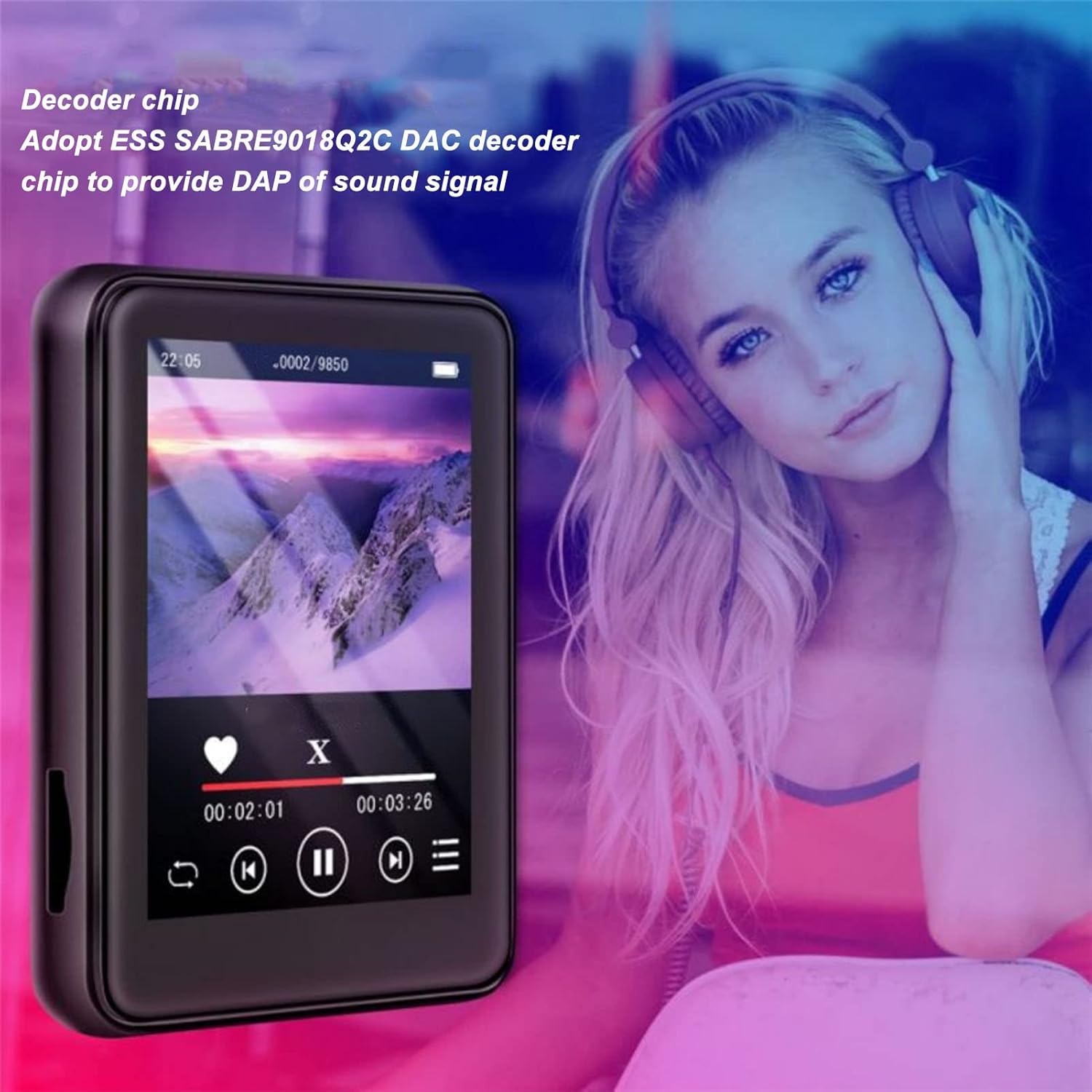
Image: The Jectse MP3 Player displaying a video or music interface, with text highlighting its ESS SABRE9018Q2C DAC decoder chip for high-quality sound. A person wearing over-ear headphones is visible in the background.
6.4. Redio FM
Listen to FM radio stations using the built-in tuner. Wired headphones must be connected as they act as the antenna.
- Tap the 'FM Radio' icon.
- Perform an automatic scan to find available stations.
- Tune to your desired station using the on-screen controls.
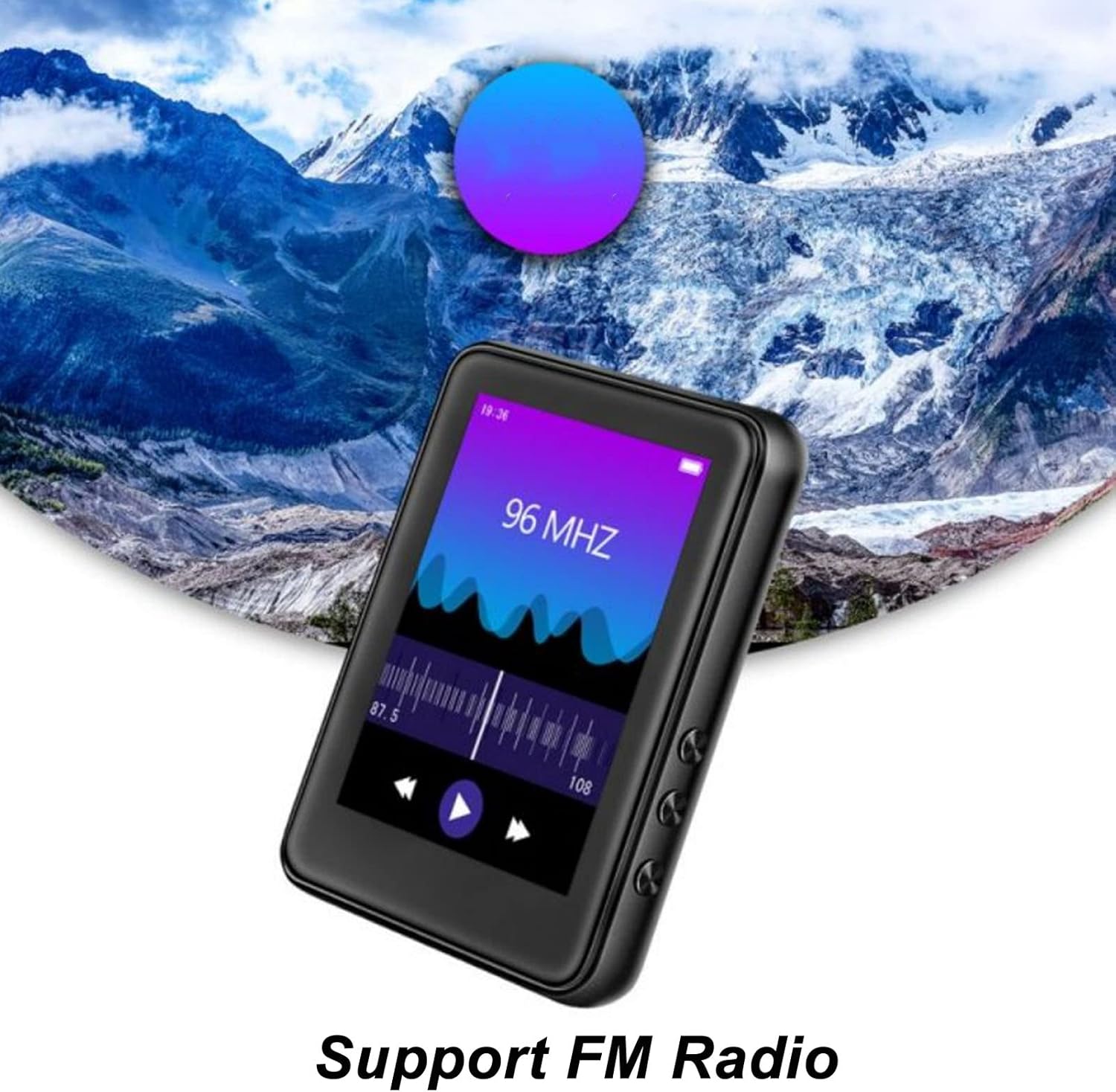
Image: The Jectse MP3 Player showing its FM Radio interface, tuned to 96 MHz, with a visual representation of radio waves and controls.
6.5. E-Books
Read TXT and LRC format e-books on your device.
- Tap the 'Ebook' icon.
- Select the e-book you wish to read.
- Swipe the screen to turn pages.
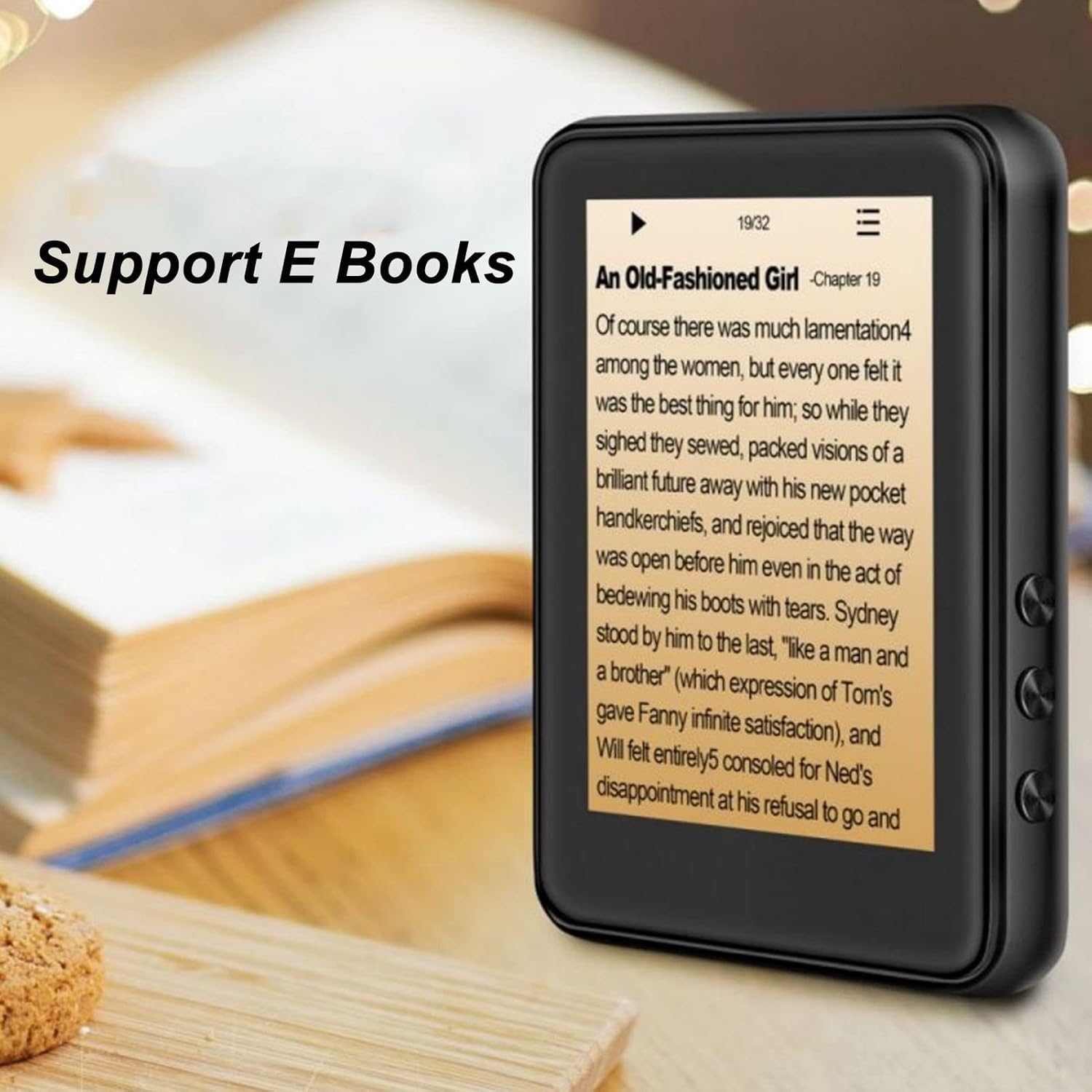
Image: The Jectse MP3 Player displaying an e-book titled 'An Old-Fashioned Girl - Chapter 19' on its screen, with text content visible.
6.6. Agbohunsile
Record audio using the built-in microphone.
- Tap the 'Recorder' icon.
- Tap the record button to start recording.
- Tap the stop button to end and save the recording.

Image: The Jectse MP3 Player showing its voice recorder interface with a red record button and a timer, positioned in a meeting room setting.
6.7. Sisisẹsẹhin fidio
The device supports MP4 video playback. Transfer compatible video files sí ibi ìpamọ́ ẹ̀rọ náà.
- Tap the 'Video' icon.
- Yan fidio naa file o fẹ lati mu ṣiṣẹ.
- Use the on-screen controls for playback.
7. Itọju
- Ninu: Lo aṣọ rírọrùn tí ó gbẹ láti nu ẹ̀rọ náà. Má ṣe lo àwọn ohun èlò ìfọmọ́ omi tàbí àwọn ohun èlò ìpara.
- Ibi ipamọ: Tọju ẹrọ naa ni itura, aye gbigbẹ nigbati o ko ba wa ni lilo.
- Itọju Batiri: Lati pẹ aye batiri, yago fun gbigba agbara si batiri ni kikun nigbagbogbo. Gba agbara si ẹrọ nigbagbogbo, paapaa ti ko ba wa ni lilo fun awọn akoko ti o gbooro sii.
- Awọn imudojuiwọn sọfitiwia: Ṣayẹwo awọn olupese ká webaaye fun eyikeyi awọn imudojuiwọn famuwia ti o wa lati rii daju iṣẹ ṣiṣe to dara julọ.
8. Laasigbotitusita
-
Ẹrọ ko ni agbara lori:
Rii daju pe batiri ti gba agbara. So ẹrọ pọ mọ ṣaja fun o kere ju iṣẹju 30 ṣaaju igbiyanju lati tan-an lẹẹkansi.
-
Ko si ohun:
Check the volume level. Ensure headphones are properly connected or Bluetooth headphones are paired and connected. Test with different headphones if possible.
-
Ko le sopọ si Bluetooth:
Ensure Bluetooth is enabled on both the MP3 player and the target device. Make sure the target device is in pairing mode and within range. Try restarting both devices.
-
Device freezes or is unresponsive:
Tẹ bọtini agbara ki o si dimu fun bii iṣẹju-aaya 10-15 lati fi agbara mu lati tun bẹrẹ.
-
Files not appearing on device:
Rii daju files are in supported formats. Verify that files were transferred correctly to the internal storage or memory card. Check if the memory card is properly inserted.
9. Awọn pato
| Ẹya ara ẹrọ | Sipesifikesonu |
|---|---|
| Awoṣe | Jectsehtin20gcvm-11 |
| Iboju | 2.4 Inches TFT Screen |
| Ibi ipamọ inu inu | 4GB |
| Kaadi Iranti Support | Up to 256GB (microSD, not included) |
| Ẹya Bluetooth | Bluetooth 5.0 |
| Awọn ọna kika Audio atilẹyin | MP3, APE, FLAC, WMA, WAV, AAC |
| Awọn ọna kika Fọto ti a ṣe atilẹyin | JPEG, BMP |
| Supported E-Book Formats | TXT, LRC |
| FM Igbohunsafẹfẹ | 87Hz-108Hz |
| Ifihan Ibuwọlu-si-Noise | 90db |
| Batiri Iru | Batiri litiumu polima 500mAh ti a ṣe sinu |
| Ibamu System isẹ | Windows 98/ME/2K/XP/Vista/Win7, OS X 10 |
| Iwọn Nkan | 4.5 iwon |
| Package Mefa | 5.12 x 3.15 x 1.18 inches |
10. Atilẹyin ọja ati Support
For warranty information and technical support, please refer to the documentation provided with your purchase or visit the official Jectse webojula. Jeki ẹri rira rẹ fun awọn iṣeduro atilẹyin ọja.
Ask a question about this manual
Ask about setup, troubleshooting, compatibility, parts, safety, or missing instructions. Manuals+ will review the question and use this page’s manual context to help answer it.