
Ọrọ Iṣaaju
This manual provides essential information for the safe and effective use of your MECCANIXITY Crystal LED Display Base Stand Holder. Please read these instructions carefully before use and retain them for future reference.
Ọja Pariview
The MECCANIXITY Crystal LED Display Base is designed to illuminate and enhance various display items such as crystal artwork, ornamental bowls, stones, and other crafts and collectibles. Constructed from artificial crystal, it features 7 vibrant LED colors and is conveniently powered via USB.

Aworan: Iwaju view of the MECCANIXITY Crystal LED Display Base, showcasing its transparent artificial crystal construction.

Aworan: Apa view of the display base, highlighting the USB power input port and the artificial crystal material.
Ṣeto
- Yọọ kuro: Carefully remove the display base from its packaging.
- Ibi: Choose a stable, flat surface for the display base.
- So agbara: Insert the USB power cable (not included) into the USB port on the display base. Connect the other end of the USB cable to a compatible USB power source (e.g., USB wall adapter, computer USB port, power bank).
- Nkan ipo: Gently place your crystal artwork, ornamental bowl, or other desired display item onto the center of the display base.

Image: The display base shown in use, illuminating three crystal balls of varying sizes.
Awọn ilana Iṣiṣẹ
The MECCANIXITY Crystal LED Display Base is designed for simple operation.
- Titan/Apapa: Once connected to a USB power source, the LED lights will automatically illuminate. To turn off the lights, disconnect the USB power cable.
- Ifihan awọ: The base cycles through 7 different colors automatically, providing a dynamic and elegant display for your items. There is no manual control for color selection or mode change.

Image: A collage showing the MECCANIXITY Crystal LED Display Base illuminating in its 7 distinct colors.
Itoju
To ensure the longevity and appearance of your display base, follow these simple maintenance guidelines:
- Ninu: Disconnect the power before cleaning. Wipe the artificial crystal surface with a soft, dry, or slightly damp cloth. Avoid abrasive cleaners or harsh chemicals, as these can scratch or damage the surface.
- Ibi ipamọ: When not in use, store the display base in a cool, dry place away from direct sunlight and extreme temperatures.
- Mimu: Handle the base with care to prevent drops or impacts that could cause damage to the crystal or internal components.
Laasigbotitusita
If you encounter issues with your display base, please refer to the following common solutions:
- Awọn Imọlẹ Ko Tii:
- Ensure the USB cable is securely connected to both the display base and the power source.
- Verify that the USB power source is functional (e.g., try plugging in another device).
- Gbiyanju lilo okun USB ti o yatọ tabi ohun ti nmu badọgba agbara.
- Imọlẹ Laarin:
- Check for loose connections at both ends of the USB cable.
- Ensure the power source provides stable power.
Awọn pato
| Brand | MECCANIXITY |
| Nọmba awoṣe | mea220704ee2280 |
| Nọmba apakan | mea220704ee2280 |
| ASIN | B0C98B6C99 |
| Ohun elo | Artificial Crystal |
| Awọn iwọn (L x W x H) | 70mm x 55mm x 30mm (2.75 inch x 2.16 inch x 1.18 inch) |
| Orisun agbara | Gbigba agbara USB |
| Awọn awọ Imọlẹ | 7 colors (automatic cycling) |
| Apejọ ti a beere | Rara |
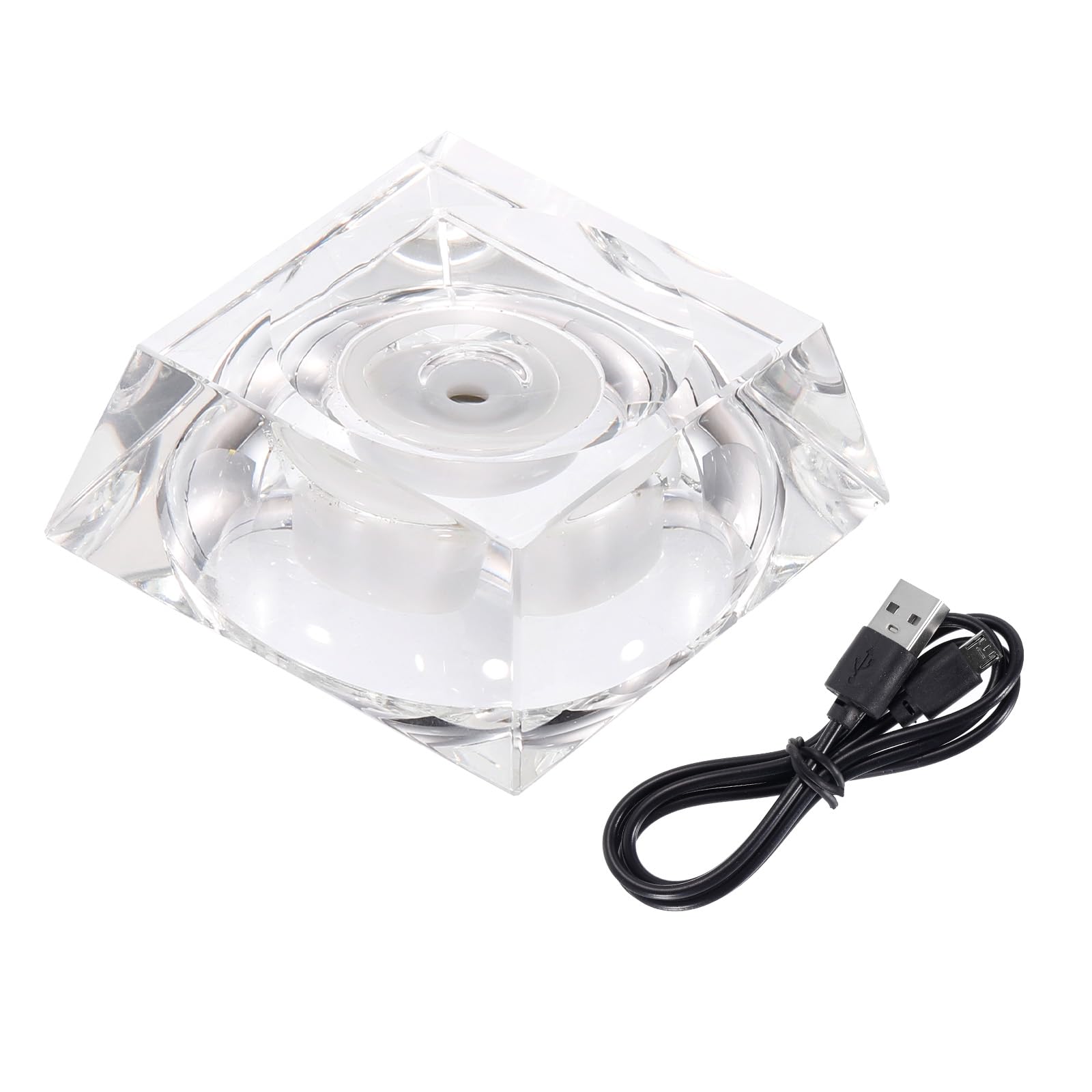
Image: Diagram illustrating the dimensions of the MECCANIXITY Crystal LED Display Base: 70mm length, 55mm width, and 30mm height.
Atilẹyin ọja ati Support
For any questions, technical support, or warranty inquiries regarding your MECCANIXITY product, please contact the manufacturer directly through their official channels. Please refer to your purchase documentation for specific warranty terms and contact information.