
HOCO Y5 SMART WATCH
HOCO Smart Watch Y5 User Manual
Model: Y5 SMART WATCH
Ọrọ Iṣaaju
This manual provides comprehensive instructions for the setup, operation, and maintenance of your HOCO Smart Watch Y5. Designed for seamless integration into your daily life, the Y5 Smart Watch offers advanced features for connectivity, health monitoring, and convenience.

olusin 1: Iwaju view of the HOCO Smart Watch Y5 with its display showing health metrics and time.
Ohun ti o wa ninu Apoti
Ni ṣiṣi package, jọwọ rii daju pe gbogbo awọn paati wa ati ni ipo to dara.
- 1 x HOCO Smart Watch Y5 Main Unit
- 1 x Okun gbigba agbara
- 1 x Itọsọna olumulo (iwe yii)
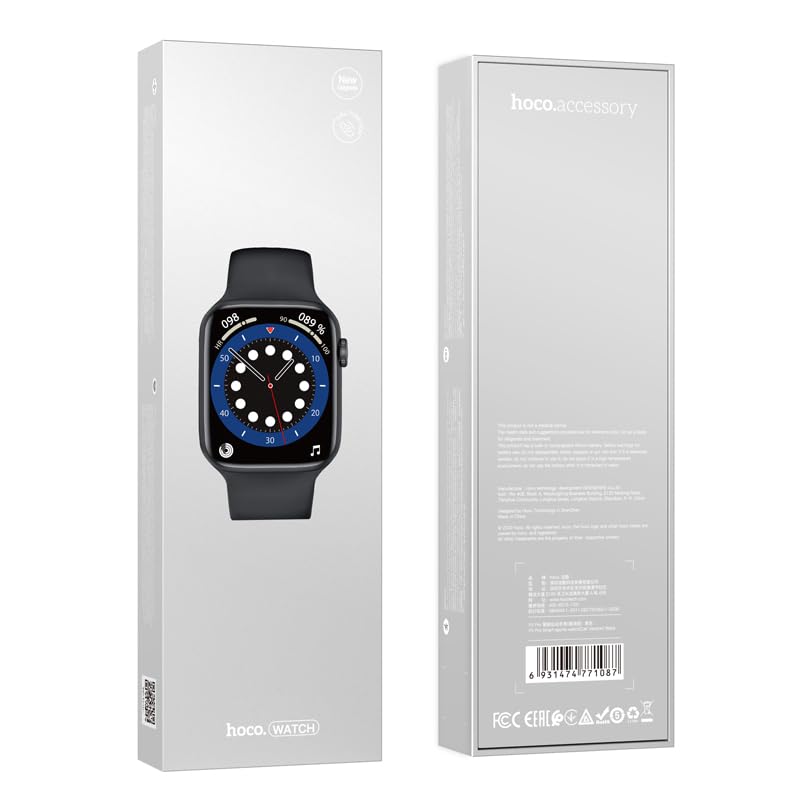
Figure 2: The retail packaging of the HOCO Smart Watch Y5, indicating the product inside.
Eto Itọsọna
1. Ngba agbara ẹrọ
Before initial use, fully charge your HOCO Smart Watch Y5. Connect the provided charging cable to the charging port on the back of the watch and to a USB power source. A full charge takes approximately 1 hour.
The watch boasts a 240mAh battery, providing up to 7 days of usage in single Bluetooth mode or 3-4 days with dual Bluetooth enabled.
2. Fifi sori App ati Sisopọ
To unlock the full potential of your smartwatch, download the companion application on your smartphone. The HOCO Smart Watch Y5 is compatible with both iOS and Android devices.
- Scan the QR code in the watch's settings or search for the official HOCO smartwatch app in your device's app store (App Store for iOS, Google Play Store for Android).
- Fi sori ẹrọ ohun elo naa ki o ṣii.
- Rii daju pe Bluetooth ti ṣiṣẹ lori foonuiyara rẹ.
- Follow the in-app instructions to search for and pair with your HOCO Smart Watch Y5. The watch will typically appear as "HOCO Y5" or similar in the Bluetooth device list.
- Jẹrisi ibeere sisopọ lori aago mejeeji ati foonuiyara rẹ.
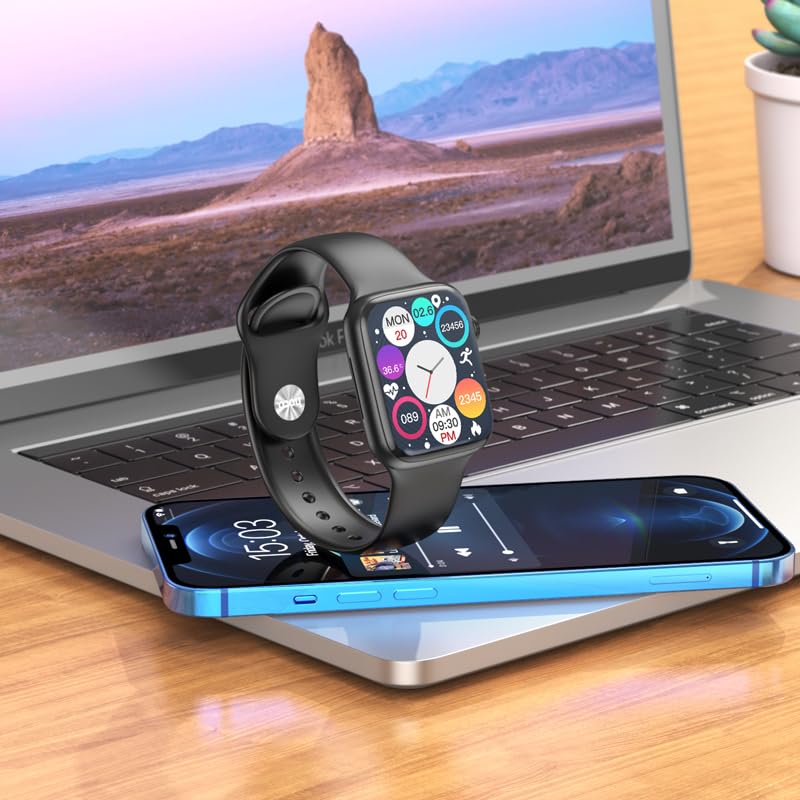
Figure 3: The HOCO Smart Watch Y5 positioned near a laptop and smartphone, demonstrating its compatibility and connectivity with other devices.
Awọn ilana Iṣiṣẹ
Awọn iṣakoso ipilẹ
- Afi ika te: Navigate menus, select options, and interact with apps by swiping and tapping the 1.96-inch AMOLED display.
- Side Button/Dial: Press to wake/sleep the screen, return to the home screen, or access the app menu. Rotate the dial for scrolling through lists or adjusting settings.
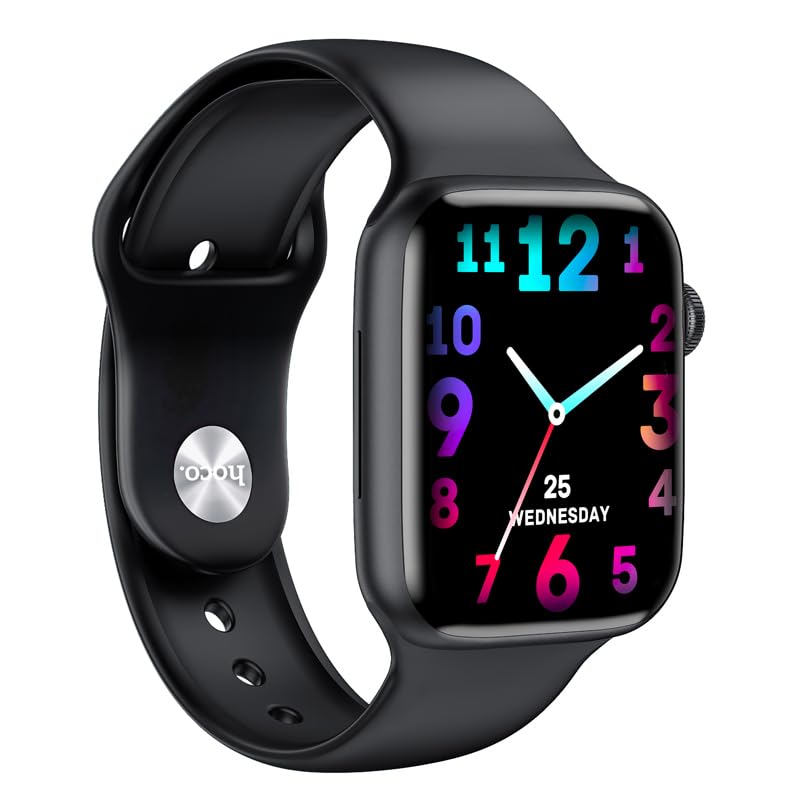
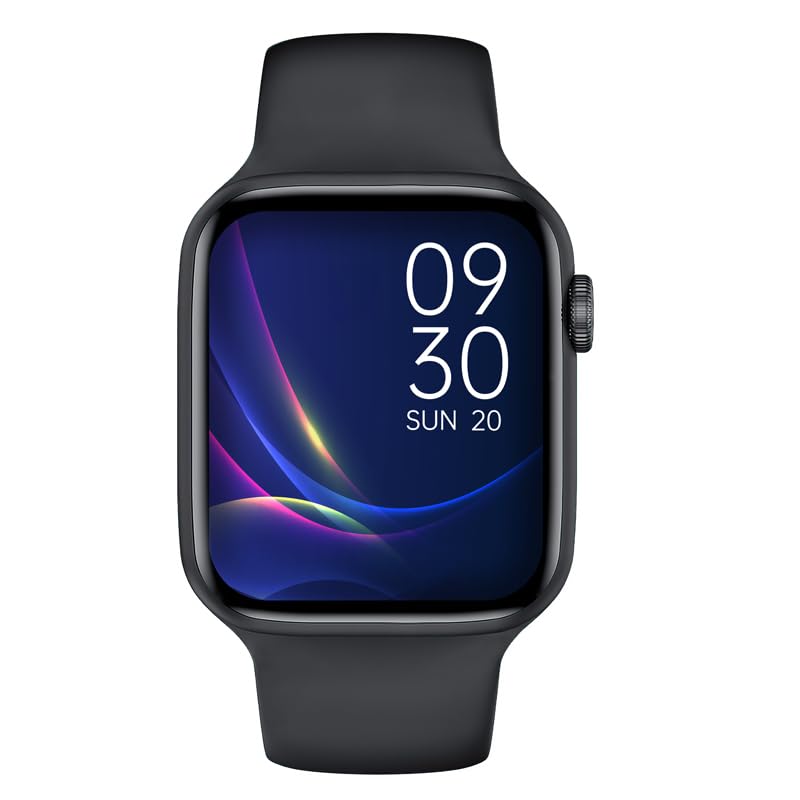
Olusin 4: Examples of customizable watch faces on the HOCO Smart Watch Y5, including digital and analog styles.
Key Awọn ẹya ara ẹrọ ati awọn iṣẹ
- Itoju ilera: Monitor your heart rate, blood oxygen levels, steps taken, calories burned, and sleep patterns. Access detailed reports via the companion app.
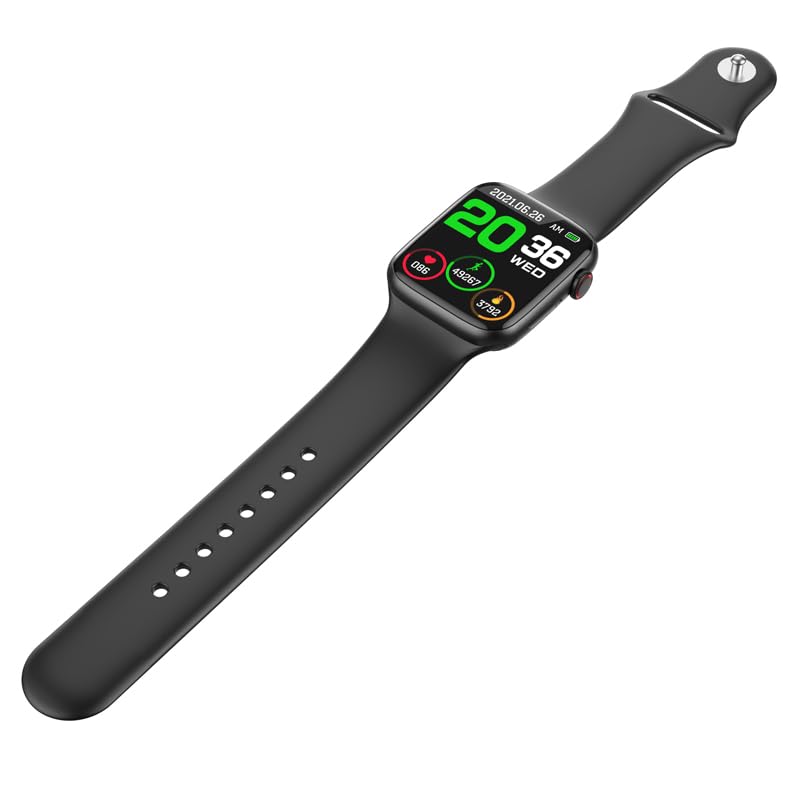
Figure 5: The HOCO Smart Watch Y5 displaying various health metrics, including heart rate and step count.
- Awọn ọna Idaraya pupọ: Select from various sports modes to accurately track your workouts, including running, walking, cycling, and more.
- Awọn iwifunni Smart: Receive real-time alerts for incoming calls, messages, and social media notifications directly on your wrist.
- Fọtoyiya jijin: Lo aago rẹ gẹ́gẹ́ bí ohun tí ó ń dènà àgbékalẹ̀ fún kámẹ́rà fóònù rẹ.
- Ìfihàn Ibojú Pín: Access frequently used functions quickly with the split-screen feature.
- Alaye oju ojo: Get current weather updates directly on your watch.
- Atilẹyin Iranlọwọ ohun: Interact with Siri or Google Assistant through your watch (requires smartphone connection).
- Awọn oju Wiwo ti ara ẹni: Customize your watch's appearance by choosing from a variety of pre-installed watch faces or downloading new ones via the app.
Itoju
Ninu rẹ Smart Watch
Máa fọ aago rẹ déédéé láti rí i dájú pé ó ṣiṣẹ́ dáadáa àti pé ó mọ́ tónítóní. Lo aṣọ rírọ̀ tí kò ní àwọ̀ láti nu ibojú àti ara rẹ. Fún ìdọ̀tí líle, fi díẹ̀ pamọ́.ampen aṣọ pẹlu omi. Yago fun lilo awọn kẹmika lile tabi awọn ohun elo abrasive.
Omi ati Resistance lagun (IP68)
The HOCO Smart Watch Y5 is IP68 rated, meaning it is resistant to dust and can withstand immersion in water up to 1.5 meters for 30 minutes. It is suitable for swimming and showering. However, it is not recommended for diving or high-pressure water activities. Always dry the watch thoroughly after exposure to water, especially the charging contacts.
Itọju Batiri
- Yẹra fún fífi aago náà sí ojú otútù tó le koko (gbóná tàbí òtútù) nítorí pé èyí lè ba ìgbà tí batiri bá ń lò ó jẹ́.
- Gba agbara si aago nipa lilo okun gbigba agbara ti a pese nikan.
- Do not leave the watch uncharged for extended periods.
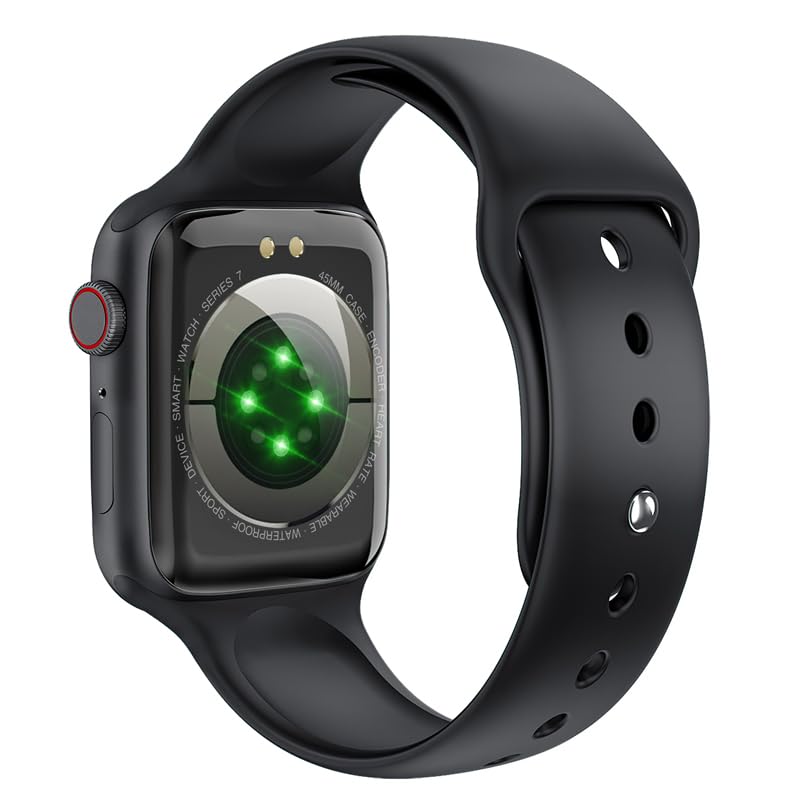
olusin 6: Awọn ru view of the HOCO Smart Watch Y5, highlighting the optical heart rate sensors and charging contacts.
Laasigbotitusita
| Isoro | Owun to le Solusan |
|---|---|
| Wiwo ko tan. | Rii daju pe aago naa ti gba agbara ni kikun. Sopọ mọ ṣaja fun o kere 15 iṣẹju. |
| Ko le ṣe alawẹ-meji pẹlu foonuiyara. |
|
| Awọn iwifunni ko gba. |
|
| Heart rate/blood oxygen readings are inaccurate. |
|
Awọn pato
| Brand | HOCO |
| Awoṣe | Y5 SMART WATCH |
| Ifihan | 1.96 Inches AMOLED, 240 x 240 Resolution |
| Asopọmọra | Bluetooth 5.3 |
| Agbara Batiri | 240 mAh |
| Igbesi aye batiri | Up to 7 days (single Bluetooth), 3-4 days (dual Bluetooth) |
| Akoko gbigba agbara | O fẹrẹ to wakati 1 |
| Omi Resistance | IP68 |
| OS ibaramu | iOS, Android |
| Agbara Ibi ipamọ Iranti | 128 MB |
| Iwọn Nkan | 100 g |
| Ọja Mefa | 20 x 5 x 3 cm |
Atilẹyin ọja ati Support
Your HOCO Smart Watch Y5 comes with a standard manufacturer's warranty. Please refer to the warranty policy provided at the time of purchase for specific terms and conditions. For technical support, troubleshooting assistance, or warranty claims, please contact HOCO customer service through their official webaaye tabi alaye olubasọrọ ti a pese pẹlu rira rẹ.
For more information, visit the official HOCO webojula: www.hoco.hk
Ask a question about this manual
Ask about setup, troubleshooting, compatibility, parts, safety, or missing instructions. Manuals+ will review the question and use this page’s manual context to help answer it.