
Ọrọ Iṣaaju
The PPLEE CR1021 Portable White Noise Machine is designed to create a peaceful and soothing environment, aiding in sleep, relaxation, and focus. It features 42 non-looping sounds, a rechargeable battery, night light, and timer functions, making it suitable for home, office, and travel use.
This manual provides detailed instructions for the safe and effective use of your device. Please read it thoroughly before operation and retain it for future reference.
Alaye Aabo
Jọ̀wọ́ ẹ tẹ̀lé àwọn ìlànà ààbò wọ̀nyí láti dènà ìbàjẹ́ sí ẹ̀rọ náà tàbí ìpalára sí ara yín tàbí àwọn ẹlòmíràn:
- Ma ṣe fi ẹrọ naa han si omi tabi ọrinrin pupọ.
- Jeki ẹrọ naa kuro ni awọn orisun ooru ati oorun taara.
- Ma ṣe gbiyanju lati tunto tabi tun ẹrọ naa funrararẹ. Kan si oṣiṣẹ iṣẹ ti o peye.
- Use only the provided Type-C charging cable and a compatible power adapter (DC 5V/1A).
- Keep out of reach of small children when not in use, especially the charging cable.
- Ensure proper ventilation; do not cover the speaker grille during operation.
Package Awọn akoonu
Jẹrisi pe gbogbo awọn ohun kan wa ninu package:
- 1x PPLEE CR1021 Portable White Noise Machine
- 1x Okun Agbara Iru-C
- 1x Hanging Loop
- 1x Itọsọna olumulo (iwe yii)
Ṣeto
Ngba agbara si Ẹrọ
Before first use, fully charge the white noise machine. The device features a built-in 2200mAh rechargeable battery.
- So okùn gbigba agbara Iru-C ti a pese mọ ibudo gbigba agbara lori ẹrọ naa.
- Connect the other end of the cable to a compatible USB power adapter (DC 5V/1A) or a computer's USB port.
- Ina Atọka gbigba agbara yoo tan imọlẹ lakoko gbigba agbara ati pipa nigbati o ba gba agbara ni kikun.
A full charge provides approximately 33-58 hours of playtime, depending on volume level and night light usage.
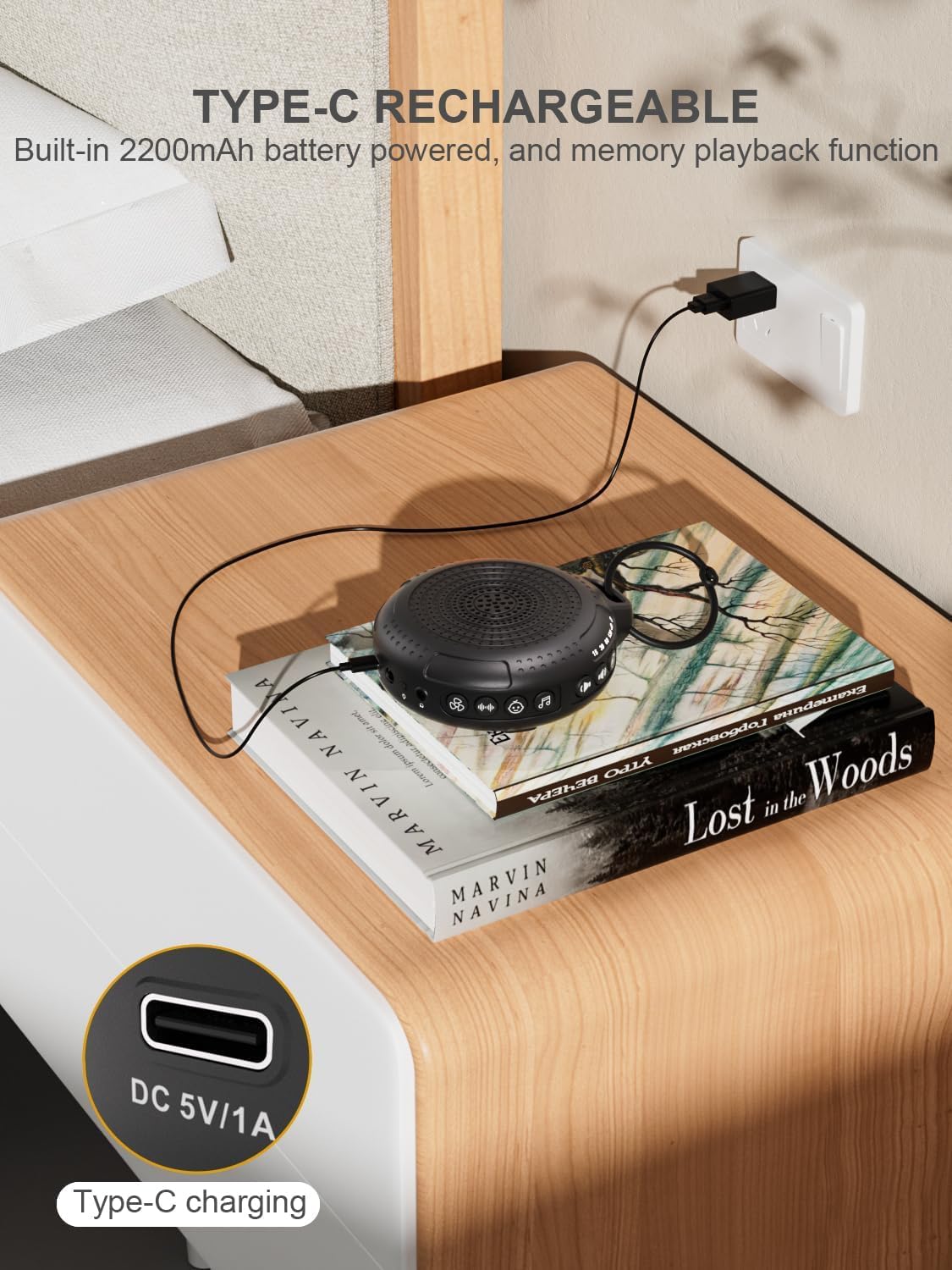
Image: The PPLEE CR1021 White Noise Machine connected to a Type-C charger, demonstrating how to charge the device.
Ipo
Place the device on a stable, flat surface or use the included hanging loop to attach it to a stroller, car seat, or crib. Ensure the speaker is not obstructed for optimal sound projection.

Image: The PPLEE CR1021 White Noise Machine hanging from a stroller, highlighting its compact and portable design for travel.
Awọn ilana Iṣiṣẹ
Awọn Iṣakoso Loriview

Aworan: A alaye view of the PPLEE CR1021 White Noise Machine, illustrating the location of its various control buttons and features.
Titan / Paa
- Tẹ mọlẹ bọtini agbara (⏻) for 2 seconds to turn the device ON or OFF.
- The device will remember your last sound, volume, and timer settings upon powering on.
Aṣayan ohun
The device offers 42 non-looping soothing sounds across four categories:
- Awọn Ariwo funfun: 5 ohun
- Awọn ohun olufẹ: 6 ohun
- Awọn Lullabies: 15 ohun
- Awọn ohun adayeba: 16 ohun
- Press the Sound Category buttons (e.g., White Noise, Fan, Lullaby, Nature) to switch between sound categories.
- Once a category is selected, press the Sound Selection button (♫) to cycle through the sounds within that category.
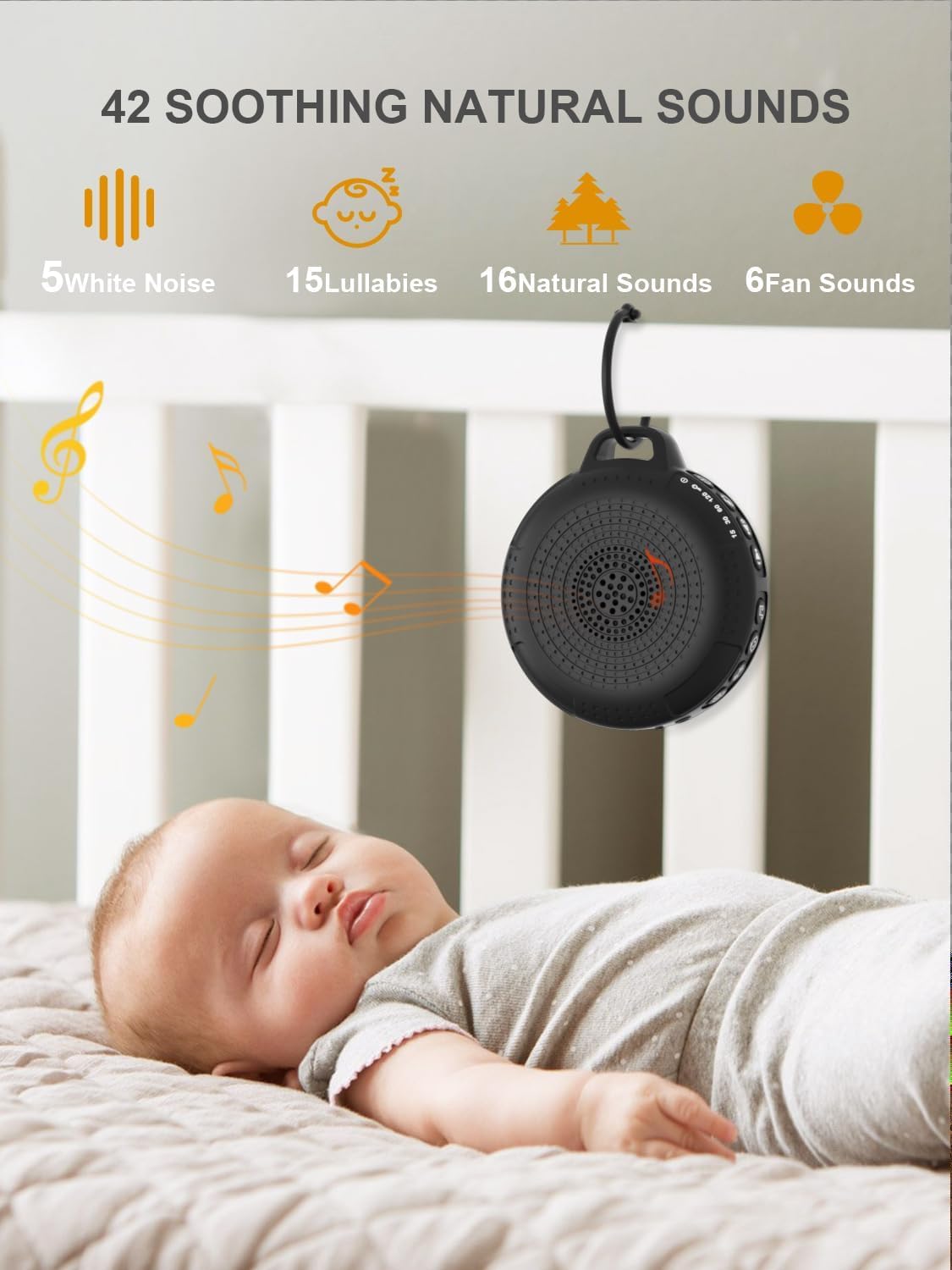
Image: The PPLEE CR1021 White Noise Machine displaying the variety of 42 soothing sounds available, categorized for easy selection.
Iṣakoso iwọn didun
Adjust the sound volume using the dedicated volume buttons:
- Tẹ bọtini Iwọn didun Up (+) to increase the volume.
- Tẹ bọtini Iwọn didun isalẹ (-) to decrease the volume.
- There are 8 distinct volume levels.

Image: The PPLEE CR1021 White Noise Machine highlighting its volume adjustment and timer functions, showing options for 15, 30, 60, and 120 minutes.
Aago Išė
The device can play continuously or automatically turn off after a set period:
- Tẹ bọtini Aago (⏱) to cycle through the available timer settings: 15 minutes, 30 minutes, 60 minutes, 120 minutes, or continuous play.
- An indicator light will show the selected timer duration.
Imọlẹ alẹ
The integrated night light offers two brightness levels:
- Press the Night Light button (💡) once for the first brightness level.
- Press it again for the second, brighter level.
- Press a third time to turn the night light off.
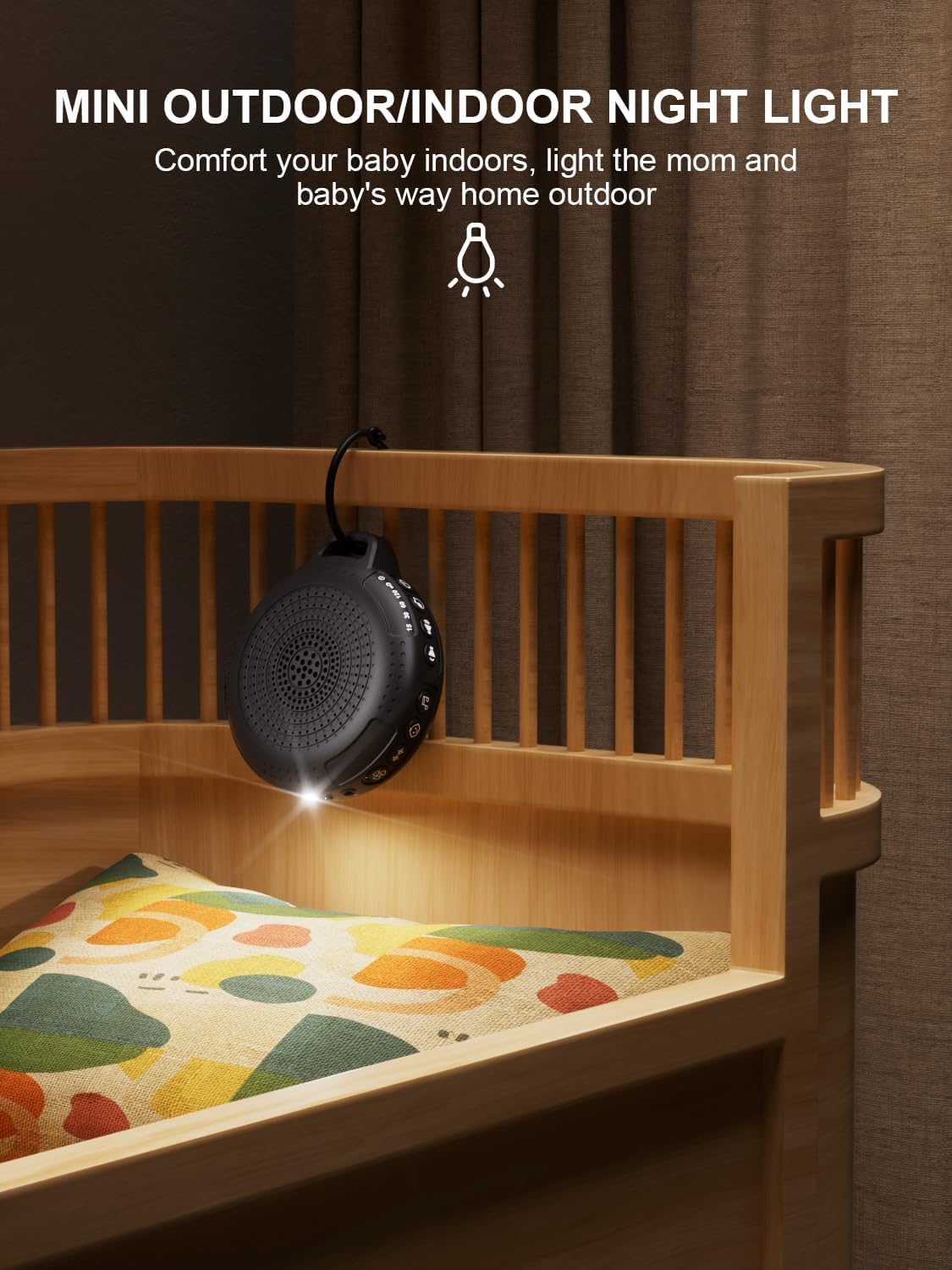
Image: The PPLEE CR1021 White Noise Machine with its night light illuminated, shown hanging on a crib, providing gentle illumination.
Ọmọ Titiipa Išė
Láti dènà àwọn ìyípadà àìròtẹ́lẹ̀ sí àwọn ètò, mu titiipa ọmọ náà ṣiṣẹ́:
- Tẹ mọlẹ bọtini Titiipa Ọmọ (🔒) for 2 seconds to activate or deactivate the child lock.
- When activated, all other buttons will be unresponsive until the child lock is deactivated.
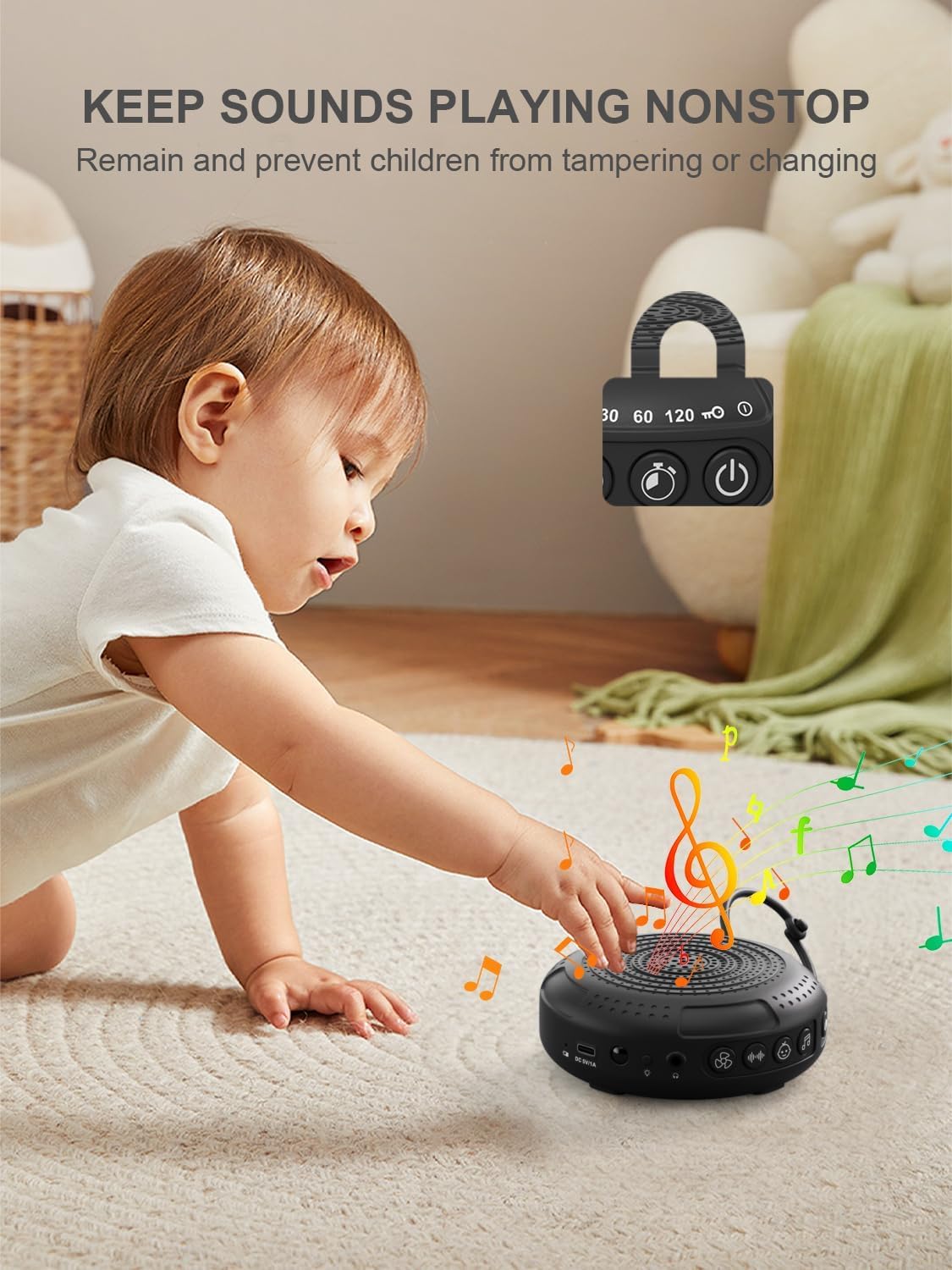
Image: The PPLEE CR1021 White Noise Machine with a visual representation of its child lock feature, designed to maintain settings and prevent tampsisun.
Jack agbekọri
For private listening, connect standard 3.5mm headphones to the headphone jack located on the side of the device. The speaker will automatically mute when headphones are connected.
Itoju
Ninu
- Rii daju pe ẹrọ naa ti wa ni pipa ati yọọ kuro ṣaaju ṣiṣe mimọ.
- Wipe the exterior with a soft, dry, or slightly damp asọ.
- Ma ṣe lo awọn afọmọ abrasive, nkanmimu, tabi awọn kẹmika lile.
Ibi ipamọ
- Tọju ẹrọ naa ni itura, aye gbigbẹ kuro lati orun taara ati awọn iwọn otutu to gaju.
- Tí o bá ń tọ́jú rẹ̀ fún ìgbà pípẹ́, gba agbára léraléra láti jẹ́ kí ó pẹ́.
Laasigbotitusita
| Isoro | Owun to le Fa | Ojutu |
|---|---|---|
| Ẹrọ ko tan. | Batiri ti dinku. | Gba agbara sori ẹrọ naa nipa lilo okun Iru-C ti a pese. |
| Ko si ohun. | Iwọn didun ti lọ silẹ tabi dakẹ. Awọn agbekọri ti sopọ. | Mu iwọn didun pọ si. Yọ agbekọri kuro ti ko ba wulo. |
| Awọn bọtini ko dahun. | Titiipa ọmọ ti mu ṣiṣẹ. | Deactivate the Child Lock by pressing and holding the Child Lock button for 2 seconds. |
| Aye batiri ti kuru ju ti a reti lọ. | High volume level or continuous night light use. Battery degradation over time. | Reduce volume or night light usage. Ensure full charge. |
| Charging is slow or not working. | Faulty cable or power adapter. Charging port issue. | Try a different Type-C cable and a known working 5V/1A USB power adapter. |
Awọn pato
| Ẹya ara ẹrọ | Ẹ̀kúnrẹ́rẹ́ |
|---|---|
| Orukọ awoṣe | CR1021 |
| Brand | PPLEE |
| Orisun agbara | Battery Powered (2200mAh rechargeable) |
| Gbigba agbara Port | Iru-C (DC 5V/1A) |
| Nọmba awọn ohun | 42 (5 White Noise, 6 Fan, 15 Lullabies, 16 Natural) |
| Awọn ipele iwọn didun | 8 |
| Awọn aṣayan Aago | 15, 30, 60, 120 minutes, Continuous |
| Imọlẹ alẹ | Awọn ipele Imọlẹ 2 |
| Awọn iwọn (L x W x H) | 12.5 x 11 x 4.3 cm (4.92 x 4.3 x 1.69 inches) |
| Iwọn | 177 g (0.39 lbs) |
| Awọn irinše to wa | Device, Type-C Cable, Hanging Loop, User Manual |
Atilẹyin ọja ati Support
For warranty information or technical support, please refer to the contact details provided with your purchase or visit the official PPLEE webojula. Tọju iwe-ẹri rira rẹ bi ẹri rira.