
1. Ifihan
This manual provides essential information for the safe and efficient use of your Haier 43-inch 4K Ultra HD Smart LED Google TV, model L43FG. Please read these instructions carefully before operating the television and retain them for future reference.

Aworan 1.1: Iwaju view of the Haier 43-inch 4K Ultra HD Smart LED Google TV.
Fidio 1.1: Ọja ti pariview of the Haier 43-inch 4K Ultra HD Smart LED Google TV.
2. Ohun ti o wa ninu Apoti
Ṣọra si apoti naa ki o rii daju pe gbogbo awọn nkan wa ati pe ko bajẹ. Ti awọn ohun kan ba nsọnu tabi bajẹ, kan si alagbata rẹ.
- 1 x Haier 43-inch LED TV
- 2 x Ipilẹ Iduro tabili
- 1 x Isakoṣo latọna jijin
- 1 x AV IN Adapter
- 1 x AC Power Okun
- 2 x AAA batiri
- 1 x Itọsọna olumulo (iwe yii)
- 1 x Kaadi atilẹyin ọja
3. Eto Itọsọna
3.1 Mounting the TV
Your television can be set up using the included table stand or mounted on a wall. Ensure the TV is placed on a stable, level surface or securely mounted to a wall according to VESA standards.
3.1.1 Table Stand Installation
- Farabalẹ gbe oju TV si isalẹ lori rirọ, dada mimọ lati ṣe idiwọ ibajẹ iboju.
- Attach the two table stand bases to the designated slots on the bottom of the TV.
- Secure the bases with the provided screws.
- Farabalẹ gbe TV naa si ipo titọ lori dada iduroṣinṣin.
3.1.2 Wall Mount fifi sori
For wall mounting, use a VESA-compatible wall mount (200 x 200 mm) that can support the weight of the television. Follow the instructions provided with your wall mount kit. Professional installation is recommended.
Aworan 3.1: Iwaju view of the TV with table stand.
Aworan 3.2: Pada view of the TV, highlighting VESA mounting points.
3.2 Awọn ẹrọ Nsopọ
The TV offers various ports for connecting external devices.
- Awọn ibudo HDMI: Connect set-top boxes, Blu-ray players, gaming consoles, and other HDMI-enabled devices to the 4 HDMI ports.
- Awọn ibudo USB: Connect USB storage devices (hard drives, flash drives) to the 2 USB ports for media playback.
- AV NI: Lo ohun ti nmu badọgba AV IN ti a pese lati so awọn ẹrọ agbalagba pọ pẹlu fidio akojọpọ ati awọn abajade ohun sitẹrio.
- Àjọlò: So okùn Ethernet pọ fun asopọ intanẹẹti onirin.
- Wi-Fi: Connect to your wireless network for internet access.
- Bluetooth: So awọn ẹrọ Bluetooth ti o baamu pọ gẹgẹbi awọn agbekọri tabi awọn ọpa ohun.
Aworan 3.3: Apa view of the TV, illustrating various connectivity ports.
3.3 Asopọ agbara
After connecting all necessary devices, plug the AC power cord into the TV's power inlet and then into a wall outlet. The TV will enter standby mode.
4. Awọn ilana Iṣiṣẹ
4.1 Iṣakoso latọna jijin
The remote control allows you to navigate the TV's features. Insert the two AAA batteries into the remote control, observing the correct polarity.
- Bọtini agbara: Yi TV si tan tabi paa (ipo imurasilẹ).
- Awọn bọtini lilọ kiri: Lo pad itọsọna ati bọtini OK lati lilö kiri awọn akojọ aṣayan.
- Awọn bọtini iwọn didun: Ṣatunṣe iwọn didun ohun.
- Awọn bọtini ikanni: Yi TV awọn ikanni.
- Bọtini Iranlọwọ Google: Activate voice commands for Google Assistant.
- Awọn bọtini ifilọlẹ ni iyara: Awọn bọtini iyasọtọ fun awọn iṣẹ ṣiṣanwọle olokiki bii Netflix ati YouTube.

Image 4.1: Haier Smart TV remote control.
4.2 Smart TV Awọn ẹya ara ẹrọ (Google TV)
Your Haier TV runs on Google TV, providing access to a wide range of content and smart features.
- Oluranlọwọ Google: Lo awọn pipaṣẹ ohun lati wa akoonu, ṣakoso awọn ẹrọ ile ti o gbọn, ati gba alaye.
- Google Play: Ṣe igbasilẹ ati fi awọn ohun elo afikun sori ẹrọ lati Ile itaja Google Play.
- Chromecast ti a ṣe sinu: Fi akoonu lati inu awọn ẹrọ alagbeka tabi kọmputa rẹ taara si TV.
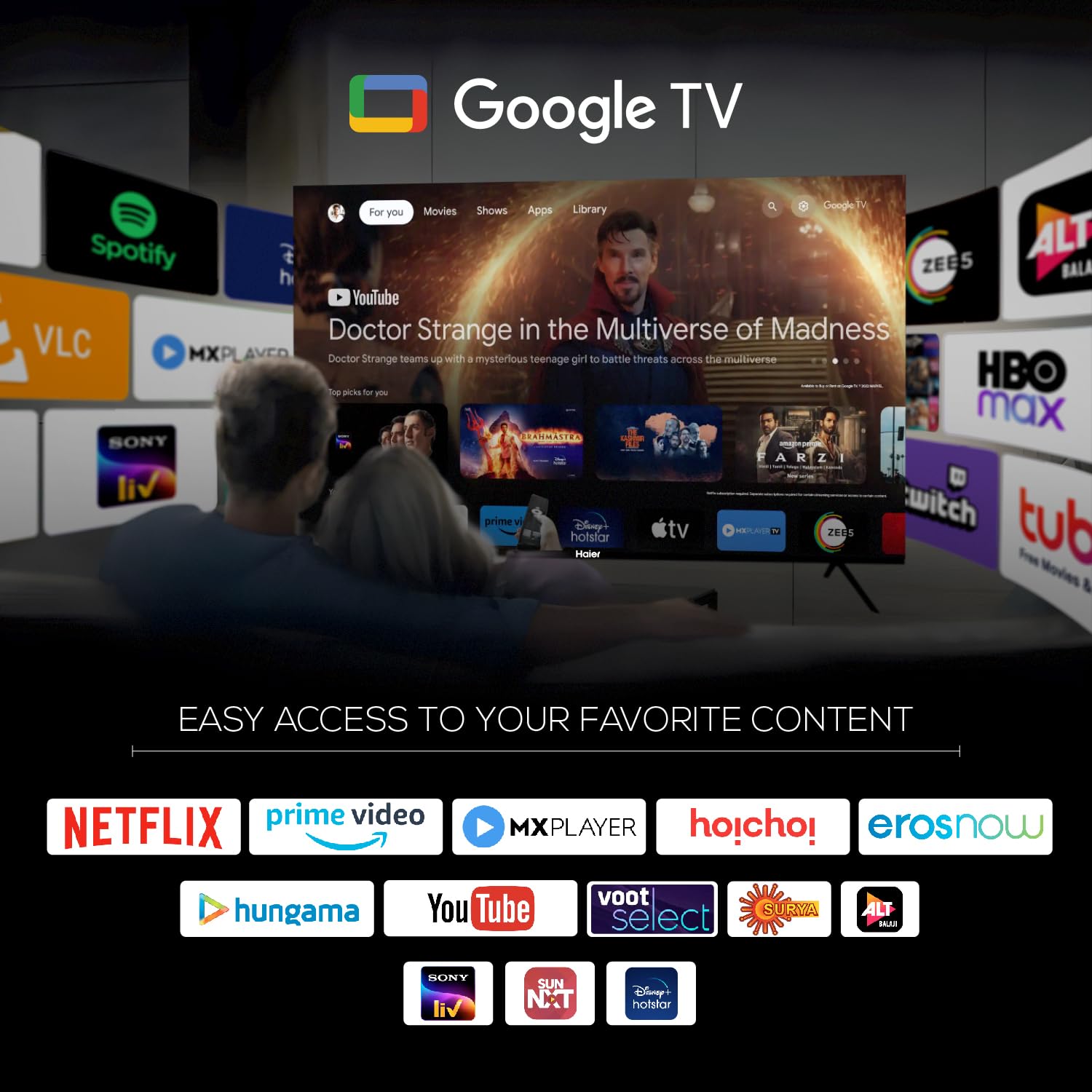
- Awọn ohun elo ti a ti fi sii tẹlẹ: Access popular streaming services such as Netflix, Amazon Prime Video, Sony Liv, Disney+Hotstar, Zee5, YouTube, Eros Now, Hungama, JioCinema, and Oxygen Play.
- Akojọ iṣọ: Organize and track movies and shows you want to watch.

Image 4.2: Google TV interface with accessible applications.
4.3 Ifihan Eto
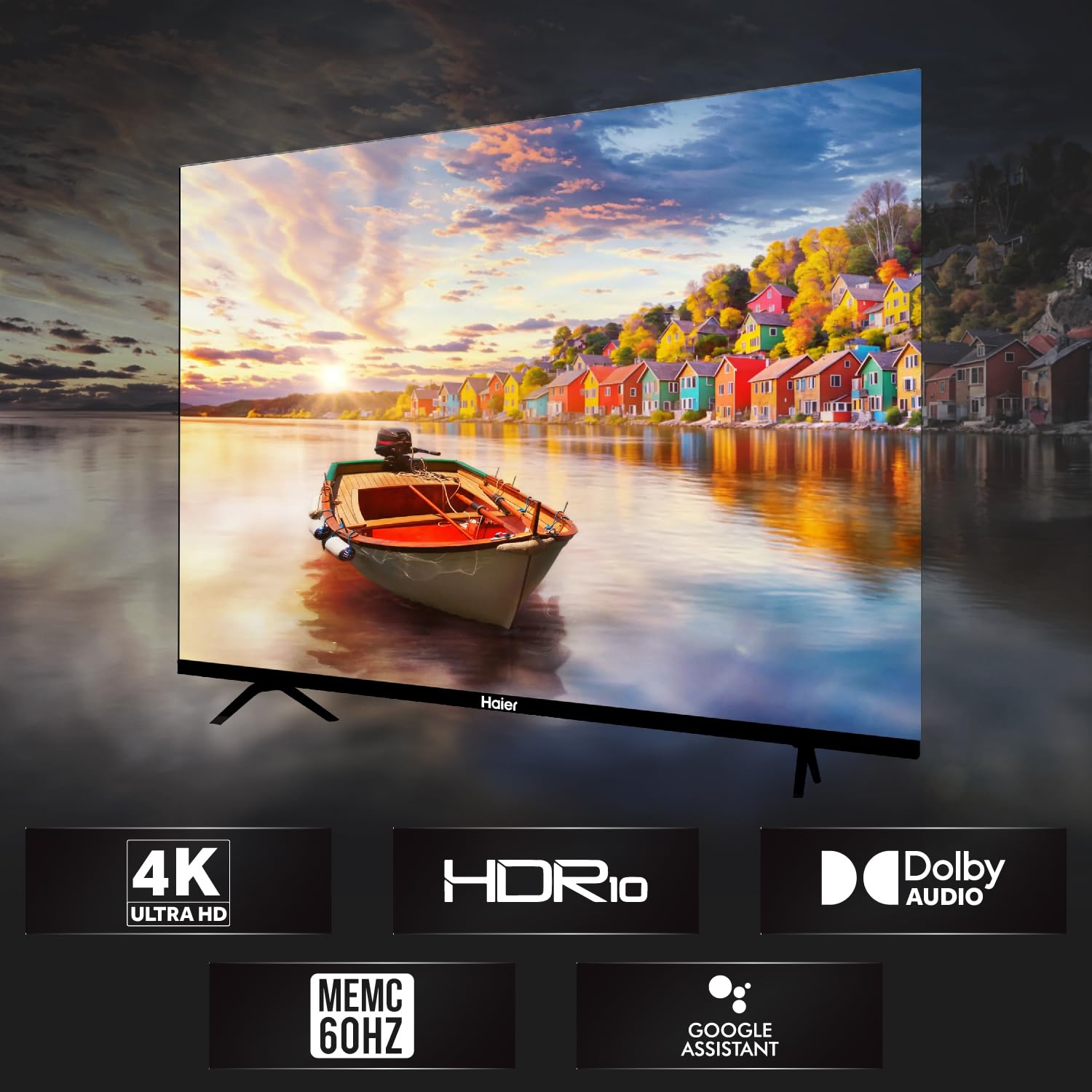
The TV features a 4K Ultra HD display with advanced picture technologies.
- 4K Ultra HD (3840 x 2160): Provides high-resolution images with enhanced detail and clarity.
- HDR10: Supports High Dynamic Range content for a wider range of colors and deeper contrast.
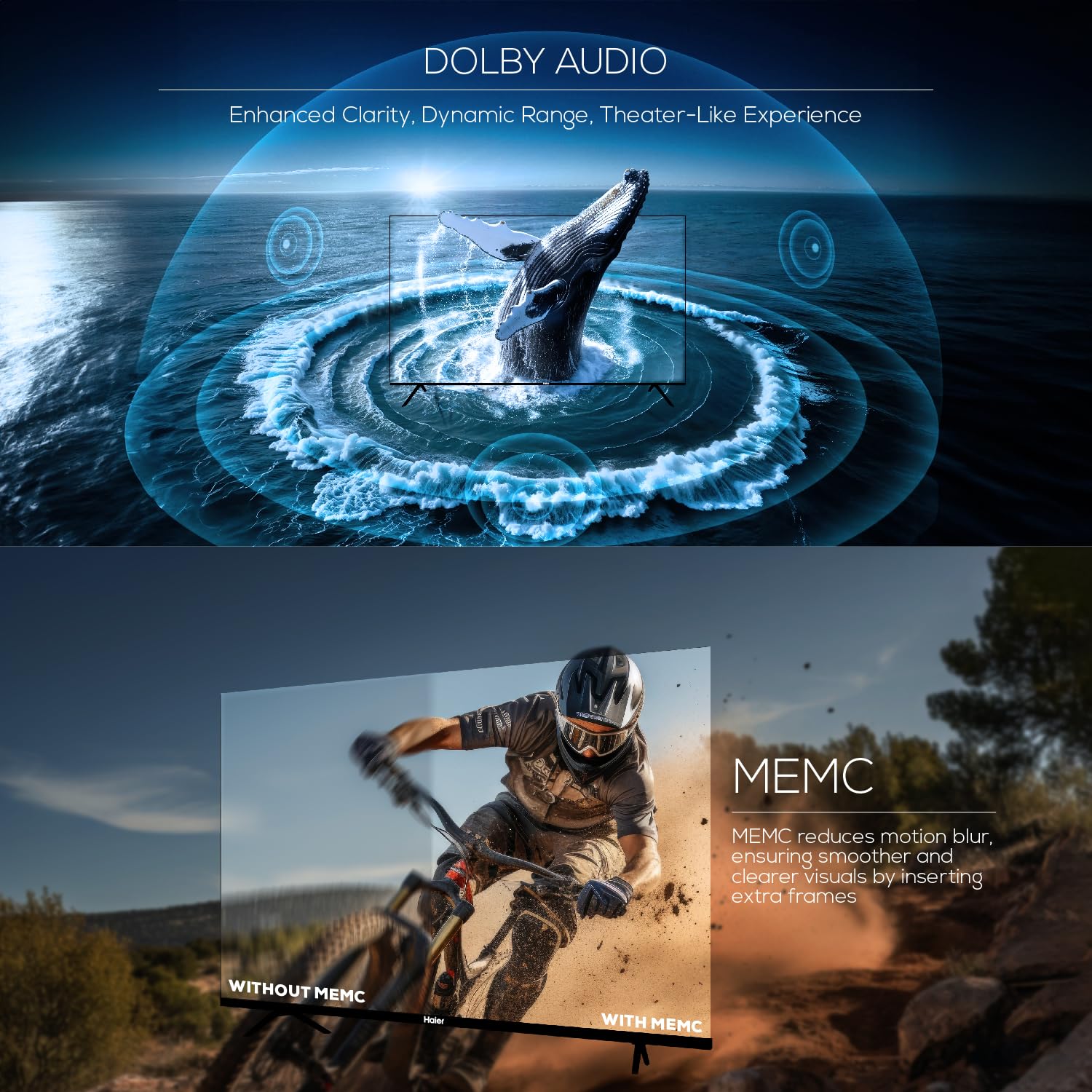
- MEMC (Iṣiro Iṣipopada, Biinu išipopada): Reduces motion blur in fast-moving scenes by inserting extra frames, resulting in smoother visuals at 60Hz.
- 178-ìyí Wide Viewigun Angle: Ensures consistent picture quality from various viewing awọn ipo.

Image 4.3: Illustration of Ultra High Definition display.

Image 4.4: Explanation of MEMC 60Hz technology.
4.4 Eto ohun
The TV is equipped with a powerful audio system for an immersive sound experience.
- Ijade 24 Wattis: Ó fúnni ní ohùn tó ṣe kedere tó sì lágbára.
- Dolby Audio: Enhances sound clarity, dynamic range, and delivers a theater-like audio experience.
- Built-in Box Speakers: Designed to produce powerful stereo sound.

Image 4.5: Illustration of Dolby Audio capabilities.
5. Awọn pato
Detailed technical specifications for the Haier 43-inch 4K Ultra HD Smart LED Google TV L43FG.
| Ẹya ara ẹrọ | Sipesifikesonu |
|---|---|
| Iwon iboju | 43 inches (108 cm) |
| Ifihan ọna ẹrọ | LED |
| Ipinnu | 4K Ultra HD (3840 x 2160) |
| Oṣuwọn sọtun | 60 Hz |
| Viewigun igun | Awọn iwọn 178 |
| HDR kika Atilẹyin | HDR10 |
| Motion Enhancement Technology | MEMC |
| Ijade ohun | 24 Wattis |
| Ohun Technology | Audio Dolby, Dolby Atmos |
| Eto isesise | Google TV |
| isise | ARM Multicore Cortex Processor |
| Iranti (Ramu) | 2 GB |
| Ibi ipamọ (ROM) | 32 GB |
| Awọn ibudo HDMI | 4 |
| Awọn ibudo USB | 2 |
| Asopọmọra | Wi-Fi, Bluetooth, àjọlò |
| Iboju Mirroring | Google Simẹnti |
| Awọn iwọn Ọja (D x W x H) | 23.3D x 95.7W x 62H Centimeters (with stand) |
| Apapọ iwuwo | 7.3 kilo |
| Boṣewa VESA Mount | 200 x 200 mm |

Image 5.1: Diagram illustrating TV dimensions and weight.

Image 5.2: Information on TV's RAM and ROM.
6. Laasigbotitusita
Ti o ba pade awọn ọran pẹlu TV rẹ, tọka si awọn iṣoro ti o wọpọ ati awọn ojutu wọnyi.
- Ko si Agbara:
Ensure the power cord is securely connected to both the TV and the wall outlet. Check if the outlet is functioning by plugging in another device. - Kò sí àwòrán, ṣùgbọ́n ohùn wà níbẹ̀:
Verify the correct input source is selected. Check all cable connections (HDMI, AV) for looseness or damage. Try connecting a different device to the same input. - Kò sí ohùn, ṣùgbọ́n àwòrán wà níbẹ̀:
Check the TV's volume level and ensure it is not muted. Verify audio cable connections. If using external audio devices, ensure they are powered on and correctly configured. - Iṣakoso latọna jijin Ko Ṣiṣẹ:
Rọpo awọn batiri ni isakoṣo latọna jijin. Rii daju pe ko si awọn idena laarin isakoṣo latọna jijin ati sensọ IR ti TV. - Awọn oran Isopọ nẹtiwọki:
For Wi-Fi, ensure your router is on and within range. For Ethernet, check the cable connection. Try restarting your router and the TV. - Picture Quality Issues (Blurry, Distorted):
Check the resolution settings of your input source. Ensure the cables are high-quality and properly connected. Adjust picture settings (brightness, contrast, sharpness) in the TV menu.
For persistent issues, contact Haier customer support.
7. Itọju
Proper maintenance helps prolong the life of your television.
- Ninu iboju: Use a soft, lint-free cloth specifically designed for electronics. Do not use abrasive cleaners or solvents. Lightly dampen the cloth with water if necessary, and wipe gently.
- Ninu Igbimọ Ile-igbimọ: Pa minisita TV nu pẹlu asọ ti o gbẹ.
- Awọn imudojuiwọn sọfitiwia: Periodically check for and install software updates to ensure optimal performance and access to the latest features. These can usually be found in the TV's settings menu under System or About.
- Afẹfẹ: Rii daju pe fentilesonu to ni ayika TV. Ma ṣe dina awọn ṣiṣi atẹgun.
8. Atilẹyin ọja ati Support
Your Haier 43-inch 4K Ultra HD Smart LED Google TV L43FG comes with a standard warranty.
- Akoko atilẹyin ọja: 1 year comprehensive warranty on the product and an additional 1 year on the panel from the date of purchase.
- Atilẹyin ọja gbigba: The brand warranty can be availed using your Amazon invoice.
- Atilẹyin Onibara: For assistance, contact Haier toll-free numbers: 18001028471 or 18001020777. Please provide the product's model name (L43FG) and seller's details from your invoice. The service center will schedule a convenient service slot.
For further information regarding EMI options or replacement policies, please refer to the product detail page on the retailer's webojula.