
1. Ifihan
O ṣeun fun riraasing the JVC XS-N3123PB Party Bluetooth Speaker. This speaker is designed to deliver powerful audio with an 8-inch woofer, 40W RMS output, and a built-in RGB light show. It features a rechargeable battery for portability and multiple connectivity options. This manual provides essential information for safe and optimal use of your speaker.

Iwaju view of the JVC XS-N3123PB Party Bluetooth Speaker, showcasing its design and active RGB lighting.
2. Alaye Aabo
Jọwọ ka gbogbo awọn ilana aabo ni pẹkipẹki ṣaaju lilo ọja yii. Jeki iwe afọwọkọ yii fun itọkasi ọjọ iwaju.
- Ma ṣe fi agbọrọsọ si awọn iwọn otutu to gaju, ọriniinitutu, tabi imọlẹ orun taara.
- Yago fun sisọ tabi tẹriba agbọrọsọ si awọn ipa to lagbara.
- Ma ṣe tuka, tunṣe, tabi tun ẹya naa funrararẹ. Tọkasi gbogbo iṣẹ si oṣiṣẹ oṣiṣẹ.
- Keep the speaker away from water or other liquids to prevent electric shock.
- Use only the charging cable provided or recommended by the manufacturer.
- Ensure proper ventilation around the speaker during use and charging.
- Do not operate the speaker at excessively high volumes for prolonged periods to avoid hearing damage.
3. Package Awọn akoonu
Jẹrisi pe gbogbo awọn ohun kan wa ninu package:
- JVC XS-N3123PB Party Bluetooth Speaker
- Charging Cable (AC adapter not included)
- Itọsọna olumulo
4. Ọja Ipariview
Mọ ararẹ pẹlu awọn paati ati awọn idari ti agbọrọsọ.
Iwaju Panel

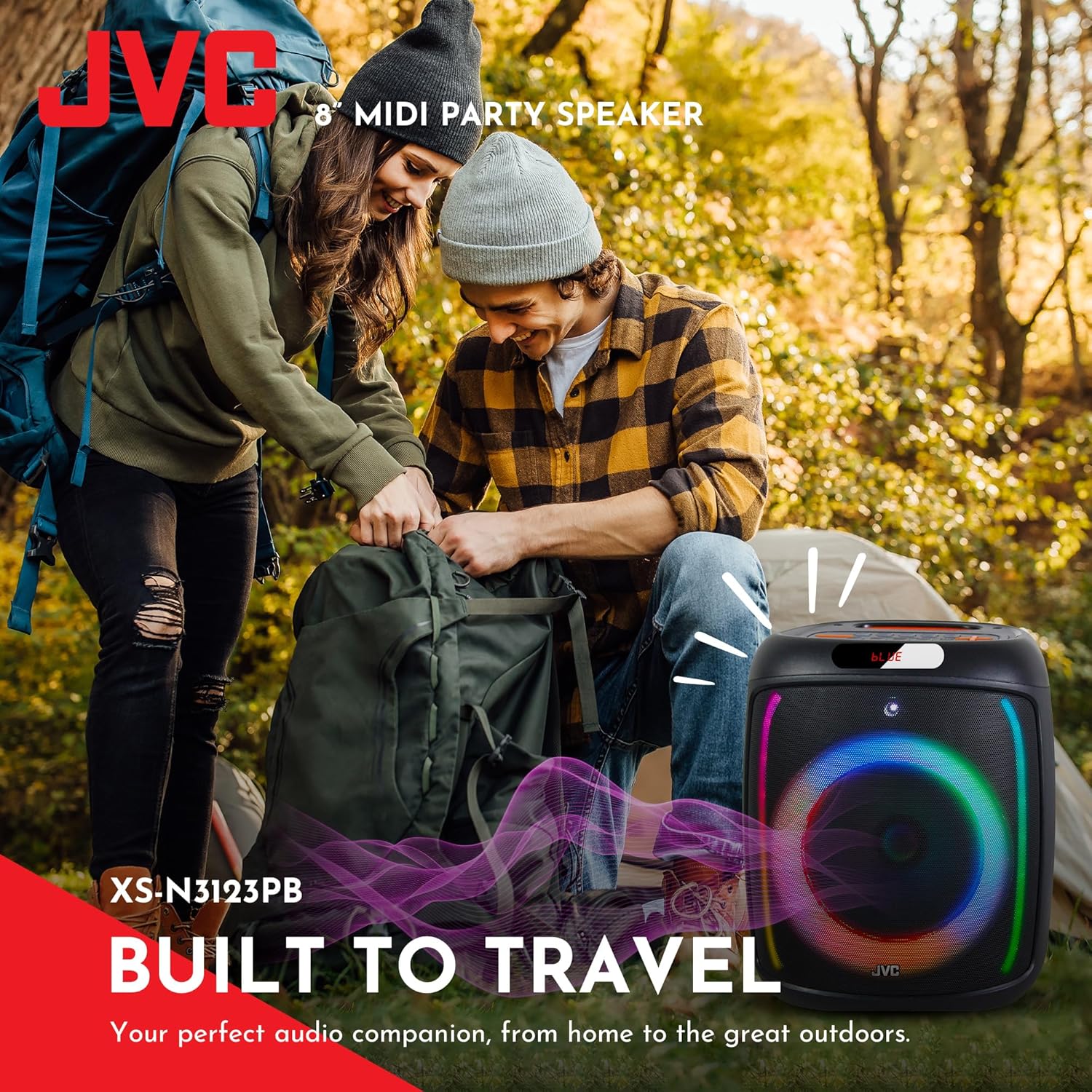
The front of the speaker features the main 8-inch woofer with integrated RGB lighting and a display panel at the top.
Oke Iṣakoso Panel

The top panel includes buttons for LED control, EQ, Record, TWS pairing, Menu, Mode/Next, Play/Pause, Scan, and Volume controls.
Ru Panel ati Ports
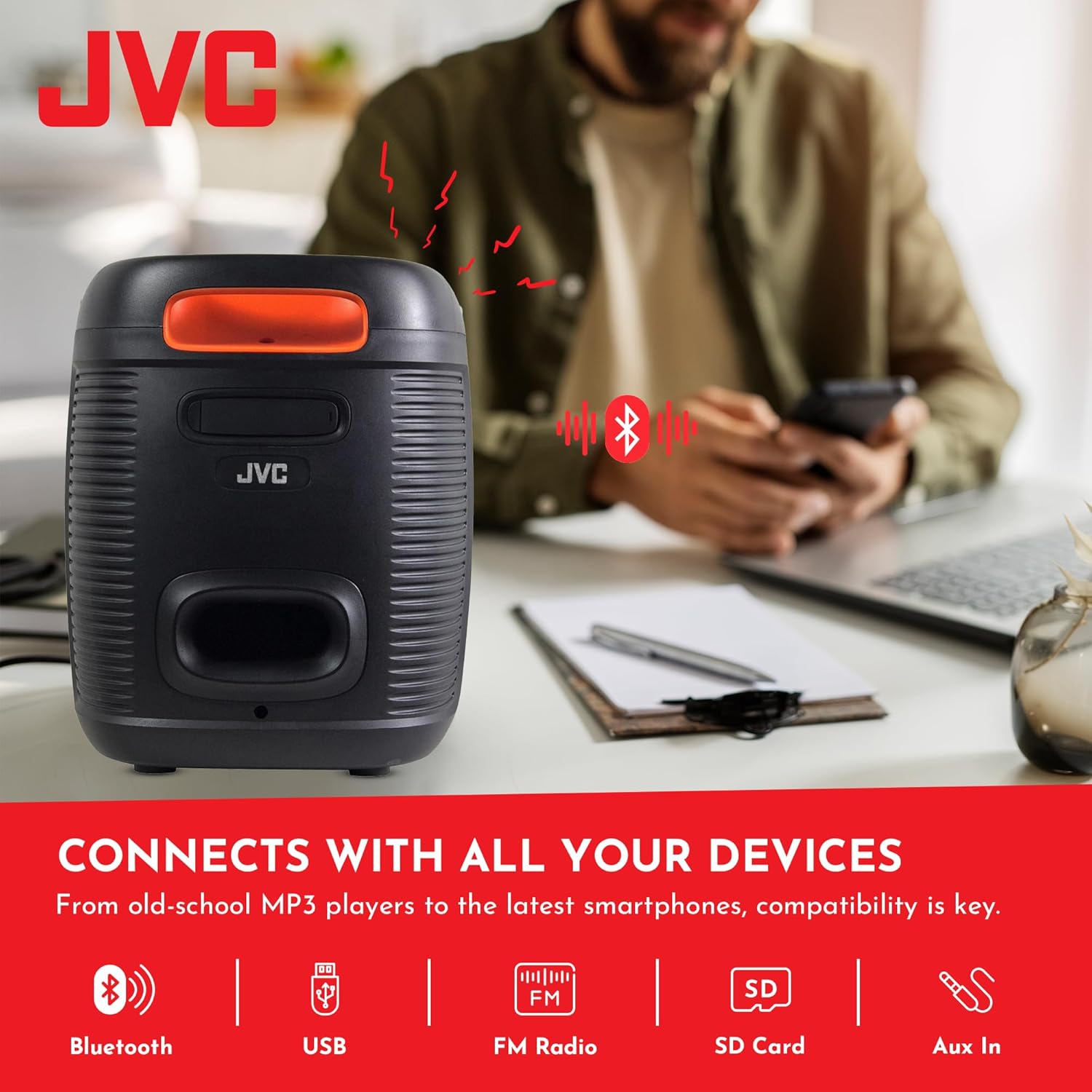
The rear panel provides ports for USB, SD card, AUX input, and microphone input.
5. Eto
5.1 Gbigba agbara si Agbọrọsọ
Before first use, fully charge the speaker. Connect the charging cable to the speaker's charging port and to a suitable power source (e.g., USB wall adapter, computer USB port). The charging indicator will illuminate. Once fully charged, the indicator may change color or turn off. A full charge provides up to 6 hours of playback.
The speaker features a 4000mAh rechargeable battery for extended use.
5.2 Titan / Pa a
Tẹ mọlẹ bọtini agbara (U) on the top control panel for a few seconds to turn the speaker on or off.
6. Awọn ilana Iṣiṣẹ
6.1 Sisopọ Bluetooth
- Turn on the speaker. It will automatically enter Bluetooth pairing mode, indicated by a flashing 'BLUE' on the display and an audible prompt.
- Mu Bluetooth ṣiṣẹ lori ẹrọ alagbeka rẹ (foonuiyara, tabulẹti, ati bẹbẹ lọ).
- Wa fun available Bluetooth devices and select "JVC XS-N3123PB" from the list.
- Once paired, the speaker will emit an audible confirmation, and 'BLUE' on the display will stop flashing.
- O le mu ohun ṣiṣẹ bayi lati ẹrọ rẹ nipasẹ agbọrọsọ.
Sisisẹsẹhin Kaadi USB ati SD 6.2
Insert a USB flash drive or an SD card (with MP3 audio files) into the respective port on the rear panel. The speaker will automatically switch to USB/SD mode and begin playing music. Use the control buttons on the top panel to navigate tracks (Previous/Next) and control playback (Play/Pause).
6.3 Redio FM
- Tẹ awọn MODE bọtini lati yipada si FM Redio mode.
- Tẹ awọn SCAN bọtini lati ṣe ọlọjẹ laifọwọyi ati fipamọ awọn ibudo FM ti o wa.
- Lo awọn bọtini ti tẹlẹ/tẹle lati yipada laarin awọn ibudo ti a fipamọ.
6.4 Iṣawọle AUX
Connect an external audio device (e.g., MP3 player, laptop) to the AUX IN port on the rear panel using a 3.5mm audio cable. The speaker will automatically switch to AUX mode. Control playback from your connected device.
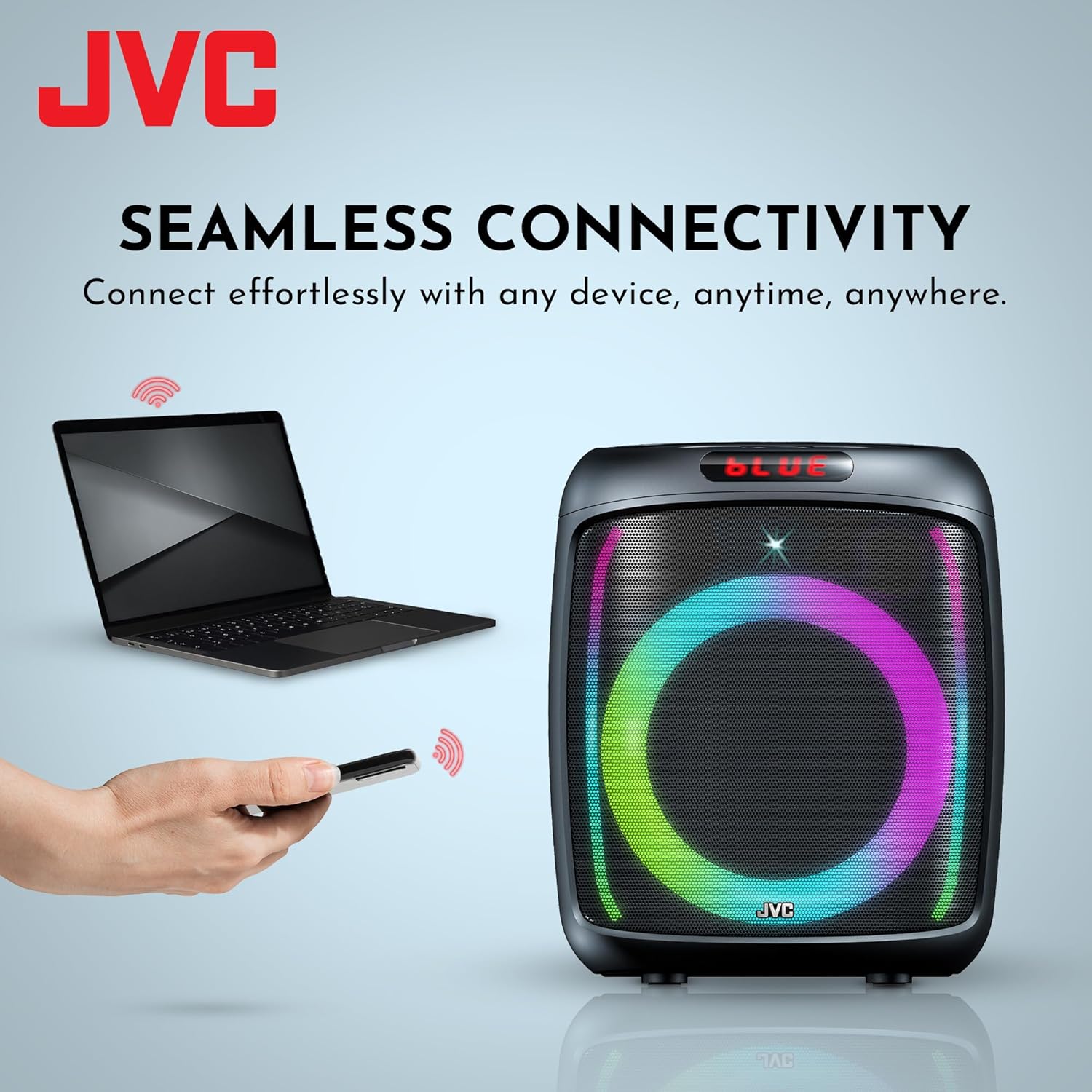
The speaker offers versatile connectivity including Bluetooth, USB, FM Radio, SD Card, and Aux In.
6.5 Gbohungbo ati Karaoke Išė
Connect a microphone to the MIC IN port on the rear panel. You can use the microphone for announcements or karaoke. The speaker supports recording functionality (REC button) when a USB drive or SD card is inserted.

The speaker includes built-in karaoke and recording capabilities.
6.6 RGB Light Show
The speaker features an integrated RGB light show that pulses with the music. Press the LED button on the top control panel to cycle through different light modes or turn the lights off.
6.7 Otitọ Alailowaya Sitẹrio (TWS) iṣẹ
If you have two JVC XS-N3123PB speakers, you can pair them together for a True Wireless Stereo experience. Refer to the TWS pairing instructions in the full manual for detailed steps.
7. Itọju
7.1 Ninu
Wipe the speaker with a soft, dry cloth. Do not use abrasive cleaners, waxes, or solvents. Ensure no liquids enter the speaker openings.
7.2 Ibi ipamọ
When not in use for extended periods, store the speaker in a cool, dry place, away from direct sunlight and extreme temperatures. It is recommended to charge the battery periodically to maintain its lifespan.
8. Laasigbotitusita
Ti o ba pade awọn ọran pẹlu agbọrọsọ rẹ, tọka si awọn iṣoro ti o wọpọ ati awọn ojutu wọnyi:
| Isoro | Owun to le Fa | Ojutu |
|---|---|---|
| Agbọrọsọ ko ni agbara lori | Batiri ti bajẹ | Gba agbara si agbọrọsọ ni kikun. |
| Ko si ohun | Volume is too low or muted; Incorrect input mode; Device not connected properly | Increase volume; Select correct input mode (Bluetooth, USB, AUX); Reconnect device. |
| Sisopọ Bluetooth kuna | Speaker not in pairing mode; Device Bluetooth off; Speaker too far from device | Ensure speaker is in pairing mode; Turn on device Bluetooth; Move speaker closer to device (within 10 meters). |
| Gbigba redio FM ko dara | Àmì tí kò lágbára; Ìdènà | Relocate the speaker; Extend the antenna if available (not explicitly mentioned for this model, but general advice). |
9. Awọn pato
| Ẹya ara ẹrọ | Sipesifikesonu |
|---|---|
| Nọmba awoṣe | AP-G278 |
| Brand | JVC |
| Agbọrọsọ Agbara Ijade ti o pọju | 40 Wattis RMS |
| Asopọmọra Technology | Bluetooth |
| Ipo Ijade Ohun | Mono (Stereo encoding for audio) |
| Iṣagbewọle Voltage | 9 Volts |
| Iṣagbesori Iru | Tabletop Oke |
| Ohun elo | Ṣiṣu |
| Agbọrọsọ Iru | Ita gbangba |
| Àwọ̀ | Dudu |
| Iwọn Agbọrọsọ | 8 inches |
| Awọn iwọn Nkan (D x W x H) | 28D x 28.5W x 33.5H sẹntimita |
| Nọmba ti awọn batiri | Awọn batiri Lithium ion 2 (pẹlu) |
| Iwọn Ẹka | 1 Iṣiro |

Apa view of the speaker, illustrating its compact and portable design.
10. Atilẹyin ọja ati Support
10.1 atilẹyin ọja Alaye
This JVC XS-N3123PB Party Bluetooth Speaker comes with a 1 Odun atilẹyin ọja from the date of purchase. This warranty covers manufacturing defects. It does not cover damage caused by misuse, accidents, unauthorized modifications, or normal wear and tear. Please retain your proof of purchase for warranty claims.
10.2 Onibara Support
For technical assistance, warranty claims, or further inquiries, please contact JVC customer support through their official website or the retailer where the product was purchased. Provide your model number (XS-N3123PB) and proof of purchase when contacting support.